Can you report someone on Snapchat, and what goes with the report?
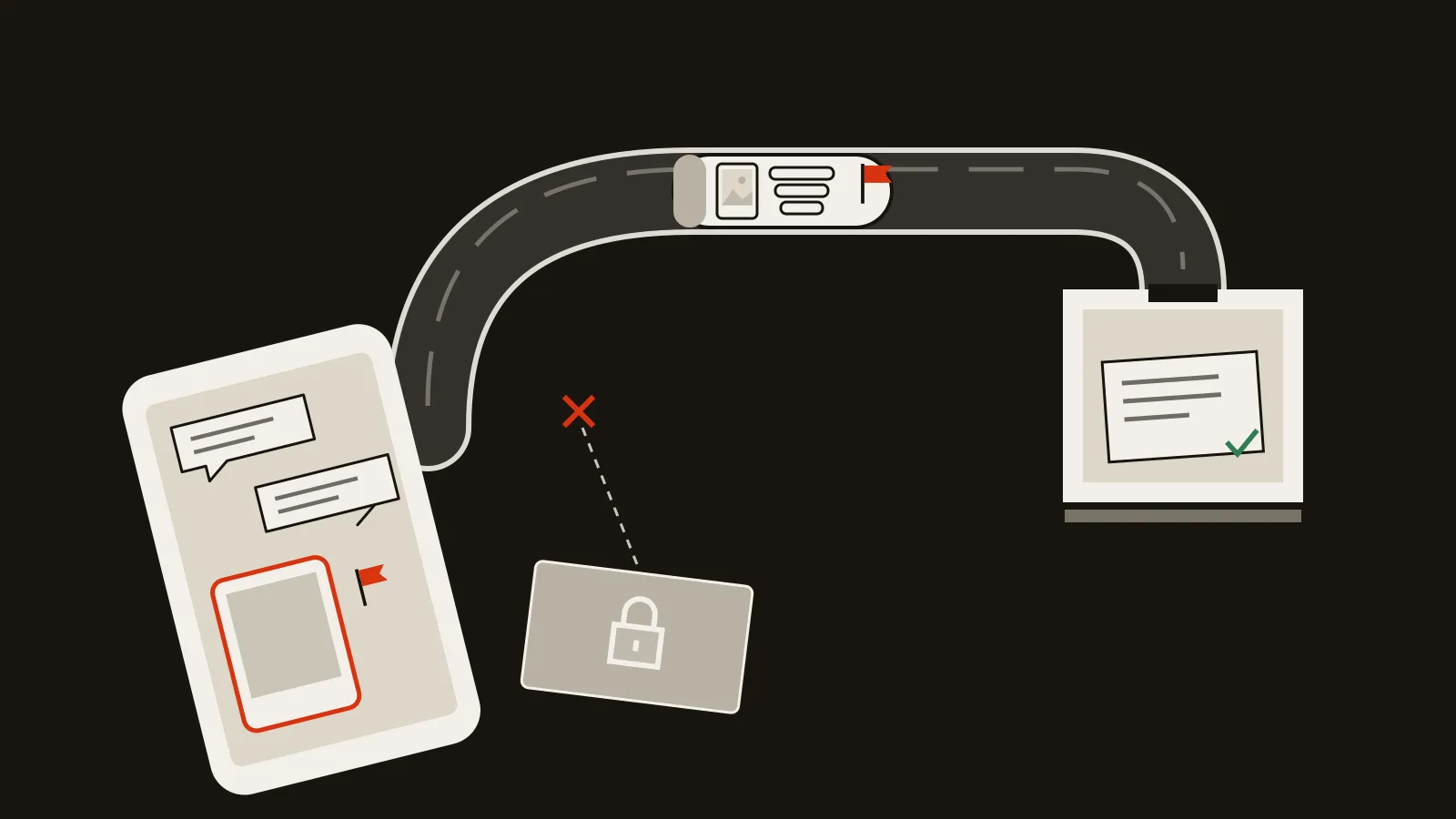
Yes. Reporting someone on Snapchat is a confidential request for Snap's safety team to review one account or one piece of content against the Community Guidelines, the Terms of Service and, for public posts, the Content Guidelines for Recommendation Eligibility. Almost every surface in the app has its own report entry, reached by pressing and holding the item, and the support site takes reports from people who cannot use the app at all. The part most guides skip is what the report carries. Snap's safety reporting page says that when you report a piece of media in the app, a copy of it is automatically attached, and when you report a chat message, "some of the preceding messages" travel with it so the reviewer can see what happened. Your identity stays on Snap's side of the file. The person you report is not told who filed it, even if they appeal.
That copy matters because of how Snapchat stores things. Delete is the default: one-to-one and group Snaps leave Snap's servers once every recipient has opened them, and Chats go 24 hours after viewing unless someone in the conversation changes the setting. Snap's moderation and appeals explainer, updated in September 2026, contains the sentence that should decide the order of everything you do next: when you report content in the app, Snap is "able to review and retain it, even if it would otherwise be deleted by default." A report filed while the message is still on your screen does two jobs. It asks for a decision, and it holds a copy of the thing being decided.
What the report does not carry is everything outside the item. A report on one message brings a little context; a report on an account brings the account. Neither brings the voice note that expired last week, the threat that arrived on another app, or your explanation of why a harmless-looking line is menacing between the two of you. The in-app flow leaves almost no room for that explanation. The support-site form has a free-text description box for exactly this reason, and it suits a pattern that no single message shows.
Other messaging apps draw the line in different places. Instagram's direct-message report can include up to 30 recent messages, a design that shapes most of the advice on how to get someone banned on Instagram. WhatsApp forwards the most recent messages from the reported chat to its reviewers, so how to ban someone from WhatsApp comes down to reporting from inside the conversation rather than from outside it. Snapchat describes a narrower bundle: the reported media and some of the messages before it. Material further back has to reach Snap another way.
Reporting is also only one of three controls, and people often reach for the wrong one first. Blocking stops the contact, removing a friend narrows what the person can see, and reporting asks Snap to judge the content. Snap's own advice is that something you simply dislike, but which may not break the rules, is better handled by hiding it, unfriending or blocking; a report is for content or conduct that breaks the Community Guidelines. The three can be combined, but the order matters, as later sections show: a block made before a report can remove the very messages the report needed.
Who can file is a wider group than most people assume. Any Snapchatter can report from the app, and a parent using Family Centre can report a teen's friend from the Friends List or Recent Conversations without either the reported account or the teen being alerted. Someone with no Snapchat account can use the web form, which accepts "none" in the username field, and Snap's EU transparency report for the first half of 2026 describes channels for non-users in the EU to report content they believe is illegal. Holding an account requires being at least 13, "with some regional variations", which is why an account run by a younger child is a reportable problem of its own.
Two habits follow for anyone about to report snapchat account behaviour or a single Snap. Pick the object that contains the violation, because that is what the reviewer opens first, and then file once, accurately. Snap reviews against its rules, not against a count, and the same explainer warns that people who keep sending duplicate or unfounded reports can have their reports deprioritised or, after a warning, ignored for up to a year.
A report is a request, not a verdict.
How to report someone on Snapchat from the screen you are on
The general rule is short enough to remember under pressure: press and hold, then tap Report. What changes from screen to screen is the wording of the button and what the reviewer receives. Snap's own reporting article lists more than a dozen separate entry points, and most people only ever find two of them. The instructions below follow that article as it stood in September 2026. Menus move between app versions, so if a label differs slightly on your phone, look for the same press-and-hold gesture rather than the exact words.
How to report a Snapchat account or profile
For how to report a Snapchat account that you have been chatting with, start from the Chat screen:
- Swipe right from the Camera, or tap the chat icon, to open the Chat screen.
- Press and hold the person's name.
- Tap 'Manage Friendship'.
- Tap 'Report', choose the reason that matches the worst thing the account has done, and submit.
If the conversation has gone, or you were never friends, use Search instead. Type the name, then either press and hold the name in the results and choose 'Report', or open the profile, tap the three dots at the top and choose 'Report'. Snap's Search instructions give both routes, and the second is easier to hit on a small screen.
To report a Snapchat profile that is public, the kind creators and businesses use, there is a separate path. Open the profile, tap the icon at the top, tap 'Report', choose a reason and tap 'Submit'. When people search for how to report an account on Snapchat they are often looking at a Public Profile, because that is where strangers meet them, so it helps to know the two flows are separate.
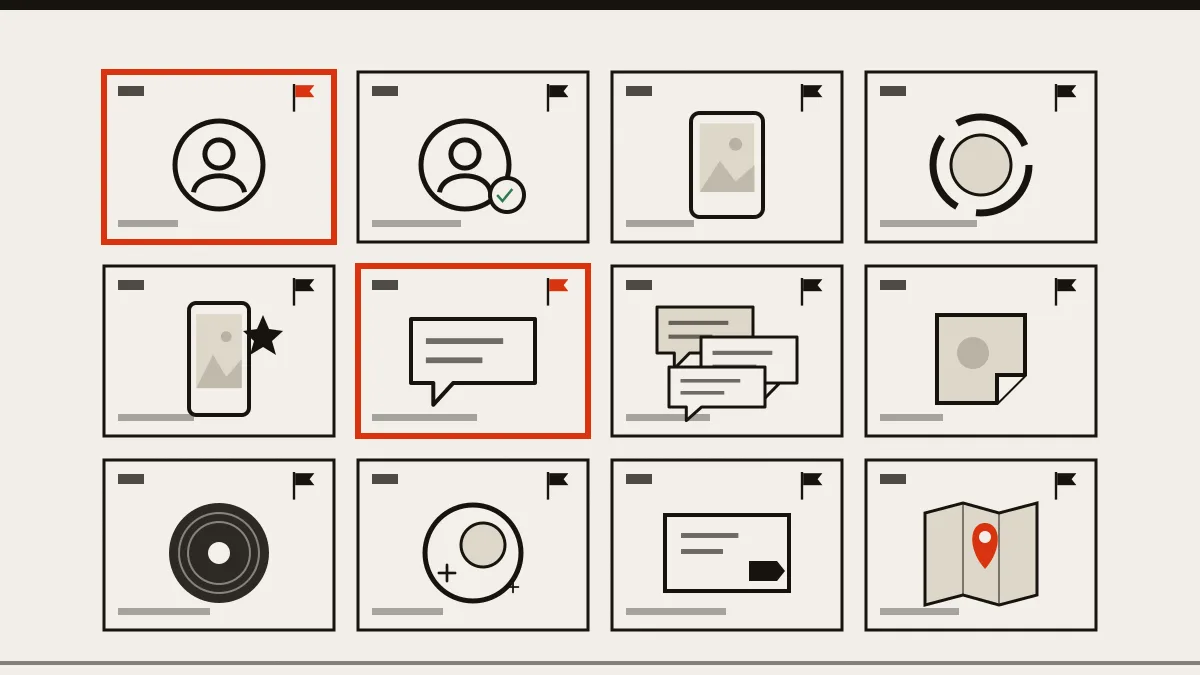
Plenty of people type "snapchat report this account" into a search engine because they expect a button with those words. There isn't one. On Snapchat the account-level control is just 'Report', sitting under 'Manage Friendship' or behind the three dots. The choice between reporting the account and reporting something it sent is made by where you press, not by a menu option. That distinction matters for what happens next. A snapchat report account filing puts the whole account in front of the reviewer; a report on a single Snap puts the Snap there, with a copy attached. If the account exists only to cause harm (an abusive username, a string of violating posts), report the account. If one message crossed the line, report the message, then decide whether the account deserves a report of its own.
Snaps, Stories, Spotlight, messages and the smaller surfaces
| What you want to report | Where you press | The button |
|---|---|---|
| A Snap sent to you, or a Story | Press and hold it | Report Snap |
| A Spotlight video or a Snap Map Snap | Press and hold it | Report Snap |
| A tile on the Stories screen | Press and hold the tile | Report Tile |
| A message in a one-to-one, group or Topic Chat | Press and hold the message | Report |
| A custom sticker in chat | Press and hold the sticker | Report |
| A Sound | Press and hold it, or open it and tap the three dots | Report Sound |
| An ad | Press and hold the ad | Report Ad |
| A Lens a Snapchatter made | Tap ⓘ above the Lens in the carousel | Report |
| A Public Profile | Open it, tap the icon at the top | Report |
A report on media attaches a copy of the media. A report on a message attaches some of the messages before it. That asymmetry decides where to press when one person sent both: if the harm is in a Snap, report the Snap, because the Snap itself is what gets copied; if the harm is in the words around it, report the message.
Public surfaces run on a second rulebook. Spotlight videos, public Stories and Snap Map submissions are judged against the Community Guidelines and against the stricter Content Guidelines for Recommendation Eligibility, and a post that fails only the second test is usually restricted rather than removed: Snap can stop recommending it, limit its distribution or restrict it to older viewers. A reporter often reads that as "nothing happened". For reputation cases the difference is real, because a video that stops being recommended loses almost all of its audience even while the URL still works. Copies are a separate problem. A Spotlight clip that has already been downloaded and re-posted elsewhere needs a report on each copy, the same keep-it-down discipline that applies when working out how to get a YouTube video taken down and keeping it down.
Choosing the reason Snap reviews against
Snap's reporting article lists eight categories, and the in-app reasons follow them closely:
- bullying, harassment and defamation
- nudity and sexual content
- threats, violence and dangerous behaviour
- hate speech, terrorism and violent extremism
- drugs and weapons
- suicide and self-harm
- false information or deceptive practices
- spam
Intellectual property and under-age accounts run through separate forms, covered further down.
One item on that list deserves attention from anyone whose reputation is under attack. Snapchat files defamation inside its bullying and harassment category, and the web form repeats it with a branch called "I'm being bullied, harassed or defamed". That is unusual. Most platforms push defamation out to a legal-request channel and treat it as a matter for lawyers. On Snapchat, a false claim about you circulating in a Story or a group can be reported as a Community Guidelines issue first, which is faster than a legal notice and does not require you to prove the words are untrue to the standard a court would demand. The legal routes remain available if Snap declines to act.
Choosing the reason is where most reports are won or lost. Pick the category that describes the worst thing in the item, not the most dramatic label you can attach to it. A rude message filed under terrorism asks the reviewer the wrong question; the same message filed as harassment, by the person it was aimed at, asks the right one. Other platforms work the same way: the advice on how to get someone banned on TikTok and on how do you get someone banned from Facebook both turn on the rule that was broken, not the volume of complaints.
As a rough map for the problems this briefing covers: pressure and abuse from someone you know usually belongs under bullying and harassment, or under threats if violence is mentioned. A false claim about you goes under the defamation branch of that same category. A fake account using your identity goes under the option for pretending to be someone, and a scammer or a fake "Snapchat support" account under false information or deceptive practices. Intimate images, shared or threatened, belong under nudity and sexual content, with the dedicated legal options described later. When two categories fit, choose the more serious one and mention the other in any description box you are given.
Readers in the EU and the UK have one more option inside 'Report Snap' and 'Report Ad': "Illegal Content (DSA or OSA)". It opens a legal notice form in the browser, pre-filled with the content ID, and Snap advises copying that ID to your clipboard in case it does not carry across. Only submissions through that form count as notices under Article 16 of the Digital Services Act or as reports under the UK Online Safety Act. UK users then choose between "Illegal content" and "Content harmful to children". Snap still checks the content against its own guidelines first. If there is no guideline breach, it assesses the content under the law that applies, and where content is legal where it was posted but illegal where you are, Snap says it may restrict its visibility in your country rather than remove it everywhere.
Before you press Report, keep a two-minute record
A report is easier to make than to repeat. If Snap decides against you, if the account returns under a new name, or if the matter ends up with the police or a solicitor, you will need to describe what you reported after it has gone from your screen, and My Reports only reaches back 30 days. Two minutes of notes before you press the button save hours later. Write down the account's @username rather than its display name, the date and time, and where you saw it: a chat, a group, a Story, Spotlight. For a Story, use "Copy link" and keep the link. If you are in the EU or the UK and use the illegal-content option, copy the content ID the form shows you. If you want a picture of what you saw, take it with a second device rather than a screenshot inside the app, for the reason set out in the section on reporting without being noticed.
Two things should stay out of that record. Do not forward the content to friends so that they can report it too; that spreads the harm, and a stack of duplicate reports is exactly what Snap's rules warn against. And a sexual image of anyone under 18 is never evidence you keep yourself, for reasons set out in the section on children below. None of this record is needed for Snap to act. It is needed for everything that might come after.
How to report a Snapchat group chat without wiping your own evidence
There is no single "report this group" button in Snap's documentation. How to report a Snapchat group chat, in practice, means reporting the messages that break the rules and, where one member is behind them, reporting that member's account as well. Press and hold the offending message inside the group and tap 'Report'; the report carries that message and some of the messages before it. If several people are involved, each account needs its own report, because Snap's web form says it plainly: "Reporting multiple people? Submit a separate report for each one." Where the problem is the group itself (a chat set up to humiliate someone, to trade stolen images, or to organise a pile-on), report the worst messages first, then the accounts of the people running it, and use the description box on the web form to explain what the group is for. The form's "Where on Snapchat did you see this content?" list includes Group Chats as its own option.
Report a group on Snapchat before anyone leaves it
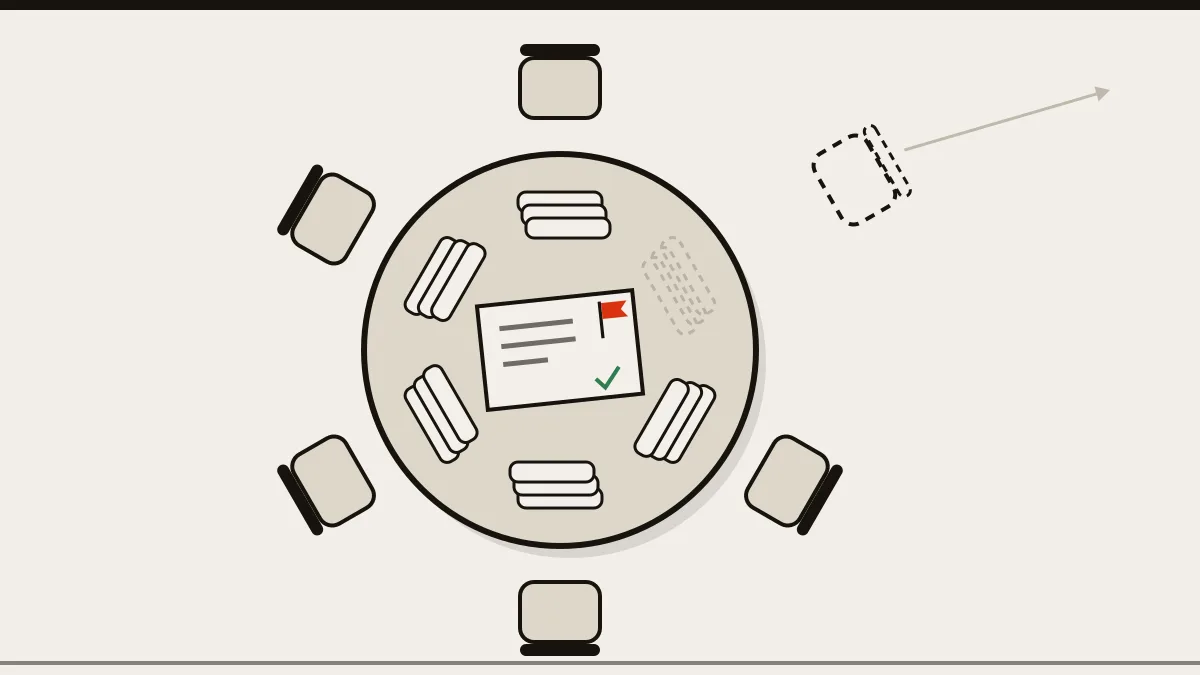
The order of steps matters more in a group than anywhere else on Snapchat, because leaving deletes things. Snap's group-chat help page carries the warning in bold: "If you leave a Group Chat, the Snaps and Chats you sent will be cleared from the Group Chat, even if someone saved them in the Chat!" Two consequences follow. If you walk out before reporting, your own messages go, including the ones where you asked people to stop, which is often the most useful evidence in a harassment case because it shows the conduct continued after they knew it was unwelcome. And if the person harassing you leaves first, their messages go with them. The safe order is to report a snapchat group chat message by message while everything is still there, capture what you need, and only then leave.
Blocking does not solve a group problem either. According to Snap's blocking page, blocking someone who shares a group with you "doesn't remove you from that Group": you still see what they send there, although they can no longer message you privately or add you to new groups. Any member can remove someone by opening the Group Profile, pressing and holding the member and tapping 'Remove from Group'. That stops the messages but deletes nothing, and the removed member can be added back.
Retention settings are a quieter trap. Chats delete 24 hours after everyone has viewed them by default, and anyone in the conversation can change that setting for everyone, with a status message announcing the change. In a hostile group, someone can switch messages to "After Viewing" and the history will thin out fast. A report filed early is the part of the record Snap says it can retain.
Topic Chats and Communities follow different rules
Topic Chats are Snapchat's large public group chats built around a subject, a creator or a place, and they behave almost the opposite way. Snap's Topic Chat page says messages there are public, your display name shows but your username does not, and you can leave using 'Leave Silently' without any "left the group" notice. Leaving does not clear what you sent; your messages stay unless you delete them, and Snap's retention page says Topic Chat messages are kept for five years. To report a message in a Topic Chat, press and hold it and tap 'Report'. A member who breaks the Community Guidelines there can be blocked from Topic Chats altogether or have the account disabled. Communities, Snap's shared spaces for groups of people with something in common, sit in between: their group chats delete messages seven days after everyone has viewed them, and the web form lets you name Communities as the place you saw the content.
Five years of public retention changes the risk for anyone being discussed in one. A defamatory claim posted in a busy Topic Chat is closer to a public forum post than a private message, and it should be treated that way: reported to Snap under the defamation branch, captured with the date and the chat's name, and assessed for whether it has spread outside Snapchat.
Group chats are also where coordinated reporting gets organised. A group that exists to tell its members which account to report next is itself reportable as harassment, and the reports it produces are the duplicate, unfounded kind Snap says it deprioritises. The TikTok version of the same question, does mass reporting work on TikTok, gets the same answer on a different app, and so does the trade in each Telegram mass report panel that promises to turn a group of accounts into a ban. Telegram also shows how differently platforms treat groups as a whole: it lets you report an entire group or channel, which is the basis for how to take down a Telegram group, whereas Snapchat's documented tools work message by message and account by account.
Children, schools and Family Centre
Most school-age trouble on Snapchat happens in group chats, and with children involved the order of steps matters even more. A parent using Family Centre can report an account from the teen's Friends List or Recent Conversations, and Snap says neither the reported account nor the teen is told. That quiet route is worth using before any confrontation. Talk to the school's designated safeguarding lead early, too: a school can act on behaviour between pupils that Snapchat never sees, and many cases end faster that way than through any report.
Two cautions apply to parents and staff alike. Do not screenshot, save or forward a sexual image of anyone under 18, even to keep as evidence; in the UK, making or sharing an indecent image of a child is a serious criminal offence, and keeping a copy is not a step to take on your own. Report the account and the item to Snap and tell the police or CEOP. Second, do not let a frightened child leave the group before the messages are reported, because leaving clears everything they sent, including the messages that show who started it. Where images of an under-18 have already been shared, Childline and the Internet Watch Foundation run Report Remove, which lets the young person ask for the images to be taken down without sending them to anyone. In the United States, Snap also runs a dedicated reporting channel for principals and administrators of K-12 schools in California, and for mental-health professionals working with California minors, as that state's law requires.
When the app cannot do it: Snapchat web, blocked accounts and no account
Three situations push a report off the phone. You are on a computer, the other person has blocked you, or you have no Snapchat account at all. Each has a route, and all three meet at the same web form.
How to report someone on Snapchat web, and what the browser cannot do
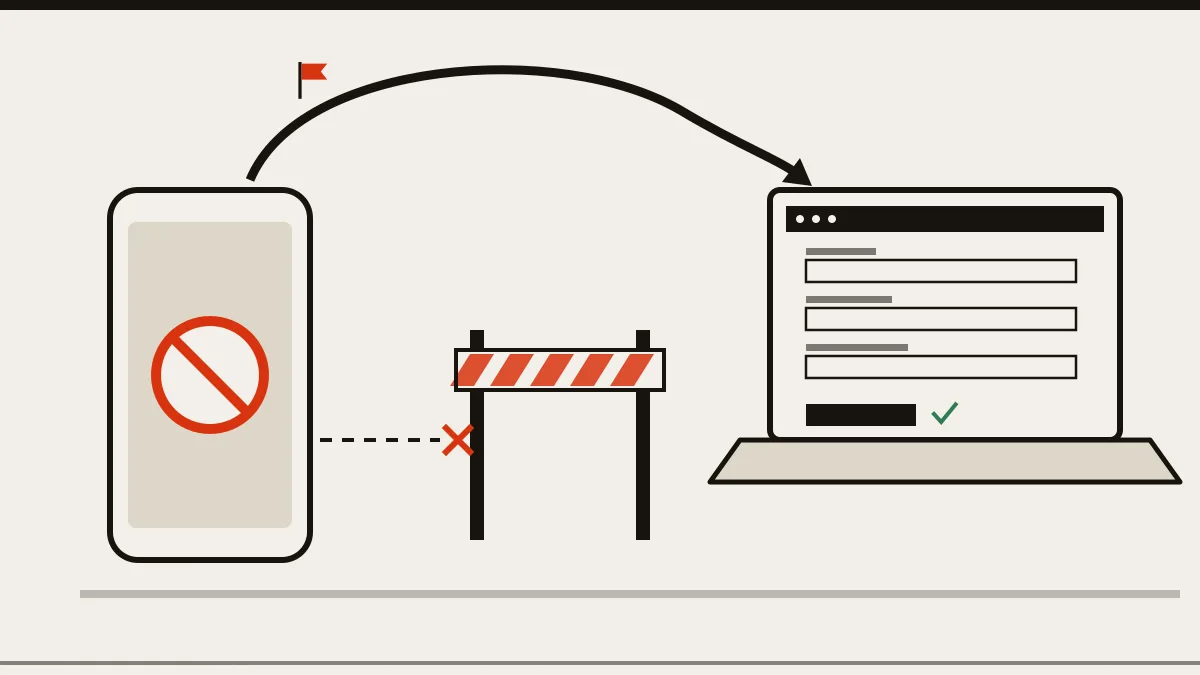
Snapchat for Web runs at web.snapchat.com in Chrome, Edge or Safari, one computer at a time, and it needs the phone app signed in to the same account. Snap's web help page covers calls, chats and Snaps. Its reporting article documents exactly one report action on the web: to report a Story, click the icon on the video and choose 'Report Snap'. Nothing in Snap's help centre, as of September 2026, describes reporting an account or a chat message from the browser version. Reporting from a browser therefore comes in two parts. For a Story, use the web button. For an account or a message, either pick up the phone and use the app, or use the support-site form, which works in any browser and does not need you to be signed in.
The browser is also where you check progress. Signing in at accounts.snapchat.com and opening 'My Reports' shows the reports you filed in the last 30 days, the same list the app shows under Settings.
Reporting an account that has blocked you
Blocking cuts the in-app route. Snap's page on blocked reporters says that if another user has blocked you, "you won't be able to report them in the app", and then adds the exception that matters: if you believe they have shared inappropriate or harmful content involving you or someone else, you can still report the account through the support site. Harassers sometimes block the person they target straight after posting, perhaps expecting that to close the matter. It does not. Platforms differ here; X, for instance, restricts what a blocked user can report from inside the app, which is one of the reasons the options on how do you take down a Twitter account look different from Snapchat's.
The support-site form, field by field
The form lives on help.snapchat.com. Choose "I want to report an account or content"; Snap first points you back to the app, so choose "I can't report this issue in the Snapchat app", then the violation and its sub-branch. You land on a form titled "Report Account or Content", which opens with a banner telling you to contact local authorities if this is an emergency. The fields, as they appeared in September 2026:
- Who you are reporting for: "Myself" or "Someone else". A parent filing for a child uses the second.
- Your name: your display name, or "none" if you prefer.
- Your email: required, because this is how Snap replies. It can be the address on your account or any address you check.
- Your username: yours, or "none". If you have no account, Snap asks for the username of the person you are reporting on behalf of or of the account that contacted you. Snap warns that leaving it out "may limit our ability to investigate" and says the report stays confidential either way.
- Your age: under 18, or 18 and over.
- Where you saw it: Chat, Communities, Group Chats, Lens, Snap, Snap Ad, Snap Map, Story, Topic Chat or Other, plus when.
- The reported username: one person per form. Snap's tip for finding it: tap the Search icon, type their display name, and the @username appears underneath.
- The reported person's age: under 18, 18 and over, or unknown.
- Whether you also reported in the app: Snap asks you to do both where you can.
- Description: a link or ID if you have one. For a Story, press and hold it, tap "Copy link" and paste it in.
- Confirmation: a box confirming your belief "that the content of this report is true, accurate and complete", with an optional electronic signature for reporters in the United States.
Two fields decide whether the form goes anywhere. The first is the reported username. Display names change in seconds and many accounts share them, so a report that names only "Jess 💀" gives the reviewer nothing to open, while the @username is fixed to one account. The second is the description. It is the only place in the whole process where you can explain a pattern: the dates, the other accounts, the fact that the messages stopped the day you blocked one account and started from another. Keep it factual and in date order. A reviewer reading a calm, dated account of four incidents has something to act on. A paragraph of anger, however justified, is harder to use.
That confirmation box also carries weight. By ticking it you are stating that the report is accurate, and Snap's moderation explainer says it may warn, then stop reviewing reports from, people who file unfounded reports repeatedly. That is also why third-party websites and "bots" that offer to file Snapchat reports on your behalf are best avoided: they cannot tick that box honestly for you, and the same pattern of empty promises is covered in detail in our briefing on the Instagram spam report bot. Snap's own form is free and needs nothing from you except the facts.
A note for people without an account: you do not need to create one to report. The form accepts "none" for your username, and the email field is how Snap contacts you about the outcome.
Keep the email Snap sends when a web report is received, and keep it with your own notes. Snap says questions about the outcome of a report go through its Support Site, and adding to the case you already opened, rather than starting a new report about the same item, keeps the history in one place for whoever reads it next. If new messages arrive after you filed, that is different: they are new conduct, and a new report about them is legitimate.
When the thing you want to report has already gone
People often reach the web form because the Snap has expired and there is nothing left to press and hold. The form still works, but set your expectations. Snap's retention page says one-to-one Snaps are deleted from its servers once every recipient has viewed them, so a reviewer may have nothing to look at, and a report about content Snap cannot see depends on what else supports it. Report the account rather than the vanished item, and say in the description what was sent, when, and how you know: a friend who also received it, a photo you took on a second device, a message that refers back to it. Where the same person sent other things that are still visible, report those as well, because they give the reviewer something to open. And if what disappeared was a threat of violence or an intimate image, the police can seek records from Snap through legal process, which is a different and more powerful route than a report.
Can you report someone on Snapchat without them knowing?
For the report itself, yes. Snap's safety page answers the question directly: it does not tell other Snapchatters, including the reported account-holder, when you make a report. It "generally" informs the account-holder in-app or by email if it removes their content or takes action on their account, but its policy is not to tell them about your report, "even if they appeal our decision". The support-site form goes a step further and lets you withhold your name and write "none" for your username, although it still needs an email address so Snap can reply. Inside the app, Snap says the option to report anonymously "is not widely available", so an in-app report is confidential rather than anonymous: Snap knows which account filed it, and the other person does not. How to report someone on Snapchat without them knowing, then, is less about the report and more about the things people do around it that give them away.
The four things that give a reporter away
The first is the size of the audience. Snap will not name you, but logic might. If a message went only to you in a one-to-one chat and a removal notice follows, the sender can work out who reported it without any help from Snap. That is not a reason to stay quiet. It is a reason to think about your safety before the notice lands, particularly if the person knows where you live or study, and to have the evidence saved in case the reaction is worse than the original message.
The second is a screenshot taken inside the app, because Snapchat marks screenshots. Snap's chat-icon guide lists separate icons telling the sender that a screenshot has been taken of their Snap or their Chat. Grabbing a screenshot to keep evidence can therefore alert the person before you have reported anything. Snap's own retention page acknowledges the alternative, noting that anyone can save what they see "even simply taking a photo of their screen with a second camera", which leaves no mark in the chat.
Third comes blocking too early. A block is silent, but it is not invisible. Snap's blocking page says the blocked person gets no notification, "but they might realise they've been blocked if they notice they can no longer view your profile or contact you." Blocking also costs you evidence: after a block, "saved messages may be removed", and the conversation disappears from your chat list. Report first, keep what you need, then block.
Last is leaving a group. Walking out of an ordinary group chat is visible to the other members and, as covered above, clears the Snaps and Chats you sent. Topic Chats are the exception, with a 'Leave Silently' option that sends no notice and leaves your messages where they were.
Parents have one more quiet route. A report made from Family Centre, from a teen's Friends List or Recent Conversations, alerts neither the reported account nor the teen, according to Snap. That makes it useful when a parent sees something worrying but wants to talk to their child before the child's friends find out anything happened.
Reporting someone who knows where you are
The hardest reports are against people in your real life: a former partner, a classmate, someone from work. Confidentiality protects your identity in Snap's system, but it cannot stop a person who knows you from guessing, and a removal notice can be the trigger for something worse. Before reporting someone like that, check what they can still see. Snap's blocking page says a blocked person loses sight of your Stories and Charms and that your Snap Map location "becomes hidden from them — even if you were previously sharing it"; Ghost Mode on Snap Map hides your location from everyone. Check your Stories settings, and which friends can see your location, before the report goes in rather than after. If the person has threatened you, go to the police first and report to Snap second, which is the order Snap itself recommends for anything that appears illegal or dangerous. And where the pattern includes monitoring, threats and control by a partner or family member, UK law treats it as more than a Snapchat problem: controlling or coercive behaviour in an intimate or family relationship is a criminal offence, and domestic abuse services can help plan the steps around a report so that it makes you safer rather than less safe.
Where the anonymity ends
Everything above applies to a report inside Snapchat's own system. The moment a case goes outside it, names appear. A police report is made by a named complainant. Solicitors' letters come from named clients. Any court application, whether for an injunction or for an order requiring a platform to identify an anonymous account holder, names the applicant, and those papers usually reach the other side sooner or later. Copyright and trademark complaints, on almost every platform, require the complaining party's contact details. None of that is a reason to avoid those routes when they are the right ones. It is a reason to decide early which kind of outcome you need, because the quiet route and the legal route protect different things. Our note on a Twitter harassment takedown sets out the same trade-off on X, where the evidence standard for a legal step is also much higher than for a report.
A related point about the information you give Snap. The form asks for an email address and, optionally, your username and age; the description box is free text. Put in what the reviewer needs and nothing that would hurt you if it were ever disclosed in legal proceedings, because Snap, like any platform, answers to courts. When clients bring a Snapchat problem to us, we apply the same rule to what we collect, and our privacy notice explains how that material is held.
Confidential does not mean nobody knows. Snap knows, and that is deliberate: it is how Snap can follow up with you for details, how the outcome reaches you, and how its rule against people who file unfounded reports can work at all. What Snap does not do is pass your identity to the person you reported. For most people that is the protection they were looking for when they searched how to report someone on Snapchat without them knowing, and it holds as long as the report stays inside Snap.
What happens when you report someone on Snapchat, on each side of the report
What happens when you report someone on Snapchat runs in a fixed order. You get an on-screen confirmation that the report was submitted. Snap's safety teams and automated systems, which Snap says work around the clock, review the reported item against its rules; the safety page puts the typical review at "within a matter of hours", while the moderation explainer adds that Snap sometimes decides a report with artificial intelligence when it can make "a high-precision moderation decision". Snap then tells you the outcome by email or in the app, whichever way it went. If it needs more detail it may contact you first. And there is one thing you cannot do at any stage: take the report back. Snap says you cannot "unreport" an account, a Snap or a message, even one reported by accident or as a joke.
Tracking it in My Reports
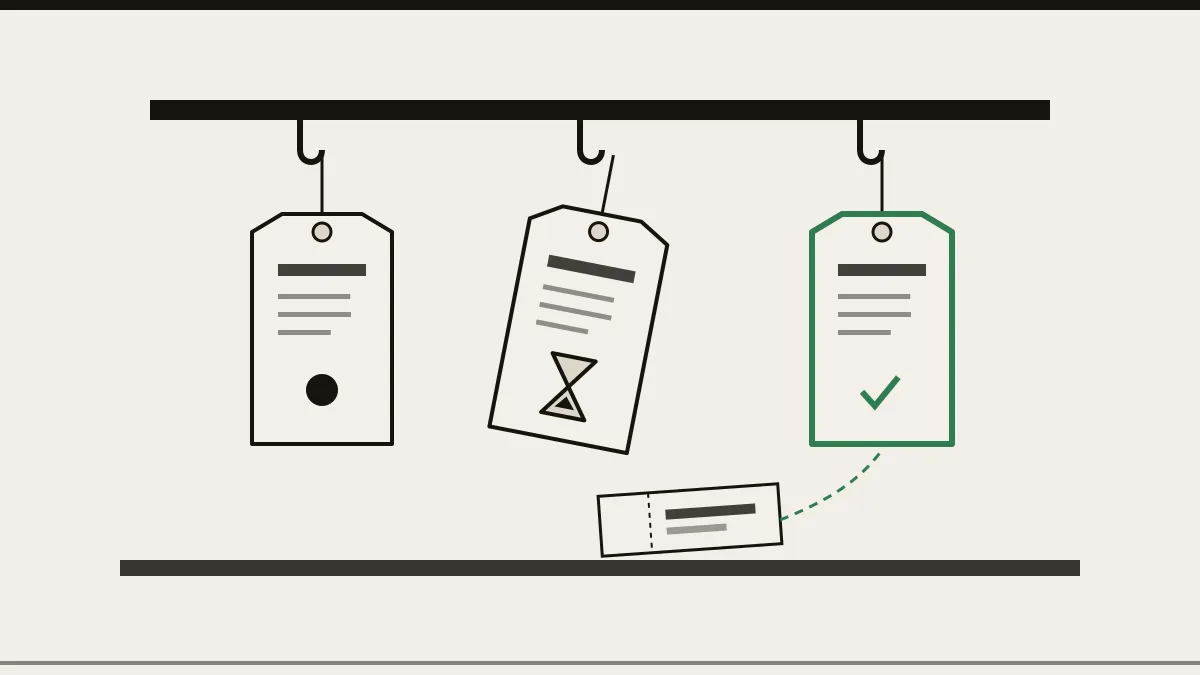
Snapchat now shows reporters where their reports stand, which many older guides still say it does not. In the app, open My Account, tap the gear icon for Settings, and under "Shortcuts" tap 'My Reports'. On a computer, sign in at accounts.snapchat.com and click 'My Reports'. Either way you see the reports you filed in the last 30 days, and each one opens to its details and one of three statuses, which Snap's My Reports page defines: Submitted (Snap has received it), In Review (awaiting a decision) and Complete (reviewed, decision made). Snap adds that some report types cannot be viewed there yet. Two limits are worth knowing before you rely on it. "Complete" says a decision was made, not which one. And the list only reaches back 30 days, so a record you may need later belongs in your own notes, with the date you filed and what you reported.
What the reported account sees
The other side of the report is quieter than most people imagine. Nothing reaches the account holder when you file. If Snap finds no breach, the content stays up and, as far as Snap's documentation goes, they hear nothing. If Snap does act, they are generally told in the app or by email that content was removed or that action was taken on the account, without any detail about who reported it.
The action itself follows a structure Snap publishes in its moderation explainer. For most violations there are three steps: the content is removed; the user is notified that they broke the Community Guidelines and warned that repeat violations will bring further enforcement, including disabling the account; and Snap records a strike. Accumulate "too many strikes over a defined period of time" and the account is disabled. Snap does not publish the number or the period. While strikes are active, it may also limit features or cut the public distribution of the account's content. Two categories skip the ladder altogether. Accounts involved in severe harms, which Snap's examples describe as child sexual exploitation, attempts to distribute illicit drugs and the promotion of violent extremism, are disabled promptly. So are accounts "created or used primarily to violate" the guidelines, which Snap illustrates with a violating username or display name, or several violating posts. A reviewer who opens a report about an account whose name is itself a slur does not need a history.
An account-holder who loses the account sees a lock message the next time they open Snapchat. If the lock is appealable, the pop-up offers 'Appeal Decision'; Snap allows one appeal per lock, says a decision can take up to 30 days, and calls the in-app route "the only legitimate way to appeal". The rest of this pattern will be familiar from other platforms; YouTube's own ladder, and what actually ends a channel, are set out in our note on how to get someone's YouTube channel banned.
| Stage | What you, the reporter, get | What the reported account gets |
|---|---|---|
| Filing | A confirmation on screen | Nothing |
| Review | Status "In Review" in My Reports | Nothing |
| No breach found | A decision message; content stays up | Nothing |
| Breach found | A decision message | A notice of removal or account action, a strike, possibly a lock |
| Appeal | Not a party to it | One in-app appeal per lock |
The numbers behind the queue
Snap's transparency report for July to December 2025, released on 30 June 2026, gives the scale. Snapchatters filed 22,125,467 in-app reports in those six months; Snap took 6,858,386 enforcement actions in response, against 4,548,479 unique accounts, with a median of about one minute from report to action where action was taken. On our arithmetic, that is roughly one enforcement for every three reports (31%). The ratio varies sharply by category. Harassment and bullying drew 4,538,512 reports and 622,465 enforcements, about 14%. False information drew 795,267 reports and 5,202 enforcements, well under 1%. Most reports, in other words, do not end in enforcement; many are duplicates of the same item, and many concern content that breaks no rule.
Appeals rarely reverse the decision. Snap's report shows 471,892 appeals against account locks in the same half-year and 31,951 reinstatements, about 7%, at a median of under a day. For anyone worried that the account they reported will simply be restored, that is the relevant figure.
In the EU the picture has one extra layer. Snap's Digital Services Act report for January to June 2026, published on 31 August 2026, counts 8,675 formal Article 16 illegal-content notices. Snap recorded 4,195 actions on those notices under its own terms and 28 on the basis of law, which reflects the order described earlier: rules first, law second. EU reporters can appeal a decision not to act on their notice, and after an unsuccessful account-lock appeal the account holder can go to an out-of-court dispute settlement body certified under Article 21 of the DSA. Snap's help site also lists a form called "DSA/OSA Illegal Content Reporter Appeals".
Numbers like these are the best answer to anyone selling volume. Nothing in Snap's published process gives weight to how many times the same item comes back: a duplicate adds nothing to a decision already made, and Snap's own explainer says repeated duplicates get the reporter deprioritised. The same arithmetic defeats the YouTube mass report bot and the X mass report bot. A queue that decides one item in about a minute has no use for the second, fifth or fiftieth copy of the same complaint.
When Snap's answer is no
A "Complete" status with the content still up means Snap found no breach, or none it could confirm from what it was sent. That is not always the end of it. Snap's moderation explainer says that if you have a question or concern about the outcome of a report, you can follow up through its Support Site, and the follow-up that helps is the one that adds what the first report lacked: the pattern across several messages, the other accounts involved, proof that you are the person being impersonated, or the context that makes an ordinary-looking message a threat. A fresh report is also fair when the account does something new. Filing the identical report again, with nothing added, does not help and is the behaviour Snap's rules single out.
The formal routes depend on where you live. EU users who filed through the Article 16 form can appeal Snap's decision not to act, and UK users who filed under the Online Safety Act form can use the reporter-appeal form mentioned above. Snap also runs a separate form for complaints about its compliance with the Online Safety Act. Ofcom, the UK regulator, oversees how platforms handle reports as a whole, but it does not take up individual complaints or order individual items down, so writing to Ofcom will not remove a particular Snap. Appeals about the Community Guidelines, Snap says, are all decided by a human reviewer, even where the original decision was automated.
Beyond Snap's own processes, the question can be put to a different decision-maker. Content that is unlawful, rather than merely against the rules, can be the subject of a letter before claim, a police report or a court application, and none of those depend on Snap agreeing with the first report. They cost more, take longer and, as the anonymity section explains, put your name on the papers. For defamation, harassment, threats and intimate images, they are often worth it.
Can you get a Snapchat user banned, or their account deleted?
Not directly. Only Snap can disable a Snapchat account and only its owner can delete one, so every search for "how to ban snapchat account", "get snapchat user banned" or how to get someone's Snapchat account deleted describes an outcome that sits with somebody else. What a reporter controls is narrower and more useful: whether a real violation reaches Snap in a form a reviewer can act on. Snap's safety page lists what can happen when it confirms a breach. It may remove the content; "in some cases, we may lock or delete the account, and report the offender to authorities, if appropriate." Read that sentence closely. Removal of content is the ordinary result; locking or deleting the account is the result in some cases; referral to the police is for the serious end. A person who wants to ban a Snapchat account for being unpleasant, rather than for breaking a rule, will usually find that nothing happens, and that is the system working as designed.
What turns a report into a ban
Snap's moderation explainer gives three paths to a disabled account. The first is accumulation: strikes recorded after each violation, with the account disabled once there are too many within a set period. The second is severity, where one confirmed instance of child sexual exploitation, drug dealing or violent extremism is enough. Purpose is the third: an account "created or used primarily to violate" the guidelines, such as one with an abusive username or a run of violating posts, can be disabled without the usual warnings. If you want to get a Snapchat user banned, your report has to fit one of those three. Our earlier briefing on how does someone get banned from Snapchat walks through which report routes lead where.
Severity works fastest where children are concerned. Snap reports child sexual exploitation material to the US National Center for Missing & Exploited Children, as US law requires, and its transparency report for the second half of 2025 records 1,644,877 pieces of content enforced, 245,643 accounts disabled and 397,402 submissions to NCMEC in that category alone. If your report is about a child at risk, report in the app and go to the police at the same time; in the UK, CEOP takes reports of online sexual abuse and grooming directly.
A ban can also reach past the account. Snap's locked-account page explains that error codes SS18 and SS06 mean Snapchat "has banned the device you're using due to abuse or repeated violations", and SS07 means the device was barred because "too many accounts have been associated with the device". Snap adds that users whose accounts are terminated "are prohibited from creating a new account". Evasion is common, but it is itself a violation, and a replacement account run by the same person is reportable on that basis.
Not every lock is a ban. The same page lists non-punitive reasons too: suspicious activity such as sending excessive friend requests in a short time, a login from a banned device, a third-party app or plug-in, or signs the account was compromised, in which case Snap locks it for the owner's safety. Anyone told "your report got them locked" by a friend should keep that list in mind.
The routes that can end an account
Short of a ban, a few routes aim at the whole account rather than a single post:
- An under-age account. The minimum age is 13, "with some regional variations", and anyone can file Snap's underage account report. Snap warns it cannot always share the outcome, for privacy reasons.
- Impersonation. An account pretending to be you can be reported through the web form's "Someone is pretending to be me" branch, covered in its own section below.
- Intimate images shared without consent. Snap runs a law-based removal request for non-consensual intimate imagery, naming the US TAKE IT DOWN Act, Texas Senate Bill 441 and Florida House Bill 1161; on the web form it is the option "They're actually sharing my nudes/intimate imagery without my permission". Snap acknowledges receipt and reports the outcome by email or in the app.
- Illegal content in the EU or the UK. The DSA and Online Safety Act forms described earlier produce a formal notice and a formal decision.
- A court order. In England and Wales, an injunction under the Protection from Harassment Act 1997 can require a person to stop and to take content down, and a Norwich Pharmacal order can require a platform to disclose who is behind an anonymous account. These are applications for a solicitor, and we coordinate with media-law counsel when a case needs one.
One route people expect does not exist. If the account belongs to someone who has died, Snap says its privacy policy does not allow it to grant access, that it only accepts requests from "a verified email address associated with the Snapchatter's account", and that deletion means logging in to accounts.snapchat.com and choosing 'Delete My Account'. Families without the login have no memorialisation or deletion form of the kind Facebook and Instagram offer. For the wider set of options, including what a takedown request must contain to be taken seriously, see our guide on how to take down a Snapchat account.
Paid bans, report panels and what the money buys
A market has grown up around the frustration of people who report and see nothing happen. Sellers on Telegram, Discord and marketplace sites offer to ban a Snapchat account for a fee, often from a "panel" that shows a counter of reports going out. What that money can buy, at best, is a pile of reports from accounts the seller controls. Snap's explainer says penalties turn on "context, the severity of the harm and the history of the account"; the number of reports is not on that list, and the same explainer says people who send duplicative or unfounded reports get deprioritised and, after a warning, can have their reports ignored for up to a year. Snap also publishes no public abuse-report interface a program could call, which is the core of our teardown of the Snapchat mass report bot. At worst, and most often, the money buys nothing: the seller takes payment, usually in cryptocurrency, and stops replying.
The pattern repeats across platforms with only the price changing. We have looked at what an Instagram ban service and a Twitter ban service actually deliver, and at how much does it cost to get a TikTok account banned once the sales talk is stripped out. The answer is the same each time. A fee buys reports, not outcomes, and the buyer takes on the risk: coordinated false reporting aimed at one person can itself amount to harassment, and a buyer who has shared their target's details with an anonymous seller has handed a stranger a reason to blackmail them.
If you have already paid one of these sellers, treat it as the fraud it almost certainly is. Report the seller's account to Snap under the fraud reason, keep the payment record and every message, tell your bank if you paid by card or transfer, and file with Report Fraud or its equivalent where you live. Then expect a second approach, from someone offering to recover the money for a fee, and report that one too.
People ask us whether we sell bans; we do not, and no legitimate firm does. What we do is work out whether the account has broken a rule or a law that can be proved, and then file the report, the notice or the legal letter that fits.
If the account you want gone is impersonating you, spreading false claims about you or sharing intimate images, there is usually a route that does not depend on anyone's report count. Send us the details for a confidential review. We will tell you which route fits, and whether any route does, before anything is charged.
How to know if someone got banned on Snapchat
Usually you cannot know for certain, and anyone who promises otherwise is guessing. Snap does not publish bans, does not tell reporters which action it took, and its My Reports screen marks a report "Complete" without saying whether the result was removal, a strike, a lock or nothing at all. From your side of the app, an account that has been banned looks much like one that has blocked you, removed you as a friend, been deactivated by its owner or been deleted. What you can do is rule causes in or out. Whether the search is how to know if someone is banned on Snapchat, how to know if someone's Snapchat got banned, or the looser forms people type, such as "how to know if someone snapchat is banned" and "how to know if someones snapchat got banned", the method is the same: compare what you can see with what a third account can see, and line the timing up against any report you filed.
Reading the signals
| What you notice | What it can mean | What narrows it down |
|---|---|---|
| Their chat has gone from your list | A block, or the account is deactivated, deleted or banned | Whether a mutual friend can still find them |
| They no longer appear in Search | The same four causes | A search from a friend's account |
| A grey pending icon on what you send | They never accepted, or removed you; or the Snap expired | Snap documents both; neither means a ban |
| Their Stories stop appearing | A block, a removal, new privacy settings, or no account | Whether their public posts still show to others |
| A near-identical account appears | A new username, or ban evasion | Display name, Bitmoji and who it contacts |
| Your report reads "Complete" | Snap has decided | It does not say what was decided |
The pending icon causes more confusion than any other signal. Snap's chat-icon guide gives it two meanings: "depending on privacy settings, a grey pending icon may appear if someone has not accepted your friend request", and a separate pending icon means a Snap or Chat "is pending and may have expired". Neither says anything about bans. Someone who has quietly removed you as a friend can produce exactly the same icon as someone whose account no longer exists.
The block explains most sudden disappearances. Snap's blocking page says a blocked person gets no notification, but "might realise they've been blocked if they notice they can no longer view your profile or contact you", and blocked accounts drop out of the blocker's Search results. So if you can no longer find someone, the first question is not "were they banned?" but "can anyone else find them?" If a mutual friend who has not fallen out with them can still see the profile, the change is about you, not about the account.
When a mutual friend cannot find them either, the change is at account level, and three causes remain. Deactivation is the one people forget. When an owner deletes their account, Snap deactivates it for 30 days, during which only the owner can bring it back by logging in, and then permanently deletes it "after 30 more days", according to Snap's deletion page (the second period is 180 days for accounts in India). Someone who vanishes for three weeks and then comes back most likely deactivated, or was locked out for a while, rather than being banned. A lock is the second possibility, and not all locks are punishments: Snap locks accounts it thinks were compromised, as well as accounts that broke the rules. A ban is the third. From the outside, the second and third can look identical for weeks.
Sometimes the simplest check is the one people skip. If the person is a friend who has gone quiet, rather than someone you are in conflict with, ask them or ask someone close to them; a deactivated account, a lost phone or a lock for a compromised login is usually explained in one message. If the person is someone you reported, do not contact them to find out, because that contact can undo the protection the report was meant to give you.
Timing gives a hint and no more. Where Snap acts on a report, the median time to action in the second half of 2025 was about one minute. An account that disappears within hours of your report is consistent with enforcement. It is also consistent with the person deactivating because they knew they had been reported, or blocking half their friends list. The only party who can confirm a ban is Snap, and Snap does not tell third parties.
What not to do while you wait to find out
Two things make this worse. The first is using a "Snapchat ban checker" or lookup website. None has access to Snap's enforcement records, and the ones that ask you to log in with your own Snapchat username and password are collecting credentials; Snap's help pages warn users not to listen to people who claim to be able to unlock accounts, and the same logic applies to anyone claiming to see inside Snap's decisions. The second is creating a second account to look at them. A dummy account set up to watch someone who has blocked you can itself be reported, and in some circumstances it can become part of a harassment case against you.
If they come back under a new name
A ban is only as good as its enforcement against the next account. Snap says users whose accounts are terminated are "prohibited from creating a new account", and device bans exist for repeat abusers. When a banned person returns under a new username, report the new account. Use the web form's description box to give the old @username and the date of the original report, because that link between the two accounts is what a reviewer needs and cannot easily find alone. Keep a note of usernames, not just display names, from the start of any dispute. It costs nothing, and it is the one detail people most often wish they had kept. X has a similar rule and its own reporting path for returners, set out in our guide on how to report someone on Twitter for ban evasion.
A last word on why this matters. People who want to know whether someone was banned are usually asking a different question underneath: "am I safe now?" A ban does not answer it. If the person has your number, knows your school or workplace, or has moved to another app, the risk has not ended because one account has. Plan around the person, not the account.
How to report a scammer on Snapchat, and who else needs to hear about it
A scam needs two reports, and the one to Snapchat is the less urgent. How to report a scammer on Snapchat is simple: press and hold the messages that carry the pitch, tap 'Report' and choose the deceptive-practices or fraud reason, then report the account itself from the Chat screen or from Search. But if money has left your account or you have handed over card or bank details, your bank comes first, because a bank can sometimes stop or recall a payment in the first hours and Snapchat cannot. In the UK, dialling 159 connects you to your bank. After that, the report to Snap removes the account's ability to reach the next person, and a report to the police fraud service puts the loss on record. Snap's own help pages add one rule worth memorising: "Snapchat employees will never contact you via Snap or Chat to assist you." Any account claiming to be Snapchat support, in a chat, is a scam, and should be reported as one.
What Snap treats as a scam
Snap's Community Guidelines explainer on harmful, false or deceptive practices, updated in September 2026, prohibits "scams of any kind" and names the forms it has in mind: get-rich-quick schemes, undisclosed paid promotion, pyramid and multi-level marketing schemes, fraudulent goods including counterfeit documents, and "the sale of social media accounts, including Snapchat accounts". It also bans money laundering, including recruiting people as money mules, "imitating Snapchat or Snap Inc. branding in order to deceive other users", giveaways that trade a prize for your personal details or an app download, and the hacking and sale of Snapchat accounts. If the message in front of you fits any of those, the fraud reason is the right one. If it asks for your login code or password, it fits several at once.
How to report a Snapchat account for scam activity, step by step
The step people search for as "report snapchat account for scam" is the second on this list; the first is your bank.
- If money or bank details are involved, call your bank. In the UK use 159 or the number on the back of your card.
- Report inside Snapchat. Report the messages first, because a message report carries earlier messages with it and the scam script is usually spread across several. Then report the account.
- If the app is not an option, because the scammer blocked you or took over your account, use the web form: "False information or deceptive practices", then "Fraud, scams or other deceptive practices". Give the @username, the dates, the amount and how you paid.
- Keep the evidence outside Snapchat: the username, the payment details they gave you, transaction references and photos of the conversation taken on a second device.
- Report to the fraud authority where you live. In the UK that is Report Fraud, which replaced Action Fraud on 4 December 2025 and runs at reportfraud.police.uk and on 0300 123 2040. Report Fraud does not investigate cases itself; it records the crime and gives you a reference number, which your bank may ask for. In the US, file with the Federal Trade Commission and with the FBI's IC3. The FTC says plainly that it cannot resolve individual reports, but shares them with more than 2,000 law enforcers.
For UK readers who paid by bank transfer, the reimbursement rules matter. Since 7 October 2024, victims of authorised push-payment fraud over Faster Payments or CHAPS can claim up to £85,000 from their bank, within 13 months of the last payment. Card payments, cryptocurrency, cash and international transfers sit outside that scheme. The Payment Systems Regulator's dashboard of 30 July 2026 put reimbursement at 88%, about £316 million, for cases up to 31 March 2026. The in-app step people search for as "report snapchat scammer" does not affect that claim either way, but a crime reference number and the scammer's details make it easier to prove.
When the scam arrives from a friend's account
Some of the most convincing Snapchat scams come from people you know, because their account has been taken over. The message asks you to pass on a login code "sent to you by mistake", to lend money for an emergency, or to vote in a competition through a link that turns out to be a login page. Check through another channel before you do anything: ring the friend, or message them somewhere else. If the account has been hijacked, report it in the app as you would any scam and tell your friend, because only the owner can recover it. Snap's support site has a route built for this, "I think my account was compromised", and Snap says it locks accounts it believes have been compromised, for the owner's protection. Snap's rules also prohibit the hacking and sale of Snapchat accounts, so a hijacked account being used against its owner's friends is a report Snap can act on.
Never pass a code from a text message to anyone, however familiar the name on the chat. A Snapchat login code sent to another person is a key to your own account. If you have already sent a code or a password, change the password at once, turn on two-factor authentication, and check the list of devices signed in to your account in Snapchat's settings.
Sextortion is its own lane
A scammer who threatens to publish intimate images unless you pay is not a fraud case in the ordinary sense, and the steps change. The UK's National Crime Agency advice is short: don't pay, stop contact and block, after reporting. On Snapchat, report the account and the messages, and use the web form branch for intimate imagery, which Snap now words as images "real or AI-generated", with separate options for a threat to leak and for images already shared. Two hash-matching services can stop the images spreading without anyone seeing them: StopNCII.org for adults, which counts Snap among its partners, and NCMEC's Take It Down for anyone under 18. In the UK, Childline and the Internet Watch Foundation run Report Remove for under-18s, and the police should be told. Obscura triages these cases urgently and free of charge, and we never ask anyone to send us the images.
Scams aimed at people who want someone banned
One group of scams targets people on the other side of a dispute: the ones searching how to get a Snapchat user banned. After a bad experience, they find a seller who promises a ban, takes payment for little more than a demonstration, and then moves the conversation to another app. When that app is WhatsApp, the practical step is the same rule-first report, covered in our note on how to report WhatsApp number to get it banned. The tools these sellers advertise are mostly the same product under different names: what gets sold as a WhatsApp mass report bot or a Facebook mass report tool turns out, on inspection, to run on the buyer's own account or on nothing at all. And the buyer is the one exposed. We have looked at the question is it illegal to pay someone to get a Facebook account banned in detail, and on Snapchat the same analysis applies: the safer course is to report the conduct yourself.
The recovery scam follows close behind. Someone who lost money to a ban seller, or to any Snapchat scam, is soon contacted by a "recovery agent" who can get the money back for a fee. The FBI's IC3 has warned that legitimate agencies will not refer victims to companies that charge to recover funds, and Snap says the only legitimate way to unlock an account is for the owner to do it or to appeal in the app. Report the recovery offer as a scam too.
Snapchat impersonation: reporting an account that pretends to be you
Snapchat impersonation is a named violation. Snap's guidelines prohibit "pretending to be someone (or something) that you're not, or attempting to deceive people about who you are", and they list the targets: friends, acquaintances, celebrities, brands and other organisations. The same passage sets the boundary that decides most disputes. Fan, satire and commentary accounts are "generally permitted", but only if they are transparent about it, "including in the display name". An account called "Not the real Sam, just a fan" is within the rules; an account using Sam's name, photos and Bitmoji with no disclaimer is not. To report impersonation on Snapchat you report the account in the app, and the person being copied files the web form branch built for it, "Someone is pretending to be me". The in-app report puts the account in front of a reviewer. The web form lets you explain who you are and what was copied, which is the part a reviewer cannot work out alone.
How to report a Snapchat account for impersonation
- Get the fake account's @username. Tap the Search icon, type the display name it uses, and the @username appears underneath. Display names are not unique on Snapchat; usernames are.
- Report the account in the app, from Chat or Search, and choose the reason that describes pretending to be someone.
- File the web form. On help.snapchat.com choose "I want to report an account or content", then "I can't report this issue in the Snapchat app", then "Other" and "Someone is pretending to be me". Set "Who are you reporting on behalf of?" to "Myself", or to "Someone else" if you are a parent acting for a child.
- In the description, put your real @username and the fake's side by side, the date you first saw it, what it copied (display name, Bitmoji, photos, Stories), who it has contacted and what it said to them. For a Story, add the link from "Copy link".
- Ask the friends it messaged to report those messages from their own accounts. Their reports carry the fake's words; yours carries your identity.
Unlike the impersonation forms on Instagram and TikTok, Snap's form does not ask for an identity document, and Snap says it may follow up if it needs more. That makes the description do the work an ID upload does elsewhere.
What Snap's numbers say about impersonation reports
The figures are stark. Snap's transparency report for the second half of 2025 counts 728,514 in-app reports of impersonation and 2,626 enforcements, fewer than 4 for every 1,000 reports on our arithmetic. Proactive detection added only 58 impersonation enforcements, and of 731 appeals against impersonation locks, 35 accounts were reinstated. The low rate does not mean Snap ignores impersonation. The likelier explanation is that most reports under that heading do not show an impersonation Snap can confirm: fan and parody accounts that disclose what they are, people who share a name, and reports filed by someone other than the person copied, with no way for a reviewer to tell who the real owner is.
When we prepare impersonation reports for clients, the ones Snap acts on quickly tend to share three features. They come from the person being impersonated, or from someone plainly entitled to act for them. They put the real account and the fake next to each other, with dates, so the reviewer can see which came first. And they show harm beyond resemblance: messages to the client's friends asking for money, sexual content presented as the client's, or threats made in the client's name. A fake that has copied only a display name and a profile photo, and done nothing else, is the hardest case to move, because on its face it may look like a coincidence. That is not a reason to leave it; it is a reason to watch it and report again, with the new evidence, the day it starts using the name to deceive.
What people search as "impersonation removal Snapchat" is usually a service request: they have reported, nothing happened, and they want someone to take it further. A snapchat impersonation report is, however, something the person copied can file themselves, and it is worth doing properly before paying anyone. Where it fails, the next steps are a fuller evidence file, a second report with the harm documented, and then legal letters.
When the fake account uses your photos
Photos open a second lane. If an impersonator is using pictures you took yourself, selfies included, you will normally own the copyright in them, and Snap's Report Infringement process lets a rights owner ask for infringing content to come down. That runs alongside the impersonation report rather than replacing it. It has a trade-off worth weighing before you file: copyright complaints are not anonymous, and on most platforms the person you complain about can learn who complained and can respond with a counter-notice. Keep the original files, with their dates, and list each Snap or Story that uses them, because each item is a separate complaint.
Photos someone else took of you are a harder case. In the UK, the photographer is generally the first owner of copyright under the Copyright, Designs and Patents Act 1988, even when the photograph is of you, so the copyright lane may simply not be yours to use. There is one exception worth knowing: if you commissioned a photograph for private and domestic purposes, a wedding or family portrait for instance, section 85 of that Act gives you a right not to have it issued to the public. Otherwise, the impersonation report does the work, and where the images are intimate, the non-consensual imagery routes described earlier apply regardless of who took them.
Brands, creators and public figures
Impersonation of a business is a Community Guidelines issue and often an intellectual property one as well. Snap routes trade mark complaints through its Report Infringement process; on the web form, the intellectual property branch splits into "My IP is being infringed" and "Sale of counterfeit goods or documents". A brand facing a clone account should use both lanes: the impersonation report for the deception, and the trade mark complaint for the use of the name and logo. The same two-lane approach runs through our guide to LinkedIn impersonation removal, where executive clones are common.
Platforms differ in how much they ask of the person being copied: some demand identity documents, some need the real account holder and nobody else, and some leave the decision to a reviewer reading the evidence. The frustration many people describe when Facebook won't take down a fake profile of me comes from exactly that gap between what the platform needs and what the victim first sends. The TikTok equivalent, how to get a fake TikTok account taken down, follows the same logic, with a form that asks different questions.
Where the law comes in
In the UK there is no specific offence of impersonating someone online, and the Home Office confirmed in a written parliamentary answer in September 2025 that identity theft is not a standalone offence either. The conduct behind a fake account usually lands somewhere else. Using a fake identity to get money can be fraud by false representation under the Fraud Act 2006. A fake used to torment someone can be part of a course of harassment under the Protection from Harassment Act 1997. And a fake that posts false and damaging statements in your name may support a defamation claim, which is the lane Obscura's work most often starts from. In the United States, several states criminalise online impersonation directly. California Penal Code section 528.5 covers credible impersonation online to harm, intimidate, threaten or defraud, with a fine of up to $1,000, up to a year in jail, or both, and a civil action for the victim. Texas Penal Code section 33.07 makes creating a profile in another person's name, without consent and with intent to harm, a third-degree felony, and New York treats a comparable online impersonation as second-degree criminal impersonation.
None of those laws make Snap act faster by themselves. They matter when the report has failed, when the person behind the fake is identifiable, or when the fake is part of something larger. For most people, a precise report from the person copied is still the quickest route.
What we can take off Snapchat, and what stays up
Most Snapchat problems end with a well-made report, and the sections above are written so that you can make one without paying anybody. The cases that reach us are the ones where the report has already failed, where the content has left Snapchat, or where the harm is serious enough that waiting for a queue is not an option. It is worth being clear about what that work can and cannot achieve.
Removal is possible when the content breaks Snap's rules or the law and the breach can be shown: an impersonation account, intimate images shared without consent, a harassment campaign, defamatory claims presented as fact, or copyright material posted without permission. In those cases we prepare the evidence file, file the report or notice through the right channel, follow it through Snap's appeal routes where they exist, and bring in media-law counsel when the answer has to come from a court. Suppression is a different job. Some of what hurts people is true, or is someone's protected opinion, or is part of a public record, and no honest process will remove it; what can sometimes be done, if it has spread to websites and search results beyond Snapchat, is to push it down with accurate material that ranks above it. Public profiles, Spotlight videos and public Stories can have web pages outside the app, which is how a Snapchat problem sometimes becomes a search-results problem. We say at the start which of the two applies, because selling one as the other is how people end up paying for nothing. The same split runs through our work on Instagram account takedown cases, where removal and suppression are easy to confuse.
There are things we will not do, whatever the fee. Filing reports we believe are false is one; forging or bluffing legal notices is another. Both are unlawful, and both tend to backfire by drawing attention to exactly the material the client wanted gone. Bans, report panels and organised group reporting are not for sale here either, and we have written at length about why the tools sold for that purpose, such as the Instagram mass report tool market, do not work. Nobody legitimate needs your Snapchat password or a login code, so we never ask for either. Upfront payment in cryptocurrency is refused, and every case starts with a confidential review before anything is charged. Cases involving intimate images get urgent triage free of charge, and we never ask anyone to send us the images themselves. The full list of limits is in our disclaimer, and the people who do this work are introduced on our about page.
A Snapchat case with us runs in four stages. It starts with a confidential review of what happened, what has already been reported and what evidence survives. Next comes the evidence file: usernames, dates, captures and the pattern, written up the way a reviewer or a court needs to read it. Then the filing, through whichever route fits, whether that is Snap's in-app and web reports, its infringement process, the DSA or Online Safety Act forms, or a letter from counsel. Last is the follow-through, which is where most self-filed cases stop: checking the outcome, appealing where a route exists, reporting the replacement account when one appears, and watching for copies elsewhere. If the honest answer at the first stage is that nothing can lawfully come down, you hear it then.
A Snapchat removal does not always clear the search results. A public profile or Spotlight page that Snap has taken down can linger in Google's results for a while as a stale listing, and Google's Refresh Outdated Content tool lets anyone ask it to update or drop a result once the page itself has gone. Where the search results show your personal contact details alongside hostile material, Google's Results about you process covers that separately. Those are the jobs our de-indexing team handles when a Snapchat problem has become a search problem, and they are removal from an index, not removal from the internet.
No one can promise that Snap will act. Snap decides, under its own rules, and a firm that guarantees a result is either not being straight with you or plans to cross one of the lines above. What can be promised is that a report, a notice or a legal letter is built on evidence that stands up, aimed at the route most likely to work, and honest about the odds. Snap's systems are themselves under scrutiny: the European Commission opened formal proceedings against Snapchat under the Digital Services Act on 25 March 2026, and the concerns it listed include how transparent Snapchat's mechanisms for reporting illegal content are. Whatever comes of that, the mechanics described here are what reporters have to work with today. For related briefings on other platforms, see the Obscura briefings index.