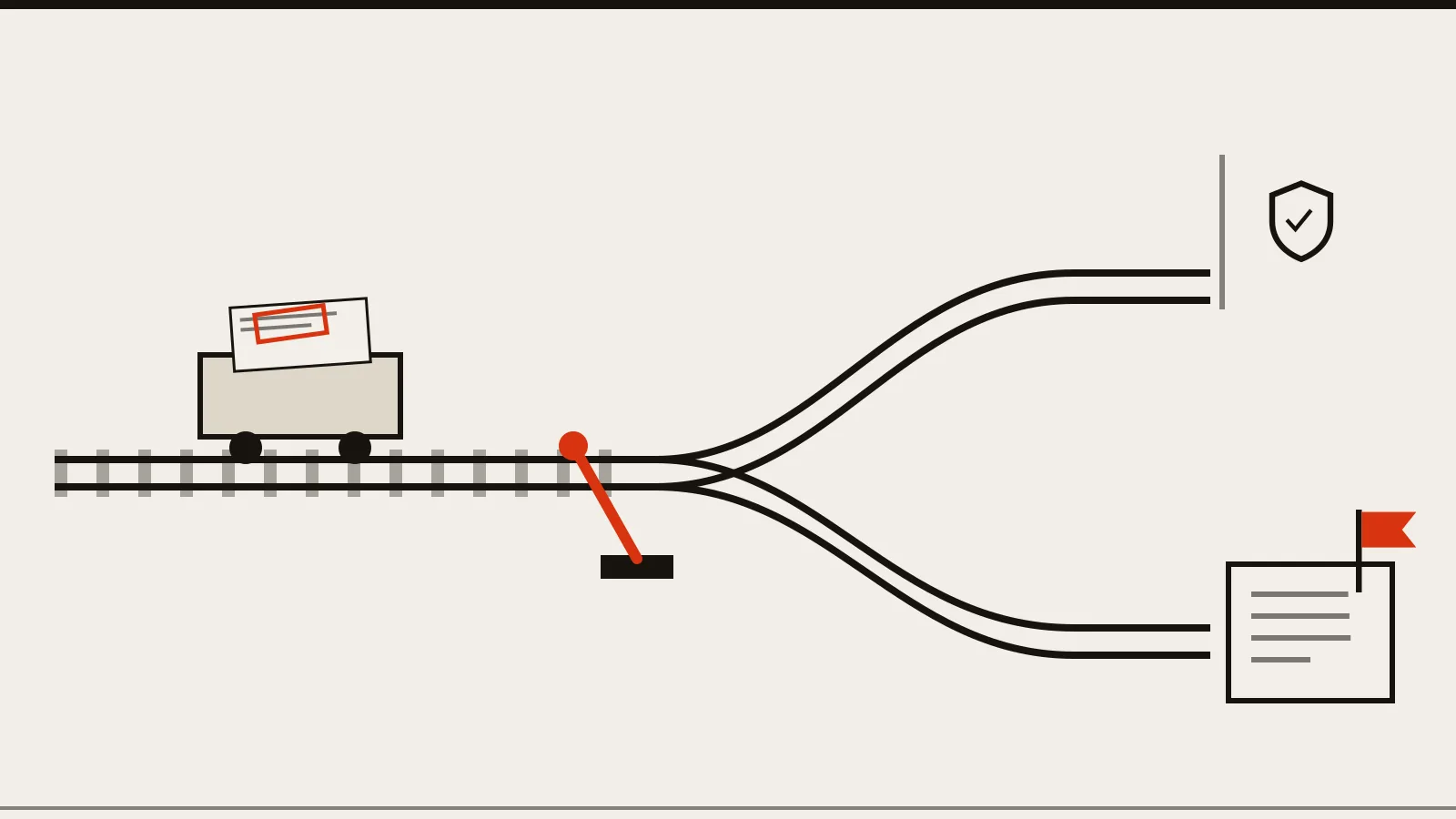
Which Facebook harassment report fits what happened?
A Facebook harassment report is a request for Meta to check one piece of content, or one account, against its Community Standards. It is not a complaint about a person in general. Meta runs bullying and harassment as a single policy, while threats of violence sit under a separate Violence and Incitement policy, and the report route changes with three facts: what was said, where it sits (a post, a comment, a Messenger chat, a Page, a group), and who is filing. To report harassment Facebook will act on, get those three right, and the reviewer has something concrete to check. Get them wrong and a genuine case is judged against the wrong rule, or closed because the wrong person reported it. The table below is the triage we run before anything is filed. One line matters more than the rest. Meta removes "credible threats to public or personal safety" (Meta Community Standards, Violence and Incitement, last dated change 27 September 2024), but a threat to hurt you is not only a Facebook problem. In the UK it can be an offence, so the police route runs first, with the report to Meta alongside it.
| What happened | Report this | Who should file | Police as well? |
|---|---|---|---|
| A threat to hurt you, your family or your home | The post, comment or message that contains it | You, or anyone who saw it | Yes, first. 999 if you are in danger now |
| Repeated insults or name-calling aimed at you | Each post or comment, then the profile | You, the adult being targeted | If it has happened on two or more occasions |
| Unwanted Messenger messages | The conversation, from inside Messenger | You, the recipient | If they threaten you or will not stop |
| A Page or group set up to mock you | The worst posts, then the Page or group | You; friends can add reports | Rarely, unless it contains threats |
| Abuse flooding your business Page | Hide, ban, filter; report the threats | A Page admin | Only for threats or stalking |
| Bullying of a child | The content and the profile | The child, a parent, or anyone | If it is threatening or sexual |
"Abuse" is the word most people type, and it covers all of these rows. If you came here asking how to report someone on Facebook for abuse, start by naming which row you are in. The rest of this briefing follows the table.
How to report harassment on Facebook, one object at a time
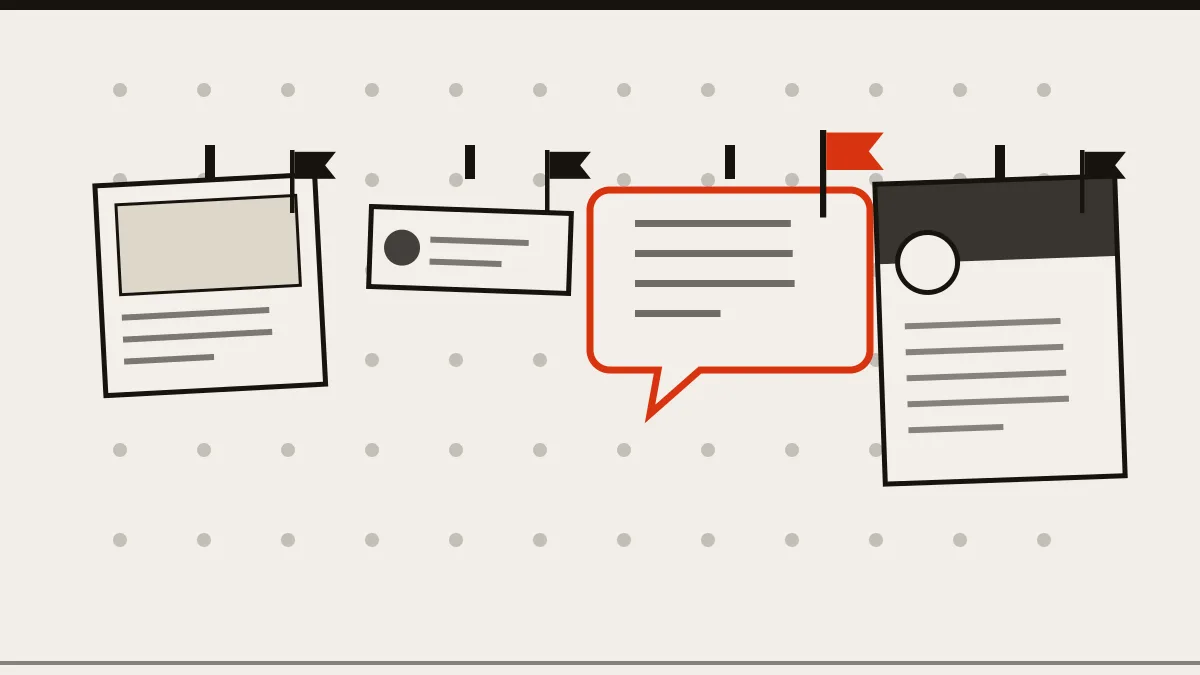
Reporting harassment on Facebook starts with the thing itself, not the person. Facebook's Help Centre puts it plainly: "The best way to report abusive content or spam on Facebook is by using the Report link near the content itself" (Facebook Help Centre, checked 30 September 2026). Its own list of reportable things runs from profiles, posts, photos and videos to messages, Pages, groups, events and comments, and each has its own report link. Each report is reviewed on its own, against the words or images in that one item. That is where most people go wrong when they look up how to report someone for harassment on Facebook. They report the person, and the reviewer needs the words.
Report the post or comment first
Posts and comments are where most reviewers make their decision. A profile report asks Meta to look at a whole account, and a reviewer who opens a profile full of holiday photos may see nothing wrong. A report on the specific comment that calls you a slur, tags your workplace or tells you to kill yourself gives them the exact words. File one report per item. Ten comments from the same account mean ten reports, not one report with ten screenshots attached somewhere else.
How to report a Facebook account for harassment
Once the individual items are in, report the profile as well. That second step matters for accounts that exist only to target you: a fake profile made after you blocked the real one is a breach of Meta's account rules in its own right, because Meta's Account Integrity policy (updated 28 May 2026) lists accounts "Created to contact a user that has blocked an account". Removing a whole account is a bigger decision for Meta than removing a comment. Our briefing on how someone gets banned from Facebook walks through the strike ladder that leads there, and the guide to taking down a Facebook account, yours or theirs covers the forms that sit outside the report button, such as under-age accounts.
How to report harassment on Facebook Messenger
Report the conversation from inside Messenger, not the sender's profile. When you do, "Meta reviews up to 30 of the most recent messages sent in a conversation reported by an account" (Messenger Help Centre). Those messages are the evidence. Do not delete the chat first.
End-to-end encrypted chats work differently. Meta cannot read them, so reporting one means you choose to share messages from the chat with Meta. Calls sit outside the system altogether: Messenger's help pages say you can't report video or audio calls. After reporting, pick one of two tools. Block stops contact. Restrict, which works in the phone apps only, mutes the person quietly. Messenger says "We won't tell them that you restricted them", and a restricted person cannot see when you are online or whether you have read their messages. It suits a harasser who is likely to escalate the moment they notice a block, because the messages keep arriving as evidence without your phone buzzing.
How to report bullying on Facebook Page posts and in groups
A Page or a group has two layers: the people who post there, and the Page or group itself. Report the posts and comments first, exactly as above. Then report the Page or group if its purpose is to mock or target you, for example a "confessions" Page naming pupils at one school.
Groups hide a trap. Many offer to send a post to the group's admins, and Facebook's Help Centre is clear about what that does: "Reporting to group admins does not send a report to Facebook", and the admin "will know that you are the one who reported it" (Facebook Help Centre). If the admins run the group to target you, that button tells them who complained and reaches nobody at Meta. Use the report to Facebook instead. So when people ask how to report bullying on Facebook Page content, the answer is both: the items, then the container.
Why does the target have to file? Meta's self-report rule
Meta's harassment policy protects people differently depending on who they are. Public figures (Meta counts people with over one million followers, officials, candidates and people with substantial news coverage) get less protection from criticism than private individuals. Private adults get more protection, but on a condition. The policy says: "In certain instances, we require self-reporting because it helps us understand that the person targeted feels bullied or harassed" (Meta Community Standards, Bullying and Harassment, checked 30 September 2026). One tier of the policy covers "private adults (who must self-report)". In practice, a mean comment about an adult that a friend reports may be left up, while the same comment reported by the adult it targets comes down. Meta knows about the gap. In an Oversight Board decision published on 30 April 2026, Meta described reporting on someone else's behalf as "technically difficult", and the Board still lists its recommendation on this as in progress.
So if you want to know how to report someone on Facebook for harassment and bullying aimed at you, the practical answer is: do it from your own account. Friends' reports are not wasted. They help with threats, hate and anything aimed at a child. For insults and degrading comments about an adult, the target's own report is the one that counts.
When we take on these cases, the reports that move are almost always filed by the person targeted, on the single comment or message, with the reason that matches the words used. The ones that stall are profile reports filed by a sibling or a partner.
How to report cyberbullying on Facebook when the target is a child
Children get the widest protection in Meta's policy, and the self-report condition is much looser. Parents who search how to report cyber bullying on Facebook are often told only the target can file. For a child that is wrong: a parent, a teacher or a stranger can report cyberbullying aimed at a minor, and it will be judged as such. Report each post or comment, then the profile, and use "bullying" or "harassment" as the reason rather than a general "something else". If you are in California, state law (Business and Professions Code s.22589.1, amended by SB 1504 in September 2024) lets anyone report cyberbullying of a minor to a platform. It expects a confirmation within 36 hours, updates every 14 days and a written decision within 30 days. Outside California there is no such clock, which is why a child's case should also go to the school if classmates are involved. It should go to the police if there are threats, sexual images or pressure to send them. For images, never ask the child to forward them to you or anyone else. Hash-matching services such as NCMEC's Take It Down exist for exactly this.
Is a Facebook harassment report anonymous?
Yes, with one exception. Facebook's Help Centre says: "Unless you're reporting an incident of intellectual property infringement, your report will be kept confidential and the account that you reported won't see who reported them" (Facebook Help Centre, checked 30 September 2026). Copyright and trademark claims pass your name and contact details to the other side. Harassment reports do not. People who search "page harassment report Facebook anonymously" usually want to know whether a Page's admins learn who reported them. They do not: a report about a Page goes to Meta, not to the people who run it.
Confidential is not the same as untraceable. Three things can still give you away. If you are the only other person in a private chat, the sender can guess. A report sent to a group's admins is not confidential at all. And if the case reaches the police or a court, your name is part of that file. No account? Facebook's advice is to "Ask a friend with an account to report the content", and to send them the exact link, because Meta "won't be able to take action on your report until we can find the content" (Facebook Help Centre).
When should a Facebook harassment police report come first?
A Facebook harassment police report comes first whenever there is a threat of violence, a threat to share intimate images, stalking that has moved offline, or a pattern that has gone on for weeks despite blocks. In the UK, harassment under the Protection from Harassment Act 1997 needs "a course of conduct", which means conduct on "at least two occasions" (s.7(3)), and putting someone in fear of violence carries up to 10 years in prison (s.4) (Protection from Harassment Act 1997, legislation.gov.uk). A single threatening message can also be an offence under section 181 of the Online Safety Act 2023, the threatening communications offence, which carries up to 5 years in England, Wales and Northern Ireland. Facebook's own advice matches: "If you feel you're in immediate danger, contact your local authorities for help." Call 999 if you are in danger now. Otherwise, report on 101 or through your force's online form, and ask for a crime reference number. Meta will not act on a complaint from you alone about someone's data. Its law enforcement guidelines say it "will not review or respond to requests submitted by non-law enforcement officials", but it will preserve records for 90 days once police ask (Meta law enforcement guidelines).
That preservation window is the reason for the order. Meta keeps data for police only if the request arrives "before a user has deleted that content". A harasser who sees a report and deletes everything has removed the evidence you needed, unless you saved it first. In the US the equivalents are 911 for danger, then your local police, and the FBI's Internet Crime Complaint Center logged 21,557 harassment and stalking complaints in 2025, nearly double the 11,672 in 2024 (IC3 annual report, 2025). Federal law (47 U.S.C. s.223) covers threatening and harassing communications.
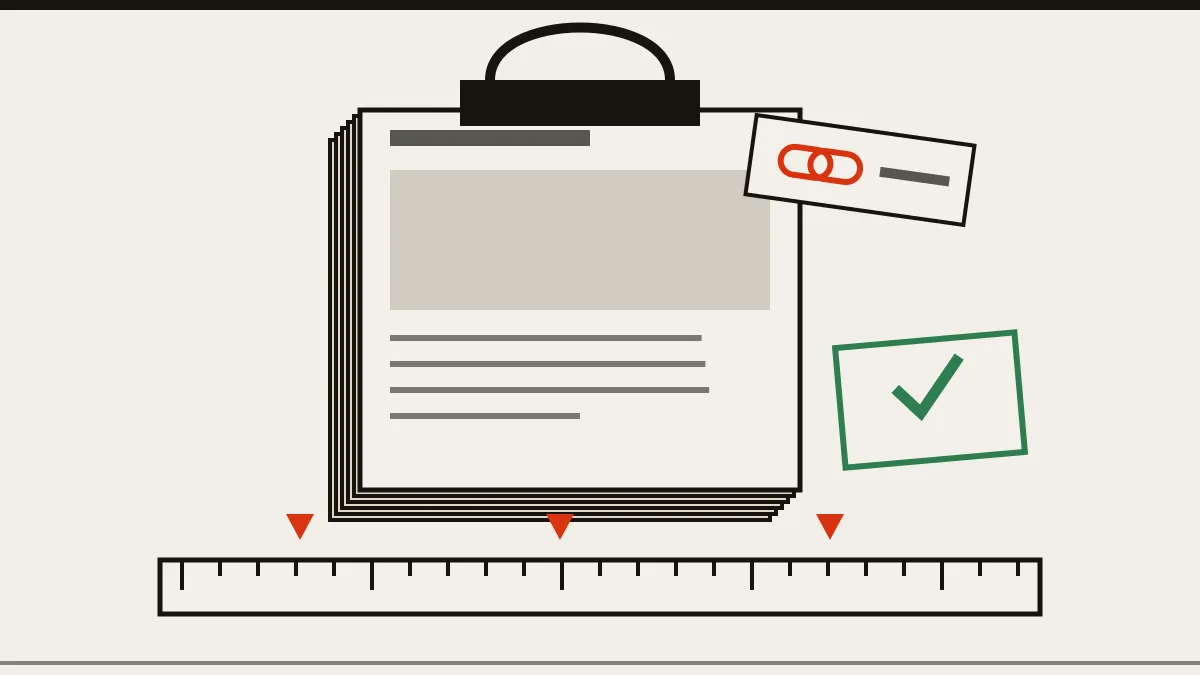
The evidence pack officers ask for is the same one Meta's reviewers need:
- The profile link and, if you can find it, the numeric ID. Names change; the ID does not.
- Screenshots that show the date, the time and the account name in the same frame. Crop nothing out.
- The link to each post or comment (use "Copy link" where Facebook offers it).
- A one-page timeline: date, platform, what was said, what you did.
- Your own report history and every reply from Meta, including the Support Inbox status.
Do not reply, argue or threaten back. Those messages end up in the same bundle.
Harassment still up after a report? Send us the links and your screenshots. We review it confidentially, tell you which route fits and whether it has a realistic chance before anything is charged. We never ask for your password.
How to report harassment on a Facebook business Page
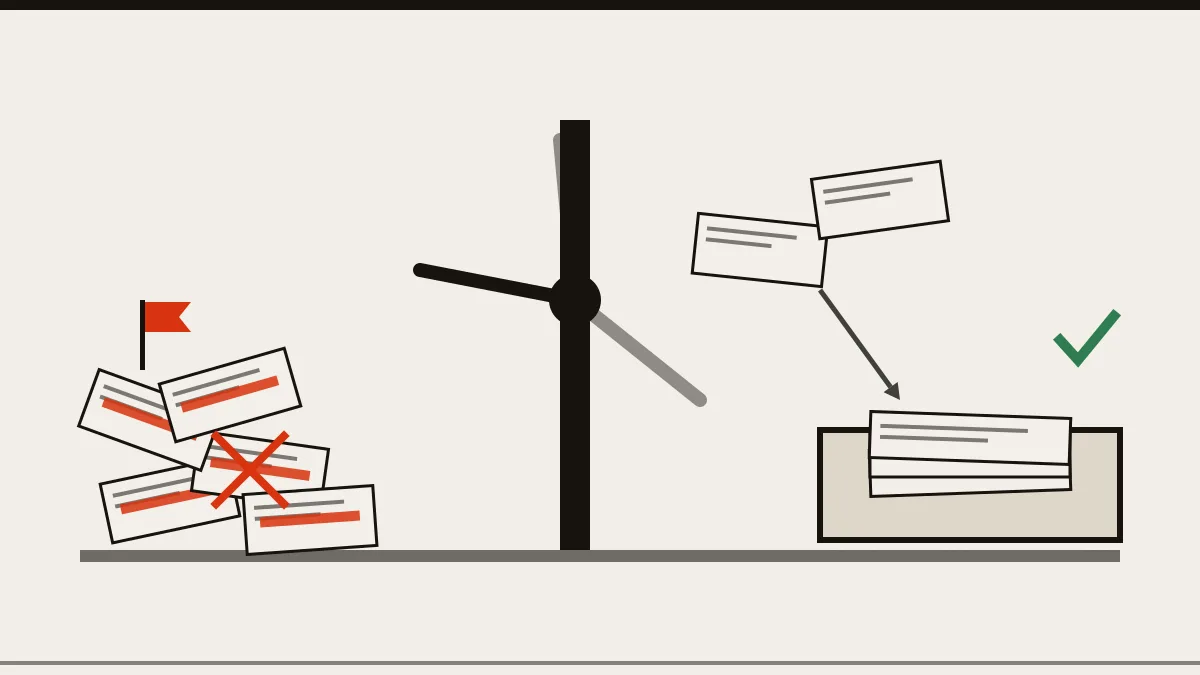
On a business Page you have two jobs, and only one of them is reporting. The Page is yours, so you control what stays under your posts, and none of these tools needs a reviewer. A hidden comment "will still be visible to the person who wrote it and their friends" and is hidden for everyone else (Facebook Help Centre), so the harasser does not know. Delete removes it outright. Block (Facebook used to call it ban) stops a profile seeing your posts, messaging the Page or finding it in search. Keyword blocking takes up to 1,000 words, phrases or emoji. The profanity filter uses the words the community most often reports as offensive. Moderation Assist hides new comments by rule, for example from accounts less than a week old, but only comments made after you set it up.
Reporting comes second, and is for content that crosses Meta's lines: threats against staff, doxxing of an employee's home address, or a coordinated pile-on. For those, report the comment and the account behind it as well as hiding it. Hidden content can still be reported, and hiding it first protects staff and customers while the review runs.
If you are asking how to report harassment on Facebook business page comments that come from a rival, a disgruntled ex-employee or a review brigade, separate the abuse from the criticism. A one-star rant is criticism. A comment that names your manager and her children is harassment. The first can only be answered; the second can be reported and, where it is persistent, taken to the police.
The report came back "no violation". What now?
A rejection is not the end. Facebook sends its decision to your Support Inbox, where you can open the report and choose "Request another review". Meta says the second look usually happens "within 24 hours" (Facebook Help Centre). If a second review upholds the decision, some cases become eligible for an appeal to the Oversight Board. Do not file the same report twenty times. Facebook's Help Centre is blunt about it: "The number of times something is reported doesn't determine whether or not it's removed from Facebook."
That line is the whole business model of the report-for-hire market, turned upside down. A Facebook mass report tool pushes the same reason through many accounts; so does every Instagram spam report bot and every GitHub panel sold to mass report an Instagram account. Worse, Meta's Inauthentic Behavior policy (11 December 2025) bans accounts that "misuse Meta reporting systems to harass, intimidate or silence others". A brigade of reports is itself harassment under Meta's rules. The same pattern shows up when people mass report a Twitter account, with mass reporting on TikTok, with a Telegram mass report bot, and with the YouTube mass report bot that promises to beat a review queue. Messaging apps are no different: a WhatsApp mass report bot runs on the same user-facing report button you already have, and a Snapchat mass report service has no private endpoint to call.
Should you pay someone to get the harasser banned?
No, not for a ban. A Facebook ban service sells an outcome only Meta controls, and the legal risk sits with the buyer. The same is true of an Instagram ban service, a Twitter ban service, a TikTok ban service or a WhatsApp ban service. What paid help can do honestly is triage, evidence and the legal routes that sit outside the report button.
There are limits, and we say them before we take a case. Harassment rules do not cover criticism, opinion or true statements about you, however unpleasant. A post that is false and damaging is a defamation question, with its own route, set out in our guide to Facebook defamation: report, sue or de-index. Truthful reporting and public records cannot be removed at all; they can only be pushed down in search. We do not file false reports, we do not forge legal notices, and we never ask for anyone's password. Our disclaimer sets out what we can and cannot promise.
How to report harassment on Facebook and social media platforms at once
Harassment rarely stays on one app. The account that comments under your Facebook posts often has an Instagram, a TikTok and a WhatsApp number as well. The rule of thumb is the same everywhere: report the item, from the target's own account where possible, and keep one timeline across every platform. The routes differ in detail.
On Instagram, Meta's harassment policy is identical to Facebook's, but the forms are not; start with how to get someone banned on Instagram and our Instagram account takedown routes. TikTok scores reports against its own strike system, covered in how to get someone banned on TikTok and in how to get a TikTok account taken down. On X, read how to ban someone on Twitter for what blocks and reports actually do, then how to get a Twitter account taken down and the evidence rules in our Twitter account removal service briefing.
Snapchat's disappearing messages change the evidence problem; see how to get someone banned on Snapchat and how to take down a Snapchat account. For WhatsApp, the question is usually how to ban someone's WhatsApp number, which comes down to block, report and the recent messages the report sends. Telegram channels have their own abuse routes, set out in how to take down a Telegram channel. On YouTube, a harassing channel and a single video are separate cases: how to get a YouTube channel taken down and how to get a YouTube video taken down. Workplace harassment often moves to LinkedIn, where a LinkedIn account takedown runs on impersonation and defamation grounds.
If the same person is behind all of it, that is the strongest evidence you have for a course of conduct, and the police file should say so.