What are you actually reporting when you report a whole Telegram account?
A whole-object report on Telegram is a complaint about a peer, not about a message. The peer can be a user account, a bot, a channel, a group or, outside the apps, a Telegraph page. Telegram's developer documentation names the method behind it: account.reportPeer is described as a way to "report a peer for violation of telegram's Terms of Service", and it takes three things: the peer, a reason and a free-text comment for moderation. It takes no message IDs. That single fact shapes everything else on this page, because a report about the whole account travels without the posts that made you angry unless you add them yourself, either in the comment or by reporting the individual messages as well. Telegram does not say which method the Report item in each app's profile menu calls, so we will not claim it. What we can say is that the whole-peer form exists, that it carries a reason and your words, and that the reviewer on the other end sees an account, a channel or a group rather than a highlighted post.
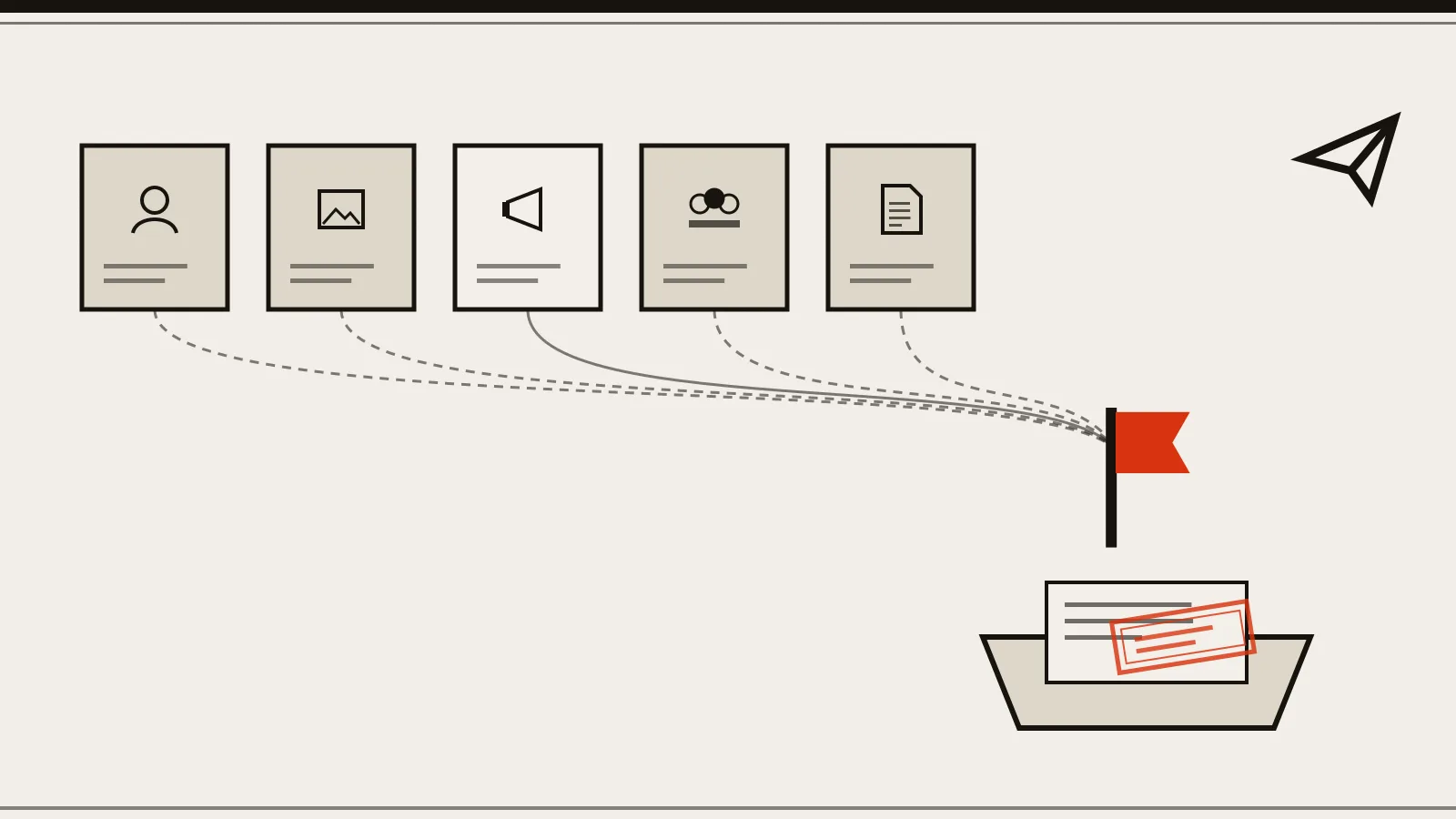
Most people who search "report telegram account" or "reporting telegram account" have one of five objects in front of them. Each has its own place for the button.
| What you want gone | Where Report lives | What the moderator receives |
|---|---|---|
| A user account or bot | Profile screen, ⋮ or ⋯ menu | The account, a reason, your comment |
| One profile photo | The photo viewer on that profile | That photo and a reason |
| A channel | Channel info screen, menu | The channel, a reason, your comment |
| A group | Group info screen, menu | The group, a reason, your comment |
| A Telegraph page | Footer link "Report content on this page" | The page URL and one of six reasons |
Telegraph is the odd one. It is Telegram's publishing tool, and its pages sit on telegra.ph rather than inside the app, so the report dialog there is a web form with six fixed reasons: Violence, Child Abuse, Copyright, Illegal Drugs, Personal Details and Other. The same dialog sends copyright claims to dmca@telegram.org instead of handling them itself.
Group and channel are closer than they look. Telegram's API documentation says supergroups "are actually channels" with a flag set, which is why the report flow for a large group and for a channel feels identical. Basic groups cap out at 200 members and are converted into supergroups when an admin switches on a supergroup-only feature.
How to report a Telegram account, step by step
If you only need the short answer to how to report a Telegram account, it is this: open the profile, open the menu, choose Report, pick the reason that matches the conduct, and write two or three sentences in the comment box. The comment is the part most people skip, and it is the part that carries your evidence into a report that otherwise has none.
Searches for how to report telegram account abuse, how to ban telegram account holders or how to ban a Telegram account all lead to this same menu. Reporting is yours to do; the ban is Telegram's call, and the section on bans below shows what that call looks like.
How to report account on Telegram from the profile
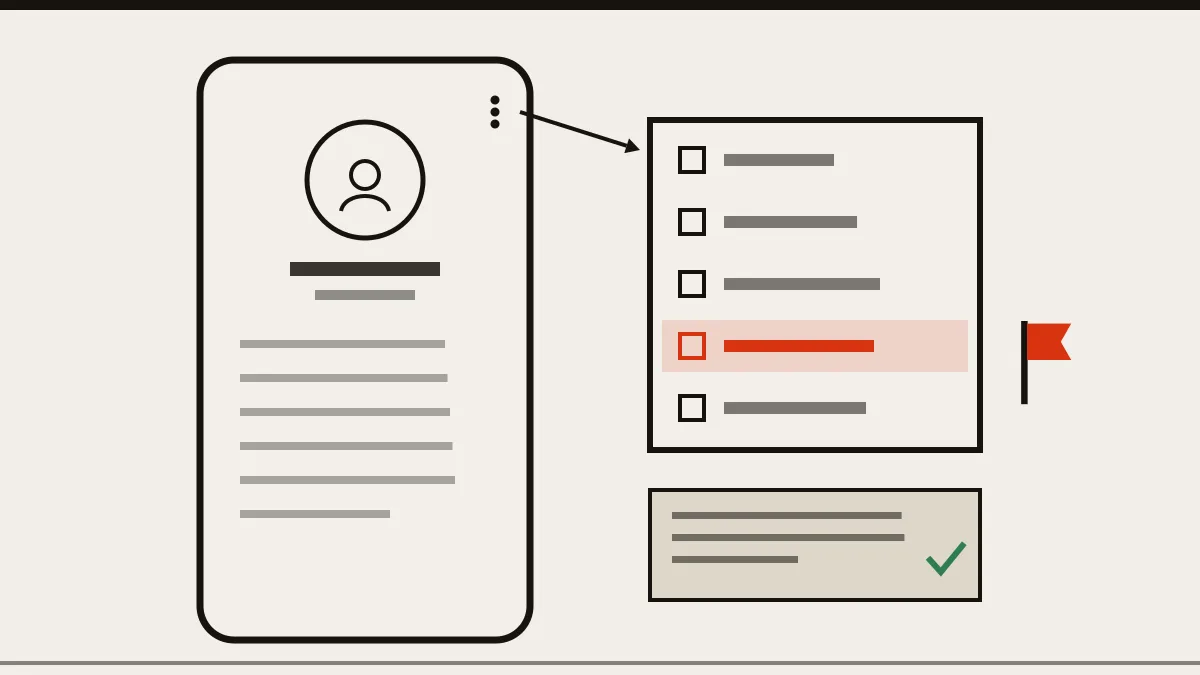
On Android and Telegram Desktop, open the chat, tap or click the name at the top to reach the profile, then open the three-dot menu and choose Report. On iPhone the same profile screen has a ⋯ More button that holds Report. You then see a list of reasons. Telegram has served that list from its servers since its October 2024 update to reporting, so the wording can change without an app update and may differ between regions; choose the closest match rather than "Other" whenever one fits.
In the comment, write what the account did, when, and where. "Sent me four messages on 22 September demanding payment, threatened to post my photos, link to their channel below" is useful. "Scammer!!!" is not. If specific messages matter, report those too: on Android you tap a message, on iOS you press and hold it, and on Desktop you right-click it, which is how Telegram's FAQ describes the gesture for each platform. A message report and an account report together give the reviewer both the pattern and the proof.
People also ask how to report account in Telegram when the account is a bot. The route is identical: a bot has a profile, the profile has a menu, and the menu has Report. Bots that sell "report services" or scrape personal data are ordinary targets for it.
Reporting one profile photo instead of the whole account
Telegram's API also has a narrower method, account.reportProfilePhoto, which reports a single photo on a profile rather than the account. It is the right tool when the account itself is ordinary but one picture is not, for example a photo of you uploaded without consent. Open the profile photo, open its menu, and look for Report. Where your app build does not show it, use the account report and name the photo in the comment.
Can you report a Telegram account you have never chatted with?
Yes. Can you report a Telegram account without a chat history? You can open any public username through search or a t.me link and report it from its profile. The limit is private spaces. The same API documentation lists an error, CHANNEL_PRIVATE, returned when you try to report a channel or supergroup you have not joined. Public channels can be reported from outside; private ones need you inside. For individual messages sent to you, our longer piece on how to report someone on Telegram before the chat vanishes covers capturing them first, because Telegram lets either side of a one-to-one chat delete messages for both people.
How to report a Telegram group or channel from each app
The question of how to report a Telegram group or channel comes down to finding the info screen. Tap the group or channel name at the top of the chat. That opens the info page, and the menu on that page holds Report. From there the flow is the same as for an account: a reason, then a comment. Whether you searched how to report telegram channel or how to report telegram group, it is one route, and the reason you pick matters more than whether you report telegram group or channel content.
How to report a group in Telegram on iPhone, from the header
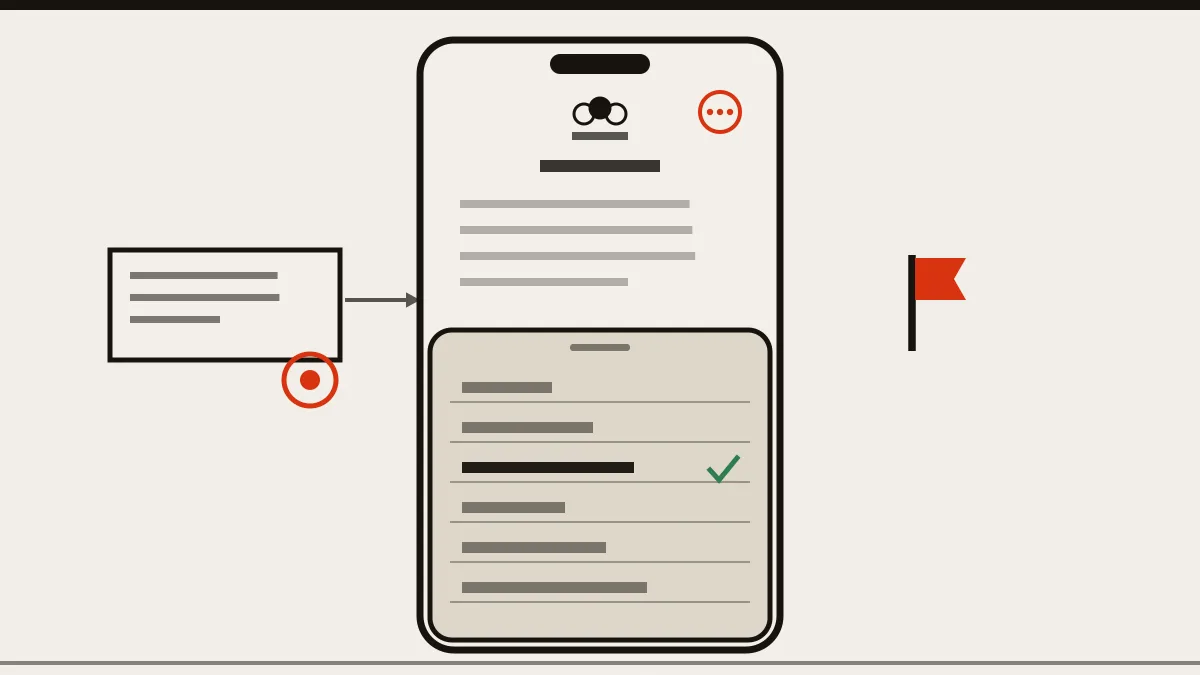
On iPhone, open the group, tap its name in the header, then tap the ⋯ button on the info screen and choose Report. Pick the reason, add your comment, and send. If you want to flag a single post inside the group as well, go back to the chat, press and hold the message, and choose Report from the menu that appears. You can select several messages at once from that same hold menu, which is faster than reporting them one by one.
Android and Desktop: how to report a group on Telegram
On Android, tap the group name, then the three-dot menu at the top right of the info page, then Report. On Telegram Desktop for Windows and macOS, click the group name to open its info panel and use the menu there; single messages are a right-click away. How to report a group in Telegram on the web version follows the Desktop pattern. The one place with no report control at all is the t.me/s/ web preview of a public channel, which shows only a Join button and a "View in Telegram" link, so opening it in a browser does not give you a way to report.
Groups you cannot join, and groups that will not let you back in
The two awkward cases are private groups where you were never a member and groups that removed you. For the first, the in-app route is closed by design. For the second, report while you are still inside if you can see it coming. After that, email is the fallback, but Telegram's FAQ says, in its answer on copyright, that it does not process requests related to private groups and chats. Treat private spaces as reachable through members and, where a crime is involved, through the police.
How to report a group in Telegram with email
The email route exists for public content. Telegram's FAQ calls abuse@telegram.org its "automated takedown email address" and asks senders to include links, either t.me addresses or @usernames, to the content that needs attention. That instruction matters more than anything you write around it. A message with no links gives the system nothing to match.
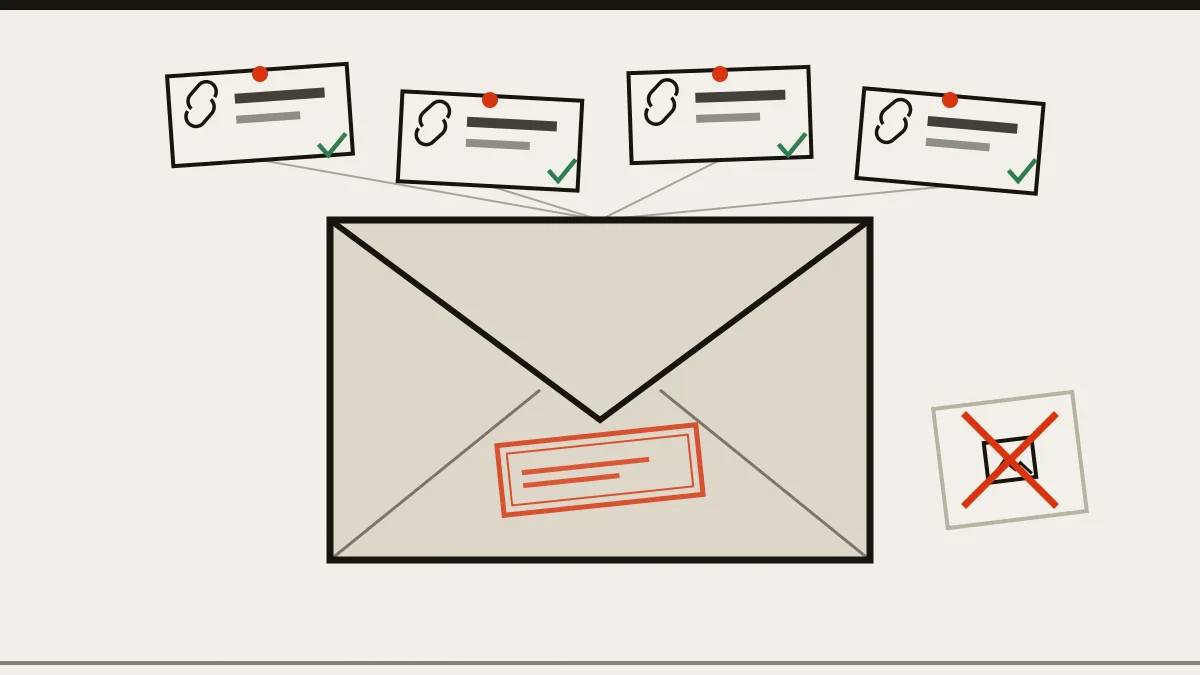
Here is how to report a group in Telegram with email in a form that survives an automated first pass. Put the t.me link of the group or channel in the first line. Under it, list the t.me links of the specific posts, one per line; public posts have their own address, which you get from the message menu's Copy Link option. Then write one short paragraph naming the rule category, the dates, and whether the group is still active. Keep screenshots as attachments but never as the only evidence, because an image cannot be matched to a post ID.
| Address or form | What it is for | What to include |
|---|---|---|
| abuse@telegram.org | Illegal public content in general | t.me links, dates, rule category |
| stopCA@telegram.org | Child sexual abuse material | Links only; never attach or forward the material |
| dmca@telegram.org | Copyright | A full notice with your ownership details |
| telegram.org/dsa-report | EU users under the Digital Services Act | Name, contact and a clear explanation |
The DSA form is the one route that asks for your identity by design. Telegram's EU page says the notice needs "a clear and convincing explanation", and that the measures it can take include FAKE or SCAM labels and blocking or deleting users, bots, posts, channels and groups. It is worth using when you are in the EU and the content is illegal under national law rather than merely against Telegram's rules, because that is the category the form was built for.
Email does not make a report stronger. It makes it possible when the in-app route is closed, and it lets you send many links in one place. A hundred identical emails about the same channel do not help, for the same reason a hundred identical in-app reports do not.
Will they know? Reporting a group in Telegram without them knowing
The account, channel or group you report is not told. The whole-peer method returns a simple true-or-false result to the person who filed it, and Telegram documents no notice to the reported side. So when people ask how to report a group in Telegram without them knowing, the report itself is already silent.
What can give you away is what you do around it. In a small group, leaving straight after filing posts a service line saying you left, and an admin who notices the timing can draw a conclusion. Posting "reported!" in the chat does the same job more directly. Changing your own display name or photo after a dispute can also look like a reaction. If the group is dangerous to you, capture what you need, report quietly, and leave later or simply mute it.
One more point for anyone worried about retaliation. Telegram does not say what its reviewers see about the person reporting. A DSA notice, though, asks for your name and contact details, and copyright notices are commonly shared with the person accused, so a notice to dmca@telegram.org may reach the other side with your details in it. If anonymity matters more than the extra route, stay with the in-app button and abuse@telegram.org.
How to get a Telegram channel banned: what a ban actually looks like
"Ban" covers several different results on Telegram, and knowing them tells you what to watch for after you file. People search "ban telegram channel", "how to ban telegram channel" and "ban telegram account" as if there were one switch. There are at least four.
| Result | What the public sees | Who can reverse it |
|---|---|---|
| SCAM or FAKE label | A red tag beside the name | Telegram |
| Restricted on some platforms | A block notice on certain apps only | Telegram |
| Blocked everywhere | "This channel can't be displayed because it violated Telegram's Terms of Service" | Telegram, on appeal |
| Deleted | The channel or account is gone | Nobody |
The label comes from two flags in Telegram's data model. One, scam, marks a peer as "probably a scam"; the other, fake, marks it as "reported by many users as a fake or scam". The second wording is the nearest Telegram comes to admitting that report volume feeds anything, and even there it feeds a label, not a deletion.
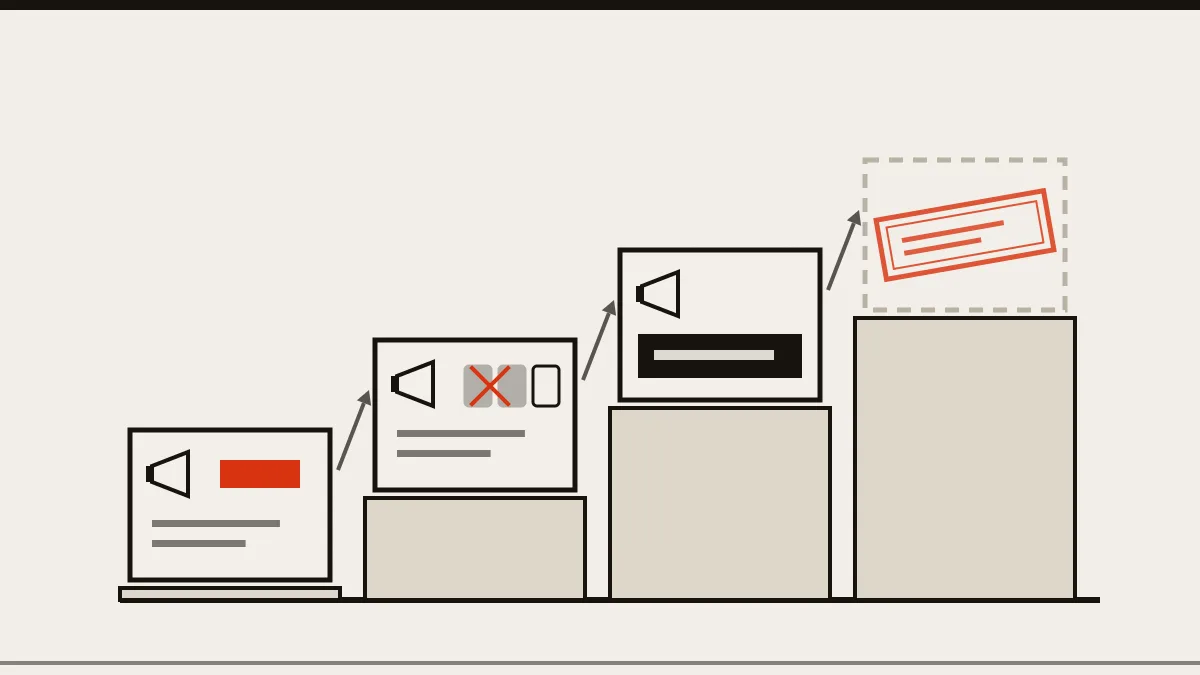
The platform restriction is the result most people misread. Telegram's restriction record has a platform field that can hold values such as ios, android or all, together with a reason and the text shown to the user. A channel can therefore be blocked in the iPhone app and still load on Desktop. If a friend says "it's still up" and you say "it's gone", you may both be right. When we check whether a channel came down for a client, we check it on at least two platforms before calling it.
The full block notice is the one quoted above. ProPublica published it in July 2021, when ten channels went dark after the newsroom asked Telegram about them. That episode is still the clearest public example of how a channel ban looks from the outside: the channel address survives, but its content does not display.
How to get a Telegram group banned, and how the scale compares
Telegram publishes a running counter on its safety page. On 29 September 2026 it read 26,723,271 groups and channels blocked in 2026, including 428,432 related to child abuse material and 179,342 terrorist communities. Our team read the same counter at 26,172,296 on 21 September 2026, which works out at roughly 68,900 blocks a day over those eight days (our internal records as of 29 September 2026). The same page says moderation has combined user reports with proactive machine-learning monitoring since 2015. A single report joins that pipeline; it does not jump it.
So how to get a Telegram group banned, in practice, is a matter of fit rather than force. Reports that name a category Telegram enforces on public content, such as child abuse, terrorism, illegal goods, scams or doxxing, with links to the posts that prove it, are the ones that line up with what that counter is counting. Rude, hostile or merely unfair groups rarely are.
How to ban a Telegram group or channel you run
There is one case where "how to ban a Telegram channel" has a direct answer: when the channel is yours. The owner can delete it from the channel's settings. Telegram's API makes the limit explicit, since the delete method answers anyone who is not an admin with "You must be an admin in this chat to do this." How to ban Telegram group members from your own group is similar; admins remove and block members from the member list. Nobody else can delete your channel except Telegram.
How to get someone's Telegram channel deleted, and why you usually can't
This is the question behind most searches for how to get someone's Telegram channel deleted, and the honest answer is short. You cannot delete it. You can report it, you can send a lawful notice, and in some cases a court can order the operator to act. Telegram decides whether it disappears.
The misspelled version of the query, how to get someones telegram channel deleted, turns up in the same places as the ban-service advertising, and that is not a coincidence. Sellers promise deletion because deletion is what people want to buy. Our breakdown of the Telegram mass report panel trade looks at what those panels actually send, and our separate guide on how to take down a Telegram channel sets out the lawful routes that sit behind a real removal. Both lead to the same place: the report queue you can reach yourself for free.
The pattern repeats on every platform we work on. The Instagram ban service market, the Twitter ban service offers and the TikTok account takedown service listings all sell the same thing under different names: a volume of reports, with an outcome nobody can promise. The price sheets differ, which is why we set out the Facebook ban service price bands and the legal risk behind them, and why the WhatsApp takedown service pitch fails at the encryption layer before it reaches a moderator. A YouTube ban service cannot issue a strike either.
The tools behind those services fare no better. An Instagram spam report bot risks the buyer's own account, the scripts sold as a way to mass report an Instagram account turn out to be GitHub repos and APKs with a dead end at the report endpoint, and the X mass report bot runs into the same review queue as a single honest report. The Facebook mass report tool, the WhatsApp mass report bot, the Snapchat mass report bot and the claim that mass reporting works on YouTube each fail in a platform-specific way, and we tested whether mass reporting works on TikTok from the target's side as well. On Telegram, the fake flag's own wording shows where volume ends up: in a label.
Need a second opinion before you file? Send us the t.me links and a short note of what happened. Our team will tell you which route fits, whether it is a report, a legal notice or a police matter, and what it cannot do. Start a confidential review.
How to report a Telegram group to police
Report to the police when the group is doing something that is a crime where you live, not just something that breaks Telegram's rules. Threats, blackmail, sextortion, fraud, child abuse material, stalking and incitement are the common ones. Telegram's own privacy policy explains why the police route carries a weight that a report cannot: under section 8.3, Telegram may disclose a suspect's IP address and phone number to authorities after a valid judicial order and its own legal analysis, and it logs those disclosures in quarterly reports at t.me/transparency. A report can remove a channel. Only that route can identify the person behind it.
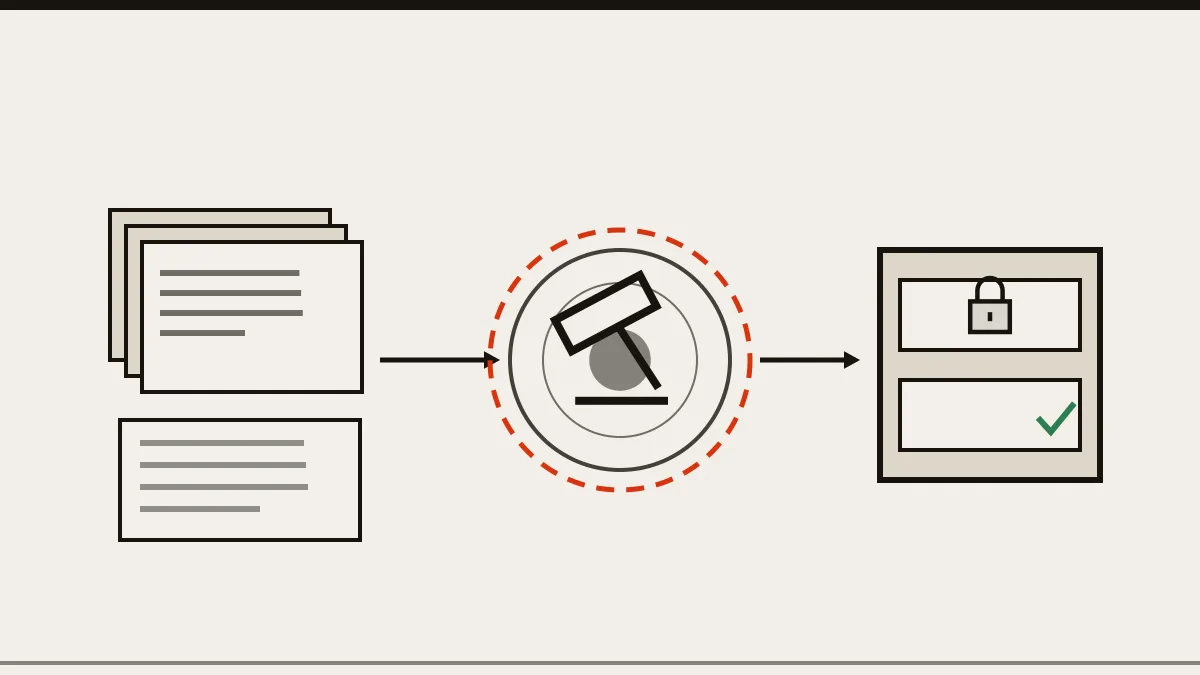
How to report a Telegram group to police depends on the country and the offence. The list below is how to report telegram group to police in the two jurisdictions our clients ask about most.
- United Kingdom, fraud or scams: Report Fraud, the national fraud reporting service, or 101 if you prefer to speak to someone. Call 999 if anyone is in immediate danger.
- United Kingdom, online terrorist content: the government's report terrorism form, which accepts links to channels and groups.
- Sextortion: the National Crime Agency's guidance is not to pay, to stop contact, and not to delete anything that could be evidence; under-18s have CEOP and the Report Remove tool.
- United States: the FBI's IC3 for fraud and extortion, and NCMEC's CyberTipline for child sexual exploitation.
- Child abuse material anywhere: report the group in the app and to stopCA@telegram.org with links only. Do not screenshot, save or forward the material itself.
Bring the t.me links, the @usernames, the dates, and your own exported chat history if you were part of the conversation. Telegram Desktop's Export chat history tool writes each sender's internal ID into the JSON file, which is more durable than a display name that can change tomorrow. Point the officer to section 8.3 of Telegram's privacy policy, which sets out when Telegram discloses data; not every force deals with Telegram often enough to know it.
How Telegram's whole-account report compares with other platforms
Every platform splits the same way between reporting a thing and reporting the person or page behind it, and the Telegram version is the least talkative about outcomes. Knowing the comparison helps when one scammer runs accounts on several services at once.
On Instagram, how to get someone banned on Instagram comes down to repeated violations on one account, and an Instagram account takedown through a legal route is a separate path from the in-app report. TikTok works the same way, which is why get someone banned on TikTok and get a TikTok video taken down are two different jobs. X has its own version of the split: you can report someone on Twitter for ban evasion as a user, or take down a Twitter account through one of five legal instruments, and a tweet removal service wins or loses on the evidence file before anything is sent.
Meta's other products behave differently again. How you get someone banned from Facebook is a question of what Meta acts on rather than how many people report, and how to take down a Facebook account depends on whether it is yours or someone else's. WhatsApp sits closest to Telegram, because how to ban someone's WhatsApp number also means block, report and then wait on a review you cannot see.
Snapchat and YouTube round out the set. Learning how someone gets banned from Snapchat starts with its safety categories, while a formal Snapchat takedown request needs a legal basis. A YouTube take down request only sticks if you watch for re-uploads. And when the attacker moves to professional networks, the steps to remove a fake LinkedIn account are different again, because LinkedIn verifies more than Telegram does.
Telegram, by contrast, tells the reporter almost nothing. Instagram, TikTok, X and YouTube all have some kind of report status screen. Telegram has none. Your evidence of success is the channel itself: a label, a block notice, or an address that no longer resolves.
What reports and notices cannot take off Telegram
A report asks Telegram to apply its own rules. It does not make Telegram remove content that is lawful and within those rules, and several kinds of content fall there: true reporting about you, public records, and opinions, even hostile ones. A channel that criticises a business harshly, quotes court documents correctly or repeats a genuine news story is not something any of the routes above will delete. Where that content ranks on your name in Google, the realistic tool is suppression, pushing better results above it, and we say so before any work begins.
We also do not do the things that make these cases worse. We do not send forged DMCA notices, invent legal threats, file bulk reports from purchased accounts, or ask for anyone's password or login code. A fake notice against a lawful channel invites a counter-claim and, often, a louder repost of the very thing you wanted gone. Our disclaimer sets out the limits in full, and our about page says who reviews each case.
When we file whole-account and channel reports for clients, the pattern we see is consistent. Reports tied to a category Telegram already polices on public content, and backed by post links, tend to produce a visible result: a label, a restriction or a block. Reports about rudeness, rivalry or disputed facts usually produce nothing visible at all, because Telegram's reply to the reporter is silence either way. That is why we start with the question "which rule or which law?" rather than "how many reports?".
If your problem is personal data in a Telegram channel, the rules on what we hold and for how long are in our privacy notice. If you want us to look at a specific account, group or channel, send the links through the confidential review above, and we will tell you plainly whether a report, a notice or the police is the route, and whether any route reaches it at all.