Who reports what when a scammer uses your name on TikTok?
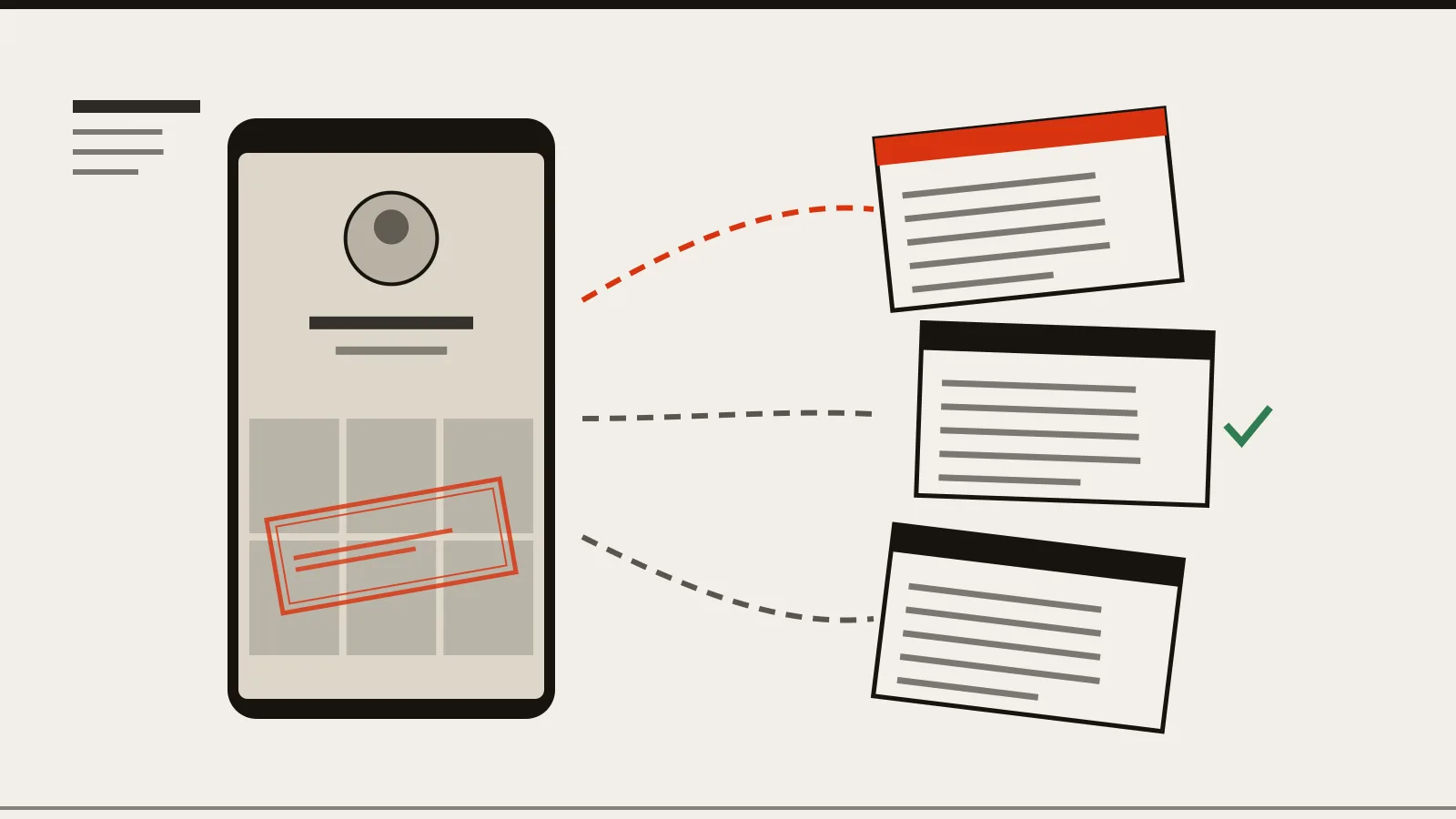
A scam that borrows a real name on TikTok usually leaves three injured parties, and each one holds a different report. The person who paid is the fraud victim. They report the account, video, LIVE or message for fraud, and they are the only one who can show TikTok the payment trail. The person whose name, face or videos were borrowed is the impersonation victim, and TikTok's impersonation forms act only on their report or on a report from someone authorised to represent them. A business whose logo or product photos were lifted is a rights holder, and its route is the copyright or trademark form. TikTok reviews these reports separately. One does not count towards another, and none of them is settled by how many people press the button, which is also the honest answer to how to get someone banned on TikTok.
| Who you are | What you report | Where you file it | What it can remove |
|---|---|---|---|
| You paid, or were asked to pay | Frauds and scams, on the account, video, LIVE or message | In the app, or the online form | The content; the account if fraud is its purpose |
| Your name or face is on the account | Pretending to Be Someone | In the app (Me), or the impersonation web form | The whole account |
| Your child is being copied | Impersonation, My child branch | Web form, as parent or guardian | The whole account |
| Your business is being copied | Trademark report | TikTok's trademark form | Posts or the account using the mark |
| Your video or photo was reused | Copyright report | TikTok's copyright form | The copied posts, plus a strike |
| You only spotted it | Frauds and scams | In the app | Content, but not an impersonation finding |
The scale is large. In September 2026 TikTok logged 49,910,402 moderation decisions in the EU's DSA Transparency Database, and 2,891,903 of them, about 5.8%, sat under scams and fraud (DSA Transparency Database, TikTok, 1 to 30 September 2026, checked 2 October 2026). Every one of those September entries was recorded against content rather than a whole account.
So in TikTok scam reporting, the report you pick matters more than the crowd behind it.
How to report a scammer on TikTok from the app
How to report a scammer on TikTok depends on where the scammer reached you, because TikTok files each report against one object: an account, a video, a comment, a message or a LIVE. The paths below are the ones in TikTok's Help Center as of October 2026 (TikTok Help Center, how to report an account):
- For an account, open the profile, tap Share at the top, then Report and Report account. Pick the frauds and scams reason and tap Submit.
- For a video, press and hold it, or tap Share, then Report, and choose the same reason.
- For a comment, press and hold the comment and tap Report.
- For a direct message, open the chat, press and hold the message, tap Report, and choose "Report and block" if you also want the chat to stop.
- For a LIVE, tap Share on the stream, then Report. LIVE reporting works in the app only.
That is how to report a TikTok scam from your phone, whatever form it took.
TikTok's own scams advice describes the same move for a post: hold down on the screen, tap Report and select fraud and scams (TikTok privacy blog, scams and fraud, March 2025).
Report the account and the thing that carried the scam, not just one of them. A giveaway video can be removed while the profile behind it keeps messaging people.
People also ask how do I report a scammer on TikTok once the scammer has blocked them. Blocking hides the profile from you, so the in-app button disappears. Two routes still work: TikTok's online form, which takes the @username and a link, and a report from anyone who can still see the account, since a fraud report does not have to come from the person who lost money. When several people were targeted, how to report TikTok scammers is the same for each of them: every person files their own report with their own screenshots.
How do you report a scammer on TikTok from a computer?
On tiktok.com, hover over the video or open the profile, click More options (the three dots), then Report, and follow the same reasons. Without the app or an account, use TikTok's online form at tiktok.com/legal/report/feedback, which opens with no login. Choose Report a potential violation, then Account violation or Content violation, and paste the links. TikTok says on that form that the information "will only be used to respond to your report", which is as close as it comes to a privacy promise for reporters. We found no TikTok page that calls reports anonymous, so we don't describe them that way.
Do more reports, or a bot, make a TikTok scammer report stronger?
No. A TikTok scammer report is checked against the frauds and scams rules in TikTok's Community Guidelines, which in the September 2025 version named fake investment offers, phishing, identity theft and job scams among the banned schemes. A stack of identical reports adds a queue, not a better case. The tools sold to do the stacking are worse than useless. We pulled one apart in our piece on the TikTok mass report bot, and the pattern repeats across platforms: the sellers of a mass report Instagram account panel, the Instagram spam report bot, the X mass report bot and the YouTube mass report bot all sell submissions, never outcomes. Some want your login to run them. A scam victim who hands a password to a second scammer has two problems.
The mistake we see most often in reports clients show us is the reason, not the volume. Spam gets picked because it is near the top of the list, and spam rules are about repetition, not about taking money. Choose the fraud reason and say in the box, if one appears, what was promised and what was paid.
What should you save before you report a TikTok scam?
Knowing how to report a scam on TikTok is half the job; keeping the proof is the other half. Save the evidence before you report, because a scammer who senses a report often blocks, renames or deletes. A reported account can vanish from your view, and with it the messages you needed for your bank. Capture these first:
- The @username, typed out. The display name is the part scammers change.
- The profile link and a screenshot of the profile with the date visible.
- Every message, including the first one, scrolled so the account name shows.
- Proof of payment: the bank transfer, card statement line, PayPal receipt or wallet address.
- Any payment details the scammer gave you, such as a sort code, an account name or a crypto address.
- For TikTok Shop, the order number and the listing link.
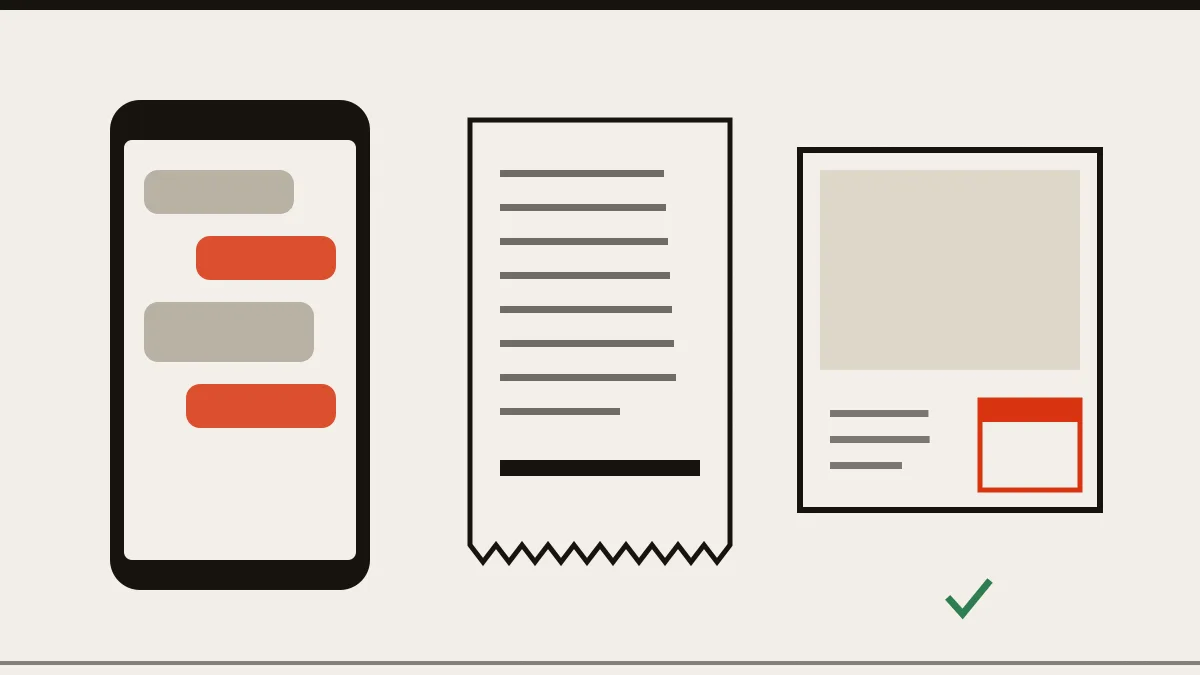
Two TikTok statements are worth keeping to hand because scammers impersonate TikTok itself. The Help Center's phishing page says TikTok "will never contact you to ask for your password, verification codes" (TikTok Help Center, phishing). And TikTok Shop's own reporting guide says it "won't make unrequested phone calls without prior notification" (TikTok Shop seller blog, 15 November 2024). A caller claiming to be TikTok support, asking for a code to "verify" a refund, is the scam, not the fix.
How to report impersonation on TikTok
How to report impersonation on TikTok comes down to who is being copied, because TikTok's impersonation routes are built for the person copied, not for onlookers. If the copy is of you, the fastest route is in the app (TikTok Help Center, report an impersonation account): open the fake profile, tap Share, then Report, Report account and Pretending to Be Someone, and choose Me. If the copy is of a public figure, choose Celebrity and search for the real account. That is also how to report a TikTok account for impersonation from a laptop, through More options on the profile.
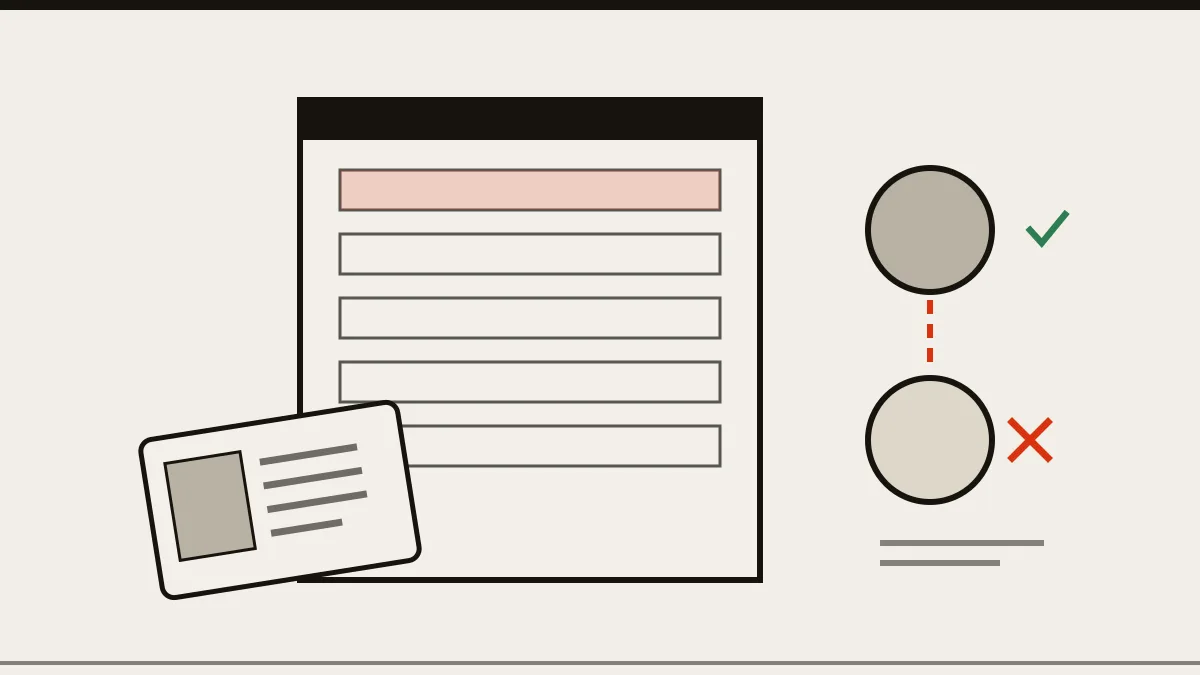
The web forms take longer but carry more weight. In the US, TikTok's request form offers "Report an Impersonation Account on TikTok" and asks who is being impersonated: Me, someone you are authorised to represent, someone else, or a brand or organisation. The Me branch wants your full name, up to 10 links to the copies, a description of up to 300 characters, your real @username and a selfie holding photo ID, then a statement made under penalty of perjury and an e-signature. Outside the US, the feedback form runs Report a potential violation, Account violation, Impersonation, then asks whether the copy is of you, a public figure, your child, someone you represent, a business or someone else. It takes both usernames, a contact email and up to 10 screenshots.
Getting the copy removed is a heavier outcome than most reports reach. Deceptive impersonation is on the short list of grounds TikTok names for a permanent ban, beside ban evasion and accounts that exist only to break rules (TikTok Help Center, content violations and bans). How to report an impersonation account on TikTok well, then, is mostly about making the match obvious. What to capture is in our briefing on proving a fake TikTok account is a copy.
How to report someone on TikTok for impersonation when the copy isn't of you
You mostly can't, and TikTok says so. The US form's someone-else branch stops with one line: "We can only act on reports submitted by the person being impersonated" or their authorised representative, such as a parent, guardian or lawyer. That surprises people, because TikTok's privacy blog of 30 September 2025 tells users to ask friends to report copies too. The friend's report is not wasted; it simply isn't an impersonation report in the form's sense.
So how to report someone on TikTok for impersonation, practically, is to get the right person to file. Message the person being copied through their real account. If it is your child, you can report TikTok impersonation through the My child branch outside the US, or file in the US as their representative. If it is your employer, tell whoever owns the brand, because that report goes down the trademark route. And if the copy is running a scam, report the scam yourself, since anyone can. Then hand the person copied the steps above for how to report a TikTok impersonation account, so the report that can remove it follows.
Why does a scam on a copied profile need two reports?
A scam run from a copy of someone is two breaches of TikTok's rules at once, and each report proves only its own half. The fraud report shows what the account did to the person who paid; the impersonation report shows whose identity it stole. File only the fraud report and TikTok may remove the scam posts while the profile wearing your face stays up. File only the impersonation report and the account may go, but the payment evidence never reaches TikTok, and the person who lost money has no report reference to give their bank or the police. For anyone trying to report impersonation account TikTok cases where money changed hands, the useful pairing is the copied person's impersonation report and at least one victim's fraud report, filed close together, each pointing at the same @username.
| The scam report | The impersonation report | |
|---|---|---|
| Who can file it | Anyone who saw it; strongest from the person who paid | The person copied, or their representative |
| What TikTok checks | The posts, messages or LIVE against its fraud rules | Whether the account passes itself off as the original |
| What you attach | Screenshots, payment trail, order number | Real @username, links, and on the US form photo ID |
| Best outcome | Content removed; account banned if fraud is its purpose | Account removed; a permanent-ban ground |
| What it can't do | Return anyone's money | Stop a new copy tomorrow |
The impersonation report TikTok receives from you is the stronger of the two for removal. The fraud report is the stronger one for everything after it: the bank claim, the police log, the warning to your followers. One is about the account. The other is about the harm.
Scammed in your name, and on more than one app? Send us the links for a confidential review. We tell you which reports fit, who has to sign each one, and whether any route fits at all, before anything is charged.
How to report a TikTok Shop scam
How to report a TikTok Shop scam depends on whether the problem is the listing, the seller or an order you already paid for. TikTok Shop's reporting guide gives the listing route: open the product, tap the three dots, then Report, choose the issue and Submit (TikTok Shop seller blog, 15 November 2024). For a product inside a video or a LIVE, press and hold the video, or use the product card's own three dots. That covers how to report a scammer on TikTok Shop before you buy.
After you buy, the order is the thing to work with. Shoppers reach support through Help, in the row under the search bar, then describe the issue and tap Contact us (TikTok Shop, customer support guide, 6 May 2026). There is no TikTok Shop phone number, so any number you find in a search result is somebody else's.
How to report scam on TikTok Shop orders, in practice, means using the protections attached to them:
- In the US, buyers have 30 calendar days from delivery to request a return, and TikTok Shop's Money-Back Guarantee covers damaged, defective or not-as-described items for up to 90 days, with TikTok Shop deciding eligibility (TikTok Shop US returns policy, effective 22 September 2026).
- In the UK, the law gives 14 days to cancel most online orders, and TikTok Shop's UK returns policy stretches that to 30 days from the day you receive the product. If the seller refuses, the policy lets you escalate to TikTok from the Refund Details page within 10 days, or through Help on the Order Details page (TikTok Shop UK returns policy). Citizens Advice runs the consumer helpline on 0808 223 1133.
- Payment made outside TikTok Shop has no order behind it. If a seller moved you to a bank transfer, a WhatsApp chat or crypto, the Shop protections have nothing to attach to, and your bank is the next call.
Then report TikTok Shop scam listings anyway, even after a refund. A refund settles your order; it doesn't stop the listing from taking the next buyer. Purchase scams are the commonest bank-transfer fraud in Britain, at 71% of authorised push payment cases in 2025, and 66% of those cases started online (UK Finance Annual Fraud Report 2026).
When a fake shop is selling under your brand
A brand owner has a stronger route than the buyer's report button: TikTok Shop's IP Protection Center, which is open to rights owners and their agents only. Its warning is blunt: "Your IP asset MUST be active in the country where you want to protect it." A UK trade mark helps you against a UK Shop listing, not necessarily a US one. TikTok's IP report for the second half of 2025 put the Shop side in numbers: more than 54 million products blocked before listing, more than 3 million taken down, and about 1.2 million IP Protection Center requests (TikTok Intellectual Property Removal Requests Report, H2 2025, published 24 June 2026).
How to report TikTok LIVE gifting scams
TikTok LIVE gifting scams work by turning gifts, which cost real money in Coins, into a promise the host never keeps: a giveaway for top gifters, "double your gifts back", a charity that doesn't exist, or a copied creator going LIVE under a near-identical handle. To report TikTok LIVE for scam behaviour while it is happening, tap Share on the LIVE, then Report, pick the reason and tap Submit (TikTok Help Center, report a LIVE). That route is app only. Then report the host's account from the profile, because the LIVE ends and the account stays.
Record the screen while you watch. A LIVE leaves nothing behind for you to link to once it ends. Note the time, the host's @username and what was promised for which gift.
On getting the money back, set your expectations low. TikTok's Virtual Items Policy says Coins "are not returnable or refundable by TikTok", and gifts are not refundable "in any circumstances" (TikTok Virtual Items Policy, updated 22 January 2026). If the Coins were bought through the App Store or Google Play, that store's own refund request is the realistic place to try. Gift misuse falls under TikTok's separate transaction policy rules for LIVE Gifts, Coins and rewards. LIVE hosting has been limited to adults since November 2022, so a "teenager" begging for gifts on a LIVE is itself a signal.
If the stream is a copied creator, the impersonation report beats the scam report on speed, for the reasons in our guide to how to get a TikTok taken down immediately.
Which form fits brand abuse: copyright, DMCA or trademark?
Brand abuse on TikTok is a property problem before it is a reputation one, so the form follows what was taken. Your videos, photos or music go through the TikTok copyright report form. A registered name or logo goes through the TikTok trademark report form. A business being impersonated wholesale ends up in the same place: the US impersonation form's brand branch redirects to the trademark report. On the app side of the same H2 2025 report, TikTok received 401,471 copyright requests, 63.0% of which led to removal, and 75,082 trademark requests at 67.1%, while 173,140 were rejected as incomplete, inaccurate or outside the criteria.
| What was taken | The form | Who may sign | Watch for |
|---|---|---|---|
| Your videos, photos or music | Copyright form, tiktok.com/legal/report/Copyright | The owner, or someone authorised to act for them | Your contact details may be shared with the uploader |
| Your registered name or logo | Trademark form, tiktok.com/legal/report/Trademark | The mark owner or an agent | It covers user posts; Shop listings go elsewhere |
| Your products in a Shop listing | IP Protection Center | Rights owners and agents only | The mark must be active in that country |
| A formal DMCA notice by email | copyright@tiktok.com | The owner | TikTok's own pages point to the form instead |
Is there a TikTok DMCA form? Not a separate one. The TikTok copyright infringement form is TikTok's DMCA notice in practice: it asks for the work, the links, a good-faith statement, an accuracy statement and a full legal name as signature, which is what Section 512 requires. The address copyright@tiktok.com is TikTok's agent in the US Copyright Office's DMCA designated agent directory, entry dated 31 January 2025, but TikTok's own help pages list only the web form and in-app reporting. Copyright strikes and trademark strikes are counted separately against the uploader.
We went through the copyright form field by field in reporting stolen content on TikTok without a rejection. The same logic applies off TikTok: copies on YouTube follow YouTube's process, covered in how to get a YouTube video taken down.
After the report: how do you repair the damage with your followers?
Reputation repair after an impersonation scam starts with your own account, because the people who were scammed in your name will look there first. Post one short video and pin it, and add a line to your bio: your only handle, and the fact that you never ask for money or "verification" in messages. Keep it factual. Say an account is impersonating you; don't name who you think runs it unless you can prove it, because an accusation that turns out wrong is a defamation problem of your own, and in England and Wales the Defamation Act 2013 turns on whether a statement caused serious harm.
Then point the people who paid at the routes only they can use. They should file their own fraud report on TikTok, call their bank the same day, and report to the police fraud line. In England, Wales and Northern Ireland that is now Report Fraud, run by the City of London Police at reportfraud.police.uk or on 0300 123 2040; it replaced Action Fraud in December 2025. In Scotland, call Police Scotland on 101. A UK bank transfer made under false pretences may be reimbursable under the Payment Systems Regulator's APP fraud rules, up to £85,000, if claimed within 13 months (PSR, APP fraud reimbursement). In the US, the route is ReportFraud.ftc.gov.
The numbers explain why the bank call can't wait. Americans reported losing $2.1 billion in 2025 to scams that started on social media, and nearly 30% of people who lost money said the contact began there (FTC, 27 April 2026). Impostor scams alone took $3.5 billion (FTC, 15 June 2026). In the UK, fraud by false representation is a priority offence under the Online Safety Act 2023, which puts TikTok under a duty to remove it swiftly once alerted (Online Safety Act 2023, Schedule 7).
Copies come back. Keep a simple log: date, @username, link, what you filed, the outcome. Each new handle is a new report, and a log turns the third copy into a pattern you can show TikTok, a lawyer or the police.
Is a TikTok impersonation removal service worth paying for?
A TikTok impersonation removal service files the same reports you can file yourself, and nobody outside TikTok has a back door to its moderation queue. What a legitimate service adds is labour and leverage: preparing the evidence so the match is obvious, filing as your authorised representative, watching for the next copy, and escalating with a legal letter when TikTok answers "no violation" to something that plainly is one. In the EU there is also the DSA's notice and appeal machinery, and in the UK a letter citing passing off, harassment or data protection law sometimes moves what a form did not. What it can't add is certainty. A provider who guarantees TikTok impersonation removal, asks for your password, wants payment only in crypto, or offers to "ban" the scammer by flooding reports is selling the thing it claims to protect you from.
The ban-for-hire market works the same way on every platform, and we have priced it. The TikTok ban service offers we found sell a report, not an outcome. The same is true of the Instagram ban service trade, of every Twitter ban service, of the Facebook ban service price bands and of a WhatsApp ban service, which can't even see the chats it claims to judge. Where a paid provider does earn its fee, it is the kind of Twitter account removal service work that is won on evidence before anything is filed.
When the same scammer runs copies on other platforms
Impersonation scams rarely stay on one app. The TikTok copy is the shop window; the money usually moves somewhere quieter. Instagram is the most common twin, and the rules for getting someone banned on Instagram look like TikTok's: impersonation and fraud are judged per report, not by headcount, and an Instagram account takedown still needs the right form. On Facebook, what Meta acts on decides how to get someone banned from Facebook, and the route for a copied profile is in how to take down a Facebook account. Meta's tooling attracts the same sellers; the Facebook mass report tool adverts are no more useful there.
The chat apps are where the payment request usually lands. If the scammer moved victims to WhatsApp, read how to ban someone's WhatsApp number before paying anyone who sells a WhatsApp mass report bot. If it was Telegram, the route to take down a Telegram channel is a report and a reason, and the Telegram mass report bot panels reach nothing a single report doesn't.
On X, the instruments for how to take down a Twitter account are few, and it helps to know what you can do to ban someone on Twitter yourself and what only X can do. Snapchat copies are judged on what Snap's rules say, which decides how someone gets banned on Snapchat, and the paperwork is in how to take down a Snapchat account; a Snapchat mass report bot has no endpoint to call. Copied channels on YouTube follow strikes, which is why a YouTube ban service can't promise a termination. And when the copy is of your professional profile, a LinkedIn account takedown runs on its own clone and defamation routes.
What we can't take down, and what we won't do
Some accounts that hurt your reputation are not scams and not impersonation, and no report will remove them. An account with your name in its handle that is clearly a fan, parody or commentary page is usually allowed when the label is visible. A real customer's honest bad review of your TikTok Shop store is opinion, not fraud. Truthful reporting about you, a court record or someone else who genuinely shares your name stays up; where it ranks, the most anyone can lawfully do is push it down with better results, which is suppression, not removal. We also can't get anyone's money back from TikTok; that sits with the payment provider, the bank and the police.
What we won't do is just as fixed. We don't forge or bluff copyright, trademark or legal notices, because a false notice exposes the sender and tends to give the content a bigger audience. We never ask for your password or a verification code. We don't promise removal, and we don't run mass reports. Every case starts with a confidential review of what fits, and our disclaimer sets out the limits in full.