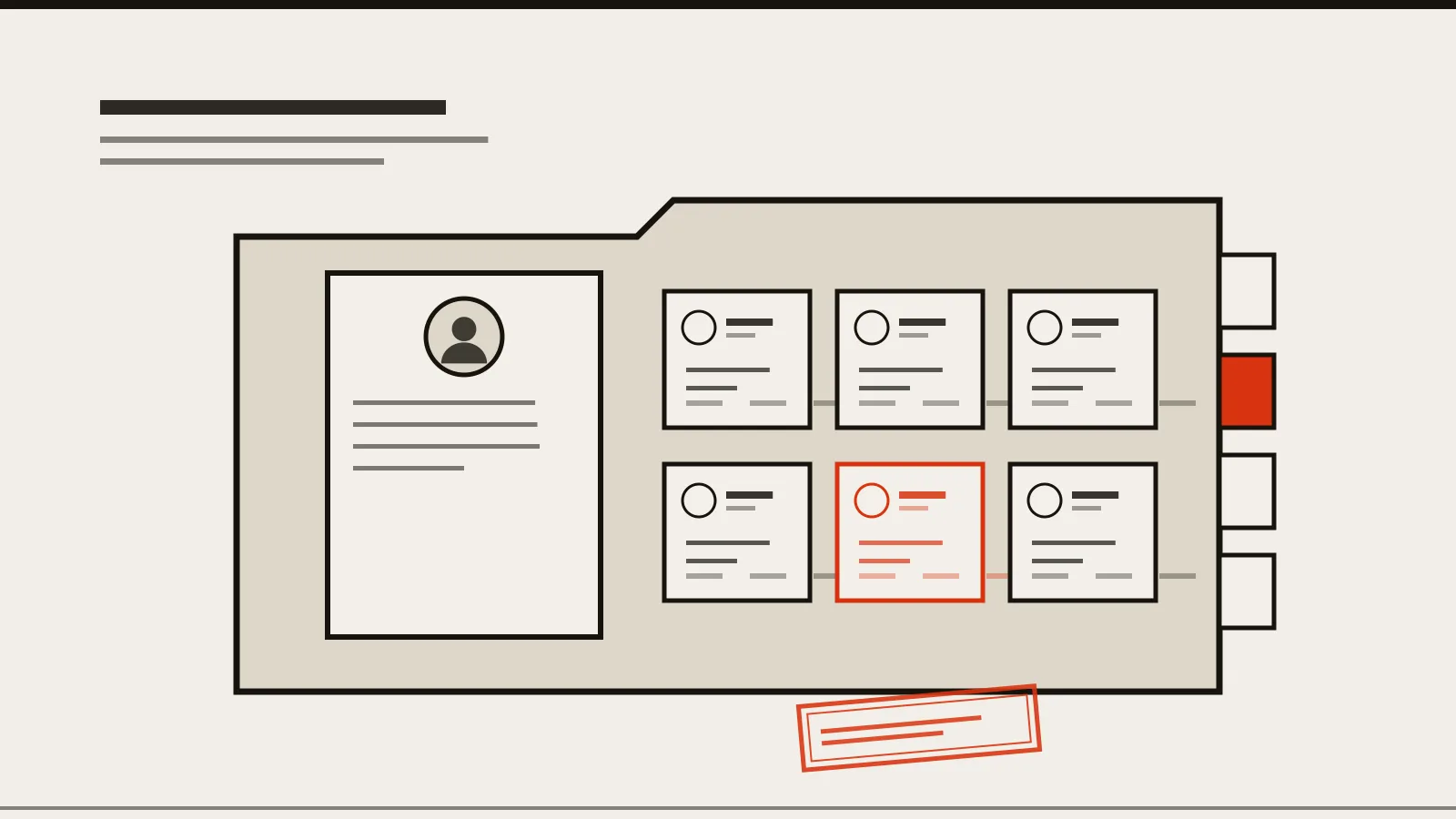
Is an account report just a louder post report?
No. People treat it as the bigger button, the one you press when a single flag feels too small. It is a different request. A post report asks a reviewer one question: does this item break a rule? An account report asks a harder one: should this person, or this thing pretending to be a person, keep a seat on the service at all? The reviewer stops looking at one photo or one comment and starts reading the profile as a file: the name, the picture, the bio, the age of the account, what it has posted, who it messages, and whether the same phone, card or device sits behind another account that was already removed. If the answer to that last question is yes, the case is usually over quickly, because ban evasion is one of the few charges a platform can prove from its own records.
That changes what you should write. A one-line "this person is horrible" works on a post report because the post is in front of the reviewer. On an account report it wastes the one chance you have to point at the pattern. It is also why the same account can survive ten post reports and fall to one account report: the post reports were each judged alone, while the account report put them side by side.
As of October 2026, almost every service in this briefing hides the account-level option behind the same small control on the profile itself, usually a flag or three dots, and almost none of them tells you what happened afterwards. So the report has to stand on its own. The rest of this page is about making it do that, service by service, for the thirty searches that land here.
What are the four account charges?
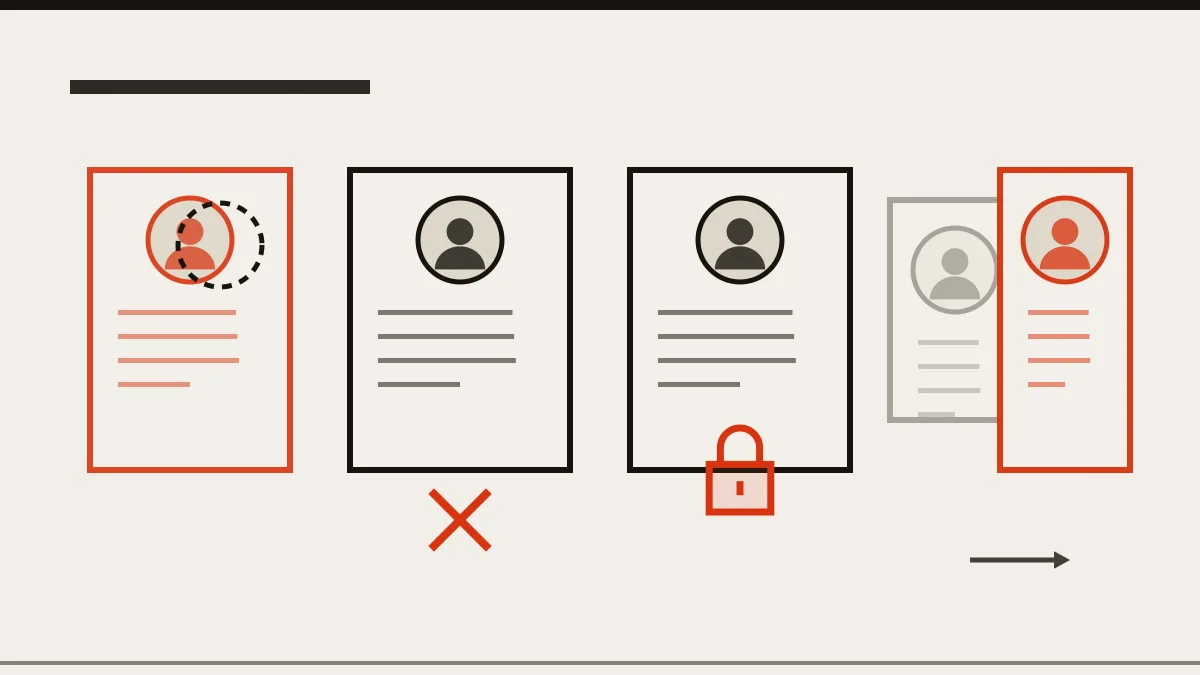
Every reason menu we have read, from Grindr's to GitHub's, collapses into four charges. When you report accounts rather than posts, pick the charge first and the menu label second, because the label is only the platform's word for one of these.
1. The face is false
The account claims to be someone it is not: you, a friend, a public figure, a brand, or a person who does not exist. Catfish profiles, cloned profiles and fake recruiter pages all sit here. The reviewer wants a comparison, so your report should say whose identity is being used and where the real one lives. If it is you, most services route you to a separate impersonation form that asks for ID, and that form is faster than the in-app button.
2. The account exists to break rules
Scam sellers, spam bots, cheat accounts, gambling promoters and accounts set up only to harass someone. Here the single best piece of evidence is repetition: three dated screenshots of the same behaviour beat one dramatic one.
3. The account was taken from its owner
This is the charge people forget. If the account is yours and someone has taken it, you are not reporting a stranger, you are asking for your own seat back. Most services send this to a recovery or "hacked account" form, not the report menu, and a report filed through the wrong door can sit in the general queue for days.
4. The person is back after a ban
Ban evasion and multi-account reporting belong together. A user removed last month opens a fresh profile with a new name and the same habits. The report that works names the earlier account, gives its handle or ID if you kept it, and points to the overlap. Platforms match device, payment and contact signals far better than you can, but they only look when someone tells them where to look.
That fourth charge is also where our team sees the most wasted effort. When we prepare these reports for clients, the version that gets a reply usually runs to four plain sentences: what the account is, which charge applies, the two or three links or screenshots that prove it, and the earlier account if there was one. Long essays about how the person behaves offline rarely help, because the reviewer cannot verify any of it and the policy only reaches what happened on the service. It also helps to say what you want: removal of the account, or only that it stops contacting you. Many services can do the second within hours by restricting messages, while a full removal needs a reviewer to be confident about the whole history, and that usually takes far longer.
How to report Grindr account and Pinterest account profiles
The two primary searches here sit at opposite ends of the internet, one a location-based dating app and one a picture board, and the steps still rhyme. Both put the account report on the profile, both make you pick a reason before anything is sent, and neither promises to tell you the result.
How to report a Grindr account (read on Grindr's help centre, 17 October 2026):
- Open the profile, not the chat.
- Tap the block icon at the top left, then Report.
- Pick the category: Illegal Activity, Spam, Harassment or Bullying, Hate Speech/Discrimination, Nudity or Pornography, Underage, or Impersonation.
- Say where the problem appeared: photo, profile info, chat or album.
- Decide whether to attach your last 30 chats. For harassment or scams, attach them; they are the pattern the reviewer cannot otherwise see.
Two details matter. Reporting does not block the person, so block separately if you want them gone from your grid. Blocking first also hides the profile from you, which makes the screenshots below harder to take. And Grindr says false reports can lead to action against the reporter's own account, which is the plain answer to anyone tempted to report Grindr profile pages out of spite. For catfish and cloned faces specifically, our grindr fake profile report briefing walks through the seven labels and which one a fake fits. One practical habit helps more than any wording: take your screenshots before you block, because on most dating apps a blocked profile vanishes from your side and so does the chat you wanted to show.
How to report Pinterest account profiles: on desktop, open the profile, click the ellipsis at the top right, choose Report, pick a reason, then Next and Report. On the phone the ellipsis sits next to Follow and the option reads Report account. Pinterest's own steps are on its report something on Pinterest page. You will still see the account, its boards and its Pins afterwards; nothing changes on your screen. If the account is copying you, use the separate "Report account impersonation" route under Pinterest's policy-violation form, which asks for the profile URL and proof of who you are.
Where is the account button on the other 28 services?
This is the table the long-tail searches were really asking for. We checked each route on 17 October 2026, on the service's own help pages where they loaded; where a page would only return a search snippet, the cell says what the platform claims rather than what we clicked. "Told?" means whether the reporter hears the outcome.
| Service | Whole-account report | No account of your own? | What the account can lose · Told? |
|---|---|---|---|
| Roblox | Profile, three dots, Report User (mobile browser: Report Abuse) | Not offered | Suspension or deletion · Yes, since July 2026, when action is taken |
| Steam | Profile, "...", Report Player | Not offered | VAC, game or community ban · Not stated |
| Fortnite / Epic | Player profile, More options, Report | Not offered | Sanctions shown at safety.epicgames.com · No |
| PlayStation (PSN) | Friends, player, More, Report | Not offered | Account, communication or console suspension · Yes, at each stage |
| YouTube channel | Channel About, flag, Report user | Sign-in needed | Strike or channel termination · Status in Report history |
| Threads | Profile, three dots, Report | Instagram impersonation form | Profile removal · No |
| Profile, More, Report / Block, "Report entire account" | Old signed-out form now asks you to sign in | Restriction or removal · No | |
| Hinge | Safety Center, Past Matches (30 days), Report | Help-centre request | Removal · No |
| Bluesky | Profile menu, report account | Not offered | Labels, suspension, takedown · No |
| Mastodon / fediverse | Profile menu, Report, optionally forward to their server | Your own server only | Limit, freeze or suspend · Not by default |
| Discord | Profile, three dots, Report User Profile | discord.com/report (EU form) | Standing ladder to permanent suspension · Yes, if a violation is found |
| GitHub | Profile sidebar, Block or Report, Report abuse | Not offered | Not stated publicly · No |
| Kick | Report button on the channel or support email | Support email | Suspension or ban · No |
| Kik | Chat, tap the name, Report User | Not offered | Removal · No |
| itch.io | Report link under a game or post; email support for the creator | Email support | Page or account removal · No |
| Bandcamp | No public non-copyright account form found | Email support | Not stated · No |
| BitChute | Report form on the content, or report@bitchute.com | The email works without an account | Removal · "If possible" |
| Fandom | Wiki admins first, then Special:Contact to staff | Special:Contact | Block on one wiki or across Fandom · Sometimes |
Three rows deserve a sentence each. How to report someone on LinkedIn without an account is the search with the worst answer: LinkedIn's older false-profile form now sends signed-out visitors to the sign-in page, so in practice you either open a free account to file, ask a colleague who is a member to report the profile, or, if the profile is pretending to be you, use LinkedIn's impersonation route once signed in. LinkedIn's own Community Report says 99.7% of the fake accounts it removed between July and December 2025 were stopped before any member reported them (LinkedIn Community Report, 2026), so a single member report is a backstop rather than the main engine. For a recruiter page or a company page rather than a person, the same menu applies, and the reason to pick is usually that the account is not a real person.
When you report fediverse account behaviour, the report lands with the moderators of your server, not the reported person's. Mastodon lets you tick a box to forward a copy to their server's moderators, and only they can suspend the account at its home; your server can only limit or block it locally (Mastodon moderation docs).
And to report a Discord account as stolen, skip the report menu entirely if the account is yours. Use the link in the "Discord Email Address changed" message to change the email back, then file a ticket at dis.gd/hackedaccount and pick Hacked Account. Discord's support account on X cannot restore anything. Someone else's account is a different job: to report Discord account behaviour that is not yours, use Report User Profile from the three-dot menu on their profile.
For more gaming routes, the how to report a fortnite cheater section of our Steam briefing covers the in-match versions, and how to report someone on steam sits in our button-and-box ledger with twenty other targets. If the account in question is a Roblox scammer rather than a rule-breaker in general, our piece on how to report roblox scammer accounts explains what a report can and cannot return to you.
How do you report a YouTube channel, a Kick channel or a BitChute channel?
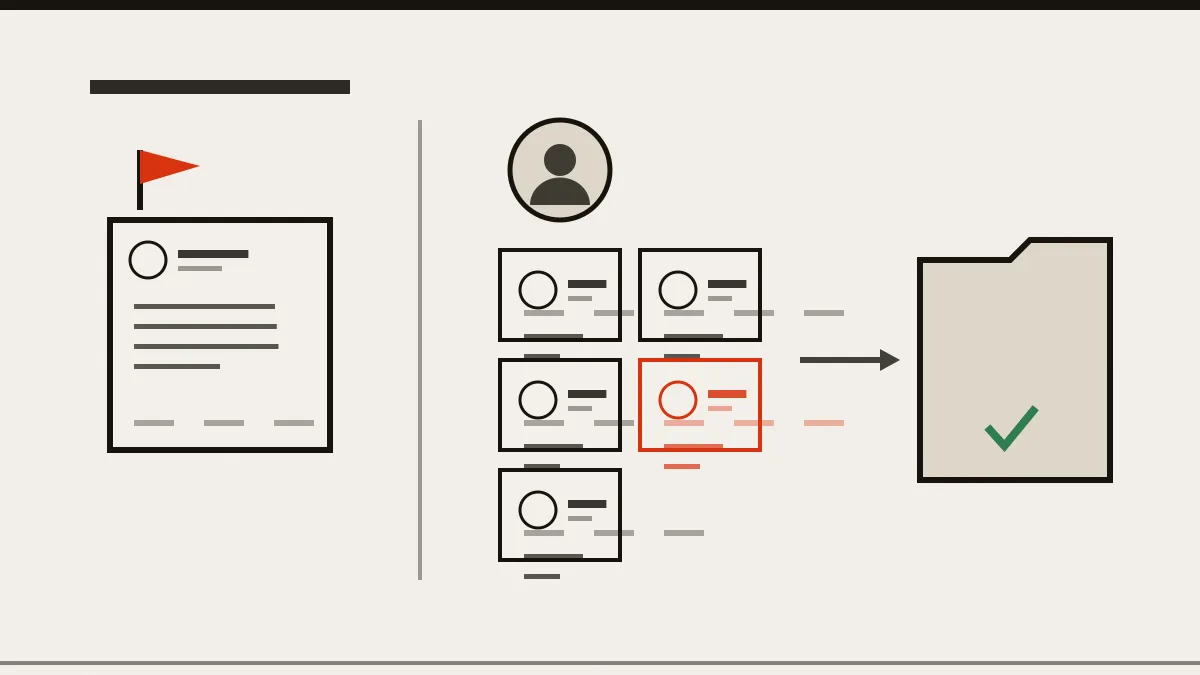
Channels are accounts with an audience, and the reviewer reads them that way. To report a YouTube channel, go to the channel, open About, tap the flag and choose Report user; the categories there are about the channel as a whole (impersonation, harmful channel, spam), while single videos keep their own report under the three dots. When people ask how to report someone's YouTube channel and get nothing back, the usual reason is Google's own line: content that breaks no rule stays up no matter how many reports it gets (YouTube Help). Desktop shows your filings in Report history, which is the closest YouTube comes to telling you anything. If the channel is reposting your work, the copyright form is the faster route, covered in report youtube channel for copyright and in our step-by-step on dmca takedown youtube notices, where a channel with three strikes in ninety days is terminated.
To report Kick channel content, use the Report button on the channel or email the support address on Kick's guidelines page. "Report Kick channel for gambling" is the most common version of this search, and Kick's rule is narrower than many expect. Guideline 11 of the Kick community guidelines (last updated 19 March 2026) allows sponsored gambling only for operators holding a valid licence in the relevant jurisdiction, bans buy-ins using other users' money, including mandatory buy-ins for giveaways, and forbids any involvement of minors. So when you file, say which of those it breaks: an unlicensed casino link, a viewer-funded buy-in, or a stream with an under-18 on camera. "This guy gambles" is not a violation on Kick. For the user-level version, see the report kick user section of our who-may-file briefing.
To report BitChute channel content, use the report form on any video from it or email report@bitchute.com, which also works if you have no account. BitChute told Ofcom in 2023 that reports are reviewed by a person and the reporter is told the outcome "if possible". UK readers should know the video service has been withdrawn in the UK since April 2025, so a channel may be invisible to you and still live elsewhere.
When should an account report go to the police as well?
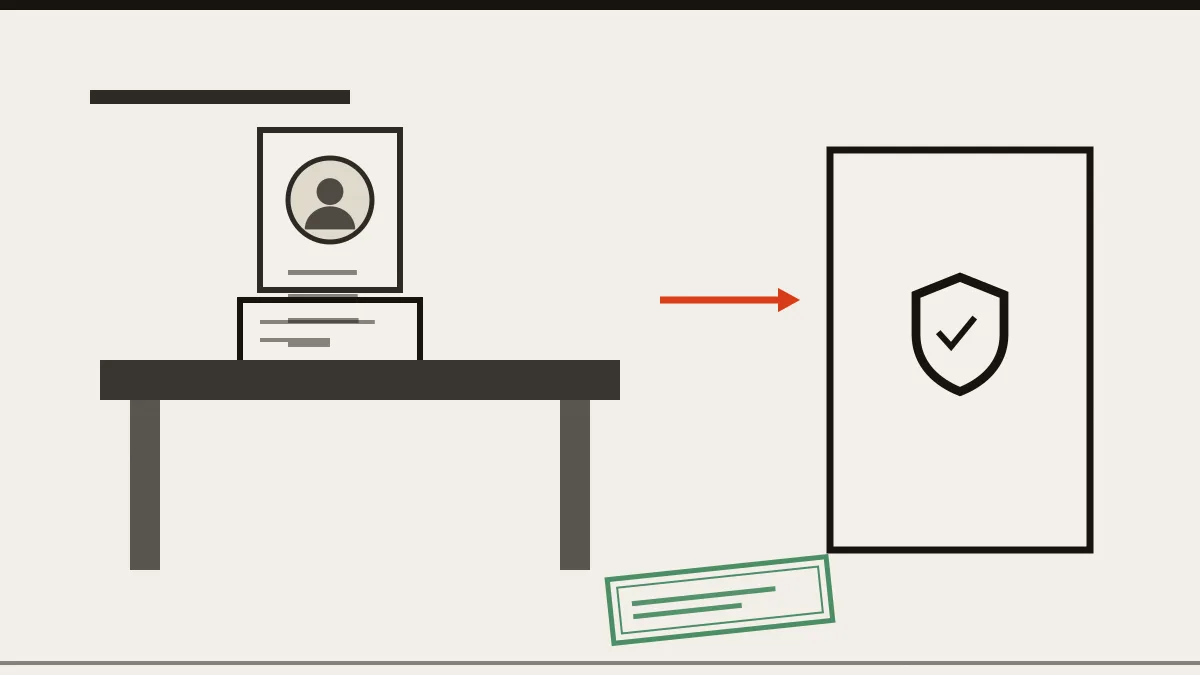
Report the account to the platform and to the police when the account is the tool of a crime: fraud that took money, sextortion, threats to hurt someone, or anything involving a child. The platform can remove the account; only the police can find the person behind it, and they do that by sending the platform a legal order for its records.
Kik is the example people search for. To report Kik account activity in the app, open the chat, tap the person's name and choose Report User, or Report and Block. To report Kik bot account spam, do the same from the chat with the bot. If your search was "report Kik account to FBI", the US routes are IC3 for fraud and extortion, and the NCMEC CyberTipline at report.cybertip.org for anything involving a minor. In the UK, fraud goes to Report Fraud, which replaced Action Fraud, and child exploitation to CEOP. Write down the exact username before you block, because Kik's older law-enforcement guide asked investigators for the exact username and says Kik cannot read message content. Block after you have the name, not before. Platforms keep account records for limited periods, so file the police report early rather than after the account disappears.
One rule we keep to without exception: if the account holds intimate images of you, never send the images to us or to anyone else as proof. Hash-matching services such as StopNCII and Take It Down let platforms find the copies without the pictures leaving your phone.
Quick routes for the searches the table compresses
How to report a Roblox account, a Steam account or a Fortnite account
How to report Roblox account profiles: open the profile, use the three dots at the top right on desktop (or Report Abuse in a mobile browser), choose Report User, then a subject and reason. Roblox's own help warns that a profile report alone does not show moderators what the person did, so report the chat line or the experience as well. How to report Steam account profiles works the same way through the "..." menu and Report Player; reports from community or unsecured servers go to that server's admin, not Valve. To report a Fortnite account, open the player's profile from Recently Played or the voice list, then More options and Report. The search "report Fortnite account for cheating" has one extra answer: pick the cheating reason during or straight after the match, because Epic says only that a report "may help" and fresh match data is what its anti-cheat compares.
How to report a Threads account
How to report Threads account profiles: open the profile, tap the three dots, choose Report and pick the reason. If the profile is copying you, Instagram's impersonation form covers Threads profiles too, and our threads impersonation report notes set it beside the X and YouTube versions.
Report a Bluesky account, a Hinge profile or a GitHub account
To report a Bluesky account, use the report option in the profile menu and pick the account-level reason; Bluesky handles it in its Ozone moderation tool, which can label the whole account, suspend it or take it down. Its 2025 transparency report counted 9.97 million user reports from 1.24 million reporters (Bluesky, January 2026), and its guidelines ban bad-faith mass reporting. For a cloned profile there, see how to report bluesky account for impersonation across three desks.
To report a Hinge profile you were matched with, report it from the match; if you already unmatched, open the Safety Center and Past Matches, which lists the last 30 days, but only accounts still active where at least one message was exchanged. Anyone outside that list goes to Hinge's help-centre form.
To report GitHub account abuse, open the profile, use Block or Report in the left sidebar, then Report abuse. That form reaches GitHub Support. If the account is publishing your code, a github dmca takedown service is the wrong spend: the notice form is free and GitHub publishes it.
Report a Bandcamp account, itch io report account and report a Fandom page
These three have no clean account button. To report Bandcamp account pages for anything other than copyright, email Bandcamp support with the page URL; copyright goes to copyright@bandcamp.com, as our guide to the file dmca takedown bandcamp route shows. For an itch io report account request, use the Report link at the foot of one of the creator's pages, then email support naming the account, which is the same path we describe for how to report a game on itch.io. To report Fandom page edits or a user, start with that wiki's own admins; slurs, spam, sockpuppets and admin abuse go to Fandom staff through Special:Contact, and cross-wiki vandalism to the volunteer SOAP team.
What happens to the reported account, and can it come back?
Most account reports end in one of four places: nothing, a limit, a suspension with a clock, or a permanent removal. Only the person who owns the account normally learns which. The reporter, in most of the services above, hears nothing.
Appeals belong to the account holder, and the routes differ sharply. A Kick account ban is appealed by emailing Kick support to ask for a shorter suspension or reactivation; there is no form. A LinkedIn profile ban, which LinkedIn calls a restriction, usually clears through on-screen prompts at the next sign-in, often an ID check. On Mastodon, since version 3.5, the affected user gets an email and can file one appeal within 20 days. To reinstate banned PSN account access, Sony accepts appeals at playstation.com/appeals only for a permanent Code of Conduct suspension issued in the last six months and never appealed before; temporary suspensions cannot be appealed at all, and a suspension for an unpaid balance lifts when the debt is paid. Steam's VAC bans are permanent and Steam Support cannot remove them, whoever was using the account at the time.
That asymmetry matters if you are on the receiving end. If your own account was banned after what looks like a wave of reports, the appeal is judged on what the account actually did, not on how many people pressed the button. If you are the reporter, it means the person may be back within days on a temporary suspension, and the honest move then is the fourth charge from earlier: report the new account and name the old one.
Does multi-account reporting work, or a paid service that will report accounts for you?
No, not in the way it is sold. Multi-account reporting means several accounts, often bought or borrowed, all reporting one target. Every service in this briefing that publishes anything on the point says volume does not decide the outcome: YouTube says reports do not change the result for content within its rules, Twitch says repeated reporting does not speed things up, Grindr and PlayStation say false reporting can get the reporter suspended, and Bluesky bans coordinated bad-faith reports outright. Its 2025 report quotes campaigns that try to "weaponize our moderation systems".
What a pile of reports can do is put the account in front of a person sooner. The person then applies the same rule they would apply to one report. If the account breaks a rule, one clear report with evidence was enough. If it does not, three hundred reports from fresh accounts look like what they are, and the reporting accounts are the ones that get flagged. That is the whole trick, it costs nothing, and no seller can do it faster than you. We have taken apart the paid versions before: what does mass reporting work on twitter actually buys, how sellers promise how to get someone permanently banned on tiktok and what the platform's desk sees instead, and why the answer to if you report someone on telegram will they know is the same silence everywhere.
What can't an account report remove, and what won't we do?
An account report reaches accounts that break the service's own rules. It does not reach an account that is rude, critical or unfair but within those rules, and it never reaches truthful reporting about you, public records, or an honest negative opinion. Those can sometimes be pushed down in search, which is suppression, but they cannot be lawfully removed, and a report or notice that pretends otherwise tends to draw more attention to the very thing you wanted gone. If the account is a journalist's or a critic's and what it says about you is true or is plainly opinion, our answer is that it stays, and we will tell you so before you spend anything. The work then is about what ranks next to it on your name in search, not about the account itself.
So, plainly: we never file false reports, never run report farms, never forge a copyright or legal notice to get an account taken down, and never ask for anyone's password, including yours. Our disclaimer sets out the limits in full. What we do is read the account the way the platform's reviewer will, pick the charge that genuinely applies, assemble the evidence once, and file it through the right door, including the police door when there is one.
If an account is impersonating you, stalking you, or was taken from you and you are not sure which door it belongs behind, send us the link for a confidential review. We tell you which charge fits, which route we would use and what it costs before anything is filed, and if a report cannot help, we say so.
Our team's background in platform policy and search is on the about page.