A Grindr catfish report has no catfish button: the seven labels
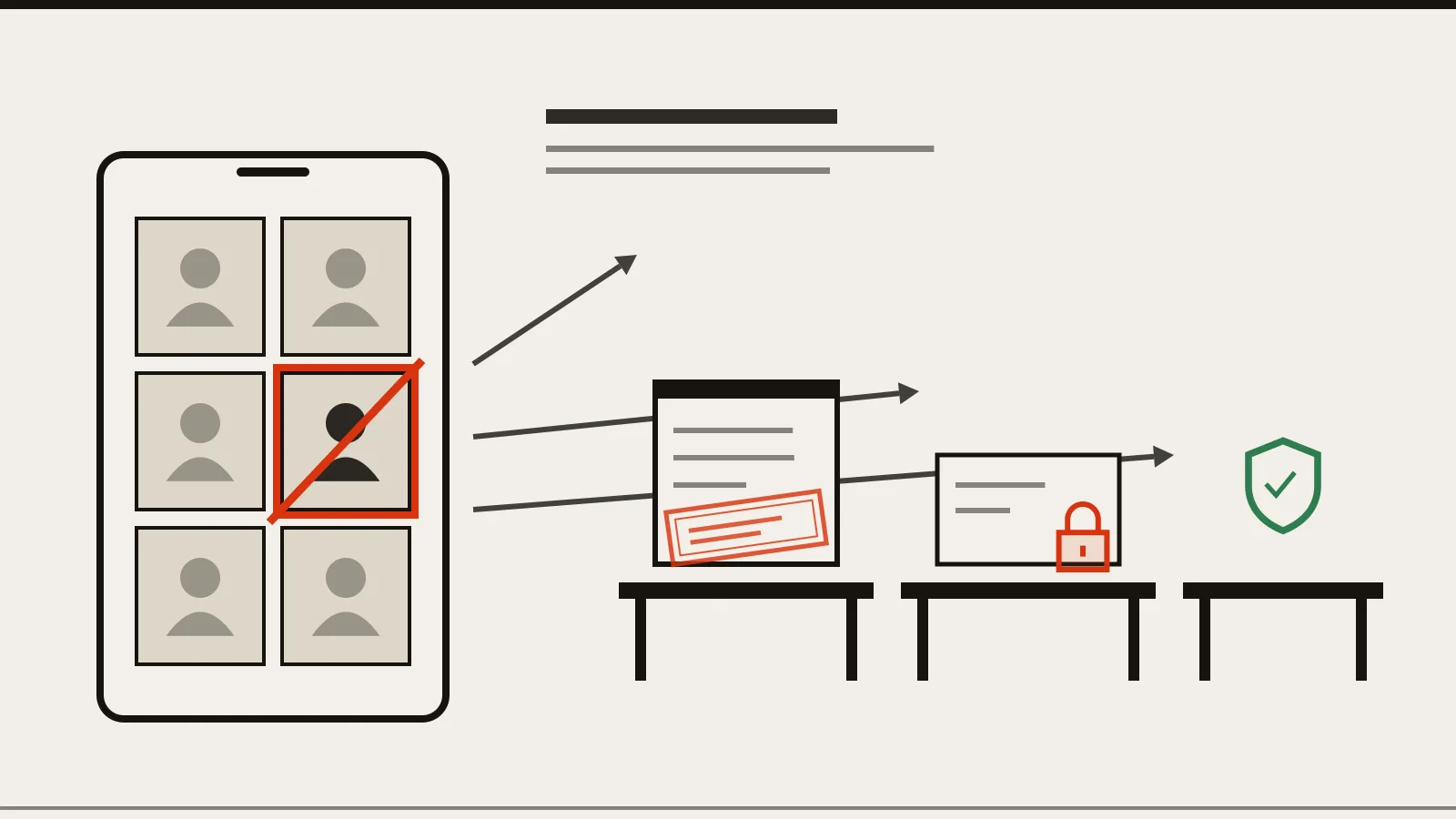
People arrive at this page having typed "grindr catfish report" or "grindr report catfish" into a search bar, expecting to find a button with that word on it. There isn't one. Grindr's help article on blocking and reporting profiles, which we read on 11 October 2026, lists seven report categories: "Illegal Activity", "Spam", "Harassment or Bullying", "Hate Speech/Discrimination", "Nudity or Pornography", "Underage" and "Impersonation". No label says catfish. None says fake profile, and none says scam. So every Grindr catfish report is really a translation job: you decide which of the seven labels describes what the profile did, because the reviewer reads your report against that label and nothing else. A profile wearing your photos is Impersonation. A profile wearing a stranger's photos to get money out of you is something different, and filing it as Impersonation can stall, since you are not the person being copied and cannot prove who is.
That is the whole trick.
Here is how we sort the cases when someone brings one to us. The left column is what happened; the other two are what we would select on Grindr's form. The label choices for money scams are our reading of the list, not an instruction Grindr publishes.
| What the profile did | Label to pick | "Where it occurred" |
|---|---|---|
| Uses your photos or name | Impersonation | Profile Photo, Profile Information |
| Uses a stranger's or stock photos, no money asked | Spam | Profile Photo |
| Asked for money, gift cards or crypto | Illegal Activity | Chat Message |
| Threatens to expose you unless you pay | Illegal Activity | Chat Message, Album content |
| Pushes links to another app or site | Spam | Chat Message |
| Looks under 18 | Underage | Profile Information |
After the label, the form asks where the problem occurred, and you can select all that apply: "Profile Photo", "Profile Information", "Chat Message" or "Album content". That second screen matters as much as the first. A scam lives in the chat, so tick the chat.
How do you file a Grindr fake profile report, step by step?
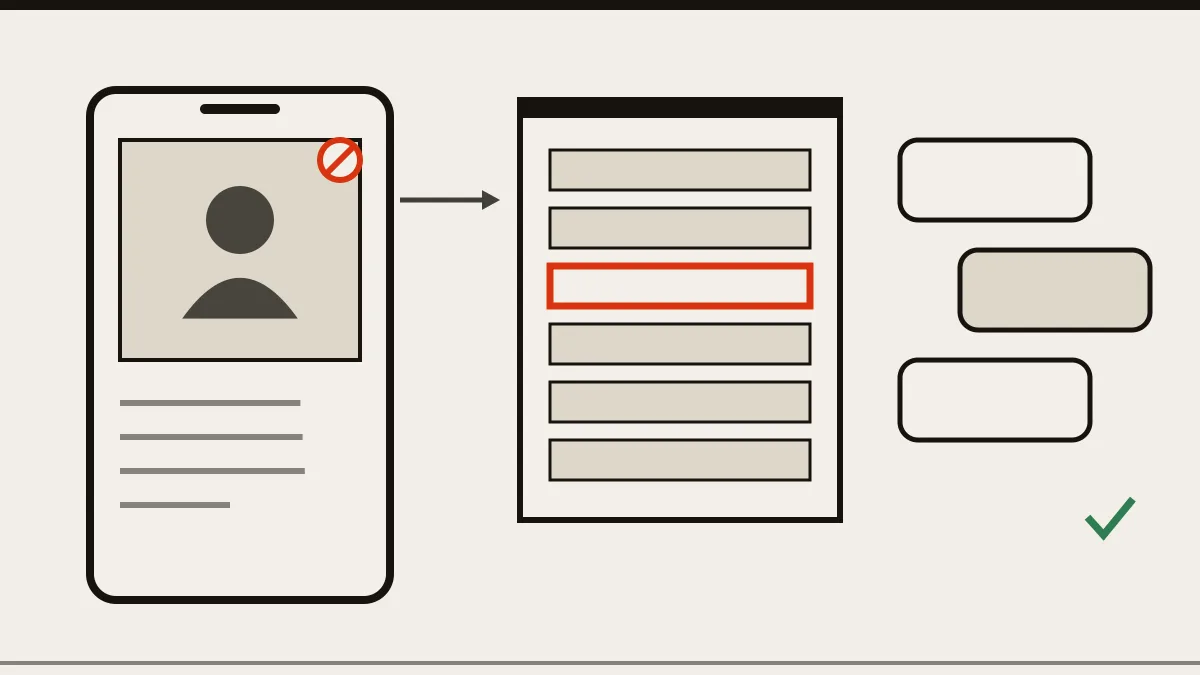
A Grindr fake profile report is filed from inside the profile itself, and the steps below follow Grindr's own wording as of October 2026.
- Open the profile you want to report.
- Tap the block icon in the top-left corner. A small menu appears.
- Choose "Report", then pick one of the seven categories and tap "Next".
- Fill in "Tell Us What Happened". Write what a stranger would need to know in three or four plain sentences.
- Select where it occurred, review the report and tap "Submit".
Two details catch people out. First, Grindr says plainly that "reporting a profile does not block it", so block the profile separately once the report has gone. Second, the form may offer to attach "your last 30 chats" with that profile. Say yes if the chat holds the evidence. If you block and delete first, the conversation that proves the scam may no longer be there to attach, which is why we tell clients to report first and block second.
Grindr moderation report fake profile: what the reviewer actually sees
Searches for "grindr moderation report fake profile" usually come from people who filed once and heard nothing. Grindr's page on how it moderates content and profiles describes a mix of automated systems and human reviewers, and a ladder of outcomes: a warning, removal of content, a "temporary suspension", then a "profile ban". It adds that Grindr "may also take action to prevent future profiles from being created", which is the nearest the page comes to describing a ban that follows the person and not just the account. The reviewer sees your category, your description, the parts of the profile you ticked and any chats you attached. They do not see your certainty. A report that says "this is fake" gives them nothing to check; a report that says "the second and third photos are mine, taken in Leeds in 2024, and here is my own profile" gives them a comparison they can make in a minute. The only feedback the help centre documents is the thank-you screen after you submit, so do not read silence as a refusal.
Grindr report fake profile from outside the app
What if you are not on Grindr at all? This is the common case for impersonation: a friend sends a screenshot of a profile with your face on it. The same help article says, "If you're not currently using the app, click here to report an issue via email instead", and links to a request form on help.grindr.com. We did not find a published list of what that form requires, so treat the following as our practice, not Grindr's rule. A Grindr profile has no public web address you can paste into a form. Send the screenshots your friend took, the display name and age shown, the city and date where the profile was seen, and a photo of yourself for comparison. Without those, a reviewer has no way of finding the profile among millions.
Grindr impersonation: what happens to the copy after the report?
Grindr impersonation is the one category where the platform publishes what comes next. Its page on verifying your identity says that an account reported for impersonation is suspended until its owner proves they are the person in the photos, by sending a selfie holding a piece of paper that shows the account's email address or device ID. A catfish cannot produce that picture. The real owner of the face can, and it means a Grindr impersonation report does not need you to win an argument. It only needs to be credible enough to trigger the check. Grindr also says it "will not share details of reports" that may reveal who reported a profile, so the person behind the copy is not told it was you. If your own genuine account is ever caught by this, the same page links the verification form, and bans in general go through the appeal form at web.grindr.com/ban-appeal, read by a team member "not involved in the initial decision".
So far, so good. But a Grindr impersonation takedown removes one profile on one app, and impersonators rarely stop at one. In our files the same stolen photo set usually turns up in two or three other places within a fortnight, and each needs its own report in that platform's own language:
- On Instagram there is still no single "fake" option, as our Instagram fake account report briefing explains, and the right form depends on the account type, covered in how to report an Instagram account.
- Facebook treats a copied personal profile and a copied Page differently; see report fake Facebook account for who has to sign.
- TikTok wants proof of the copy side by side, set out in how to report a fake TikTok account.
- X runs a dedicated form, walked through in report impersonation on X, and Snapchat's route is in how to report someone on Snapchat.
One legal hook is worth knowing. If the catfish is using selfies you took yourself, you own the copyright in them, and a copyright notice is treated far more strictly than a community report. Where the pictures are intimate, or have been altered into something you never posed for, the route changes again: that is a deepfake takedown request, and we triage those urgently and free of charge without ever asking you to send the images.
Grindr report scammer: the sugar daddy scam and where the money went
The phrase "grindr report scammer" hides two jobs. One is getting the profile banned. The other is getting your money back, and Grindr can only do the first. Its own scam awareness guide names nine patterns, among them the "Romance scam or 'Lonely heart scam'", the "Sugar daddy scam", the "Sextortion / Blackmail scam", "Investment Scams" and the "Pay-Before-You-Meet scam", and gives one blunt rule: "Never send anyone money, for any reason." The guide also explains why scammers push you to another messenger so quickly. They move off the app "because they know they will get banned here quickly". For the same reason, file your Grindr scammer report before you follow them anywhere, while the conversation still sits inside Grindr where it can be attached. If the chat has already moved to Telegram, that half of the evidence belongs in a separate filing, and our note on how to report scam on Telegram covers it.
Grindr sugar daddy scam report: a worked example
The sugar daddy version runs to a script. A generous older man offers an allowance, then needs a small "verification" payment first, or sends a cheque that later bounces and asks for part of it back. Grindr's guide says this scam typically uses Cash App, Venmo or cheques. A good Grindr sugar daddy scam report therefore picks "Illegal Activity", ticks "Chat Message", attaches the last 30 chats and quotes the payment handle he gave you in the description box. That handle is the most useful line you will write, because it is the one detail that also means something to the payment company.
Lost money to a profile that has now vanished? Send us the screenshots and the payment reference through a confidential review. We will tell you which desks can still act and which cannot, before any fee is discussed.
How to report a Cash App scammer, a Zelle scam or a Venmo account
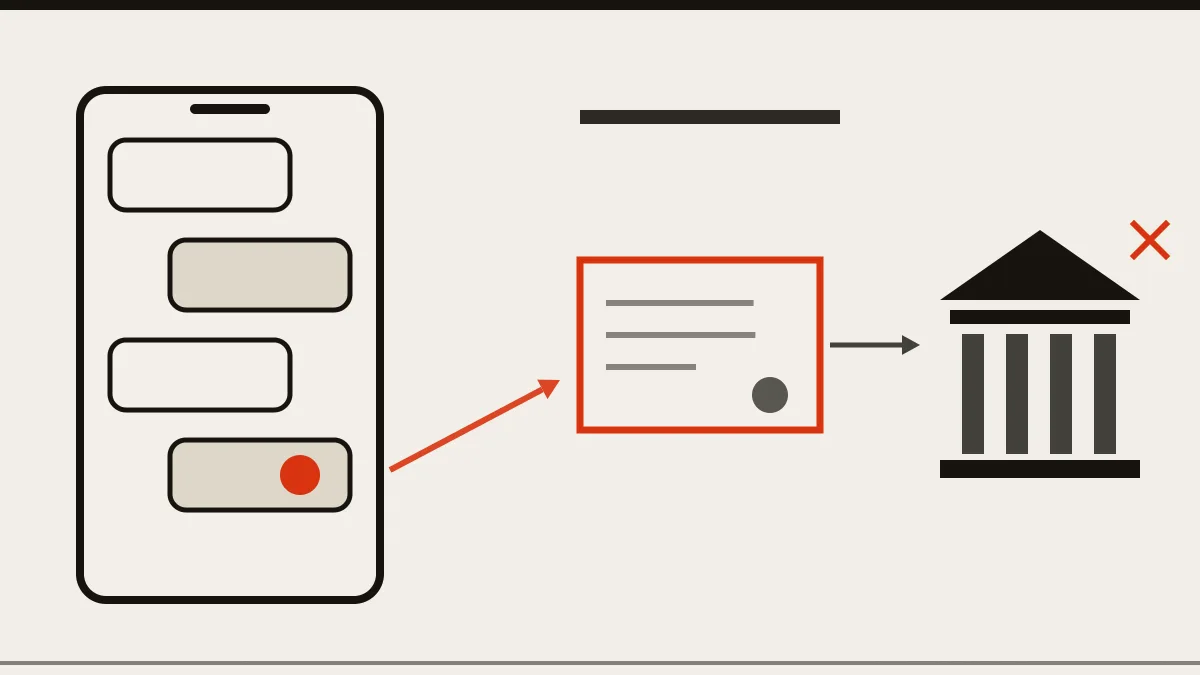
Once money has moved, the dating app is no longer the desk that matters. Each payment service has its own route, and each is short.
How to report a Cash App scammer: Cash App's help page on scams describes two reports. For the payment, open your profile icon, then Support, then "Report a Payment Issue", and select the payment. For the person, scroll to the bottom of their profile and tap "Report" or "Block". A payment still showing as pending may have a cancel option in your activity feed, so look there first.
"How do I report a Zelle scam?" has a less satisfying answer, because Zelle is usually a feature inside your bank's app and not a separate company you deal with. If you enrolled through a bank or credit union, you report to that bank, by phone, the same day. Zelle's own support pages say participating banks must reimburse "qualifying imposter scams", and each bank decides what qualifies. Ask the bank that exact question, in those words.
As for how to get Venmo scammer banned, you cannot do it yourself, and Venmo will not tell you whether it has. Its help centre routes scam payments to its support contact form or the in-app chat, says it cannot share another user's account information, and tells victims to file a police report so that law enforcement can contact Venmo directly. The report is still worth making. A payment account with several fraud reports against it is far more likely to be closed than one with none.
Is a Hinge fake profile report any different from a Hinge romance scam report?
On Hinge the button is the same and the evidence is different. Hinge's help article on how to report someone gives the route: view the profile, "Tap the three dots in the top right corner", choose Report and tap a reason. The profile then disappears from your view, and Hinge calls reporting "a confidential and permanent action". A Hinge fake profile report is about the profile: stolen photos, an invented job, a face that does not match the video call. A Hinge romance scam report is about conduct over weeks, and the proof is the request for money, which often arrives only after the conversation has moved to WhatsApp or Signal. That is the awkward part. Hinge can see what was said on Hinge and nothing else, so screenshot the off-app request and describe it in the report text, with the date and the amount asked for.
Hinge also takes reports from people who are not members. Its page on impersonation or fake profiles sends you to the Submit a Request form, under "Safety and Reporting", and asks for the reason, the exact name, age, bio and photos of the profile as screenshots, plus a location, phone number or email if you have one. You may file for somebody else if you are "authorized to act on their behalf, like a parent or legal representative".
How to report a dating scammer in general follows from all this. Report inside the app first, while the chat exists. Report the payment to whoever moved the money. Then report the crime: in England, Wales and Northern Ireland that is Report Fraud, which replaced Action Fraud in December 2025, and in the United States it is the FTC and the FBI's IC3. The scale is not small. The FTC's consumer alert of 7 May 2026 said reported romance scam losses rose 22% in 2025, at about $2,020 per person.
Three reports, then. Not one.
How to report a fake profile, a scam payment or a scam website everywhere else
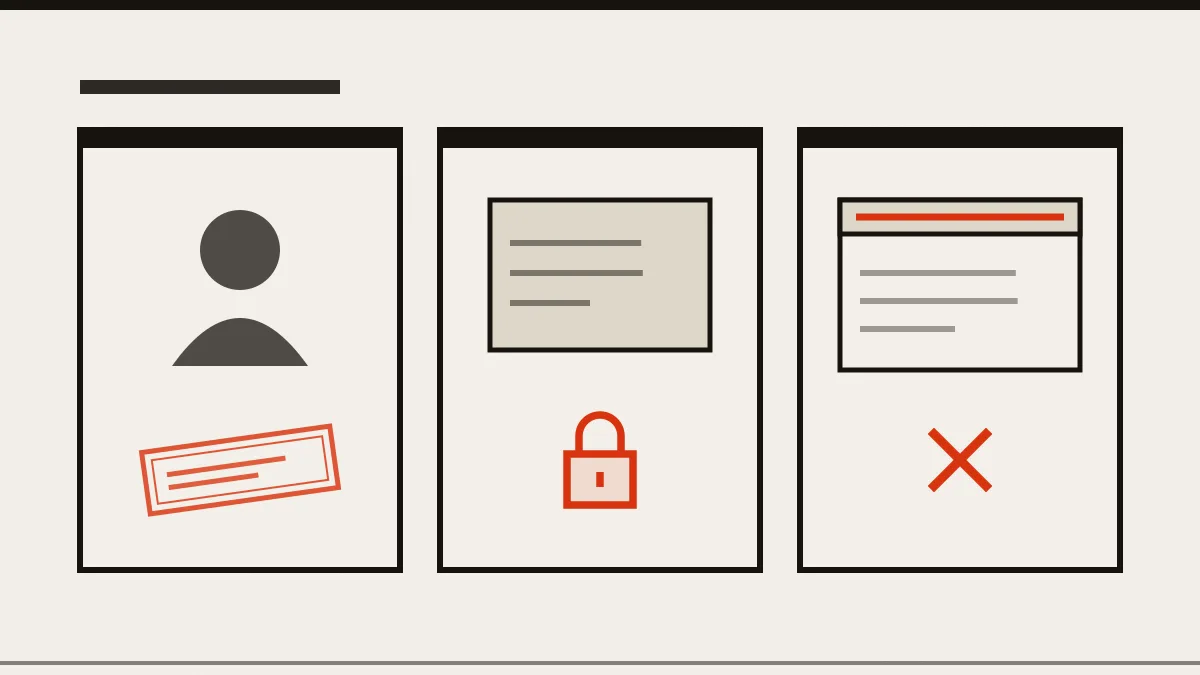
How to report a fake profile depends less on the platform than on what the profile is attached to. Across the services people ask us about most, the report lands on one of three things: an identity (a profile pretending to be someone), a transaction (money or goods that moved through the service), or a location (a website, an advert or an app listing). Identity reports are judged against impersonation rules and can end in a ban. Transaction reports are judged against buyer-protection terms and can end in a refund, but only if you paid through the service. Location reports go to whoever hosts the thing. The table gives the entry point for each service, checked against the platforms' own pages in October 2026, and the last column says what that desk can actually do for you. Where we could not confirm a detail on an official page, we have left it out.
| Service | Where the report starts | What that desk can do |
|---|---|---|
| More, then "Report / Block" on the profile | Restrict or remove the profile | |
| Gmail | Gmail abuse form, with full headers | Act on the account; no mediation |
| Discord | Report on the message itself | Remove content, ban the account |
| Signal | "Report Spam and Block" on the request | Flag the number; cannot read chats |
| Fiverr | Report on the message or Gig | Trust and Safety review |
| eBay | Report the seller; open a case on the order | Refund under Money Back Guarantee |
| Vinted | Three-dot icon on the profile, "Report" | Remove listing, warn or ban |
| Depop | Report on the profile or listing | Review the seller's account |
| Poshmark | Report from the seller's closet | Review the seller's account |
| Apple | reportaproblem.apple.com | Refund; review the app |
| Scam advert | The ad's own menu; ASA in the UK | Remove the ad, alert platforms |
| Crypto scammer | IC3, FTC, SEC; Report Fraud in the UK | Record, investigate, warn |
| Crypto scam site | Registrar, host, Safe Browsing | Suspend or flag the site |
How to report a fake profile on LinkedIn, and a Gmail account using your name
How to report a fake profile on LinkedIn is documented click by click on LinkedIn's help page for reporting fake profiles. Open the profile, click More, choose "Report / Block", then "Report [name] or entire account". Two reasons follow: "This person is impersonating someone" and "This account is not a real person". Pick the first if the profile copies you, the second if it is a made-up recruiter. LinkedIn adds that "Reported members won't know who made the report." That is also the honest answer to how to remove someone impersonating me on LinkedIn: you cannot remove it, you can only report it under the impersonation reason and show LinkedIn your real profile. If you have no LinkedIn account, the help centre's contact route is the way in, and we could not confirm on LinkedIn's own pages what it asks for.
How to report a Gmail account impersonation is harder, and Google says so. Its help article on the subject states that "Gmail is unable to participate in mediations involving third parties regarding impersonation", and points victims to IC3 and their consumer protection office. What remains is the Gmail abuse form, which wants the original email headers and one report per account. Google can close an address that breaks its rules. It will not hand the address over to you or tell you who was behind it.
How to report a scammer on Discord, Signal or Fiverr
How to report a scammer on Discord starts from a message, not a person: report the message that contains the scam, in the server or the DM where it was sent, because Discord's reviewers act on content they can see. Signal is the opposite case. How to report a scam on Signal comes down to one button, "Report Spam and Block", on the message request. Signal cannot read your chats, so by its own description of the feature the report passes on the sender's number and a one-time message ID, not what was said. It protects the next person. It recovers nothing.
How to report a scammer on Fiverr depends on whether an order exists. Fiverr's help centre says reports on messages and Gigs go to Trust and Safety for manual review, that the reporting tools "cannot be used for order disputes", and that Fiverr "cannot intervene or protect users conducting business outside the platform". A seller who asks you to pay by bank transfer is asking you to give that protection up.
How to report a scam seller on eBay, and a scam on Vinted, Depop or Poshmark
The four resale marketplaces share one rule: the refund lives in the order, the ban lives in the report, and you want both. How to report a scam seller on eBay means reporting the seller from the listing or their profile and, separately, opening a case on the order; eBay's Money Back Guarantee runs for 30 calendar days from the actual or latest estimated delivery date. How to report a scam on Vinted is set out in Vinted's guide to reporting: open the member's profile, tap the three-dot icon, choose "Report", pick a reason and submit. Vinted says "You must be logged in to use each of these reporting methods (except when reporting ads)", and that the decision arrives in your Vinted inbox with a link to appeal.
How to report a scammer on Depop and how to report a scam on Poshmark follow the same shape: use the report option on the seller's profile, closet or listing, and raise the order problem through the app's own purchase protection inside its deadline. Paid outside the app? Then the marketplace has nothing to refund, and the payment route in the section above is the one that counts. Sellers who trade through social storefronts raise their own questions, and we cover Facebook Marketplace report scammer cases and how to report a TikTok Shop seller in separate briefings, along with how to report a scammer on TikTok when the account trades on your name.
How to report a scam app to Apple, or a scam ad
How to report a scam app to Apple: go to reportaproblem.apple.com, sign in, find the purchase and choose the scam or fraud option from the menu; that is also where a refund request is made. If the app copies your brand, a report is the wrong tool and an Apple App Store takedown request through Apple's legal channel is the right one. Our piece on app store impersonation removal compares the stores.
How to report a scam ad depends on where you saw it. On Google, the three-dot or information icon on the advert opens a report, and Google confirms by email. In the UK there is a second door, the Advertising Standards Authority's Scam Ad Alert form, which covers paid-for search ads, ads on newspaper websites and paid ads on social media, games or apps. The ASA passes obvious scams to the platforms and ad networks so the same advert can be pulled elsewhere.
How to report a crypto scammer, and how to report a crypto scam website
How to report a crypto scammer is a records exercise. No platform can reverse a blockchain transfer, so the report that matters goes to investigators. The FBI's IC3 guidance on cryptocurrency fraud asks for the wallet addresses, the amount and type of cryptocurrency, the date and time, and the transaction ID, which is the hash. Investment-style frauds can also go to the SEC's tips form, and UK victims should use Report Fraud. Keep the hash. It is the only identifier that never changes.
How to report a crypto scam website is a different filing, because a site has switches a wallet does not. The registrar can suspend the domain, the host can remove the pages, and Google's Safe Browsing report form can put a red warning in front of it. Our briefing on a phishing site takedown service lists those switches in order, and the comparison of a domain and website takedown service explains who can pull which one.
What a report cannot do, and who not to pay
A report asks a platform to apply its own rules to something it can see. It does not delete a person from the internet, it does not recover money, and it does not work by volume. We say this because the market around reporting is full of people selling the opposite. If a profile is genuine and its owner simply said something unkind about you, no label on any form fits, and filing one anyway is a false report. True statements, lawful opinion and accurate public records cannot be removed by the routes on this page; at best they can be pushed down in search results, and we will tell you plainly when that is the only option. We never forge notices, never file under someone else's name, never ask for your password and never promise a removal we cannot see a rule for. Our disclaimer sets those limits out in full.
Anyone who offers to ban a Grindr account for a fee by sending hundreds of reports is describing a scam, and often a second scam aimed at people who have just been through a first.
The products change name by platform, but the pitch does not. We tested the claims behind Instagram report apps, behind the Telegram report bot storefronts and behind the TikTok report bot listings, and found the same thing each time: platforms count valid reports, not loud ones.
What does help is boring. Keep one file with every screenshot, handle, date and payment reference, because the fifth desk will ask for exactly what the first one did. Our note on how to report Twitter account abuse shows that case-file method on one platform, and the piece on who can ban a Facebook account shows why knowing the decision-maker saves weeks. When we file these for clients, the dating app is usually the quickest desk and the bank the slowest. Plan for that, and start with the report that depends on evidence most likely to disappear.