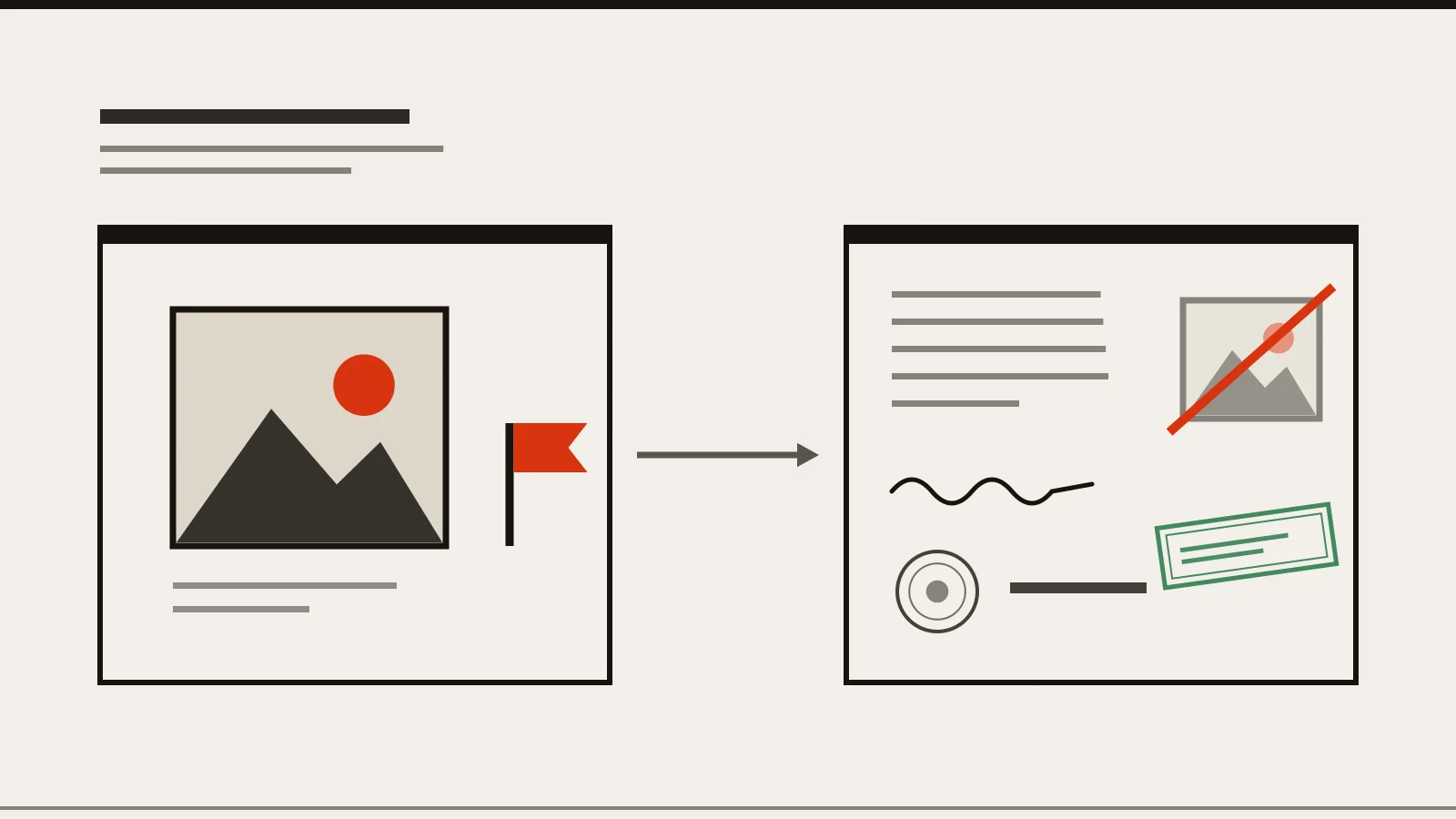
Flag or signed notice: which report are you sending?
The usual advice for stolen art is to get everyone to report it. Twenty fans, forty flags, and the thief's page falls over. It does not work that way. On the two sites this briefing starts with, it cannot.
Platforms accept two instruments that look alike only from the outside. The first is a flag, the in-app report anyone can press. A flag says "this breaks your rules". It is normally anonymous to the person reported, it asks for a reason from a menu, and the platform owes you nothing in return, sometimes not even a reply. The second is a signed notice: a copyright or trade mark complaint carrying a name, contact details and a statement made under penalty of perjury. Only the owner of the right, or somebody the owner has authorised, may send one. A platform has a legal reason to act on it promptly, because under laws such as the US Digital Millennium Copyright Act that is how a host keeps its own shelter from liability. The price is exposure, since a notice passes more of your details to the other side than a flag ever would.
| Flag | Signed notice | |
|---|---|---|
| Who can send it | Anyone, often members only | The rights owner or an authorised agent |
| What it says | This breaks your rules | This is mine and I did not permit it |
| What you give | A reason from a menu | Name, contact details, signature |
| What the other side learns | Usually nothing about you | Often your name, sometimes more |
| Fits | Users, bots, raids, sellers, cheats | Stolen art, stolen games, copied apps |
Stolen art is notice work. A Discord raider, a Kik spam bot and a pushy Vinted seller are flag work. Counterfeits straddle the line: the buyer flags, the brand owner files.
The split is the same on the large networks. Our guide on how to report stolen content on Instagram shows Meta's copyright form turning away anyone but the owner, and a Reddit copyright takedown goes to Reddit's own legal desk, not to a subreddit's moderators.
Everything below was checked against the platforms' own pages on 13 October 2026. Where a page would not load, we say so and do not guess.
How to report stolen art on DeviantArt
Begin by working out which person you are, the artist or a bystander.
If the art is yours
DeviantArt's copyright policy gives the owner two ways in, and both end in the same signed notice.
- Collect two addresses: the page showing the copy, and a page showing your original with its earlier date. Your own gallery, a portfolio site or a dated post will do.
- While signed in, open the DMCA form on DeviantArt's contact page. The form needs an account.
- No account? The policy also accepts a written notice, sent as a PDF to violations@deviantart.com and addressed to its designated agent.
- Identify your work, list every infringing address, give your name and contact details, and include the two statements a DMCA notice requires: good-faith belief, and accuracy under penalty of perjury. Sign it.
- Keep a dated copy of what you sent.
A valid notice can do more than remove one picture. At our last full read of the policy, on 8 October 2026, DeviantArt treated three strikes as the mark of a repeat infringer and said that passing off another person's work as your own is grounds for an immediate ban. Art thieves rarely stop at one upload, so list every copy in the gallery and not only the one you found first. DeviantArt also runs a matching tool called Protect. Its team journal announcing the tool describes it as alerting the artist to a likely match and leaving the decision to file with them. That is the same division of labour again: software and strangers may spot a copy, but the owner signs. We set the fields of the DeviantArt DMCA takedown form beside sixteen other platforms' forms in a separate directory.
When we file these for illustrators, the notices that stall are rarely wrong on the law. They stall at step one. The "original" link points to a social post dated after the copy, or the list of addresses mixes true re-uploads with pieces that only resemble the artist's style. Style is not protected by copyright. A traced, cropped or re-uploaded file is. You can read who does this work on our about page.
If the art is someone else's
A fan who spots a theft has less power than the advice threads suggest. DeviantArt's help centre would not load for us on 13 October 2026, so we are not going to quote the labels in its on-page report menu. The copyright policy settles the point that matters anyway: a copyright complaint has to come from the owner or an authorised agent, so a stranger's report cannot stand in for the artist's notice.
Send the artist both links, the copy and the original, and let them file. That message is worth more than fifty flags.
How to report stolen art on Redbubble
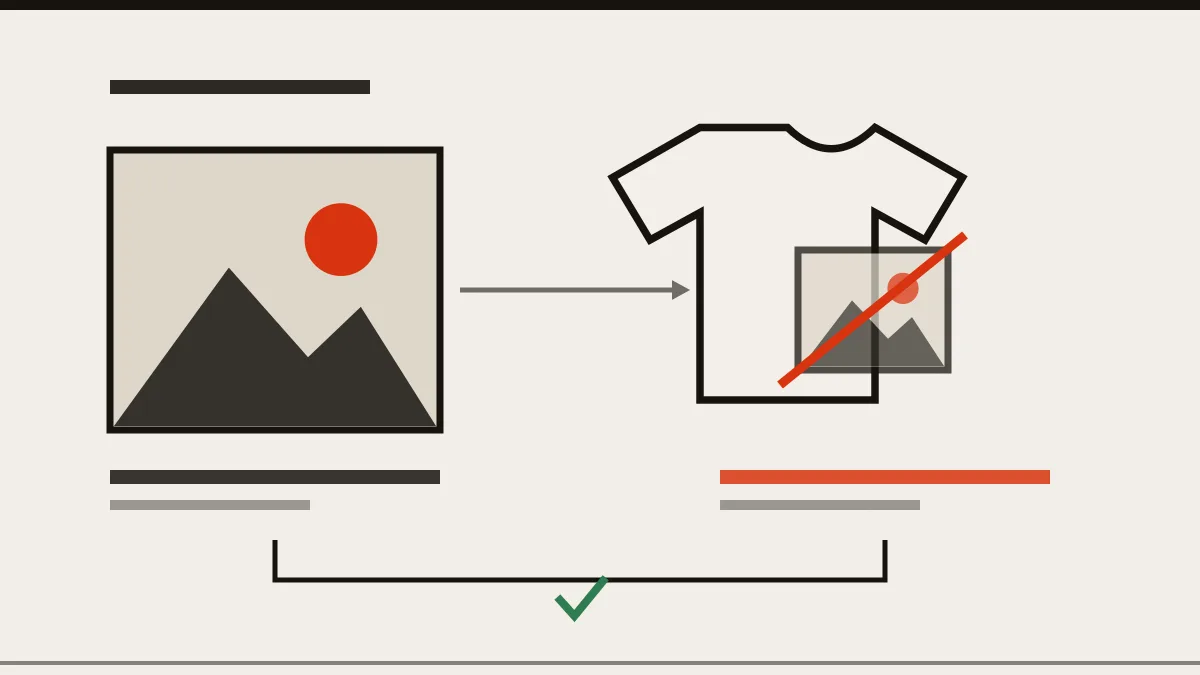
Redbubble sells the copy, which raises the stakes. A stolen design here earns its uploader money on every shirt and sticker.
The route starts under the product. Redbubble's help article "Reporting a Concern", last updated on 28 August 2024, places a "Report Content" link at the bottom of the product page. To report a concern about stolen artwork a click is not enough, though, because the copyright path leads into a formal notice. Redbubble's IP and publicity rights policy, updated on 21 June 2023, lists what that notice must hold: a signature from the owner or a person authorised to act for the owner, a description of the work infringed, where the content sits on Redbubble, your address, telephone number and email, a statement of good-faith belief and a statement under penalty of perjury. A second help article is blunt with well-meaning fans. It says only the person who holds the intellectual property rights can report, and it asks everyone else not to play "vigilante crime-fighter".
So the practical answer mirrors DeviantArt. If the design is yours, file. If it belongs to an artist you follow, tell them and send the address.
One wrinkle is particular to print shops. A single design appears as a shirt, a sticker, a mug and a phone case, each on its own product page. In the listings we handle, those pages share one work number near the end of the address. Quote that number and list every address you found, so that nothing survives on a technicality.
Remove stolen art from Redbubble: what happens after you file
To remove stolen art from Redbubble you need the notice to be complete. After that, three things can happen.
The work comes down and the seller is told why. The seller may answer with a counter notice, which Redbubble forwards to you along with the seller's contact details; from then you have 14 days to act, a clock we set out in our briefing on Redbubble copyright infringement. Or the seller uploads the design again under a new title, which Redbubble's Community Guidelines, dated 17 August 2026, prohibit. Report a re-upload as a fresh notice and say that it is one.
The policy adds that some works may be removed without any report at all. Do not count on it.
How do you remove stolen art online when it is a game, a film or an app?
The copy seldom stays on one site. An illustrator who finds a print on Redbubble usually finds the same file inside a game on itch.io, as the thumbnail of a video, on an app's splash screen or on a shirt in somebody's independent web shop. To remove stolen art online you send the same signed notice to each shelf the work sits on, and every shelf keeps its own door. Nothing transfers between them: a removal on one platform creates no record on the next, and no platform checks another's decisions. What does transfer is your evidence. The two links, the dated original and a short description of the work can be reused word for word, so prepare them once and keep them in a file. Each shelf also has its own flag, open to anyone, for problems that are not about ownership at all. Four shelves come up most often.
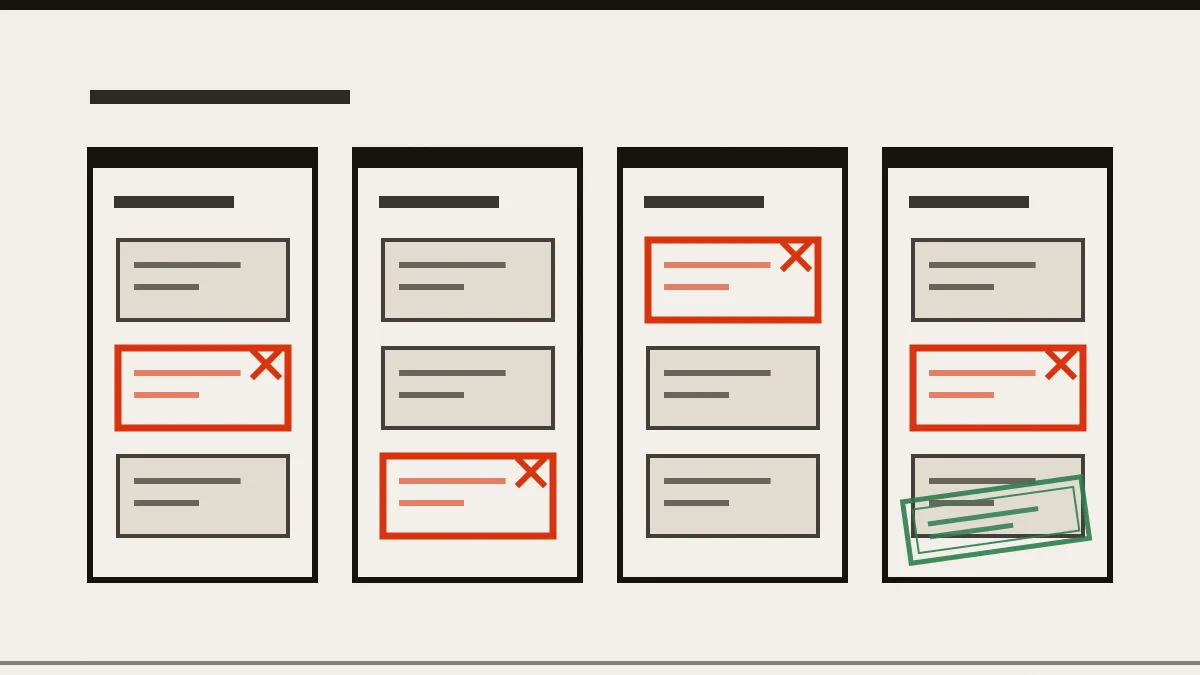
itch.io: remove stolen game uploads or report a creator
Searches such as "itch.io remove stolen game" and "itch.io stolen product report" describe one job with two tools.
The flag first. itch.io's FAQ says every page carries a "Report" link at the bottom, which sends a message straight to the site's admin team, and it names offensive, broken and copyright-infringing pages as the cases the link is for. Anyone can use it to report a game on itch.io. People who search "report a creator itch.io" are looking for a form that does not exist separately: every page has the link, so open the creator's profile and use it there, naming the uploads.
The notice second. If the game, asset pack or soundtrack is yours, the owner's route is a copyright notice emailed to the support address given in itch.io's terms. Know one thing before you send it. itch.io publishes the takedown notices it receives on a public register, and when we read that register on 8 October 2026 each entry showed the filer's name and company, with email and telephone redacted. Some developers file through an authorised agent for that reason. After a counter-notice, the terms allow the content to return in 10 to 14 business days unless you go to court.
Report a violation on Vimeo
Vimeo's help article "Report Abuse and Violations", updated on 29 July 2026, starts with the flag under the video, whose tooltip reads "Report". That is how to report a violation on Vimeo when the problem is a guideline breach. The same article then splits off four forms by the right involved: illegal content, copyright, trade mark and privacy. A re-uploaded film goes to the copyright form, and only its owner can sign. Vimeo counts those notices against the uploader, as we explain in our piece on the Vimeo copyright strike.
Remove counterfeit app listings and report a Chrome extension
A request to remove counterfeit app listings is where the flag and the notice sit closest together. Google's Play Console page of impersonation FAQs sends people who do not own the rights to the ordinary in-store flag. Rights owners are sent to a trade mark form or the copyright troubleshooter, with a warning that a submission through the wrong door may be delayed or not processed. Apple runs its own dispute forms and tends to put you in touch with the developer first, which we describe under Apple App Store takedown request. The scale is real: Apple says it removed about 59,000 apps for bait-and-switch behaviour in 2025 (Apple Newsroom, 20 May 2026).
To report a Chrome extension, open its listing in the Chrome Web Store, look at the bottom left and choose "Flag Issue". Google's help page says you must be signed in, then fill in the form and submit. Copyright and trade mark complaints about an extension leave that form for Google's legal troubleshooter.
Report a Shopify store
Shopify is a host with a shop window. Its Report an issue page offers one option, "Report a merchant", for a store you believe breaks Shopify's policies. Use it to report a Shopify store selling your artwork on prints, and attach the same two links. We could not confirm the form's category list on 13 October 2026.
If the store runs on its own domain, the registrar and any separate host are further doors, and our comparison of a domain takedown and a website takedown service explains which of them holds the switch. Paywalled work that leaks is the same notice once more. The briefing on choosing an OnlyFans DMCA takedown service covers that case.
Marketplace flags: counterfeits, listings and sellers
A counterfeit handbag wrongs two people. The buyer was deceived, and may flag the listing or claim a refund. The brand owns the trade mark, and may file a notice. On eBay that second route is the VeRO programme, open only to rights owners and their authorised representatives. Everything in this section is the first route, the one open to you as a shopper.
Report a listing on eBay, or report a seller to eBay
eBay's help page on reporting content describes the current way to report a listing on eBay: the question mark icon on the listing, or the three dots on mobile, then "Submit report", a content type and a reason. eBay sends a confirmation that the report arrived. Older pages mention a "Report this item" link, which we treat as legacy wording. We read the current page through search extracts on 13 October 2026, because eBay's help site returned an error to a direct request.
To report a seller to eBay, use its seller-issue page, and read the scope first. eBay wants reports about policy breaches: an offer to sell outside eBay, a seller with no intention of completing the sale, abusive messages. An item that never arrived or does not match its description is not a report at all. It is a refund request, and it has a deadline.
Poshmark counterfeit report
A Poshmark counterfeit report is two actions that people merge into one. Poshmark's counterfeit items policy prohibits replicas, and a listing can be flagged from its own page. We could not confirm the exact menu label, since Poshmark's support site would not load on 13 October 2026. If you have already bought the item, the flag does nothing for your money. Open a case from My Purchases within three days of the tracked delivery, the window set by Posh Protect.
Report a member or listing on Vinted
Vinted's help article is titled almost exactly as people search. To report a member or listing on Vinted, it gives three paths. To report a Vinted listing, open the three-dot symbol on the item, which is a flag symbol on desktop, choose "Report", pick a reason and press "Submit". To report a Vinted seller, open the profile and use the three-dot icon at the top right. A single message has its own control, the information icon inside the chat. People without an account can use a reporting form, though they must identify themselves. What sets Vinted apart is the reply. According to its help page, a reporter gets an acknowledgement in the Vinted inbox or by email, then a decision that may be a removal, a warning, a ban or no action, with a link to appeal. The appeal can be made once, within six months. We read the vinted.com version; the UK page was not confirmed.
Report a suspicious seller on OfferUp
To report a suspicious seller on OfferUp, open the listing, tap the profile picture, then the three-dot menu and "Report", and choose a reason. On the web a flag icon sits under the profile picture. A single listing has its own "Report" link below the description.
OfferUp's article on reporting a user is candid about the silence that follows: the reported user is not told, and the reporter receives no status update. Shops inside social apps follow the pattern too, as our guide on how to report a TikTok Shop seller shows.
How to report users on Discord, plus bots, raids and servers
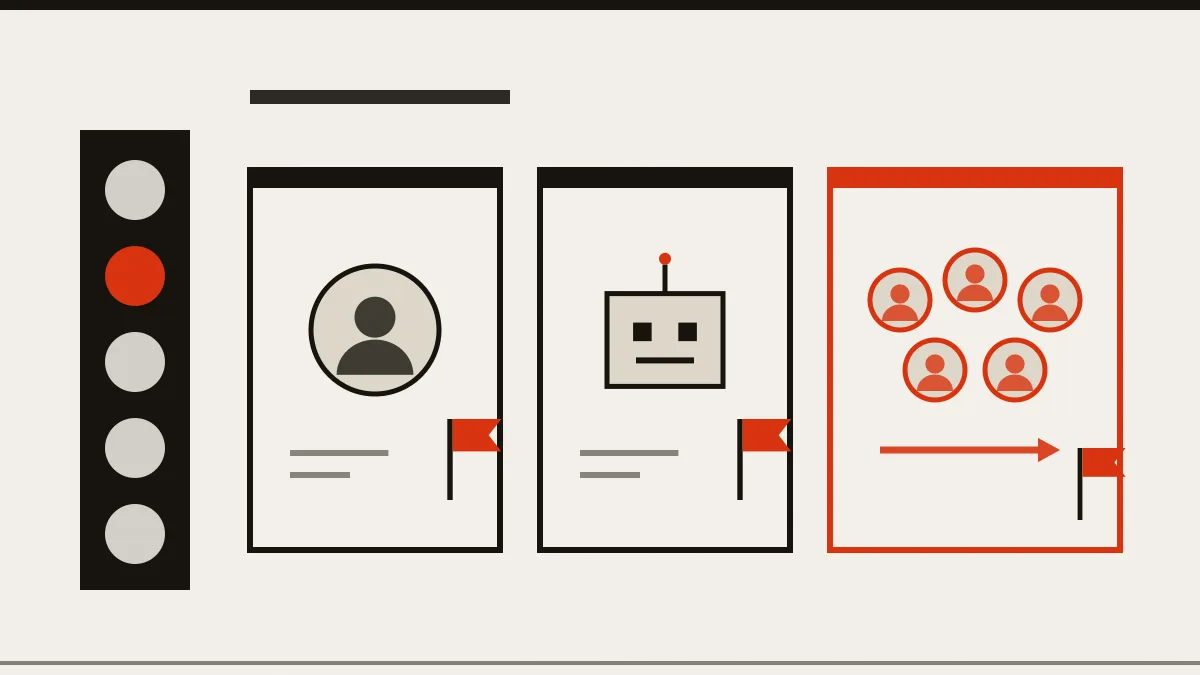
Discord is pure flag territory, with one twist. What you can report depends on what you can point at.
How to report users on Discord comes down to two menu items. "Report Message" appears when you right-click a message, or press and hold it on mobile. "Report User Profile" sits in the three-dot menu on a profile. Discord's reporting page, which we last read in full in September 2026, says the reporter's identity is not shared with the account reported, and that Discord tells the reporter when it finds a violation.
Report a Discord bot, a malicious one or a self bot
Bots are apps, and apps have their own report. To report a Discord bot, open the app's profile, then the three-dot menu, then "Report App", and say whether the problem is the app's profile or its behaviour. Discord's page on reporting applications gives a second path through User Settings and Authorized Apps. If you need to report a malicious Discord bot that you or a server admin already authorised, remove it from Authorized Apps as well. A report does not withdraw the permissions the bot was given.
A self bot is a different animal. It is an ordinary user account driven by a script, which Discord's help centre says is forbidden and can end in the account being terminated. There is no app profile to open. To report a self bot on Discord, report the account like any other user, from its profile or from one of its messages.
Report a Discord raid
To report a Discord raid you need moderator powers. "Report Raid" lives in the server's dropdown menu, requires the Ban or Kick permission, and is offered on desktop in Community servers. Ordinary members should report the raiders' messages one by one and leave the rest to the moderators, who can also pause invites and direct messages while the wave passes.
Report a Discord server, with or without joining
Whole servers are the awkward case. Discord's reporting page describes messages and user profiles, and we have found no help-centre guide to a server report. The only official trace of one is a line in the mobile patch notes of 4 June 2026, fixing a screen shown after a server report is submitted. So members can try to report a Discord server from its menu in the mobile app. They should still report the worst messages individually, because those reports carry the evidence.
Can you report a Discord server without joining? Discord publishes no route for it. Its EU webform asks for a message link and identity verification, and a message link can only be copied by someone inside. An invitation link is not a message link. In practice an outsider has two honest options. One is to ask a member to report, or to pass on the links so that you can use the webform yourself. The other, where a crime is involved, is to go to the police with whatever invitation, screenshots and names you hold, and let them make the request to Discord through the channel it keeps for law enforcement. Avoid joining a hostile server purely to gather links if doing so exposes your own account to the people in it. Our longer guide on how to report Discord server abuse explains how to collect the IDs that make such a report traceable.
Smaller rooms: Kik, Tumblr, Truth Social and Warzone
Four more flags, each with a quirk worth knowing before you press it.
Kik. To report a Kik user, open the chat, tap the person's display name, open the three-dot menu and choose "Report User". Kik's help article offers three reasons, and one of them, "This is a spam bot", is how you report a spam bot on Kik. Tick the box to include the chat history, then press "Report and Block". We last read that article in September 2026; Kik's site did not load for us on 13 October.
Tumblr. To report a Tumblr user, which on Tumblr means a blog, click the blog name or avatar on the web, open the three dots and choose between "Report spam", "Report sensitive content" and "Report something else". Tumblr's help page says the last option opens its abuse form. In the apps, "Report" is behind the person icon at the top right.
Truth Social. To report a Truth Social user, the help centre points you to direct messages: open the conversation, press and hold the message, or use the ellipsis on Android and the web, and choose "Report". Moderators then receive the five messages before and after the one you reported, per its page on reporting messages. Posts carry a separate "Report Truth" entry under their three dots. We could not confirm a profile-level label.
Warzone. To report a player in Warzone during a match, open the scoreboard, select the player and choose "Report Player". From the lobby, the Social menu's recent-players tab has the same entry. Pick one or more reasons, then "Send Report" or "Report & Block Player". Activision's support article says it cannot share what action was taken on a particular account. We read it through search extracts; the page itself hung.
What the four have in common is that a report is only as good as what travels with it. Kik sends nothing unless you tick the chat-history box. Truth Social sends ten surrounding messages and no more, so report the message that shows the abuse, not the last one in the thread. Tumblr's short menu covers spam and sensitive content, and anything else needs the form, where you write the case yourself. Activision asks for reasons and tells you nothing afterwards. None of these services promises a reply, and none counts flags like votes; our briefing on how to get someone banned on Roblox sets out why a report is evidence and not a ballot. The bigger networks reward the same care. Read how to report someone on Telegram before a chat is deleted, and the wording that gets a Facebook harassment report read as harassment and not as a disagreement.
What can no report do, however many are sent?
Volume is the thing people try to buy. Sellers offer a hundred flags for stolen art, a "ban service" for a Discord rival, a bot that reports a profile every minute. We have tested the claims platform by platform: Instagram report apps, the Telegram report bot trade, the TikTok report bot and the mass report Twitter account bot. The finding repeats. A flag is a pointer to evidence, and a thousand pointers to the same evidence weigh what one does.
For stolen art the purchase is worse than useless, because the instrument is wrong. Redbubble and DeviantArt act on the owner's notice, and no number of strangers adds up to an owner. Discord's Safety Center asks users not to send multiple reports or organise group reporting, and its guidelines prohibit false or abusive ones.
Some things do not come down by any route, and we say so before taking a case. Copyright protects a work, not a style, so art "in the manner of" yours, fan art of the same character and a design built on the same idea are usually not infringements. In the UK, copyright arises automatically when a work is created, as GOV.UK's guidance on copyright confirms, so you never need a registration to file. You do need to be the owner. Truthful reporting, genuine public records and honest opinion, including a bad review of your shop, cannot be removed by a notice; the most that can lawfully be done is suppression, which means pushing better material above them in search. We never forge notices, and you should not either: under section 512 of the US Copyright Act, a person who knowingly misrepresents infringement is liable for the damage caused. We never ask for passwords. The full list of limits is on our disclaimer.
Not sure whether yours is a flag or a notice? Send us the two links, the copy and your original, for a confidential review. We will tell you which route applies, who has to sign and what it is likely to expose about you, before any charge.