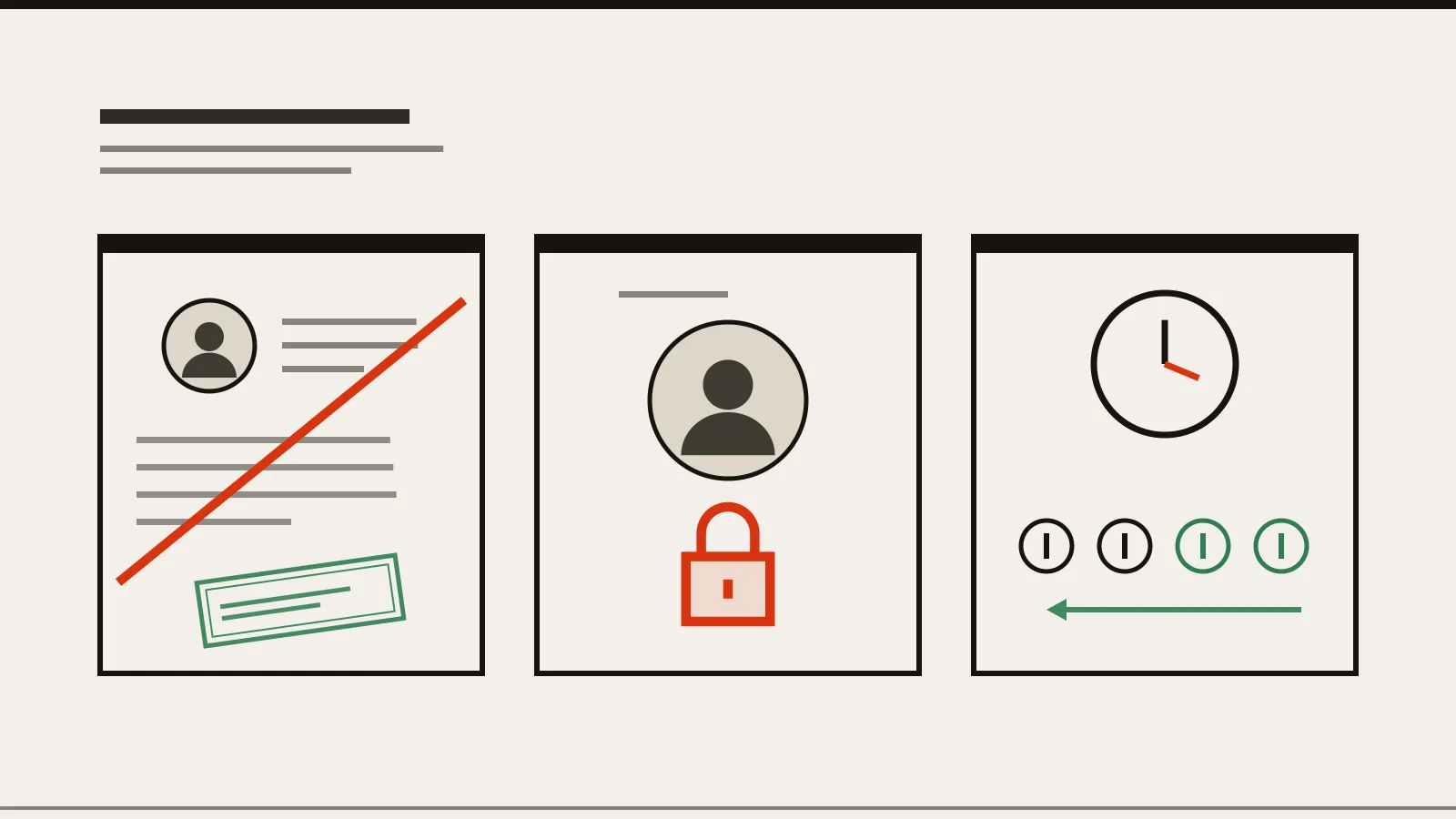
Which of the three asks is yours?
Thirty-odd searches sit behind this briefing, and on the surface they share nothing. One person wants a sales database to forget them. Another wants a scammer locked out of Steam trading. A third is owed £40 for trainers that never arrived.
Sort them by what is being asked and only three kinds remain. The first is a request to delete a record about you: a ZoomInfo profile, a forum thread, a copy of your artwork. Here you hold a right, under privacy or copyright law, and the site has to answer it. The second is a request to restrict someone else's account, which covers every "ban" search from Steam to Discord. You hold no right at all in that case. The platform enforces its own rules, your report is evidence, and the decision belongs to its moderators or its anti-cheat software. The third is a request for your money back from a seller, and it behaves like neither of the others, because it runs on a deadline that starts counting before most buyers think to look for it. Mix the three up and you lose time.
| The ask | Typical search | Who decides | Clock |
|---|---|---|---|
| Delete my record | ZoomInfo profile, forum thread, stolen art | The site, bound by privacy or copyright law | No deadline to ask |
| Restrict their account | Steam trade ban, VAC, Fortnite, Discord, Mastodon | Moderators or anti-cheat software | None you control |
| Return my money | eBay, Depop, Vinted, Poshmark seller | The marketplace, then your card issuer | 2 to 30 days |
The second kind is the one people misread most. We have set out what happens if you report someone on Instagram from both sides, and why even a paid Instagram account removal service can only put evidence in front of Meta. That limit holds on every platform below.
Everything here was checked against the platforms' own help pages on 12 October 2026. Where a page would not load, we say so and do not guess.
How to get removed from ZoomInfo
ZoomInfo is a business-contact database. It builds profiles of working people (name, employer, job title, work email, often a direct dial) and sells access to sales teams. You do not need an account to be in it, and most people listed never had one.
The removal route is short.
- Open the "Your Privacy" page in ZoomInfo's Trust Center and choose "Request Removal".
- The link sends you to the privacy request portal, at an address ending in /remove/verify. Enter the email address the profile is tied to, usually your work address, and complete the verification step.
- Save the confirmation, with the date.
As of 12 October 2026, ZoomInfo's privacy page says a removed profile will no longer be available in its products, and that removal also counts as an opt-out of sale or sharing where your jurisdiction provides one. It gives no number of days, only a promise to act as quickly as possible. Two limits are stated on the same page. Company information stays, so your employer's listing survives your departure from it. And ZoomInfo keeps a limited amount of your data so that it can try to stop the profile being re-added, without guaranteeing that it never will be. People covered by address-protection statutes such as New Jersey's Daniel's Law have a separate, expedited mailbox. One caveat on our side: the portal refused automated loading, so we confirmed the route from the Trust Center page and not from inside the form.
If you live in the UK or the EU you can also send a written erasure request under Article 17 of the UK GDPR or the EU GDPR. The ICO's guidance on getting your data deleted gives an organisation one month to respond. Use the form first. It is faster.
What the ZoomInfo opt-out does not reach
Three things survive the form. Other data brokers hold their own copy and each runs its own opt-out, so one removal is one removal. Sales tools that exported your details before you opted out keep their export. And Google keeps showing the old snippet for a while.
When we handle these for clients, the form is rarely the slow part. The slow part is the search result, which lingers until Google recrawls the page; once the profile address returns an error you can speed that up with Google's Refresh Outdated Content tool. Check again after three months. Profiles do come back, usually because a new job produced a new work email that no suppression list recognises. You can read who does this work on our about page.
How to get someone trade banned on Steam: what a report can do
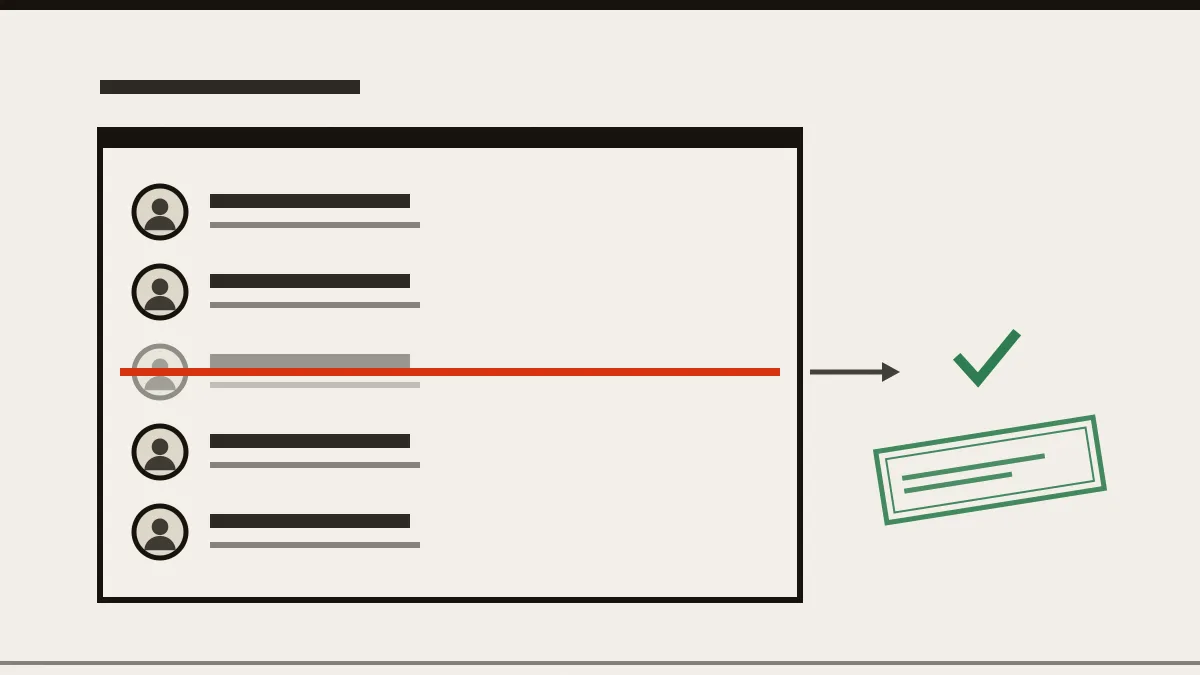
You cannot. Valve can.
A trade ban is Valve's own sanction, applied to accounts it has tied to scamming or hijacking, and no outside party can order one. What you control is the quality of the report. Steam's help pages describe one route and rank it above the others: open the scammer's profile, select the "..." menu, choose "Report Player", pick the category and write a statement. Valve says a report filed through the Community in this way is more useful to it than a Support ticket about the same person.
Build the report so that a reviewer can confirm it without asking you anything. Give the profile's permanent address, the one that ends in a 17-digit SteamID64, because display names and custom URLs change within minutes of a scam. Add screenshots of the chat with timestamps visible, the trade offer or the trade history entry, and any link the scammer sent, written out in full. Say plainly what was promised and what happened. Then stop. A tenth copy of the same report adds nothing a reviewer can use, and paying a "mass report" seller adds a second fraud risk on top of the first. Where Valve confirms a scam, its support pages say the account is banned from the Community, from trading and from the Market. They also say that Steam Support cannot modify trading or Market restrictions once placed, and that it does not restore items that have left an account.
That last point surprises people. Report quickly for the next victim's sake, but do not expect the skins back.
The pattern is familiar from other platforms. We answered can you get someone banned on TikTok in terms of triggers, and how many reports to get banned on IG in terms of strikes. Steam is no different. Evidence moves the decision; volume does not.
How to get someone VAC banned
The VAC question has an even shorter answer, because VAC is software. Valve Anti-Cheat detects cheat programs on the machines of players connected to protected servers, and the ban follows from that detection. Valve's VAC support article calls the bans permanent and non-negotiable, says Support cannot remove them, and adds that a ban issued in error is removed automatically. We found no Valve sentence saying a player report can cause one.
Report the cheater anyway, from the profile or inside the game. It costs a minute. On a community server the faster remedy is the server's own admin, who can ban a player from that one server today; we drew the same line between a house ban and a platform ban when explaining how to get someone banned on Roblox.
How do you report a cheater on CoD or a player in Fortnite?
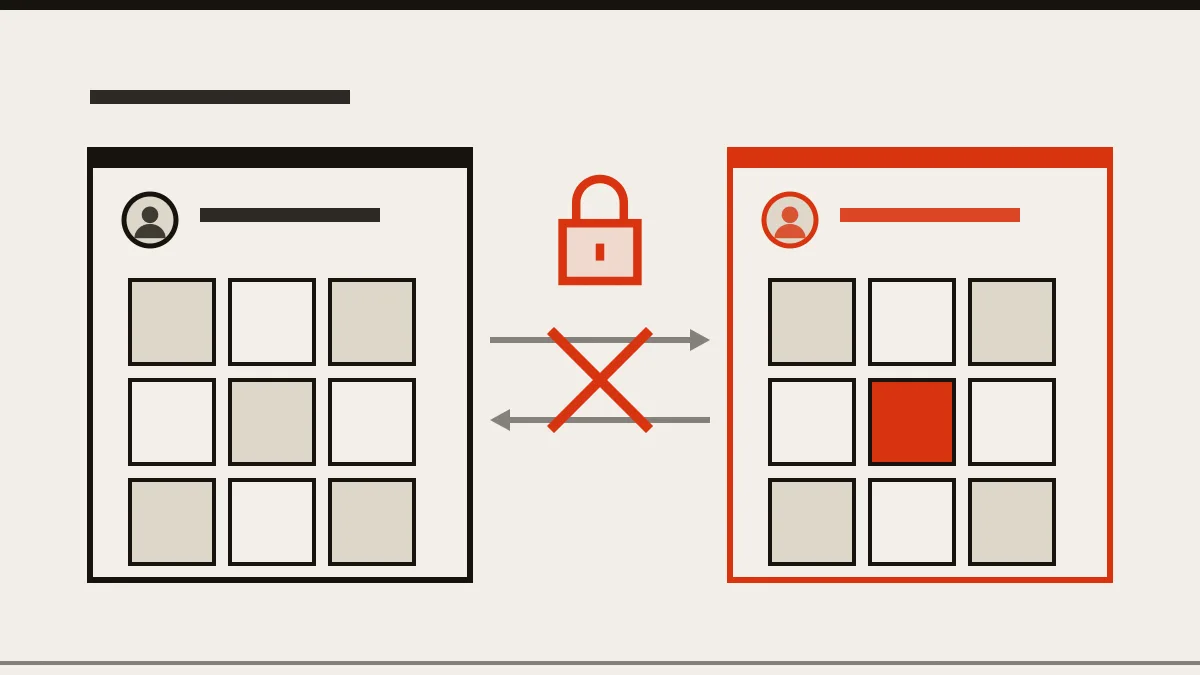
Game reports differ from social-media reports in one useful way: the publisher already holds the match. Nobody needs your screenshot to prove that a lobby existed or who was in it, so the report mostly has to point at the right account in the right game. That is why both Activision and Epic push players towards the in-game tools and away from email. It is also why timing matters more than wording. A report filed from the match, or straight after it from the recent-players list, arrives attached to that match; a complaint typed into a support form two days later has to be traced by hand, if anyone tries. Neither publisher promises to tell you what it did. Both give some feedback inside the game or the account, described below, and both treat false or spam reports as an offence in their own right. One accurate report is the whole job. Ten angry ones from a squad are a risk to the squad.
How to report a cheater on CoD
A CoD report starts inside the game, on the player's name. Activision's RICOCHET Anti-Cheat overview asks players to report cheaters as they happen through the in-game reporting tools, and links to a guide for each title because the menu differs between Warzone, the current release and older games. The per-title guides would not load for us on 12 October 2026, so we print no button names here. Activision said in a 2023 RICOCHET update that in-game notices would tell players when one of their reports led to action. Its security policy also penalises malicious reporting.
How to report a Fortnite player
Epic's help articles give two routes, and both live in the game.
- Open the menu and choose "Report", then "Submit a report".
- Pick "A player or sidekick", select the name and the reason.
- Confirm with "ACCEPT".
From a player's profile the shortcut is "More options", then "Report". How to report a Fortnite cheater and how to report a suspicious player in Fortnite are the same route with a different reason selected; there is no separate cheating form, and we found no standalone web form for reporting a player at all. Epic's site refused scripted loading, so these labels come from its articles as shown in search results.
Feedback exists, in one place. Epic's Safety and Security Center has a "My Reports" page, which its help text describes as the only place it shares information about reports. A report cannot be retracted once sent. Nothing we read says the reported player learns who filed, a worry we also dealt with for messaging apps in if you report someone on Telegram, will they know.
How to report a seller on eBay before the refund clock runs out
On eBay the report and the refund are two different buttons. Only one has a deadline.
How to report a bad seller on eBay, in the conduct sense, is the "Report a seller" button. eBay's help page on reporting a seller lists what it is for: a seller pushing you to pay outside eBay, a seller with no intention of completing the sale, abusive messages, publishing your contact details, false contact information, or a seller under 18. A report of that kind goes to eBay and may cost the seller the account. It does not pay you. The same split applies to a Marketplace scammer ban on Facebook, where reporting the account and recovering the money are separate jobs.
How to report a seller on eBay for not sending item
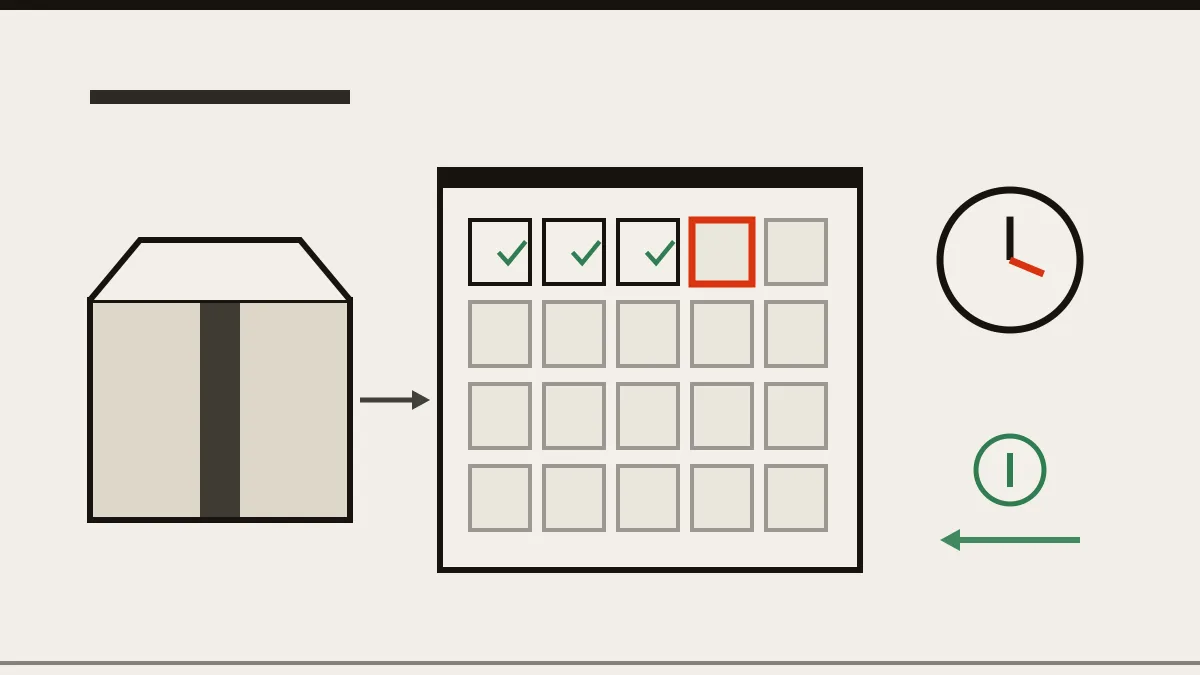
This one is not a report at all: it is a request under the eBay Money Back Guarantee. As of 12 October 2026, eBay's item-not-received page says you can open one once the estimated delivery date has passed and for 30 calendar days after it, using "I didn't receive it" in your purchase history. The seller then has 3 business days to send tracking, a replacement or a refund. If they do none of those, the option becomes "Ask eBay to step in and help", and eBay decides. The request stays open for 21 business days, and buyers lose claims by letting it close while a seller strings them along with promises. Set a reminder for day four, the first day eBay can be asked. Vehicles, services, digital content and anything paid for outside eBay fall outside the guarantee entirely.
How to report a seller on eBay for not refunding
A refund complaint depends on a return already being under way. Under the eBay Money Back Guarantee policy, a seller has 2 business days to refund once the returned item reaches them. After that you can ask eBay to step in, for up to 10 business days past the refund deadline. Appeals against eBay's decision run for 30 calendar days.
How to report a seller on eBay for false advertising
Here eBay itself redirects you. For an item that does not match its listing, the report page tells buyers to use "I want to return my item" and not the report button, within 30 calendar days of delivery. So anyone asking how to report a seller on eBay should first decide which outcome they want: the seller sanctioned, or the money returned.
One warning. The guarantee ends for a transaction if you pursue your payment provider over it, so choose eBay or the card issuer. Do not run both. And if a seller's "tracking page" or refund link sits on a look-alike site, that is a different problem, covered in our note on a phishing takedown service.
| Marketplace | Claim window | Counted from |
|---|---|---|
| eBay | 30 calendar days | Estimated delivery date, or delivery for a return |
| Depop | 30 days | Purchase date |
| Vinted | 2 days | Item marked delivered |
| Poshmark | 3 days | Delivery |
| OfferUp | Not confirmed on 12 Oct 2026 | Shipped orders only |
| Temu | Not confirmed on 12 Oct 2026 | Policy page blank when checked |
How to report a seller on Depop, Vinted, Poshmark or OfferUp
Resale apps copy eBay's split and shorten the clock.
The claim windows are the part worth memorising. Depop Protection runs for 30 days counted from the purchase date, not from delivery, so a slow parcel eats into it; you raise the problem in the app from the purchase receipt. Vinted gives you 2 days from the moment the item is marked delivered to press "I have an issue". Do nothing and the order completes and the seller is paid. Poshmark allows 3 days from delivery, through My Purchases, the order, then "Problems/Order Inquiry" and either "Order Not as Described" or "Order Not Delivered". An email to Poshmark support does not count as opening a case, and accepting the order closes the option for good. Fit and change of mind are not covered anywhere. OfferUp names a 2-Day Purchase Protection for shipped orders in its contact form, though we could not confirm its terms on an official page, and for in-person deals its position is that the sale is final once money changes hands.
Depop. How to report a seller on Depop takes three taps: their profile, the three dots at the top right, then "Report". Depop Protection excludes PayPal, Venmo or bank transfers made outside the Buy button, and in-person meets.
Vinted and Poshmark. How to report a seller on Vinted and how to report a seller on Poshmark both begin from the order, not the profile, when money is at stake. We could not confirm the member-report menus on 12 October 2026: Vinted's help page loaded only in part and Poshmark's support site returned a certificate error.
OfferUp. How to report a seller on OfferUp runs through the profile's three-dot menu: "Report", a reason, then "Submit Report". The same menu sits on a chat message. OfferUp's report-a-user article says it does not tell users when they are reported, and the reporter gets no status update either.
How to report a listing on Temu
Temu puts a "Report This Item" button on the product page, and it includes a copyright and trademark option. Rights owners have a separate, logged-in IP Portal. Temu's intellectual-property policy says it notifies both the reporter and the seller of its decision. Search results quote a 90-day purchase protection window, but the official page rendered blank for us, so treat that figure as unconfirmed. If the listing is selling your design, the fuller route is the same one we use to get a TikTok Shop banned or delisted: a rights notice, not a complaint.
How to report a Shopify store, a client on Upwork or a dealership
How to report a Shopify store: Shopify's "Report an issue" page offers one choice, "Report a merchant", for suspected policy breaches. Its help centre describes a second form for an order problem, usable only after you have contacted the store and 30 days have passed. Shopify supplies the shop software and is not the seller, so when the whole shop is a fraud the levers sit with the registrar and the host, as our comparison of a domain takedown service and a website takedown explains.
How to report a client on Upwork: use "Flag as inappropriate" on the job post and pick a reason. Upwork's Trust and Safety team reviews it and does not share your identity with the client. Unpaid work is a dispute, not a flag, and Upwork's own pages give different day counts for fixed-price milestones, so read the current figure in your contract view before a window closes.
How to report a dealership depends on the country. In the US, file at ReportFraud.ftc.gov and with your state attorney general; the FTC does not resolve individual cases. In the UK, the Citizens Advice consumer service passes reports to Trading Standards, which will not get you a refund, and The Motor Ombudsman acts only against dealers signed up to its code. Your own remedy is section 22 of the Consumer Rights Act 2015, the 30-day short-term right to reject faulty goods.
Missed every window? A card is the fallback. Citizens Advice explains that Section 75 covers credit-card purchases over £100 and up to £30,000 per item but usually not purchases made through a third party such as eBay or PayPal, and that debit cards rely on chargeback. MoneyHelper puts the usual chargeback limit at 120 days. If the seller took payment through a messaging app instead, start with how to report scam on Telegram.
Where do you report a Discord raid, a Mastodon user or a Tumblr?
Community platforms split along one line: who owns the room. On Discord and Mastodon a local owner or moderator can act within minutes, and the company or the wider network only acts on rule-breaking that reaches it as a report. On Tumblr and Patreon there is no local layer, so everything goes to the company's own trust team. That difference decides where a report should go first. A raid, a spam wave or a harassing member is quickest to stop at the local level, with a ban or a lockdown, and the platform report then deals with the accounts themselves. Content hosted by the company (a blog, a creator page, a game, an advert) has no local owner except the person you are complaining about, so the report form is the only door. In neither case does the number of reports change the answer. Discord's safety pages go further and ask users not to organise group reporting at all.
How to report a raid on Discord, or a server for botting
How to report a raid on Discord is a moderator job. Per Discord's help centre, "Report Raid" sits in the server dropdown, needs the Ban or Kick permission, and works on desktop in Community servers only. Members without those permissions should report the individual messages.
How to report a Discord server on mobile is less tidy. Discord's reporting page describes holding a message and choosing "Report Message", or opening a profile's three-dot menu for "Report User Profile". As of 12 October 2026 it still shows no whole-server path; a "Report Server" option appears only in the patch notes of 4 June 2026, and we could not confirm a mobile tap path for it. How to report a Discord server for botting therefore comes down to reporting the bot accounts' messages as spam, one clear example each, or using the web form at discord.com/report if you are in the EU. IDs and message links are covered in our guide to how to report Discord server abuse.
How to report a Mastodon user
Open the menu on the account or on one of its posts and choose the report option. Mastodon's moderation documentation says you can, and should, add a note and attach the posts in question. The report goes to your own server's moderators. If the account lives on another server, tick the option to forward the report to that site's moderators as well, because they are the only people who can suspend it at source. Your moderators can still limit or block it locally.
How to report a Tumblr or a Patreon creator
How to report a Tumblr, meaning a whole blog: in the app, tap the person icon at the top right and choose "Report". On the web, the three dots give "Report spam", "Report sensitive content" or "Report something else", and the last of those leads to the abuse form, according to Tumblr's help page on reporting content.
How to report a Patreon creator: log in, open the creator's page, select the "..." menu and report; individual posts carry "Report this content". Patreon's Trust and Safety team reviews it, and its help text warns that the details of the decision may not be shared with you. A creator page that copies a real person is an impersonation case, handled as we describe for a Twitter impersonation report.
Harassment that follows you across networks needs one file, not five. The method is the same whether you report abuse on Twitter account by account, report a tweet by its post ID, file a Facebook harassment report, or need how to report someone on Telegram before the chat is deleted.
How to report a game on itch.io
Scroll to the bottom of the game's page for the "Report game" link, which itch.io introduced in April 2014 with five reasons, including offensive material and an uploader not authorised to distribute. We did not re-check the label on a live page. Copyright notices go to the support address in itch.io's terms, which also say content may return 10 to 14 business days after a counter-notice.
How to report a YouTube ad
On the advert, tap "Sponsored", then "Report ad", which opens Google's ad-policy form. YouTube's help page says this works in the mobile app or on a computer. How to report a YouTube ad as inappropriate is the policy-violation branch of that form; an advert that breaks the law, uses your trade mark or your image goes down the legal branch. No individual outcome is promised. Adverts are not channels, and how to take down a YouTube channel is a separate process, as is the YouTube copyright takedown form for a video that reuses your work.
How to get something removed from Lipstick Alley, TheDirty or DeviantArt
Gossip sites are the hard end of the first ask.
We could not load Lipstick Alley's terms on 12 October 2026 (the page refused us), so we quote no removal policy for it. The lawful levers are the same as for any US-hosted forum, and they depend on what the post contains. Your photograph or your writing is a copyright matter, and a DMCA notice to the site or its host can remove that file. A private address, a phone number or an intimate image breaks most hosts' rules and several laws. A hostile opinion breaks nothing. And a false statement of fact is defamation by its author, but Section 230 of US law shields the forum that carries it, which is why solicitors' letters to gossip boards so often go unanswered. The workable routes for a false post are a court order against the poster, which Google's legal removal process accepts, or de-indexing the thread from searches of your name, the choice we weigh in our Facebook defamation report briefing.
How to get something removed from TheDirty has changed shape. The domain did not resolve from our desk on 12 October 2026, in two attempts, so we cannot describe a current removal policy and will not repeat old ones. If the site stays dark, the live problem is what remains: Google's cached snippet, which the Refresh Outdated Content tool clears, and scraper copies on other domains, each with its own host. Forum threads elsewhere follow the moderator-then-admin ladder we describe for a Reddit post removal service.
Intimate images are different and urgent. Use StopNCII.org, which hashes the image on your own device, and never send the material to us or to anyone offering removal. Faked images take the route in our AI deepfake removal service briefing.
How to remove stolen art from DeviantArt
Stolen art on DeviantArt comes down by copyright notice, and only the artist or an authorised agent can file it. DeviantArt's copyright policy offers a DMCA form, which needs a free account, or a notice sent by email. It states no turnaround, but says a proper notice leads to deletion. Fans who spot a theft cannot file for the artist; they can use the "..." menu under the deviation and "Report", then tell the artist. Reposts on video apps need their own notice, and a rejected one usually failed on proof of ownership, the subject of our guide to report stolen content on TikTok.
What cannot come down, whoever you ask
Truthful reporting, genuine public records and honestly held opinion are not removable by any lawful route. They can only be pushed down by better results, which is suppression, and we will tell you when that is the honest answer. We never forge a DMCA notice, never bluff a lawsuit and never ask for a password, and nobody can promise a ban on someone else's account. Our disclaimer sets the limits out in full.
A profile, thread or copy that will not come down? Send us the link and what you have already filed. Tomás's team reviews it in confidence and tells you whether it is a removal, a de-indexing or a suppression case before any charge. Start a confidential review.