Report spam Instagram accounts by what they do, not how they look
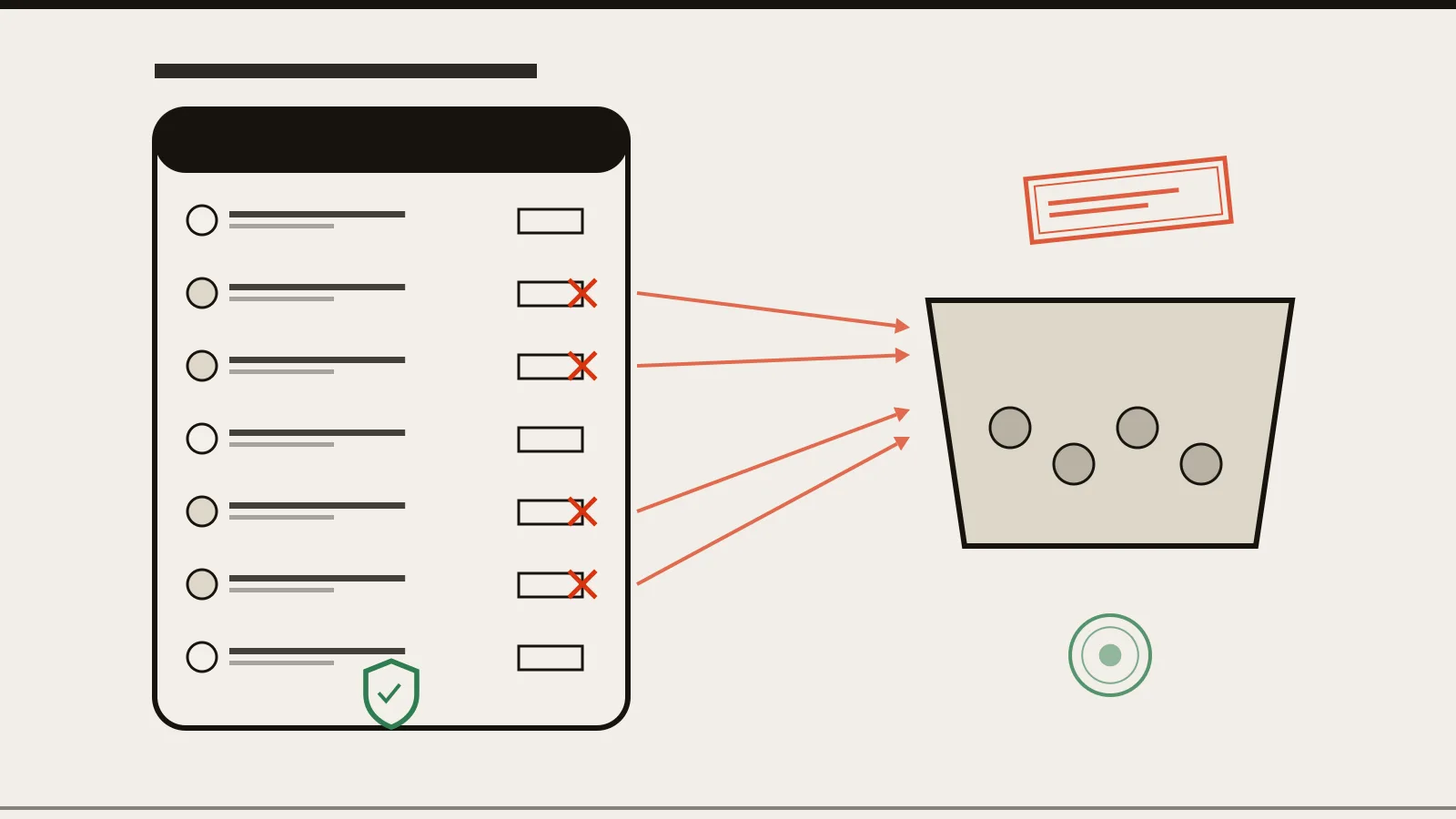
Spam on Instagram is a behaviour. It is not a profile photo, a string of numbers in a username or an empty grid. Meta's own Spam policy defines it by conduct: posting, following or messaging at a volume no person could keep up, trading engagement for money, and links built to mislead (Meta Community Standards, Spam). An account with no posts and a strange handle may belong to a shy teenager. An account with a perfect face and a verified-looking bio may be a script sending the same crypto pitch to four thousand people an hour. If you report spam Instagram accounts on looks alone, you will report the wrong ones and miss the ones doing the damage.
So this briefing starts with sorting. Before you tap anything, decide which of four things you are looking at. A wave of new bot followers on your own profile. Spam arriving in your messages or under your posts. One account that is plainly a spammer. Or fake followers, either ones you never asked for or ones someone bought. Each has a different tool, and only one of them is the Report button.
One clarification, because the two get confused in search results. This page is about reporting spam and bot accounts. It is not about the "spam report bots" sold as tools that file reports for you; those are a separate subject, and our short answer on them is that they are mostly scams, much like the Telegram report bot listings that promise to take down a channel overnight.
Four things people call spam, and the tool each one needs
When clients send us screenshots and ask how to instagram report spam, the screenshots fall into four groups with surprising regularity. The table sorts them.
| What you are seeing | Best first tool | When to report as well |
|---|---|---|
| A sudden wave of bot followers on your account | Remove follower, then tighten who can follow or message | If the accounts also message, comment or link to scams |
| Spam comments or message requests | Hidden Words, comment filters and message request controls | When a single sender keeps coming back under new names |
| One account that is plainly a spammer | Report the account, reason: spam | Always; that is what the report exists for |
| Fake followers you bought, or that were bought for you | Remove them yourself | Rarely; the seller, not the followers, broke the rule |
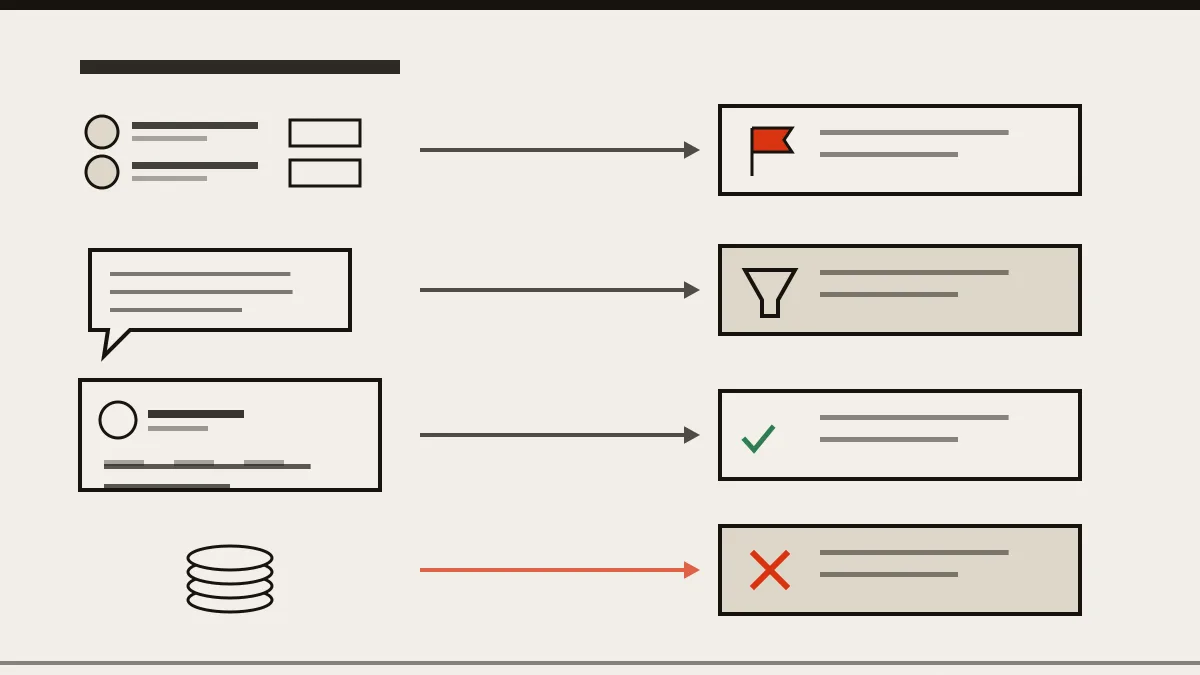
The reason the table matters is cost. Reporting forty bot followers one by one takes most of an evening and changes almost nothing about your own account, because the follows are already there; removing them takes a minute each and fixes the thing you actually care about, which is your follower list. A spam comment that you filter never reaches your audience, whereas a reported comment stays visible until a classifier gets to it. On the other hand, a single account that runs a phishing script deserves a report every time, because your report is one more signal pointing Meta's systems at it, and those systems act on the account, not just on you. Most frustration with spam on Instagram comes from using the strong tool on the weak problem and the weak tool on the strong one: people report a bot wave and block a scammer, when the cleaner order is the reverse.
How to report bot accounts on Instagram, one account at a time
Here is how to report bot accounts on Instagram when the account itself is the problem. Open the profile. Tap the three dots in the top-right corner. Tap Report, then choose to report the account rather than a single post, and pick the spam reason. Instagram may ask a follow-up question; answer it plainly. The account is not told who reported it. Menu wording shifts between app versions, so if your screen reads slightly differently, look for the option that describes the account's behaviour rather than its content.
If the account is pretending to be you or someone you know, spam is the wrong reason. That is an Instagram impersonation report, which asks for proof of who you are and is judged on the copy, not on the volume of messages. And if what you have is a cloned profile rather than a bot, our Instagram fake account report briefing walks through why there is no single "fake" button and which reason fits.
How to report bots on Instagram from your followers list
People asking how to report bots on Instagram usually have the bots in their own followers list. Open your profile, tap Followers, find the account, and open it from there; the report path is then the same as above. For a large wave, do not report all of them. Report three or four representative accounts, the ones that also message or link out, and remove the rest. Your reports on a handful are enough to point detection at the network; reporting the remaining sixty adds labour without adding information.
Report spam Instagram account messages and comments
To report spam Instagram account messages, press and hold the message, tap Report, and choose spam; for comments, swipe left on the comment (or press and hold on Android) and use the report icon. Reporting from the message or comment attaches the actual item to the report, which gives a reviewer more to go on than a bare profile does.
Can you report bots on Instagram, or is removing them better?
Can you report bots on Instagram? Yes, and you should report the ones that act. But a report and a removal do different jobs, and confusing them is the most common mistake we see. A report asks Meta to judge an account against its rules; it may take hours or never visibly resolve, and the outcome lands on the account, not on your profile. Removing a follower is immediate and private: open Followers, tap the three dots or Remove next to the account, and it is gone from your list without being notified. Restrict quietly limits one account's comments and messages. Hidden Words filters comments and message requests containing words, phrases or emoji you choose. None of these tools tells Meta anything about the bot. All of them protect your account today. So the practical answer is both, in that order: protect your account first with removal and filters, then report the few accounts that are clearly running scripts.
A note for creators and small brands. When an account suddenly picks up hundreds of bot followers, the worry is usually reach: does a junk audience hurt how the algorithm treats you? Meta does not publish how follower quality affects distribution, so we will not pretend to know. What we can say is that engagement rate, the figure brands and partners look at, drops when a block of followers never engages. Cleaning the list fixes that ratio. Reporting the bots does not.
If someone you know is behind the wave, for example a former partner sending bot followers or a stream of hostile accounts, the pattern is harassment rather than spam, and Instagram report harassment routes treat it differently, with evidence of who is behind it rather than a bare spam flag.
Report fake Instagram followers you never asked for, and the ones you bought
There are two kinds of fake followers, and only one of them is somebody else's fault. The first kind arrive uninvited: a burst of empty accounts following you overnight, sometimes as a test run by a follower seller, sometimes as cover for a spam network that needs its accounts to look active. You can report fake Instagram followers of this kind, and the report is legitimate. The second kind were bought, by you, by a former social media manager, or by a well-meaning friend. Meta's Spam policy prohibits buying, selling or exchanging follows, likes and views, so a purchased follower block is a breach by the buyer and the seller, not by the follower accounts in any sense they can be reported for. The honest fix for bought followers is to remove them yourself, quietly, in batches.
A practical sign that you are looking at bought rather than uninvited followers: they arrived in round numbers over a day or two, they sit in one region that has nothing to do with your audience, and none of them has ever liked a post. When we audit a client's account after a follower purchase, we sort the list by follow date first. Bought blocks show up as a cliff. Organic follows look like a slope. That one view usually settles the conversation faster than any third-party "fake follower checker", most of which want your login and should not get it.
Does spam reporting work on Instagram? What a report actually feeds
Does spam reporting work on Instagram? It works, but not the way most people picture it. Nobody at Meta reads your report and counts it as a vote against the account. A spam report is a signal into automated systems that already scan for the same behaviour, and most spam accounts are caught without any report at all. In its Community Standards Enforcement Report for the fourth quarter of 2025, Meta said it actioned about 1.1 billion fake accounts on Facebook and found 99.9% of them before anyone reported them (Meta, Community Standards Enforcement Report, Q4 2025, as cited in written evidence to a UK parliamentary committee, May 2026; see Meta's fake accounts data). The point holds across both apps: the detection already runs, and your report is useful when it points at something the detection has not yet tied together, such as a new account sending the same link you saw last week.
The EU figures say the same thing from the decision side. Instagram logged 5,528,555 moderation decisions in the EU Digital Services Act Transparency Database between 1 and 20 October 2026, and about 97% of them were fully automated; only 3,371 began with a formal notice under Article 16 (EU DSA Transparency Database, Instagram, our count, 21 October 2026).
What you see after a spam report Instagram account holders never see
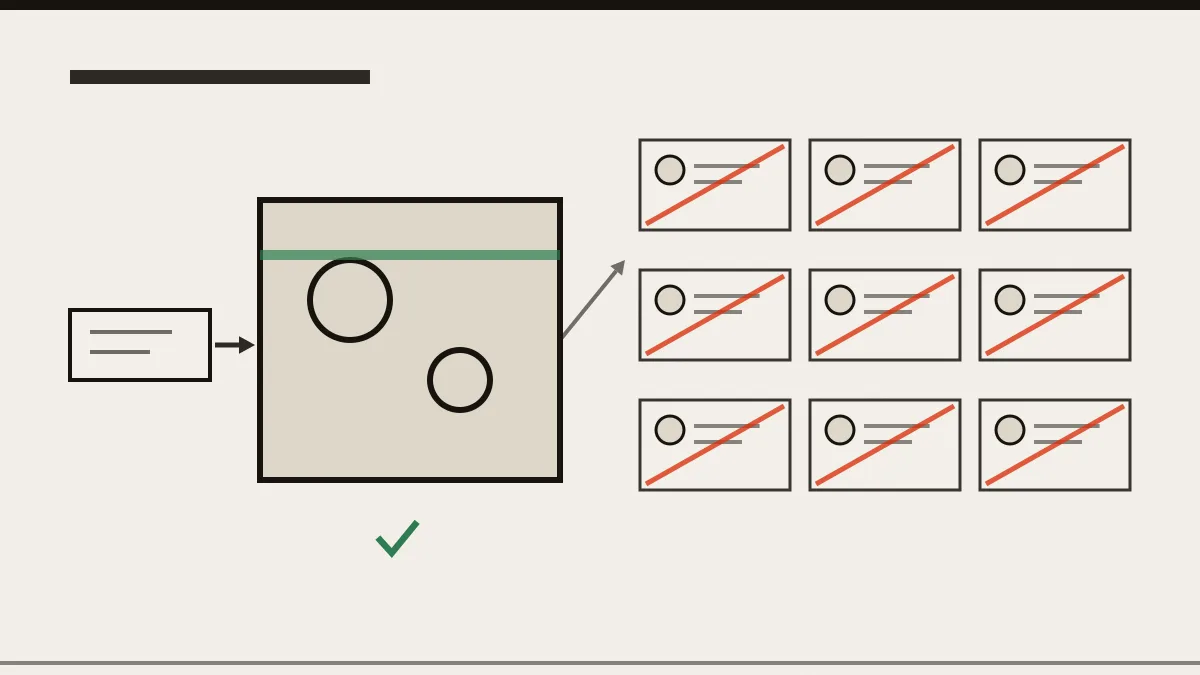
After you send a spam report, Instagram account holders on the other side are not told who reported them. You, meanwhile, get a status in Settings, under Help, then Support requests, where your reports are listed. Many spam reports close with a message that the account was not found to break the rules, even when it disappears a week later, because the removal came from a sweep, not from your ticket. Others vanish from your view because you also blocked the account. Neither outcome means the report was wasted.
This is also why the number of reports does not decide anything, a point we cover in full in how many reports to get banned on IG. And the mechanics of what one report sets in motion, for a person rather than a bot, are in what reporting someone on Instagram does.
Instagram report spammer accounts that turn out to be something else
Plenty of people searching instagram report spammer are dealing with an account that is worse than spam. The giveaway is a target. Spam is broadcast; it does not care who you are. When the messages name you, copy your photos or ask for money in a way tailored to you, pick the reason that matches the harm, because a reviewer judges the report against the reason you chose.
| What the "spammer" is really doing | Better report reason | Where we explain it |
|---|---|---|
| Copying your name and photos | Impersonation | Instagram impersonation route above |
| Asking for payment off the platform | Scam or fraud | Marketplace scam patterns |
| Sending targeted abuse from many accounts | Harassment | Harassment lanes above |
| Reposting your artwork or photos for sale | Intellectual property | Copyright route |
Scam accounts on Instagram follow the same scripts we see on marketplaces; the advice on how to report payment outside Vinted scam patterns transfers almost word for word, because the tell is always the move to another payment channel. Dating-style spam that pivots to a sob story belongs to the same family as a Grindr catfish report. If the spam account is selling copies of your own artwork, a spam flag is the weakest option you have; read how to report stolen art on DeviantArt for the rights-holder route, which Instagram mirrors with its own copyright form.
If you are dealing with a spam or clone campaign that has outgrown the in-app buttons, contact our team for a confidential review of what can be filed and under which route.
Report bots, not report-bot tools: the same line on other apps
The phrase report bots instagram covers two opposite things. One is you, reporting bot accounts. The other is a tool sold as a bot that files reports for you, usually from a panel of hijacked or freshly made accounts. The first is what Instagram's report flow is for. The second is itself spam under Meta's rules, and the accounts running it are exactly what the detection described above is built to catch. Paying for one usually buys nothing, and sometimes buys a stolen login.
The same split exists everywhere. On X, a mass report Twitter account bot sends a pile of identical reports that the platform folds together, while a single, well-evidenced Twitter impersonation report gets read. On TikTok, knowing how to report a fake TikTok account with side-by-side proof beats any volume. And when a spam account is not a single profile but a whole channel reposting your work, Telegram copyright infringement notices show how far a rights claim reaches compared with a spam flag.
For the account-level view, including private, business and creator profiles, our guide on how to report an Instagram account covers which account type changes the route.
What a spam report cannot remove, and what we will not do
A spam report removes spam. It does not remove a truthful post someone made about you, an opinion you dislike, a news article, or a public record, and calling any of those spam will not change how a reviewer reads them; at best the report closes, and at worst it marks you as someone who misuses the flow. For content like that, the lawful options are a correction, a reply or, where the law allows, suppression in search rather than removal. We never forge notices, never file reports in someone else's name, never use report panels or bot networks, and never ask for your Instagram password, because no legitimate removal route needs it. Anyone who asks for your login to "clean" your followers is the next spam problem, not the fix. Our disclaimer sets out these limits in full.
Our practitioner note, from client files this year: the spam cases that resolved fastest were the ones where the client removed the bot wave, switched on Hidden Words, and reported only the three or four accounts that sent links. The cases that dragged were the ones where somebody spent a weekend reporting every follower by hand.