Can you delete someone else's Snapchat account at all?
No. Not directly, and not by any trick. A Snapchat account can be deleted in exactly two ways: its owner logs in and uses Delete My Account, or Snap decides the account has broken its rules and disables or deletes it. Nobody else holds a key. That is true for a stranger, an ex, a parent and a lawyer alike, which is why every honest answer to "can you delete someone else's Snapchat account" turns into a question about Snap's review instead. What you can do is hand Snap a reason it already enforces, with proof it can check in minutes, and let its moderators or classifiers decide whether the account goes. Some people search for how to delete someone else's Snapchat account hoping for a password reset, a hidden form or a paid insider. Those routes either do not exist or are crimes, and the sellers who advertise them are, in our experience, the most common scam in this corner of the internet.
So the real question is narrower: who decides, for which thing on Snapchat, and what can you put in front of them?
That split runs across every large platform. Our note on how to delete someone else's TikTok account reaches the same answer for TikTok, down to the owner-only delete button.
Who decides what on Snapchat, surface by surface
Snapchat is not one object. A person's account, their Story, their Spotlight videos, their Public Profile and the group chats they sit in are separate things, and each has its own set of hands that can make it disappear. The table below is the version our team works from, as of October 2026, drawn from Snap's own help pages on reporting each kind of content and on deletion.
| Surface | The owner can | Snap can | An outside order can | What you can do |
|---|---|---|---|---|
| Whole account | Delete it (30 days deactivated, then deleted) | Lock, disable or delete it after a breach | Force removal of content judged illegal where the poster is | Report the account with the right reason |
| Story | Delete any Snap in it; it expires after 24 hours anyway | Remove the Snap and add a strike | Rarely needed; the clock is faster | Report Snap, save the link first |
| Spotlight | Delete it; it stays up until they do | Remove it or limit its reach | DMCA notice if it uses your work | Report Snap, or a copyright notice |
| Public Profile | Remove posts or turn the profile off | Remove posts, restrict or delete the profile | Same as account | Report from the profile icon |
| Group chat | Leave it (their own Snaps clear) | Act on reported messages and members | Court disclosure order | Report messages, remove members |
| The whole app | Nothing | Pull itself from a market | A national law or regulator | Nothing, beyond your own vote |
Read across any row and the pattern is plain. You never appear in the "can delete" columns. You appear only in the last one, as the person who brings the evidence.
Two rows deserve a second look. The Story row is the only one where time works for you, because the content removes itself within a day whatever anyone does, so the useful work is saving proof, not chasing removal. The Spotlight row is the opposite. A Spotlight video has no timer, can be shown to strangers through recommendations, and keeps collecting views until someone acts, which makes it the surface where a fast, well-aimed report or copyright notice matters most. Every other row turns on the account behind the content. If the same person posts the same harm across Story, Spotlight and chat, report the account once with the strongest reason and then report the two or three clearest items, so the reviewer sees one pattern and not scattered pieces. A Snapchat content takedown that names the pattern is judged as a pattern. Scattered reports are judged one item at a time.
How to delete someone's Snapchat account through Snap's own review
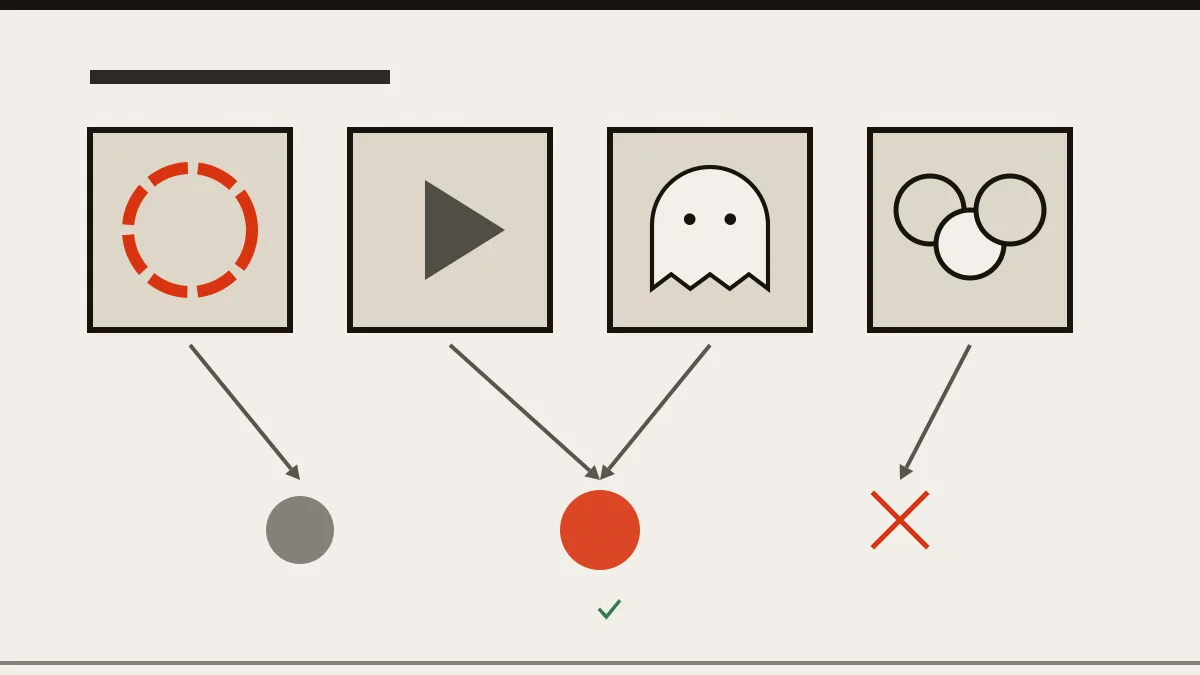
If you want to delete someone's Snapchat account, the only working lever is the account report. Open a chat with them, press and hold their name, go to Manage Friendship and choose Report; or open their profile and use the report option there. Pick the reason that matches what you can prove. Snap reviews reports, often "within a matter of hours", with outcomes from removing one item to deleting the account. Behind that sits a strike system: content removal, then a notice, then a strike, with "too many strikes over a defined period" ending in a disabled account. Severe harms, and accounts "created or used primarily to violate" the rules, are disabled without waiting for a count. That is the whole of how to delete someone's Snapchat account in practice. You are not asking Snap to remove a person; you are showing it an account that has already broken a rule badly enough, or often enough, that it has to go.
Numbers keep expectations honest. In the second half of 2025, Snap received 22,125,467 in-app reports and took 6,858,386 enforcement actions against content and accounts (Snap transparency report, H2 2025, published June 2026). Most reports end in no action, and most actions touch content, not whole accounts.
A detailed walk through each menu, with the web form fields, is in our briefing on how to report a Snapchat group chat, profile or account. The web form at help.snapchat.com is also the fallback if the person has blocked you, because a block removes the in-app report button but not the support site.
How to delete someone's Snapchat profile when it is public
A Public Profile is the version of an account anyone can see without being friends: a profile page, public Stories and Spotlight posts. To get one off the app, tap the profile icon at the top of the Public Profile and choose Report, then report the two or three worst posts on their own as well. That is how to delete someone's Snapchat profile in the only sense open to an outsider. It also widens what Snap can do. A Snapchat public profile takedown can be partial: Snap's safety page says public content may be limited or age-restricted rather than removed outright, so a borderline profile can survive with less reach. Business profiles that sell counterfeit goods or misuse a brand go down a different road, through Snap's intellectual property forms, which only the rights owner or an authorised agent may use. Those forms are the same kind of signed claim as a Twitter DMCA notice, and Snap disregards personal-harm complaints sent through them.
Take down Snapchat account fakes that pretend to be you
To take down Snapchat account fakes that copy you, use the web form branch "Someone is pretending to be me". Only the person being copied can file it, and the form has no ID upload, so attach your real username, the fake's username and screenshots side by side. Impersonation is where Snap's numbers are harshest: 728,514 impersonation reports in H2 2025 produced 2,626 enforcements (Snap transparency report, H2 2025). A fake that copies a whole website as well as a profile is a wider job, covered in our note on impersonation website takedown.
How to take down a Snapchat story or Spotlight that isn't yours
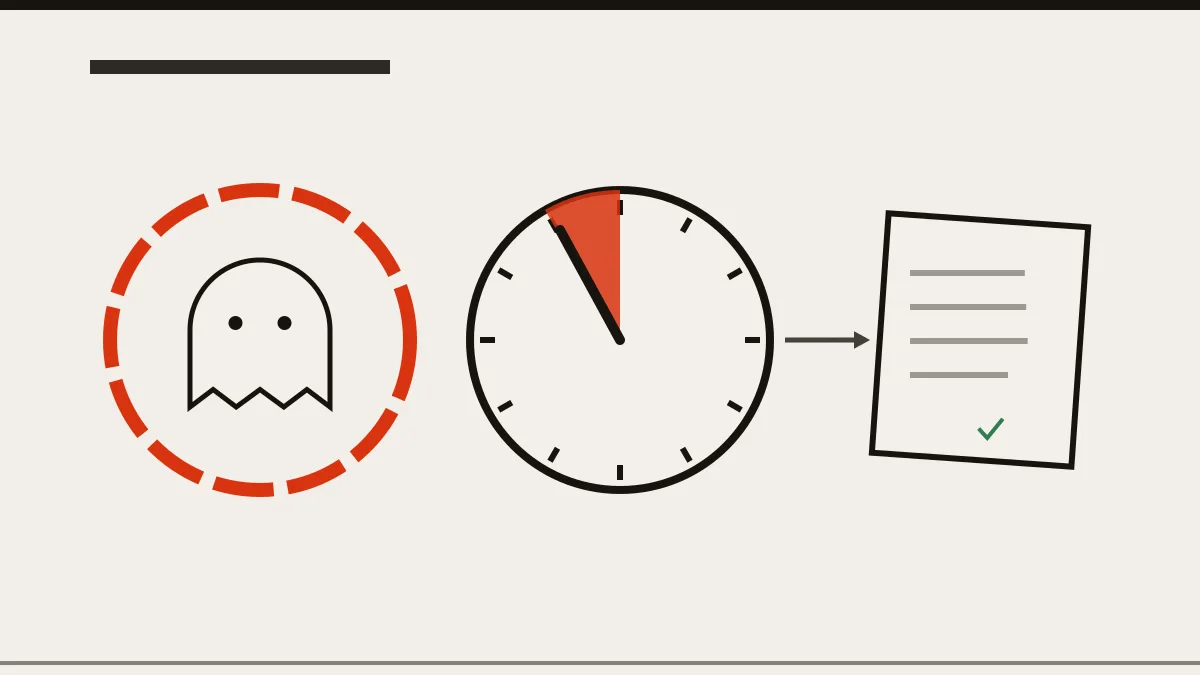
Snaps on a Story disappear after 24 hours whether anyone reports them or not. That changes the order of work. A Snapchat story takedown by report has to beat the clock, so before reporting, copy the Story link (press and hold, then Copy link) and screenshot the Snap with the username visible. Then use Report Snap. The same button covers Spotlight and Snap Map, and in the EU and UK it carries an extra option, "Illegal Content (DSA or OSA)", that opens a browser form and counts as a formal legal notice rather than a guidelines complaint. When people search how to take down story on Snapchat for a Snap someone else posted, that button is the whole answer; whether the Snap goes is Snap's call. Once reported, the Snap is kept for review even if it would otherwise have expired, as Snap's moderation explainer states.
A Snapchat story takedown also leaves things behind. Anyone who screenshotted the Snap or saved it to their own Memories still has a copy, and a takedown on Snapchat does nothing to a copy re-posted to TikTok, X or a forum. If the Story used your photo, your video or your song, the copyright route is often faster than a guidelines report, and it is the same signed notice you would send for a Vimeo copyright strike or a Redbubble copyright infringement: the work, the copy, a good-faith statement and your signature, as set out in 17 U.S.C. § 512.
How to take down a Snapchat story that is your own
Sometimes the Story is yours and you regret it. Here is how to take down Snapchat story posts on your own account. Open your profile, tap My Story, press and hold the Snap and choose Delete. If you also saved it, delete the copy in Memories separately. For readers who typed how to take down story Snapchat in a hurry: deleting removes it for everyone who has not already opened it, but you cannot pull back a screenshot. Snapchat tells you when someone screenshots your Snap; it does not let you undo it.
How to take down Snapchat Spotlight posts
Spotlight is different because it does not expire. A Spotlight Snap stays up until its owner deletes it or Snap removes it. If it is yours, open your profile, find the Spotlight section, open the Snap and use the three-dot menu to delete it. If it is someone else's, Report Snap is the route, and a copyright notice is the stronger one when the video is yours. That is how to take down Snapchat Spotlight content in both directions. Our checklist on how to report stolen content on TikTok shows the same evidence trail Snap's IP team expects: original upload, date, and the copy's link.
Snapchat group takedown: why a group has no off switch
There is no button to report a Snapchat group as a whole. A group chat on Snapchat is a set of members and messages, not an object with an owner Snap can remove. On Snapchat, a group takedown in practice means one of three things: members remove the person causing harm, since any member can use Remove from Group; you report the offending messages one by one by pressing and holding them; or you report the members who sent them, as accounts. Reported messages carry "some of the preceding messages" into the report. Leaving a group cuts the other way. When someone leaves, the Snaps and Chats they sent are cleared from the group, "even if someone saved them" by Snap's own help page. So if a group member is the problem, report before anyone leaves. Retention varies too: Community Group Chats keep messages for seven days, while public Topic Chats are kept for five years.
The comparison with Facebook is useful. A Facebook Page or group has an admin and a switch, which is why our guide on how to take down a page on Facebook can name a single removal route. Snapchat groups have no such switch.
When only the owner can press delete
Some deletions Snap will not make for anyone but the account holder. Deactivation is one: when an owner deletes their account, it sits deactivated for 30 days and is then deleted, which takes roughly another 30 days, and logging back in during the first stretch cancels it. A report cannot speed that up. Deceased users are another. Snap grants no access to a dead person's account and accepts deletion requests only from a verified email address on that account; there is no family form. If you are locked out of your own old account, recovery comes first, then Delete My Account. A Snapchat account that is taken down by Snap can be appealed once per lock, with a decision taking up to 30 days, and terminated users are barred from opening a new account. None of those outcomes can be bought. The same holds on other platforms, as our breakdown of what a Facebook post removal service can and cannot return makes clear.
Is Snapchat being taken down?
No. As of October 2026 Snapchat is not being taken down anywhere we track, and no government has switched the app off for adults. The searches "is Snapchat getting taken down" and "is Snapchat going to be taken down" usually trace back to three real events. The first is Australia's minimum age law. From 10 December 2025, designated platforms, Snapchat among them, must take reasonable steps to stop Australians under 16 holding accounts, with fines of up to A$49.5 million (eSafety Commissioner). Snap said it had blocked or disabled about 415,000 Australian under-16 accounts by the end of January 2026. For those teenagers, Snapchat getting taken down felt literal. For everyone else nothing changed. The law targets accounts, not the app, and Snap itself argued that age estimation is accurate only to within two or three years.
The second is regulation in Europe. The European Commission opened formal proceedings against Snapchat under the Digital Services Act on 25 March 2026 (European Commission). Proceedings are an investigation, not a ban.
The third is ordinary outages. When the app fails to load for an hour, "Snapchat being taken down" trends, and then the servers come back.
A real removal of a whole service looks very different, and it is rare. When the FBI seizes a site, the domain is replaced with a seizure banner, which is the pattern behind every FBI website takedown you see reported. Registrars and hosts do something similar on a smaller scale in a malicious domain takedown. An app store or a national regulator could pull Snapchat in one market. Nobody has, and "Snapchat taken down" headlines so far describe accounts and age gates, not the app.
What no Snapchat content takedown reaches, and what we will not do
Here is the honest limit. A Snapchat content takedown removes a copy on Snapchat. It does not touch screenshots, Memories saved by other people, or a copy that has already travelled to another site. Once a clip leaves the app, each host is a separate notice, and copyright gives you a better tool than any guidelines report: the difference between a copyright claim vs copyright strike decides whether the uploader's account is put at risk too. Image hosts follow the same logic, which is what an Imgur copyright takedown request relies on. Deleted videos are not always gone either, as our note on how to see taken down YouTube videos shows for archives and mirrors. A copy showing in Google Images or a search snippet is one more address, handled by a search removal request once the source is gone.
Some content cannot be taken down by anyone, because it breaks no rule. A truthful post, a fair opinion, or something you simply dislike stays up, and a takedown attempt can draw more attention to it. We never forge copyright notices, we never ask for anyone's password, and we never sell "guaranteed" account deletion. Snap's own rules warn that people who file unfounded reports again and again can have their reports ignored for up to a year. Our disclaimer sets out the limits in full.
When we prepare these cases, the pattern is consistent. A single account report with the right reason, a Story link copied before it expired, and two or three item reports beat a flood of identical ones, and Snap's own guidance says duplicate reports are deprioritised. If the problem is a leaked intimate image, start with StopNCII.org, which hashes the image on your own device so partners, Snap included, can block it, and never send the image to anyone, us included.
If you are not sure which route fits, send us the details for a confidential review. We will tell you which hand holds the button for your case, and whether anything can be done, before you pay anything.