Where does the fake live? That decides the takedown
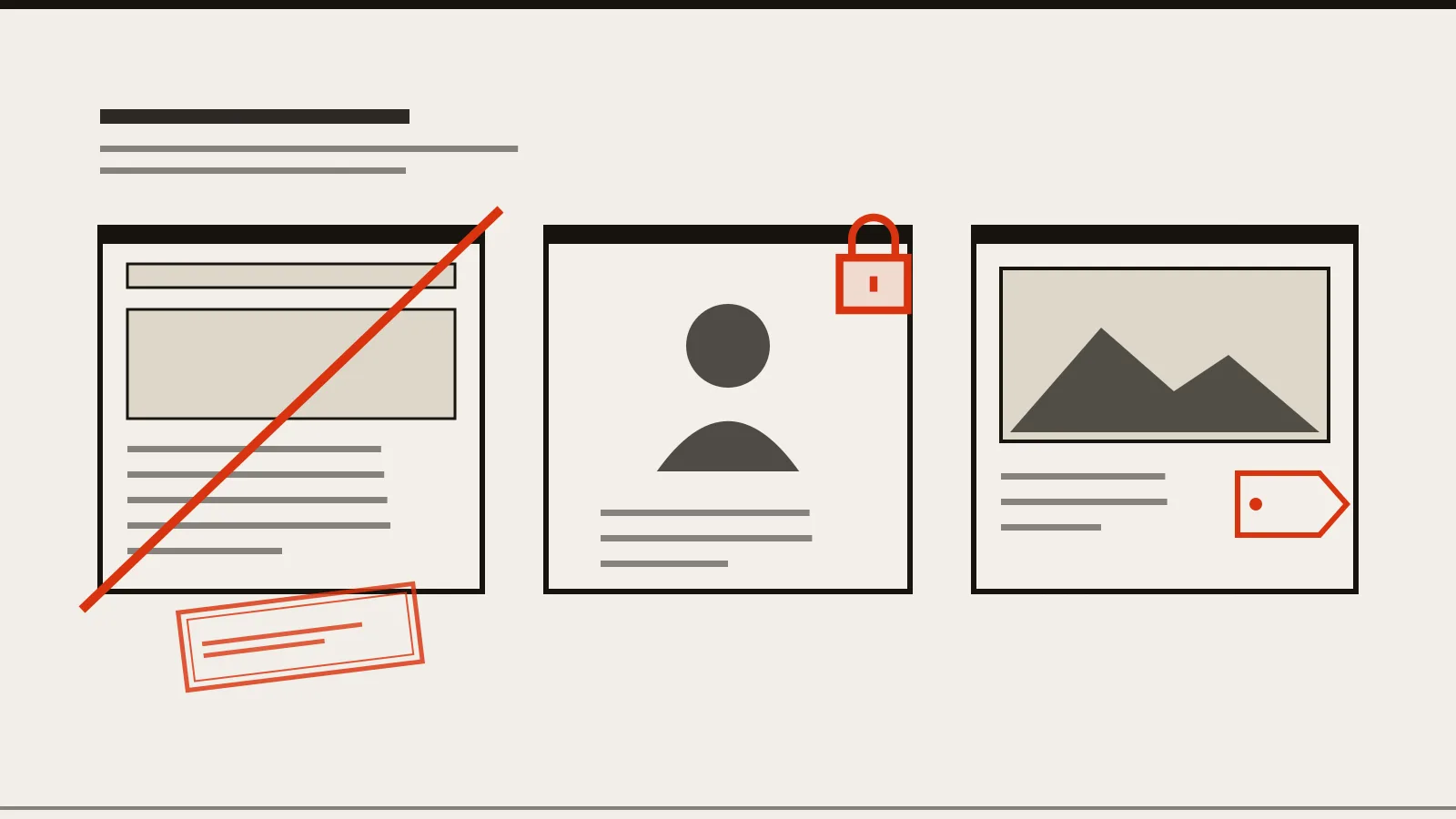
Someone has set up a copy of you. It might be a website wearing your company's logo, a LinkedIn profile with your headshot and a job you never held, a dating profile built from your holiday photos, or a marketplace seller trading on your shop's name. People search for an impersonation, scam & content takedown as if it were one job with one form. It is three jobs, and the address of the fake tells you which one you have.
A fake that is its own website answers to the companies that keep it online: registrar, host, proxy. A fake profile lives inside somebody else's platform and answers only to that platform's trust and safety desk, which often sits behind a login you may not have. A scam listing answers to two desks at once, one that closes accounts and one that handles money, and they keep different clocks. Content that merely talks about you (a paste, a forum thread, a print-on-demand design) is a fourth case, and the hardest, because impersonation rules do not reach it at all.
So before you file anything, write down one line: where does it live, and can I get through that door? The rest of this briefing follows that order. We checked every route named below on 11 October 2026.
Impersonation website takedown: when the fake is its own site
An impersonation website takedown is a set of abuse reports sent to the companies that keep a copycat site reachable, asking each one to switch off its part. The registrar can suspend the domain name. The host can remove the files. A proxy such as Cloudflare can pass your complaint to the host behind it. Browsers and search engines can put a warning in front of the page. None of them will act on "this site is pretending to be me" as a bare statement; each wants evidence that fits its own rulebook. For registrars that rulebook changed on 5 April 2024, when ICANN's contract amendments began requiring them to act promptly on actionable evidence of DNS abuse, a list that includes phishing but not ordinary trademark or content disputes (ICANN's DNS abuse page sets out the definition). A clone that collects logins is DNS abuse. A clone that just copies your brochure is not.
That split decides the route. If the copy harvests passwords or card details, treat it as phishing: report a phishing site to the blocklists first, then the registrar and host. If it only borrows your name and look, the working levers are the host's acceptable-use policy, a copyright notice for the text and images it lifted, and, for the domain name itself, a UDRP complaint, which costs USD 1,500 at WIPO for a single panellist and ends in transfer or cancellation rather than damages (WIPO fee schedule, 2026). Our comparison of a domain takedown service with a host-level one covers who holds which switch.
A page impersonation takedown inside a platform is different again. A fake Facebook Page or brand account has no registrar. You report a Facebook Page to Meta and nobody else can remove it.
To report a scam site as a member of the public, three free doors are open to anyone: Google Safe Browsing's phishing form, the UK National Cyber Security Centre's scam-website form, and the abuse address the registrar must publish on its homepage. File all three. They do not talk to each other.
Can you report a fake profile without an account?
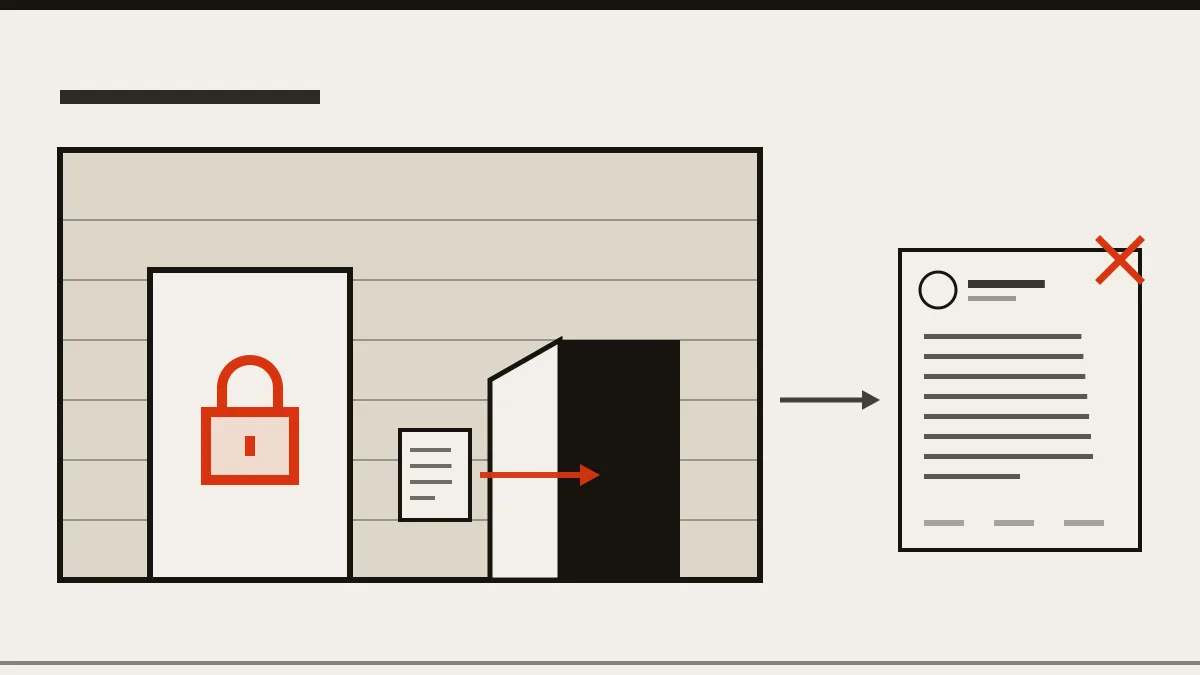
This is the question the big guides skip. Most reporting instructions assume you can open the app, find the profile and tap three dots. The person being impersonated is often the one person who cannot: they never joined, they have been blocked, or the fake is only shown to strangers in another city. We went through each platform's help pages and noted whether an outsider has a door.
| Platform | Member route | Door for non-members | Proof asked |
|---|---|---|---|
| More > Report / Block | none confirmed; the form asks you to sign in | none stated | |
| Threads | in-app report | Meta's web form for Instagram or Threads | photo ID, deleted within 30 days |
| Report a policy violation | same web form | a link that shows who you are; no government ID | |
| Hinge | in-app report | Submit a Request, Safety and Reporting | screenshots of the profile |
| Discord | Report User Profile | Submit a Request; EU form for illegal content | message link for the EU form |
| OfferUp | profile > three dots > Report | Contact Us web form | police case number for crimes |
Two patterns come out of that table. Platforms that ask for ID (Meta) tend to accept reports from outsiders, because the ID does the job an account would. Platforms that ask for nothing (LinkedIn) lean on membership instead. Neither is better. It only tells you what to prepare.
For the larger networks we keep separate briefings, because each has its own trap. Instagram has no "fake" reason in its menu, which is why how to get a fake Instagram account removed starts with choosing a different label, and why the Instagram impersonation report form matters more than the button. The account type changes the route too, as our guide on how to report an Instagram account shows. On Facebook, you can report a fake profile on Facebook without being friends with it. X will let you report impersonation on X from a web form and may ask for ID. TikTok wants the original beside the copy, so how to report a fake TikTok account is mostly about proof. And you can report impersonation on Snapchat from its support site with no login.
LinkedIn fake profile removal: the report route and its limits
LinkedIn fake profile removal starts on the profile itself. Open it, choose More, then Report / Block, report the member, and pick one of two reasons that sit in the same pop-up: "This person is impersonating someone" or "This account is not a real person" (LinkedIn Help, Report fake profiles). That is the whole LinkedIn impersonation report form as far as members are concerned. There is no ID upload at this stage, no case number, and the reported member is not told who filed. LinkedIn says only that it will act if the profile breaks its policies. If you want to remove impersonation LinkedIn has not caught, the first choice is usually the stronger one when the profile uses your real name and photo; the second fits invented people, the recruiter with a stock-photo face who messages your staff.
The limit is the login. The help address that used to carry a standalone form redirected us to a sign-in page on 11 October 2026, and we could not find a route on LinkedIn's help pages for a person with no account. In practice a LinkedIn account impersonation takedown filed for a non-member goes through a colleague or representative who is signed in and can see the profile. A company whose name or logo is on the fake has a second door: LinkedIn's trademark notice, a separate form that can be forwarded to the member it names.
How likely is it to work? LinkedIn's own figures say most fakes never reach you: 99.7% of the fake accounts it removed between July and December 2025 were stopped before any member reported them (LinkedIn Community Report, 2026). A LinkedIn impersonation account that survives that filter is, by definition, one the automation found plausible. So a LinkedIn report fake profile submission needs to say what the machine missed: the real profile's address, the copied photo, the employer that has never heard of this person. A LinkedIn scammer report works the same way, with the message thread attached.
What about a LinkedIn impersonation protection service? Monitoring for new profiles using your name is a real product. Removal is still LinkedIn's decision, and anyone who sells it as their own is reselling the menu above.
Meta Threads impersonation removal and the Pinterest impersonation report
Meta Threads impersonation removal runs through the same web form as Instagram. Its title names both products, it has fields for the Threads username of the real person and of the copy, and it takes one account per report (Meta's impersonation form). Only the impersonated person or an authorised representative, such as a parent, may file, and the form asks for a photo of ID which Meta says it deletes within 30 days. No account needed.
A Pinterest impersonation report asks for less. Under Report a policy violation, choose Report account impersonation, give the address of the fake, your own Pinterest profile if you have one, and something else that shows who you are, such as another social profile (Pinterest Help). No government ID. Pinterest adds a caution worth repeating: a shared name or a similar username is not, by itself, a violation.
Remove a fake profile on a dating app, or report a catfish
To remove fake profile on dating app accounts you cannot see, use the operator's support site, not the app. Hinge's help centre sends these reports through Submit a Request under Safety and Reporting, and asks for the exact name, age, bio and photos on the fake, as screenshots, plus any phone number or email you were given. That is also how to report a Hinge scammer who has already moved you to another chat app. We could not confirm on Hinge's own pages whether a non-member is asked for ID, so expect the question.
The request to remove fake account impersonating me usually comes from someone who was told about the profile by a friend. Ask that friend for screenshots before they report in-app, because a removed profile leaves you nothing to show the police or the next app. To report a catfish who took money, the dating app is only half the job. The other half is the fraud desk, covered below.
Scam listings: one desk closes the account, another returns the money
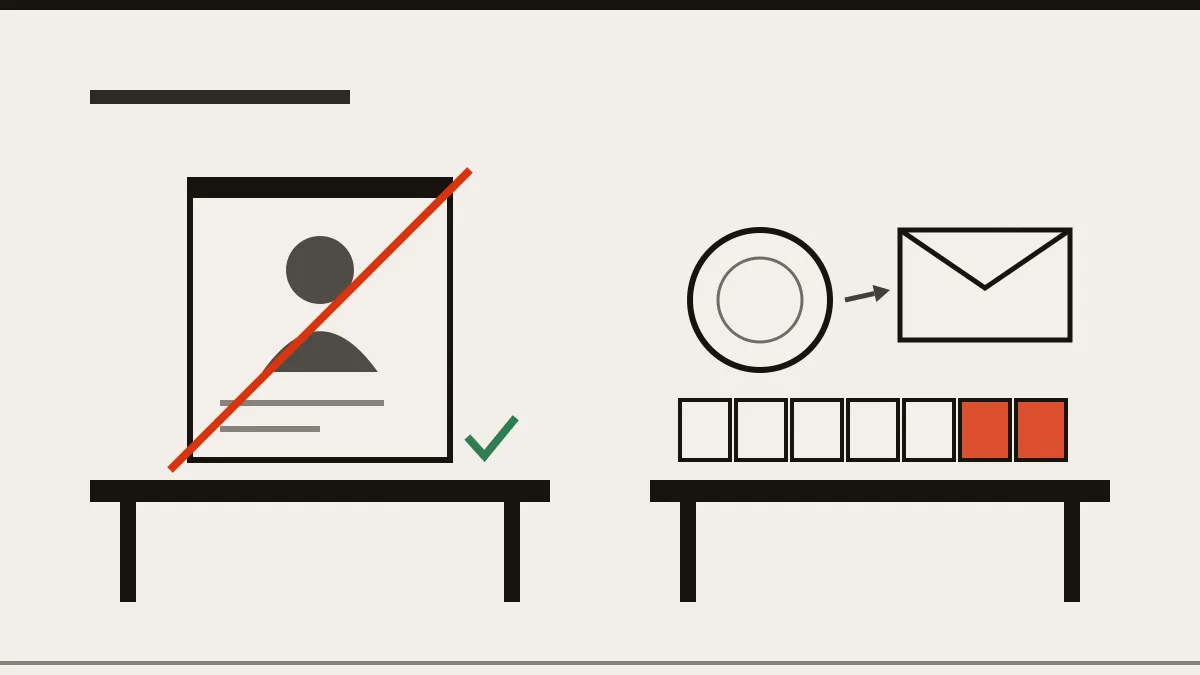
Marketplace scams confuse people because the report button and the refund button are different buttons. A report tells the platform that a user broke its rules. A claim tells its payments side that a transaction went wrong. The first can end the account and return nothing. The second can return the money and leave the account standing.
OfferUp. To report a scammer on OfferUp, tap the seller's profile picture, open the three-dot menu, choose Report and pick a reason. The user is not notified, and you get no status update afterwards. That silence is why "offerup report scammer" searches so often end with "nothing happened". If a crime took place, OfferUp's help centre says to go to local police first and then use Contact Us, Report a Crime, where the form asks for the police case number and the officer's contact details (OfferUp Help, Report a crime). So to report a scam on OfferUp properly you need two filings, in that order. An OfferUp scam report service cannot shorten this; it has no access the menu does not give you, and the police report has to come from the victim.
Poshmark. A Poshmark scam report is really a deadline. Posh Protect gives a buyer three days after the tracked delivery to open a case through My Purchases; after that the payment is released to the seller and the sale is final (Posh Protect). Emailing support does not count as opening a case.
Upwork. To report a scammer on Upwork, flag the job post, or use "Flag as inappropriate" in the profile's options menu. One of the listed reasons is a request to pay outside Upwork, which is the usual first step of the fraud. Reports are confidential.
Discord. To report a Discord scammer, hold or right-click the message and choose Report Message, or use Report User Profile from the three-dot menu. Discord's Safety Center gives review targets of 24 to 48 hours for high-harm reports and about a week for the rest (Discord Safety).
The same two-desk split applies on the larger apps. A Facebook Marketplace scam report is separate from a purchase-protection claim; how to report a scammer on TikTok depends on whether you paid, were copied, or own the brand; and how to report a scam on Telegram changes with what the scam took.
To report a crypto scam, add a third desk, because no platform can reverse a transfer. In the US that is the FBI's Internet Crime Complaint Center; in England, Wales and Northern Ireland it is Report Fraud, which replaced Action Fraud. The FBI's 2025 report, released on 6 April 2026, counted 181,565 crypto-related complaints and about $11.4 billion in losses (as reported by The Record, April 2026). Anyone who contacts you afterwards offering to recover the coins for a fee is the second scam.
Pastebin, Redbubble and Kiwi Farms: when the content is the problem
Not everything that damages a name is impersonation. A paste of your details, a T-shirt with your artwork, a forum thread about you: nobody is pretending to be you, so the impersonation forms above will reject the report. The route depends on what was taken.
If your own work was copied, copyright is the lever. The Pastebin DMCA request form lives at pastebin.com/dmca and asks for your full name, postal address, phone and email, where the original work can be found, and the infringing pastebin.com addresses one per line, with good-faith and penalty-of-perjury statements and a captcha (Pastebin DMCA form). Only the copyright holder or an authorised representative may file. A paste of leaked credentials is not a copyright matter; use Report Abuse on the paste, and see how we remove leaked data from Pastebin alongside other leak sites. On print-on-demand sites the Redbubble notice and takedown form covers copyright, trademark and publicity rights in one report, and only the owner or an agent may sign it. A ComplaintsBoard DMCA takedown works the same narrow way: it removes copied text, not the complaint.
If the content is someone's opinion of you, or a true account you would prefer buried, no notice removes it lawfully. This is where we have to be plain. Obscura cannot take down truthful reporting, genuine public records or protected opinion, and we will not dress a reputation complaint up as a copyright claim to try. A false DMCA notice carries liability under US law and tends to hand the other side a better story than the one you wanted gone. We never ask for passwords, and we never promise a result before reviewing the case; our disclaimer sets out those limits. What remains for lawful but harmful material is defamation law where a statement is false, platform rules where it is harassment or doxxing (our Reddit defamation removal briefing walks through one such desk), and search suppression where neither applies.
That is the honest answer to a Kiwi Farms reputation removal service. Kiwi Farms publishes no cooperative takedown route that we could verify, and its infrastructure history shows why outside pressure is unreliable: Cloudflare stopped serving it on 3 September 2022 and it came back through other providers. A service that says it can delete a thread there is describing something it does not control. The parts within reach are narrower and real: copyright notices for photos you took, hash-matching through StopNCII for intimate images, and requests to Google to de-index pages that expose personal data, which is how you remove defamation from search results and doxxing content when the page itself will not move.
Legit takedown vs scam: how to check an online reputation removal service
An online reputation removal service is a business that prepares and files removal requests for a client and then tracks them: impersonation reports, copyright notices, legal complaints, de-indexing requests. It has no private line into any platform. That one fact is the whole legit takedown vs scam test, because everything a genuine service does can be written on an invoice as a named form filed by a named person on a stated date.
When we file these, the platform almost never tells us more than it tells a member of the public: a reference number, sometimes a rejection with one line of reason, often silence followed by the profile disappearing. What a service adds is the sorting done in this briefing, evidence captured before the fake changes, and the patience to refile under the right rule after a first refusal. That is worth paying for when you are dealing with five fakes on four platforms. It is not worth paying for when the pitch is a number of reports.
Ask four questions before you pay anyone who offers to report & remove scams & impersonators for you.
- Which form will you file, and in whose name? Meta's form, for one, only accepts the impersonated person or their authorised representative.
- What do you need from me? ID for a platform's own form is normal. A password never is.
- What happens if the platform says no? A real answer names the next route. A scam answer is "we send more reports".
- How do I pay, and when? Crypto-only, upfront, with a guarantee attached, is the pattern of the people you are trying to remove.
Volume sellers fail the first question. A Telegram report bot cannot file an identity-verified form, a TikTok report bot cannot attach your proof of original, and the Instagram report apps on our bench do not file the impersonation form at all. Impersonation desks check who is asking. A thousand anonymous flags do not answer that.
Not sure which of these doors your case needs? Send us the links for a confidential review. We will tell you which routes are open, which are closed, and what we would not attempt, before any charge.
The repair order once the fake is down
Removal is the middle of the job. A fake that ran for three weeks has left traces: a cached search result, messages sent to your contacts, perhaps a payment someone made believing it was you. We work through the same order each time.
First, keep the evidence you gathered before reporting: addresses, screenshots with dates, the reference numbers each platform issued. Building them into a single file, the way we describe for people who need to know how to report a fake Twitter account alongside the harassment that came with it, means the second report on any platform takes minutes. Second, ask the search engine to refresh the dead result, since a removed profile can sit in results for weeks. Third, tell the people the fake contacted, briefly and from your real account. Fourth, if money moved, make the fraud report even when the amount is small, because banks and payment apps ask for that reference.
Then watch. Copies return, usually within a month and usually on the platform with the weakest door. Our team keeps the original evidence file open for that reason.