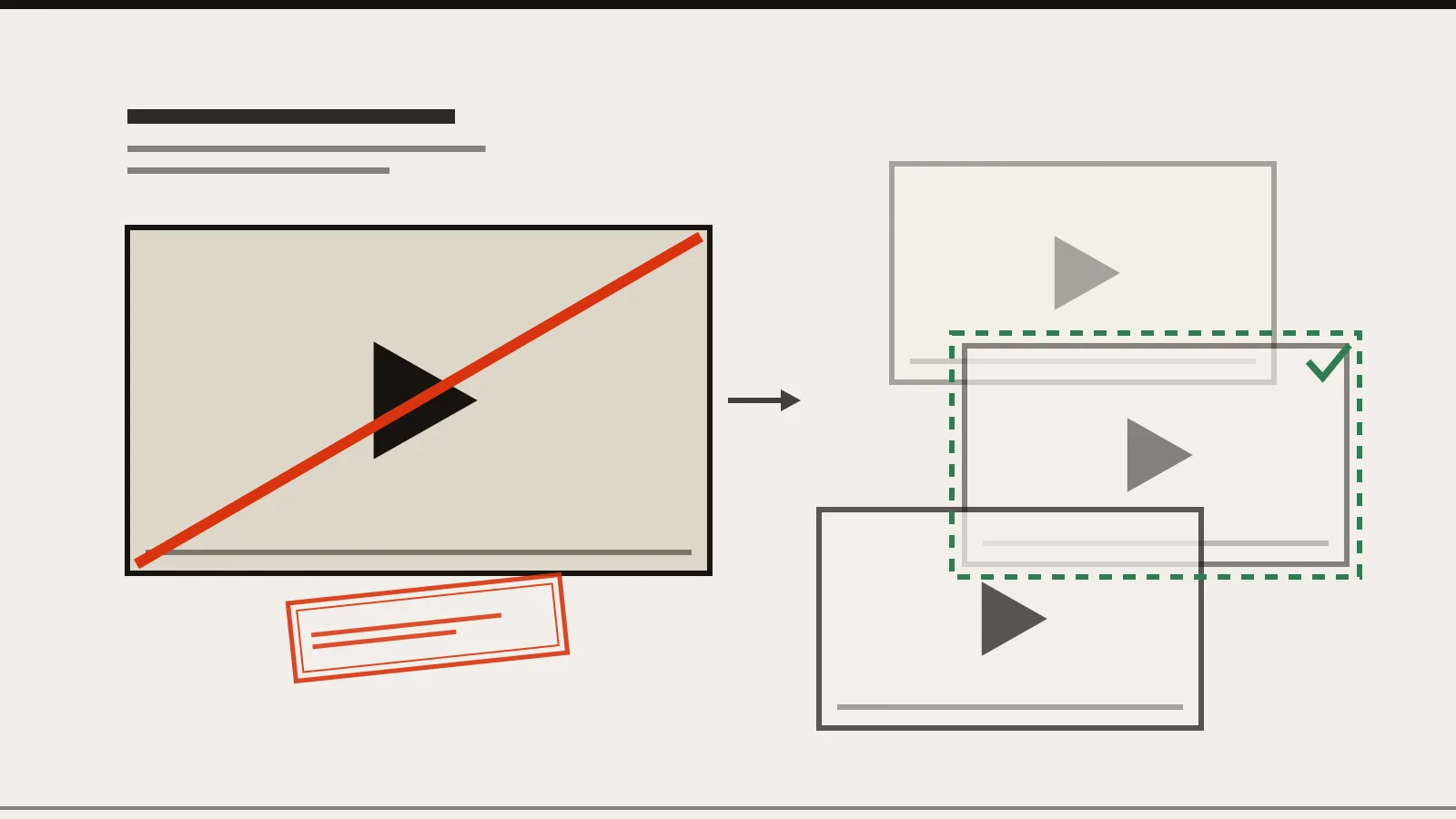
What is left of a video once YouTube takes it down?
A link that played last week now opens on a grey panel. Most people who search for how to see taken down YouTube videos are really asking whether anything still sits behind that panel, and the answer depends on who they are.
A takedown on YouTube removes one copy from one address. The watch page stays, with a single line saying why the video is gone, and the file is withdrawn from public playback. Four other things may still exist. The uploader keeps whatever sat on their own drive, plus a listing in YouTube Studio that explains the removal. The Internet Archive may hold a capture of the watch page from an earlier date. Other hosts, from Dailymotion to Telegram, may carry a re-upload. And a search engine can go on showing the old title for a few days. None of these is the removed stream itself, and no outside tool can replay it. So the question of how to see YouTube videos that were taken down has one answer for the uploader, another for a viewer and a third for the person who asked for the removal. This briefing takes them in that order.
| Where a copy may sit | Who can reach it | What is there |
|---|---|---|
| The watch page | Anyone with the link | A one-line reason, no video |
| YouTube Studio | The uploader | The reason and an appeal link |
| Wayback Machine | Anyone | The page as it once looked |
| Another platform | Anyone | A re-upload, lawful or not |
| The uploader's drive | The uploader | The original file |
What the grey panel tells you
Read the line on the panel before anything else. We could not find one YouTube help article that lists every notice, so this comes from the removals our team handles. The panel usually says one of five things: the video is private, the uploader removed it, a named claimant made a copyright claim, the video broke YouTube's rules, or the account behind it was terminated.
Each line points somewhere different. A private video was never taken down. Its owner flipped a switch and can flip it back, so the owner is the person to ask. A copyright line names the claimant, which tells you who holds the rights and where a licensed copy might be. A rules line or a terminated account means YouTube itself acted, and only an appeal by the uploader can reverse that.
How to watch a YouTube video that was taken down when it was yours
Your position is the strongest, and it is still narrow. YouTube emails the reason and shows it against the video in Studio. For a Community Guidelines removal you have up to a year from the removal date to appeal, each strike can be appealed once, and a successful appeal restores the video and clears the strike, according to YouTube's appeal page. For a copyright removal the tool is a counter notification. The claimant then has 10 US business days to respond, and if they do not, the video is reinstated unless you deleted it in the meantime, as the counter notification article explains.
The odds are worth knowing. Between April and June 2026, YouTube received 1,269,277 video appeals and reinstated 87,953 of them, which is about 6.9% (Google Transparency Report, read on 26 September 2026). Most removals stand.
One practical trap sits in the download rules. Studio will not let you download a video that has been removed or that carries a strike, so the copy on your own drive may be the only one you can still open. When we prepare an appeal, the first two things we ask a client for are that original file and the removal email, because the email names the policy and the appeal has to answer that policy and nothing else.
How to view taken down YouTube videos that belonged to someone else
Here the honest list is short. Work through it in this order.
- Ask the uploader. They hold the original file and are the only person who can appeal.
- Check the Wayback Machine. Paste the full watch address into the search box and choose Browse History. The Internet Archive's own guide warns that JavaScript elements are hard to archive, and a video player is exactly that. Expect the page as it looked, with the title, the description and the upload date. The video itself is seldom there.
- Search the exact title in quotation marks. Creators often post the same film on a second host, and a broadcaster may hold a licensed copy.
- Stop if the reason was privacy or abuse. A video removed because it exposed or harassed someone should stay gone.
People phrase this search many ways: how to watch taken down YouTube videos, how to watch videos taken down on YouTube, how to watch YouTube videos that have been taken down, how to watch YouTube videos that were taken down. The wording changes nothing. A removed video is no longer served from YouTube's public addresses, so a site or browser extension that promises to unlock it has nothing to fetch. Treat those as advert bait at best.
The same logic holds on other apps. Our note on how to see taken down TikToks reaches the same conclusion from TikTok's side: the uploader can sometimes get a video back, and a stranger cannot.
How do you take down your own YouTube video, Short or channel?
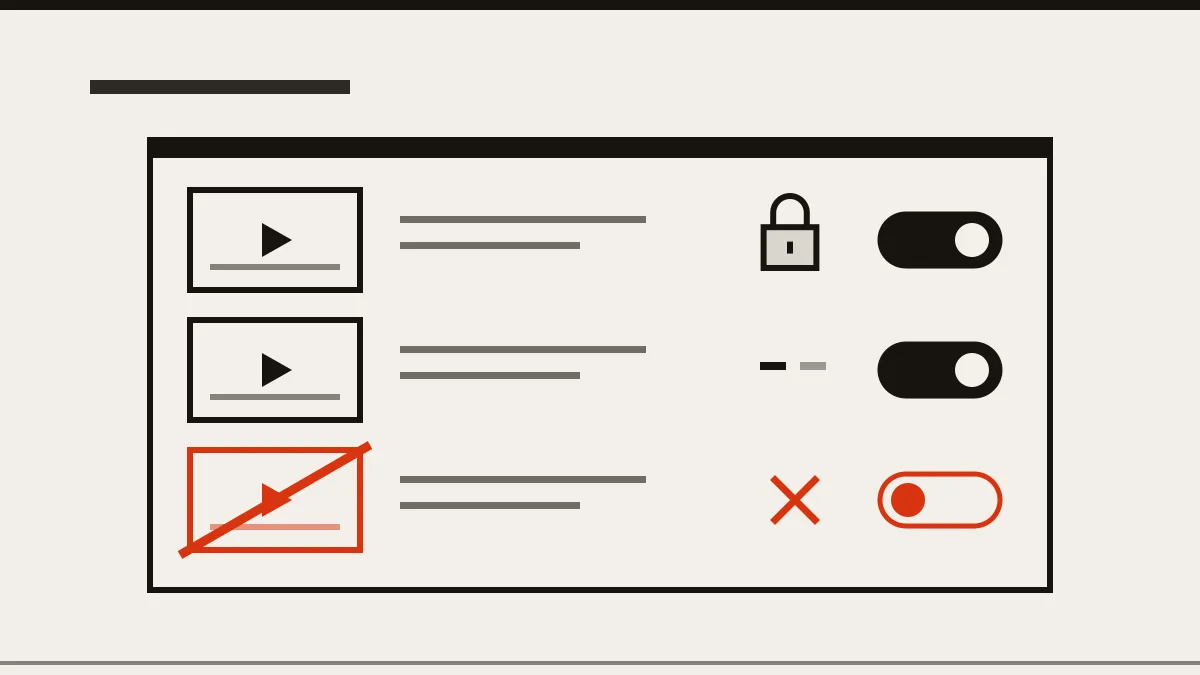
Removing your own upload needs no report, no form and no law. You own the switch. What catches people out is that YouTube offers three different switches and only one of them is final. Private hides a video from everyone except accounts you invite. Unlisted keeps it playable for anybody holding the link while dropping it from search and from your channel page. Delete removes it for good, and the help centre is plain that a deleted video cannot be recovered and that you should keep a backup. So the first decision is not how to take down a video on YouTube but how gone you need it to be. A video you may want again in a year belongs on private. A video that embarrasses you belongs in the bin, after you have saved the file. Channels follow the same pattern, with hide standing in for private.
How to take down your YouTube video: hide it or delete it forever
On a computer, open YouTube Studio and choose Content. Hover over the video, open Options and pick Delete forever, tick the box that confirms you understand, and confirm again. Those are the steps on YouTube's Delete videos page. Removal starts at once and the video stops appearing in YouTube search. Its watch time stays in your aggregate reports, no longer attributed to the video.
Save the file first. Studio offers each upload as an MP4 in 720p or 360p, up to five downloads per video per day, and Google Takeout exports everything you have uploaded in one job, as the download article sets out. You cannot swap a new file in under the old link. A fresh upload always gets a fresh address, so every embed and share of the old one breaks.
Searches such as how to take down video from YouTube, how to take down videos on YouTube and how to take down your YouTube videos all end at this one menu.
How to take down a YouTube Short
A Short is a video like any other in your Content list. The help page gives it no route of its own. In the mobile app, tap your profile picture, open Your videos, tap More beside the Short and choose Delete. Private and unlisted work on a Short too. That is the whole of how to take down a YouTube Short.
How to take down old YouTube videos, several at once
Old uploads are the commonest request we hear from people about to change jobs. Studio's Content list lets you tick several videos and delete them in one action, which is the quick answer to how to take down old YouTube videos. Three cautions apply. Deleting does not clear a strike, and YouTube says it can still issue one against content you have already deleted. Deleting a video during a copyright counter notification ends any chance of reinstatement. And Google's results can show the old title and thumbnail for a while afterwards. Google's Refresh Outdated Content tool asks for a recrawl of a page that has changed or gone, which usually clears the leftover result faster than waiting.
How to take down your YouTube channel, including an old one
For the channel the path is Studio, Settings, Channel, Advanced settings, then Remove YouTube content. YouTube then offers two choices, described on its delete or hide page. Hiding makes your channel name, videos, likes, subscriptions and subscribers private, and you can reverse it. Deleting permanently removes videos, comments, messages, playlists and history. It cannot be done from a phone, it can take some time to finish, and thumbnails may linger. Your Google Account survives either choice. That covers how to take down your YouTube channel when you can sign in.
The harder case is how to take down an old YouTube channel whose login you lost years ago. YouTube has no owner's route without the owner's sign-in, so the work is Google Account recovery first and deletion second. Waiting is not a plan either. Google's inactive account policy lets it delete accounts unused for two years, yet when the policy was announced in May 2023 Google said it had no plans to delete accounts holding YouTube videos. If recovery fails, the channel stays up.
People who search how to take down old YouTube channel or simply how to take down YouTube channel sometimes mean a channel run by somebody else in their name. That is a different job with different forms, and our briefing on how to take down a YouTube channel covers it.
How do you take down a video from YouTube when somebody else uploaded it?
You cannot delete it, so you ask YouTube to, and YouTube gives three doors sorted by what is wrong with the video. The flag under the player is for rule-breaking: harassment, threats, scams, sexual content, dangerous acts. Any signed-in viewer may press it, and a reviewer compares the video with the Community Guidelines. The privacy complaint is for a video that identifies you by face, voice, name or address, and YouTube expects the complaint from the person shown or their legal representative. The copyright webform is for your own work used without permission. It is a legal notice, only the owner or an authorised agent may sign it, and a false one carries liability. Pick the door by the wrong, not by how angry you are. How to take down a video from YouTube is therefore three questions: does it break a rule, does it expose you, or is it yours?
The paperwork differs at each door. For copied work, our walk-through of the YouTube copyright takedown form goes field by field. If the uploader made money from your footage, read Content ID claim vs copyright strike before you file, because a claim usually leaves the video up and a removal request takes it down.
The same clip rarely lives on YouTube alone
A video worth removing has usually been cut into shorter pieces and posted elsewhere. Each platform is a separate request with its own form, and a removal on YouTube moves nothing on the others.
Short-video apps come first. A copied film needs a TikTok copyright takedown, while a clip that breaks the rules without copying anything goes through the steps in how to report a video on TikTok. On Instagram the object decides the button: see how to report an Instagram post for the feed, how to report an Instagram story for the 24-hour copy, and our page on Instagram reels takedown when the account exists only to re-post you.
Facebook and X behave differently again. The piece on how to take down a post on Facebook separates what you can remove yourself from what Meta must remove, and a Facebook DMCA takedown is the route for copied footage. On X, one post has one ID and many copies, which is why how to get someone's tweet deleted starts with the ID. A Twitter DMCA notice reaches the uploaded video but not a link to it, and a pattern of abuse from one account is better filed as a single Twitter takedown request.
Forums and messengers are last, and slowest. A Reddit takedown request can land on four different desks, and how to report a Telegram channel explains why a forwarded video there needs the message link as well as the channel.
When we file for a client whose video has been re-posted, we list every address before sending anything and file them all on the same day. A removal on one platform tends to send the re-poster to the next.
Is a video about you still up, or back up? Send us the links. Tomás's team checks every copy in confidence, tells you which can be removed and which can only be pushed down, and quotes before any charge. Start a confidential review.
Where do the other copies live, and who can remove them?
Away from the big networks, the routes get simpler and stricter. Smaller hosts rarely have a review team that weighs a complaint against a long rulebook. They have a legal inbox, and that inbox acts on one kind of message: a notice from the person who owns the right or who controls the page. A viewer's flag exists on some of them and counts for little. So before writing to any of the services below, settle two things. Is the item yours to delete, in which case you sign in and delete it? Or is it someone else's, in which case you need a ground the host recognises, almost always copyright, a trade mark or its own published rules? The table shows what we could confirm on each service's own pages in October 2026. Where a page would not load for us, the text below says so.
| Platform | Route for someone else's item | Who may file |
|---|---|---|
| Dailymotion | Copyright notification form | Owner or authorised agent |
| Internet Archive | Emailed request or copyright notice | Site controller or rights owner |
| Imgur | Removal request page; copyright by email | Person affected; rights owner |
| itch.io | Copyright notice by email | Rights owner |
| Kick | Copyright notice by email | Rights owner |
| eBay | VeRO programme; general report | Rights owner; anyone |
| Craigslist | Flag link; copyright by email | Anyone; rights owner |
How to take down a video on Dailymotion
Dailymotion's copyright page sends rights owners to a notification form in its help centre. The filer has to be the owner or someone authorised to act for the owner, and the notice needs the usual six elements: a signature, a description of the work, the exact video address, contact details, a good-faith statement and a statement under penalty of perjury. Two details matter to anyone worried about exposure. A counter-notice is forwarded to the claimant together with the uploader's personal details, and restoring deleted content is at Dailymotion's discretion. Repeat infringers can lose their accounts, though no strike count is published.
For your own upload, how to take down a video on Dailymotion is a matter of deleting it from your account. Dailymotion's help centre returned an error to us on 14 October 2026, so we do not print a menu path we could not read.
Internet Archive takedown request, and when it becomes a notice
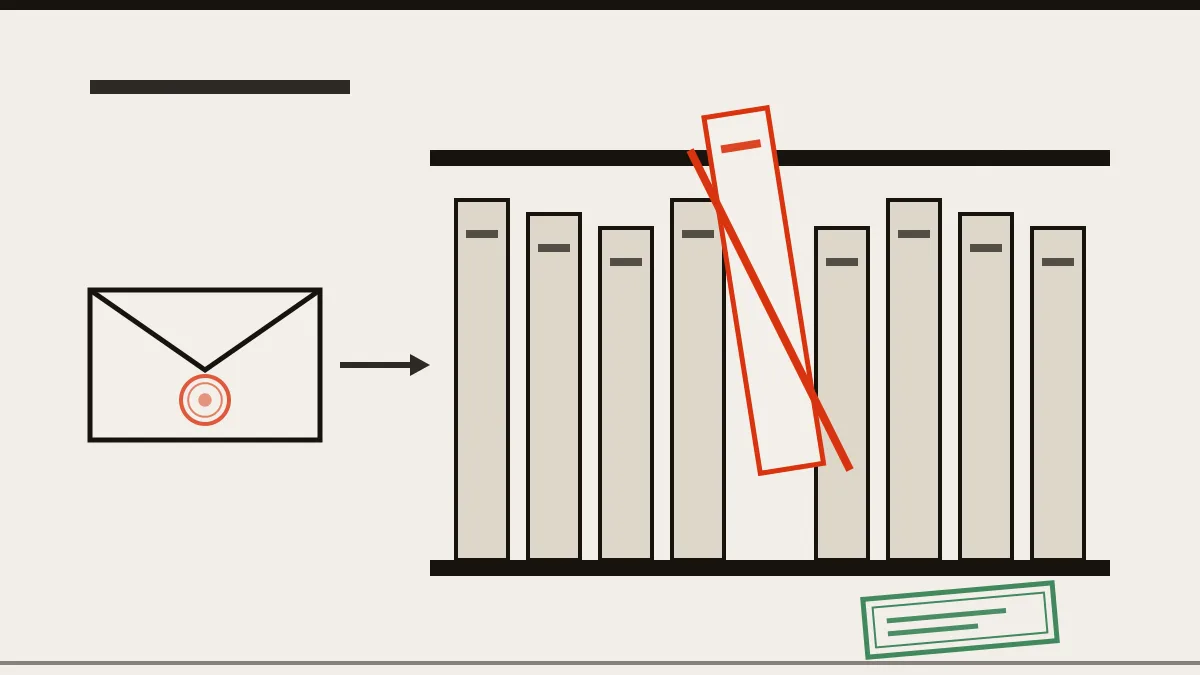
The Wayback Machine is where a deleted page goes on living, which makes it the one copy people forget. An Internet Archive takedown request is an email, not a form. The Archive's removal help page asks you to write to info@archive.org with three things: the address or addresses of the material, the time period you want excluded, and the period during which you controlled the site or the account. That last item is how the Archive tells an owner from a stranger. The page states no response time and promises nothing in advance about the outcome. Copyright complaints are pointed to the Archive's Copyright Policy, so a rights owner who never controlled the site sends a formal Internet Archive takedown notice with the standard elements instead. Non-consensual intimate images have a separate page of their own. For a removed YouTube video, the request names the archived watch address and the capture dates.
Imgur takedown request, itch io takedowns and a Kick channel takedown
Three smaller services, three inboxes.
Imgur. An Imgur takedown request can mean two things. The removal request page is for personal images and breaches of Imgur's terms. Copyright goes by email to the abuse address in the terms of use. When we read those terms on 9 October 2026 they were marked effective 2 October 2026, asked for the US copyright registration number and reserved the right to ignore notices about unregistered works. That is unusual and it hurts creators outside the United States. Intimate images follow a different and faster path, set out in our guide on how to remove leaked photo from Imgur pages.
itch.io. Section 6 of the itch.io terms directs copyright notices to its support address and says content may be restored 10 to 14 business days after a counter-notice. People who search itch io takedowns are often looking for something else: the site has published notices at numbered takedown pages showing the filer's name and company, as we saw on 8 October 2026. Expect yours to be public.
Kick. Kick's DMCA policy takes notices by email and says accounts found to be repeat infringers will be suspended or terminated, without giving a number. So a Kick channel takedown is rarely one notice. A notice removes the clip or stream it names, and the channel goes only when the pattern is established.
How to take down a counterfeit listing on eBay, and how to take down a Craigslist post
Marketplace listings split by who you are. eBay's counterfeit item policy bans fakes outright and sends rights owners to its Verified Rights Owner programme, known as VeRO. Everybody else uses the ordinary report link, after which eBay may ask the seller to prove the item is authentic. So how to take down a counterfeit listing on eBay has a strong route for the brand and a weaker one for the buyer, who should open a refund claim alongside the report.
Craigslist relies on its users. Every posting carries a flag link, and by Craigslist's own account free ads that collect enough flags are removed automatically. We saw that wording only in a search result, as the page itself returned the help index. Copyright is firmer ground: the Craigslist DMCA page takes notices by email or by post to its agent in San Francisco and requires the posting ID or address. That is how to take down a Craigslist post that copies your photographs. A post you placed yourself is deleted from your own account.
How to takedown a website
A whole site is a ladder, not a form. Ask the site's operator first, then the hosting company's abuse desk, then the registrar that sold the domain, and in parallel ask search engines to drop the pages. Each rung acts on a narrower set of grounds than the one below it. Hosts respond to copyright and clear illegality, registrars mostly to fraud. Our comparison of a domain and a website takedown service shows who holds which switch, and a scam page that copies a login screen moves fastest through the route in our phishing website takedown briefing.
What do searches like "how to take down blinds YouTube" want?
Not every takedown search is about removal. YouTube is the largest how-to library there is, and a share of the phrases in this topic belong to people holding a screwdriver. Somebody typing how to take down blinds YouTube wants a tutorial on lifting a window blind off its brackets. The longer version, how to take down blinds with hidden brackets YouTube, is about headrails that clip onto concealed spring brackets, which on many models release when you push the rail back and roll it downwards. One of these phrases deserves a warning, though. How to take down a drone with lasers YouTube is a search for something that is a crime in the countries we work in. In the United States, knowingly aiming a laser pointer at an aircraft carries up to five years in prison under 18 U.S.C. § 39A. In the UK, the Laser Misuse (Vehicles) Act 2018 sets the same five-year maximum for dazzling or distracting whoever controls a vehicle, aircraft included.
A drone over your garden is a matter for the police or the aviation regulator. Film it, note the time and report it.
What can no takedown remove?
Everything above assumes the video, post or listing breaks a rule or somebody's rights. Plenty of unwelcome content does neither. Accurate news reporting, court and public records, honest reviews and opinion that is clearly opinion are outside every route in this briefing, on YouTube and off it. What remains for those is suppression: publishing better, truer material so the unwelcome result ranks lower. We tell clients which of the two they are buying before they pay. The limits run the other way too. We do not forge copyright notices, claim rights a client does not hold or invent a privacy complaint to get rid of criticism, and we never ask for a password. A false notice can be answered with a counter-notice, a damages claim and a great deal of fresh attention. If a video was removed lawfully and you were hoping we could bring it back for you to watch, we cannot, and nobody honest can.
Our disclaimer sets out what we promise and what we do not, and the team page says who signs the notices we send.