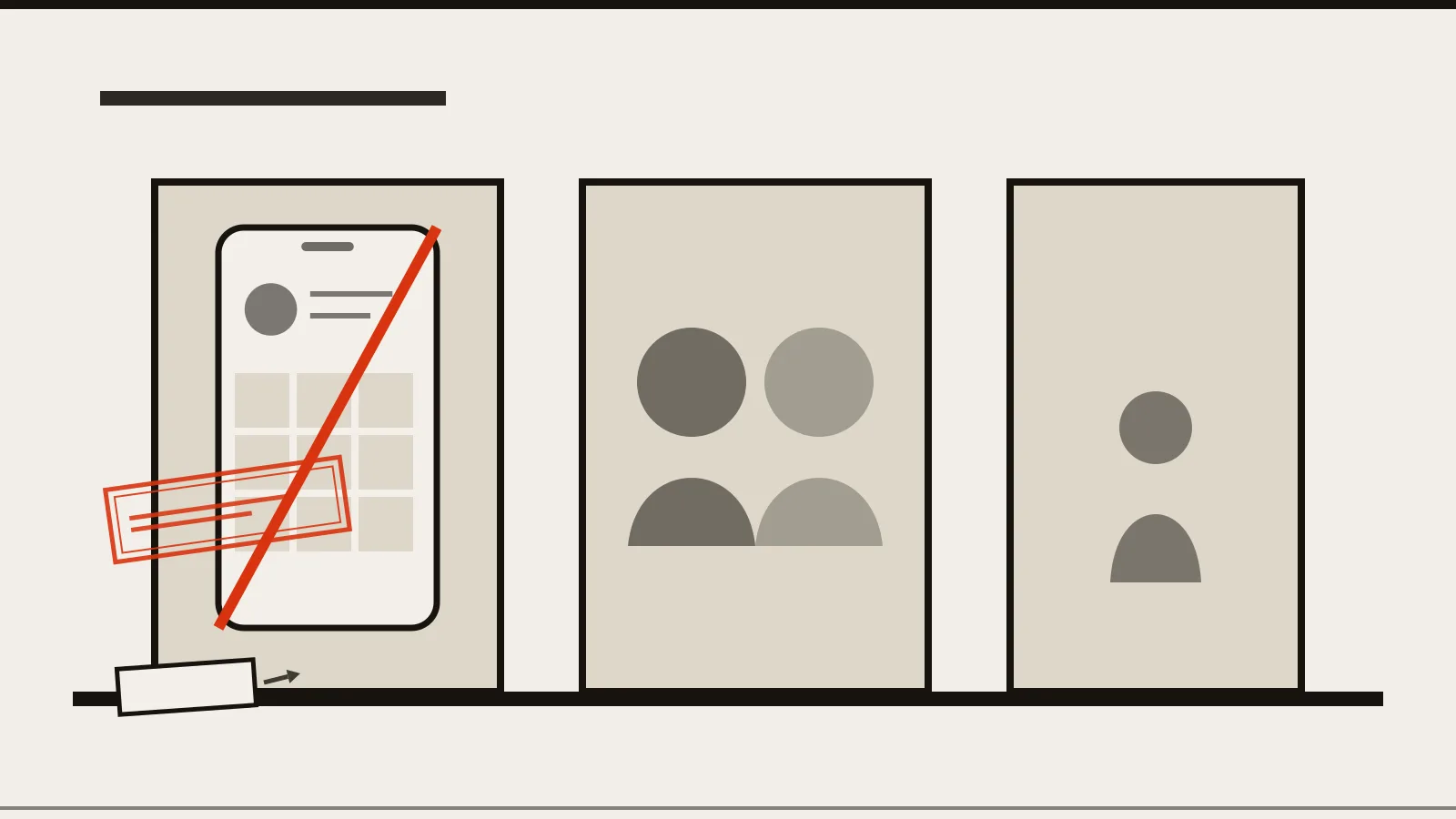
There is no delete button for someone else's account
Start with the part most guides skip. Nobody outside an account can delete it. Only the owner holds the delete key, and only Instagram can disable it. So when people type how to get someones account deleted off instagram, or how to get someones account deleted on instagram, what they can actually set in motion is a disable decision by Instagram's review teams, which removes the profile from public view. The searches come in a dozen shapes: how to get someones instagram account deleted, how to get someones instagram page deleted, how to get someones instagram profile deleted. They all land on the same mechanism. You file a report, you give Instagram a reason it already enforces, and a reviewer or a classifier decides whether the account has crossed the line for removal. Deletion in the strict sense, where the data is erased, only follows later, on Instagram's own schedule, after a disabled account is not restored.
That framing matters because it changes what you put in the report. You are not asking Instagram to delete a person. You are showing it that an account breaks a specific rule, often enough or badly enough that the whole account has to go. The same split runs through every big platform: our briefing on what reporting someone on Instagram actually does traces where a single report travels after you press send, and the Facebook side works the same way, as our note on who bans a Facebook account, Page or group explains.
Short version: report the account, not the person.
Which of the three doors fits your case?
When you open the account report, Instagram gives you three account-level reasons, as of October 2026. The account is posting content it shouldn't, it is pretending to be someone else, or it may belong to someone under 13 (Instagram Help Centre, reporting a profile). Every other option you see is a sub-menu of the first door. That is the whole menu for a whole account. Each door leads to a different team and asks for a different kind of proof, so choosing the wrong one is the commonest reason a valid report goes nowhere. The first door is about conduct: nudity, harassment, hate, scams, spam, violence. The second is about identity, and it works best when the person being copied, or their representative, files it. The third is about age, and it triggers an age check rather than a content review. If you want to know how to get someones instagram profile banned, the honest answer is to pick the door you can prove, then prove it.
| Door | What you are claiming | What it can end | The proof that moves it |
|---|---|---|---|
| Content it shouldn't post | The account breaks the Community Guidelines | Posts first; the whole account once strikes stack or one severe breach lands | Links to the worst posts, dates, a pattern |
| Pretending to be someone else | The account copies you, someone you know, a public figure or a business | The whole account in one decision | ID (for you), the real account's link, matching photos |
| May be under 13 | The holder is a child | A locked account pending age proof | Anything that shows the age the holder states |
A strike system sits behind door one. Meta's own page on counting strikes says most violations add up over time and expire after a year, while the most severe kinds, such as child sexual exploitation, can disable an account "after one occurrence" (Meta Transparency Centre, counting strikes). One bad post, then, rarely ends an account. One post of the worst kind can.
Report an explicit Instagram account, or one posting nudity
To report an explicit Instagram account, go through door one and pick nudity or sexual activity. When you report instagram account for nudity, also report the two or three most explicit posts one by one, because each item gives the reviewer a concrete thing to judge. If the images show you and were shared without consent, stop and use StopNCII.org first: it hashes the image on your own device so participating platforms, Instagram included, can block it without you sending the file to anyone. If the person shown is under 18, use the NCMEC Take It Down tool and report to the police. Do not screenshot or forward the material yourself.
Report a spam bot account on Instagram
To report a spam bot account on Instagram, choose door one, then spam. Bots are judged mostly under the account integrity rules, which cover automation, fake engagement and accounts created to get round an earlier removal (Meta account integrity policy). Classifiers catch most of them before anyone reports anything. Report the bot from its profile rather than from one comment, so the review sees the whole pattern. Paid "report bots" sold on chat apps are a different story, and our test of which Telegram report bots work and which are a scam explains why they cannot file a report on your behalf.
How to report an Instagram account the right way
Here is how to report an Instagram account the right way, in the order our team uses when we prepare one for a client. Each step exists because skipping it is how a solid case gets closed as "no violation". The account report and the post reports are separate actions, and you want both. Reviewers look at what you point them to; they are not obliged to scroll through two hundred posts to find the bad ones. A report that names the exact door, then links the three worst items, gives a reviewer something to rule on in a few minutes. If the account has already blocked you, open it from a browser where you are logged out to collect the links, then file from your own account. Keep a dated note of what you filed. Instagram's Support requests screen shows most of your reports and their outcomes, though its own page warns that not every report appears there, so your note is the record that counts.
- Collect links and dates to the worst posts, stories you saved, and any DMs, before you report anything.
- Open the profile, tap the three dots, choose Report, then Report account.
- Pick the door: content it shouldn't post, pretending to be someone else, or under 13.
- Follow the sub-menu to the rule that matches the evidence, not the one that sounds most serious.
- Go back and report the two or three worst posts individually under the same rule.
- Check Support requests in Settings over the next few days, and keep your own note.
To report an Instagram account from a computer, the steps are the same: open the profile on instagram.com, select Options next to the username, then Report. To report an instagram page run by a creator or brand, use exactly the same path. Instagram makes no separate desk for "pages".
How to report an Instagram business account
If you are wondering how to report instagram business account profiles, the report menu is the same, but the useful door often changes. When you report an instagram business account for selling fakes, using your logo or copying your photos, the strongest route is usually the intellectual property form rather than the in-app report, because a rights owner's notice is handled by a separate team and can remove listings in bulk. Scams are door one. Copying your brand name is door two. The pattern repeats across commerce platforms, as our pages on taking down an impersonation website, profile or listing and on reporting an off-platform payment scam on Vinted or a Roblox scammer show.
Group chats, business pages and the other places a report lives
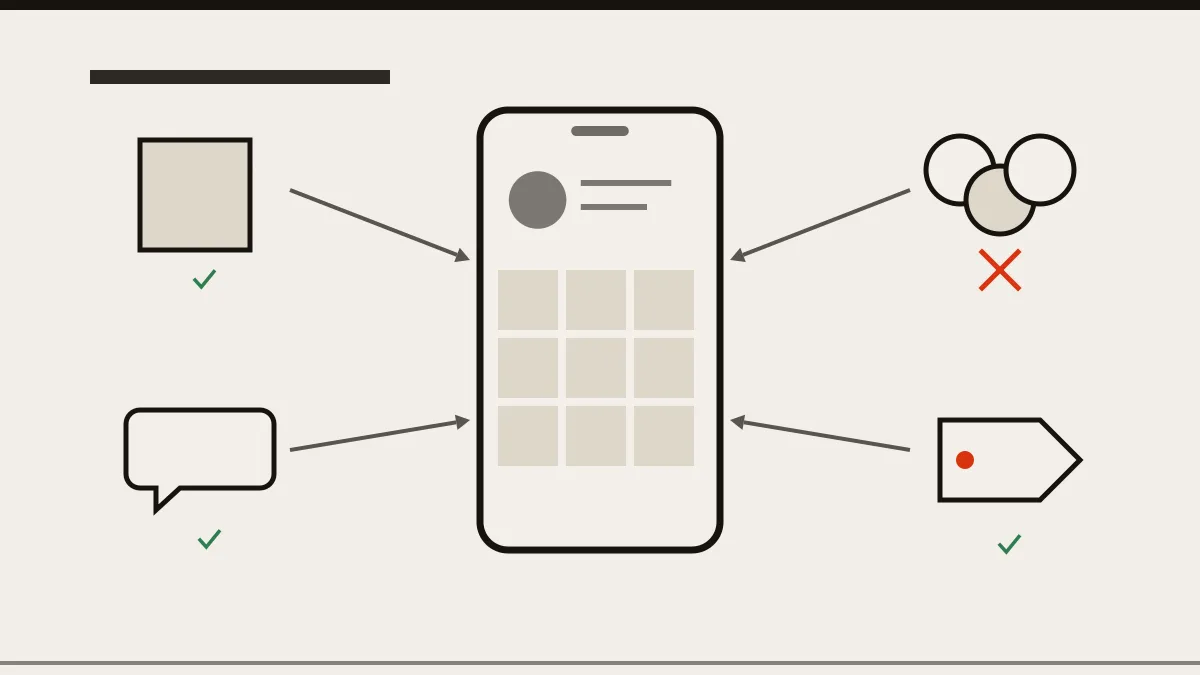
An account is more than its grid. It talks in DMs, sits in group chats, posts stories that vanish and may run a business profile with a shop. Each surface has its own report point, and the report you file from one surface carries that surface's evidence, not the whole account's. Instagram's Help Centre is blunt about one gap that catches people out: the Report option for a whole conversation "doesn't appear in group chats". So an instagram group chat report is really a set of message reports plus, where it fits, an account report on the member who caused the harm. If you are the admin, you can also remove that person from the group, which ends the problem faster than any review. Snapchat and Telegram draw the same line in different places, which is why our guides on reporting someone on Snapchat, from a profile, a chat or a group and on reporting a Telegram account, group or channel are laid out by surface too.
| Where the harm is | Where to press Report | What it can lead to |
|---|---|---|
| The profile itself | Three dots on the profile, then Report account | Account review |
| One post, reel or story | Three dots on the item | Item removal and a strike |
| A one-to-one DM thread | Hold a message, or report the whole chat | Message removal, account review |
| A group chat | Hold each harmful message; there is no chat-level report | Message removal, review of the sender |
| A business or creator page | Same as a profile; IP form for brand misuse | Account review or listing removal |
| A fake of you | Report account, then pretending to be someone else | Whole-account removal |
How to report an Instagram group chat
To answer how to report an Instagram group chat in practice: open the chat, press and hold the message, tap Report, and pick the rule. Repeat for each message that breaks a rule, then report the sender's profile. Leave the chat afterwards; reported messages stay in Instagram's copy even if someone unsends them.
Can it be done fast?
People want to know how to get someones instagram account deleted fast, and the honest answer has a number attached. Meta's EU transparency report for January to June 2026 gives a median of 28.89 hours from notice to action on Instagram for the formal legal notices it received, and only 3.72 hours for trusted flaggers (Meta regulatory transparency reports). That median covers notices Instagram acted on; the ones it declined are left out of the figure. Ordinary in-app reports go through the same review machinery but with no published clock. What speeds a case up is not volume. Instagram's own Help Centre says the number of times something is reported "doesn't determine" whether it comes down. What speeds it up is severity, a clean match to a rule, and evidence a reviewer can check in seconds. Child safety and credible threats go to the front of the queue. Spam and mild insults go to the back.
A practitioner note from our files: when we file account reports for clients, the ones that close quickly almost always share two traits. The report names one rule, and the posts attached to it make the breach obvious without context. The ones that drag tend to mix five complaints in one report. Mass reporting does the opposite of what people expect: Meta's inauthentic behaviour policy names misuse of its reporting systems to harass or silence others as a violation in its own right, and that holds on every network, as our analysis of what X actually receives from a mass report bot shows. TikTok follows the same logic, covered in our pieces on what really triggers a TikTok ban and on getting someone's TikTok account, Shop or bot banned.
Will they know it was you?
Most reports are anonymous. Instagram's Help Centre says the account you reported "won't see who reported them", and that holds for reports filed under the Community Guidelines. So if you want to know how to report an instagram account anonymously, the in-app report already is, with two exceptions worth knowing before you file. First, intellectual property reports are different: a copyright or trademark notice may be passed to the person you reported, including your name and contact details, because the law behind those notices lets the other side respond. Second, context can give you away. If you report a comment that was written to you, and Instagram tells the author which comment was flagged, they can usually work out who reported it. Telegram and other apps handle this differently, which our answer on whether someone on Telegram knows you reported them sets out alongside its ban counts.
Fake profiles on dating apps raise the same worry, and the same answer, as our page on Grindr catfish and fake profile reports explains.
How to know if someone's Instagram account is banned
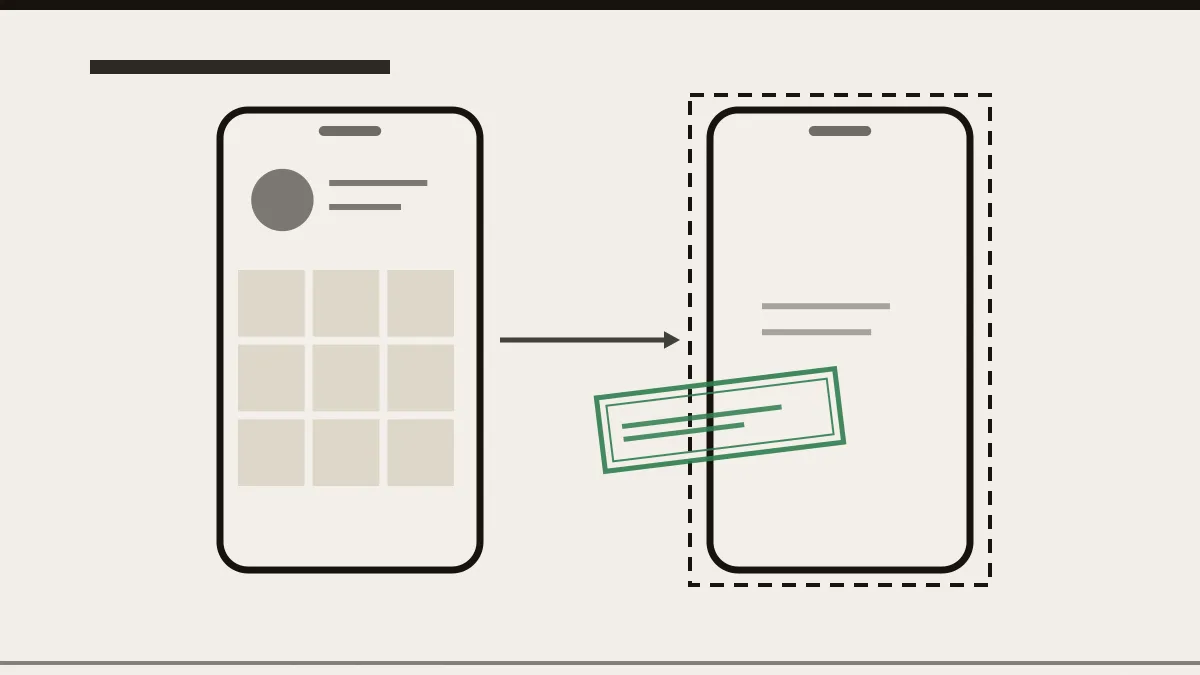
Instagram will not message you to say an account has been removed. Your Support requests may show "we removed" against your report, but that can refer to a single post. To check the account itself, use a private browser window where you are not logged in and open instagram.com followed by the username. A live public account loads its header and posts. A removed or disabled one shows "Profile isn't available". That test tells you how to know if someone's instagram account is banned versus simply blocking you, because a block only hides the account from your login. It also answers how to know if someone's account is banned on instagram when the person was never public: a private account still shows its name and photo to logged-out visitors, so a blank page means something has changed. Changed usernames, deactivation by the owner and a ban all look the same from the outside, so treat the result as a signal, not proof.
So, how to know if someone's account got banned on instagram after you reported it? Run the check on day one, day three and day ten. If the page is gone and stays gone, and your Support request says the account was removed, that is as close to confirmation as an outsider gets. If you need to know how to know if someone's instagram account got banned for a court case or an employer, ask your solicitor to request it formally; Instagram does not disclose account decisions to private parties.
What a report can't do, and what we won't do
Here is where our honesty comes in. A report to Instagram can only remove an account that breaks Instagram's rules. It cannot remove a rival you dislike, a critic who is rude but truthful, or a news outlet's page because its reporting hurt. Truthful journalism, genuine public records and protected opinion stay up; at most, results about them can be pushed down in search, which is suppression, not removal. We never file false reports, never stack fake complaints, never buy "ban services" and never ask for anyone's password. When a request to report instagram account to delete is really a request to silence lawful speech, we say so in the first call, before any fee. Forged or exaggerated reports also carry a cost for the person filing them: Meta treats misuse of its reporting tools as a violation, and a false impersonation claim can draw attention to the very content you wanted gone. Our disclaimer sets out these limits in full.
When the account is genuinely harmful, the work is in the evidence and in choosing the right door. That is also true off Instagram, whether the problem is a Facebook Page, covered in our guide to taking down a Facebook Page, post or profile picture, or a profile on a data broker or a game account, covered in our note on getting removed from ZoomInfo or getting a Steam trader banned. The work starts the same way each time: identify the rule, gather the proof, and file it to the desk that enforces it.
If an Instagram account is harassing you, impersonating you or sharing images of you, book a confidential review. We read the account, tell you which door fits, and say plainly if nothing will come down.