Whose story is it? The three sides of a TikTok takedown
Most people who type how to take down story on TikTok are asking about something they posted themselves. A smaller group means a story someone else posted about them. A third group arrives after the fact, holding a notice that says TikTok took one of their videos down, and wants to know why. Those are three different jobs. They share the words "take down" and almost nothing else: the first is a button you press, the second is a report someone else's reviewer reads, and the third is a decision you can only appeal. The search engine treats them as one query. TikTok does not, and neither do we. When a new client writes in, the first thing we ask is whose account the item sits on, because that single fact decides whether the fix takes four taps, a report with evidence, or an appeal against a decision already made.
This briefing is written from the poster's chair. It covers what you can remove yourself, what disappears without you (and what lingers), what TikTok removes from you and how to read its reasons, and the two cases where another creator's notice pulls your duet or stitch. Someone else's story about you gets a short section and a pointer to the page that handles it in full.
| Your side | What you want | Who presses the button | What you can do if it goes wrong |
|---|---|---|---|
| Poster | Remove your own story, video, repost or old account | You | Restore from Recently deleted within 30 days (videos) |
| Subject | Remove someone else's story or video about you | TikTok's reviewer, after your report | Request a review of the report decision |
| Receiver | Get back a video TikTok removed | TikTok, or a rights holder through TikTok | Appeal in the app, or counter-notify for copyright |
How to take down your story on TikTok
A TikTok story is a post built to vanish. TikTok's Help Center page on Stories says stories "stay visible for 24 hours", after which they drop out of the story ring on their own. You do not have to do anything for that to happen. But if you want one gone sooner, because the caption was wrong, the location showed or you posted to the wrong account, here is how to take down your TikTok story by hand, as of October 2026. Anyone asking how to take down TikTok story posts from a shared or business account follows the same steps from that account:
- Open your profile and tap your profile photo, or the story ring around it, to play your active stories.
- Swipe up on the story you want gone. This also shows who has viewed it.
- Tap Delete, then confirm. You can also tap Share, then Delete, from the same screen.
- Repeat for each story. There is no "delete all stories" button; every take down TikTok story action removes one story.
That is the whole answer for anyone who searched how to take down story TikTok and needs it in thirty seconds. Whether the search was phrased TikTok how to take down story or how to take down your story on TikTok, the route is identical on Android and iPhone, and it works the same from the desktop site only where the web version shows your stories at all, which it does not always do. We tell clients to use the phone.
How to take down TikTok stories that people already saw
Deleting a story stops new views. It does nothing about the views it already had. The viewer list you saw when you swiped up is the clearest map of who may have kept it. TikTok's help page on watching stories says the poster sees who viewed even when the viewer's account is private, so the list is complete for TikTok accounts. It cannot show you screen recordings, and TikTok does not notify you when someone records a story. So if you need to take down TikTok stories because they showed something sensitive, such as a home address, a child's school badge or a payment screen, the delete button is step one of two. Step two is asking yourself who on that list would keep it, and treating any copy they post later as a new item: their post, on their account, removable only by them or by TikTok after a report. Our team sees this sequence every month. The original story is gone within seconds; a screen recording turns up three days later on a different account, and the person feels the delete button failed them. It did not fail. It only ever reached the copy that was yours.
An expired story is not always a deleted one. TikTok keeps expired stories in a private Story archive on your account, and some app versions let you pin them to a Highlight, where they do not expire at 24 hours. If you want those gone, delete them from the archive or the Highlight itself. Letting the ring lapse is not the same as deleting the file.
Someone else's story about you
A story on another person's account cannot be deleted by you. You can report it from the story screen (press and hold, then Report), and you should screenshot the account name and time before you do, because the 24-hour clock is running against your evidence as well as against the story. Waiting for it to expire is a legitimate choice when the content is merely rude, and reporting a story that vanishes before review often ends as "no longer available" rather than a decision. When it shows your body, your home or your child, report it now and keep your proof. If the poster also saved it to their archive or re-shared it as a video, report that copy separately. Our briefing on how to take down a TikTok story someone else posted walks through that side, including what to do when the poster has blocked you.
How to take down TikTok videos, reposts, duets and stitches
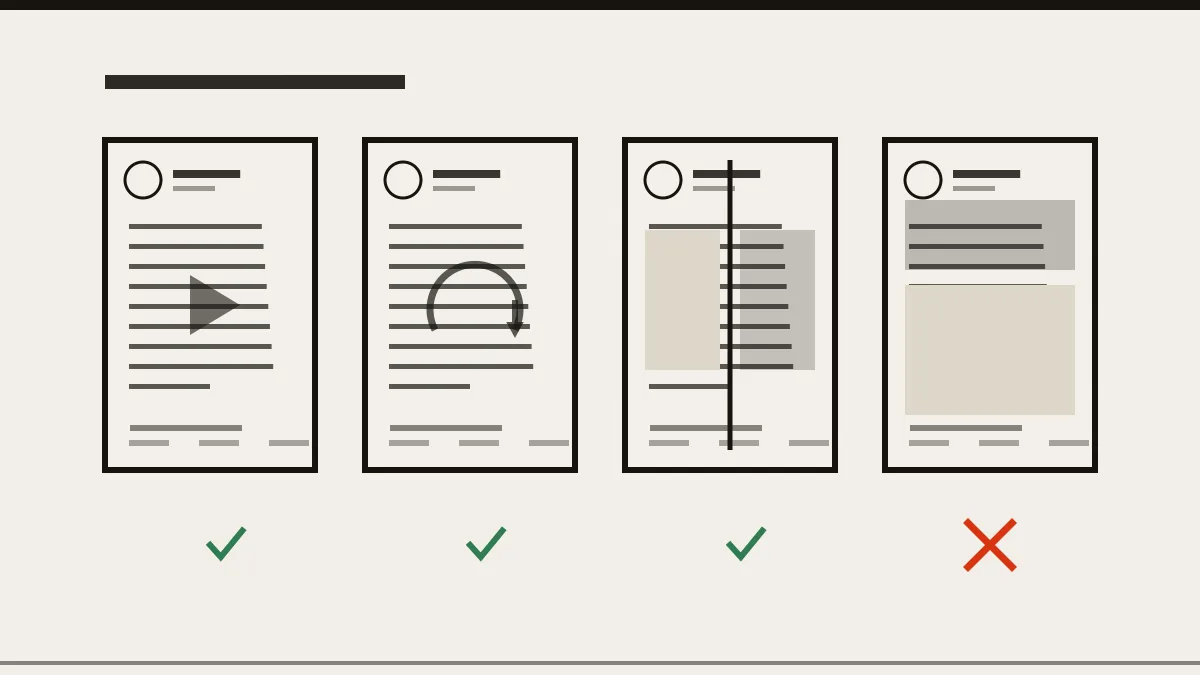
Posts are less forgiving than stories. A video stays until someone removes it, and TikTok keeps a copy for a while after you do. The question of how to take down TikTok videos has a different answer for each thing you might have made, and the table below sets out what each button actually leaves behind.
| What you posted | How to remove it | What stays behind |
|---|---|---|
| Your own video | Open it, tap More options (three dots or Share), then Delete | A copy in Recently deleted for up to 30 days; any downloads or re-uploads by others |
| A repost of someone else's video | Open it, tap Share, then Delete repost (or press and hold, Remove repost) | Nothing on your profile; the replies to your repost are deleted with it |
| A duet you recorded | Delete it like any video; it lives only on your profile | The original creator's video, untouched |
| A stitch you made | Delete it like any video | The original clip, on its creator's profile |
| Your whole account | Deactivate or delete in Settings and privacy, Account | 30 days of deactivation before erasure; content hidden throughout |
Here is how to take down videos on TikTok one at a time: open the video from your profile, tap the three dots or the Share arrow, scroll the bottom row to Delete, and confirm. TikTok's help page on deleting a video says deleted posts are kept "up to 30 days" and can be restored from Activity center, then Recently deleted. That safety net works against you if you want the clip gone for good, so empty the Recently deleted entry for that video once you are sure.
How to take down a TikTok repost
A repost is not a copy. It is a pointer to the original video, shown in the Repost tab on your profile. To take it down, open the video, tap Share and choose Delete repost, or press and hold and choose Remove repost. The removal is instant. Whether you call it the repost tab or "how to take down TikTok repost" in a search box, the effect is the same: the video stays where its creator put it, and only your pointer goes. Public accounts show their reposts to everyone; private accounts show them to followers. If what worries you is who could see the repost, switching to private changes the audience for everything at once, which is sometimes the faster fix. There is no button to clear every repost in one go, so a long Repost tab means working through it one video at a time.
How to take down your old TikTok account
The order matters here, and most people get it backwards. You cannot delete an account you cannot log in to, and TikTok will not delete one on your word that it is yours. So how to take down your old TikTok account starts with recovery, not deletion.
- Try every login route the old account might have used: phone number, email, Apple, Google, Facebook. Use "Forgot password" on each.
- If the phone number or email is gone, use the in-app "Report a problem" route and say you cannot access an old account you own, with the username and roughly when it was created.
- Once in, go to Settings and privacy, then Account, then Deactivate or delete account, and choose Delete.
- Leave it alone for 30 days. TikTok's help page says the account is deactivated for that period and then erased. Logging in during those 30 days cancels the deletion.
People who search how to take down TikTok account usually picture one button. There is one, but only on the inside. If recovery fails completely, the account stays. TikTok's Inactive Account Policy says long-unused accounts may have their username reset to random numbers after 180 days, but they "will not be blocked, removed". An old account with an embarrassing username will eventually lose the name; the videos stay up. If those videos are what matter, report each one that breaks a rule (nudity, personal data, a minor's image), or, where the account shows you as a child, use TikTok's privacy route for content about minors. That is a slower path, and we say so plainly when a client asks. Where the old account is being used by someone else to pose as you, the impersonation report is the faster lever, because it targets the account rather than each post.
Why was my TikTok video taken down? Reading the notice
Now the receiving side. A TikTok video got taken down, and you did not do it. You never asked for a TikTok take down video action, yet the post is gone. TikTok removes at scale: in the first quarter of 2026 it removed 184,012,576 videos, 99.3% of them before anyone reported them, and later restored 8,838,710 after appeal or review, about 4.8% (TikTok Community Guidelines Enforcement Report, Q1 2026). Most taken down TikTok videos are removed by a model, in the first minutes, with no human report involved at all. That is useful to know, because it means the notice usually points to something in the video itself rather than to an enemy. TikToks that got taken down within minutes of posting were almost always caught by the model, not by a report from a rival.
The notice lands in your Inbox under System notifications, then Account updates. TikTok's page on content violations and bans says a first removal normally comes with a warning, strikes are counted per policy area, and strikes expire after 90 days. The table is our decoder for what you see and what to do next.
| What you see | Who removed it | What it means | Your move |
|---|---|---|---|
| Video removed for a Community Guidelines violation | TikTok (usually automated) | A rule breach was found in the video, caption, sound or comments it drew | Appeal from the notice; say which part was misread |
| Not eligible for the For You feed | TikTok | Still up, but only followers and direct links reach it | Appeal from the notice, or edit and repost without the flagged element |
| Sound muted | TikTok, for music licensing | The audio is not licensed for your account type | Swap the sound for one from the licensed library |
| Removed for copyright or trademark | A rights holder, through TikTok | Someone filed an IP report naming your video | Counter-notification in the app, or accept and move on |
| Account banner at login | TikTok | Strike threshold or a zero-tolerance rule | Appeal the ban; download your data first |
The fourth row is the one people misread. A copyright removal is not TikTok's opinion of your video. It is TikTok acting on someone else's notice, and the route back is different from an ordinary appeal.
Not sure which row you are in? Send us the notice text and the video link through our confidential case review. We read it before quoting anything, and if the honest answer is "edit the clip and repost", we will say so.
TikTok videos keep getting taken down: the pattern check
One removal is an incident. When TikTok videos keep getting taken down, one after another, there is almost always a repeated element, and the fix is finding it rather than appealing each removal in turn. Here is the check we run, in order:
- The sound. A commercial track used from outside the in-app library, or used on a business account, is the most common repeat cause. Business accounts have a narrower music licence than personal ones.
- The text on screen. Words, phone numbers, handles or links in captions and overlays get read by the same model as the video. A repeated "DM me" with a number, or a link to an off-platform shop, can trip spam rules on every post.
- A recurring person or object. A minor in frame, a weapon prop, a medical procedure or a drinking game will flag post after post, even when your intent is harmless.
- Reused footage. Clips lifted from TV, films or other creators invite copyright reports. Three copyright strikes inside the 90-day window end the account, and the question of what happens after 3 copyright strikes is one we answer for several platforms, because the counting rules differ.
- The account itself. Check Account check (Settings and privacy, Support, Safety Center, Account check, or TikTok Studio, More tools). If a feature is already restricted, new posts may be held for review or removed faster.
Deleting the removed videos does not clear the strikes they earned. TikTok's own guidance says so, and we see people try it every week. The strike expires on its own 90-day clock.
Can you see TikTok videos that were taken down?
Your own, yes, for a while. A removed video stays visible to you in the app with its notice, and you can download your data from Settings and privacy, Account, Download your data, which includes your posts. TikTok videos that were taken down from other people's accounts are not viewable through TikTok at all; a removed video returns an error and there is no archive view. Search engines and third-party sites may still hold copies or thumbnails, the same pattern we cover in our piece on how to see taken down YouTube videos. If you are hunting for taken down TikToks because they were about you, the copies on other sites are the real problem, and each needs its own removal at its own host.
TikTok duet takedown and stitch takedown: when the original creator files
Duets and stitches are where your video and someone else's meet, and so they are where most cross-creator disputes start. The rules are lopsided in a way most creators do not know.
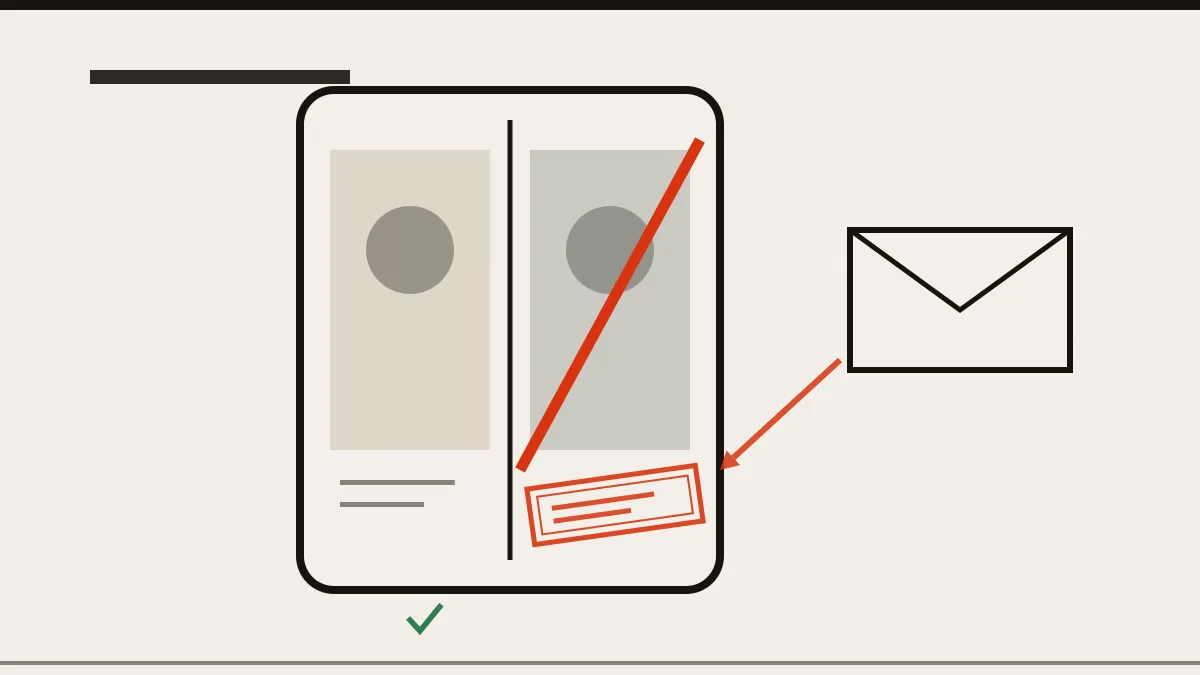
On duets, TikTok's Help Center says the creator of the original post can delete duets linked to their post, and that a duet "will only appear on the profile of the person who recorded the Duet". So a TikTok duet takedown can happen without any report at all: the original creator removes the link, and your duet goes. They can also switch duets off for that post, or set them to Friends only, which stops new ones. On stitches, the control is a permission setting on the original post (Everyone, Friends, or off). A stitch you already made stays on your profile until you delete it, TikTok removes it, or the original creator files a report.
That is where a TikTok stitch takedown usually comes from. TikTok's US Terms give each user a licence to "adapt or make derivative works" of shared content, conditioned on the poster's sharing settings. In plain terms: if the original creator allowed stitching, your stitch was made with permission, and a copyright report against it faces a licence argument. If you stitched footage that was itself lifted from TV or a film, the original creator's permission was never theirs to give, and the real rights holder can still file. Before you fight a duet or stitch removal, ask one question: did the person whose clip you used own it?
A TikTok takedown notice in your inbox: counter-notify or let it go
A TikTok takedown notice is the message you get when a rights holder's copyright or trademark report succeeds against your video. It names the type of claim, and TikTok's IP Policy says it may give you information about the report, such as the name of the copyright owner. That is where the US Digital Millennium Copyright Act comes in. The DMCA, explained by the US Copyright Office, lets the person whose content was removed send a counter-notification, stating under penalty of perjury that the removal was a mistake or misidentification. On TikTok, counter-notification is filed in the app from the removal notice; the old web page for it now sends you back to the app. Outside the EU, TikTok says it will forward your entire appeal to the original reporter. That means your name and details go to the person who filed against you.
Counter-notify when the clip is yours, you licensed it, or your use is plainly commentary or parody. Let it go when you used someone else's footage without permission; a weak counter-notice invites a lawsuit and does not remove the strike. TikTok's IP transparency report for the second half of 2025 counted 401,471 copyright requests, 63.0% of which led to removal, and 173,140 requests it treated as invalid (TikTok Intellectual Property Removal Requests Report, H2 2025). Notices fail often. Counter-notices succeed only when the facts are on your side.
If you are the one filing, the TikTok copyright report briefing covers the form field by field. The same notice logic applies on other platforms, with different counting: we compare the Content ID claim vs copyright strike split elsewhere, set out the DMCA takedown YouTube route next to the website route, and explain which copies a Twitter DMCA notice can reach. Image hosts behave differently again: an Imgur copyright takedown request kills the hosted file, and a Redbubble copyright infringement claim depends on which right was taken.
Is TikTok going to be taken down?
This is the other way people type the phrase, and it deserves a dated answer rather than a rumour. Is TikTok taken down in the US? No. As of October 2026 the app works normally there. The short history: the Protecting Americans from Foreign Adversary Controlled Applications Act was signed on 24 April 2024; the Supreme Court upheld it in TikTok v. Garland on 17 January 2025; TikTok went dark for US users on 18 January 2025 and returned the next day; enforcement was then paused by executive orders. On 22 January 2026, TikTok USDS Joint Venture LLC closed, with ByteDance holding 19.9% and Oracle, Silver Lake and MGX taking 15% each. US users kept the same app.
So is TikTok going to be taken down again? There is no ban date in force as of October 2026. A legal challenge to the joint-venture arrangement was filed in March 2026, and no ruling ending the service has been reported. People who ask "is TikTok gonna be taken down" or "is TikTok going to get taken down" in the UK can relax on one point: the UK has never banned TikTok for the public, only on government devices, since 16 March 2023. The headlines about TikTok being taken down usually refer to a specific country or to an outage. India has blocked it since 2020, Afghanistan since 2022, and a few other countries have suspended it for weeks at a time. The stories about TikTok getting taken down in the US are history now, not news, unless a court says otherwise.
Why does this sit on a removal briefing? Because we get asked whether to bother removing a video "if TikTok is getting shut down anyway". The answer is yes. A ban hides the app; it does not delete the servers, the copies, or the search results that point at your clip.
What we won't file, and what cannot come down
Some things on TikTok cannot be removed by anyone except the person who posted them, and some cannot be removed at all. A truthful video about you, filmed in public and within TikTok's rules, will not come down through a report, however unwelcome it is. Opinion, criticism and parody are protected by TikTok's rules and by UK and US law; the most we can do is help reduce how prominently they appear in search, which is suppression, not removal, and we say which one a case is before any work starts. We do not file false copyright notices to take down a video we dislike, and we do not use paid "TikTok takedown" or mass-report panels, which are against TikTok's rules and frequently scams. We never ask for your password; TikTok itself says it will never contact you asking for one.
If a story or video shows intimate images of you, do not send it to us or anyone else. Use StopNCII.org to create a hash of the image on your own device, which participating platforms including TikTok use to block uploads, and report the post in the app under nudity and sexual activity. Our disclaimer sets out the limits of what any removal service can promise.
The same honesty applies on other platforms. When a client asks how to take down a post on Facebook that is accurate but painful, the answer is the same: report what breaks a rule, suppress what does not. When they ask about a Facebook post removal service, we tell them what usually comes back after a takedown. And when the harm is a whole site rather than a post, the scale of a malicious domain takedown is a different job entirely. On the reporting side, how to report a video on TikTok covers every button. If what you need is a found copy rather than a removed one, our note on how to find taken down YouTube videos explains where copies usually survive.