What counts as impersonating someone on Instagram?
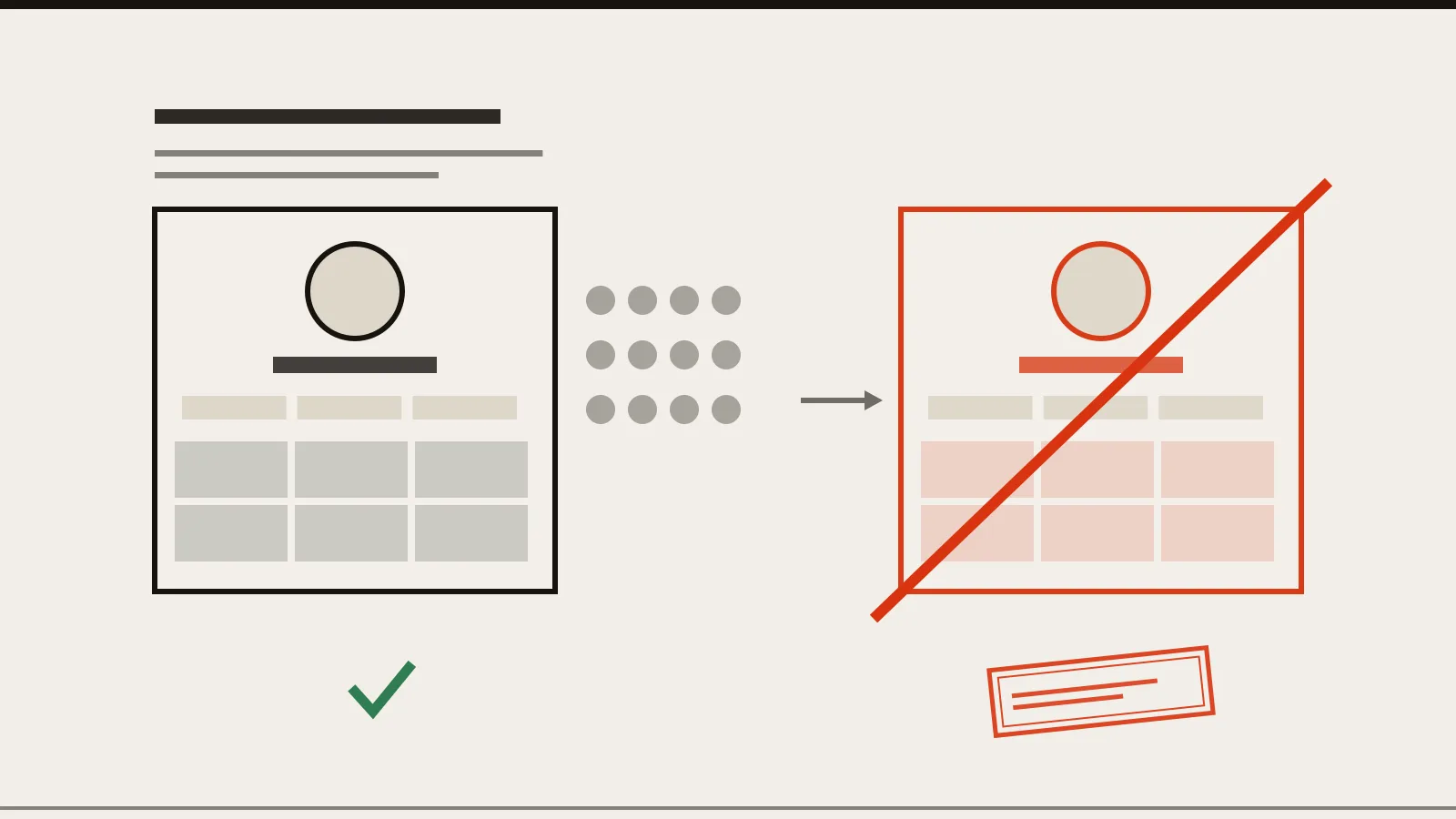
Impersonating someone on Instagram means running an account that pretends to be a specific real person, business or organisation, so that people who see it believe they are dealing with the real one. That is the whole test. Instagram's help article on reporting an impersonation account names four kinds of target: you, someone you follow, a celebrity or public figure, and a business or organisation. It then adds a line that trips up most first reports: the impersonation report is for accounts pretending to be someone, "but not for misrepresenting itself". An account that lies about its own age, location or credentials is breaking a different rule, and an impersonation report against it is likely to come back as no violation. Fan pages, parody accounts and commentary accounts are allowed when they say what they are. An account called "not the real" anyone, or one that only reposts your public photos with credit, is usually not impersonation either, even when it feels like it.
So the first question is not "is this account fake?" It is "who is this account pretending to be, and would a stranger believe it?"
Instagram impersonating me, or just using my photos?
The two feel the same from the inside. They are filed differently. An account that uses your name, your face and a handle one character away from yours, and messages your followers as you, is the classic case of instagram impersonating me. An account that posts your photos under its own invented name is using your work, not your identity, and the cleaner route there is copyright (covered below). Many clones do both, which is why a person impersonating me on Instagram often ends up with two reports open at once: one for the identity, one for the pictures. If the account is pretending to be nobody in particular, it is a fake account rather than an impersonation, and our briefing on the Instagram fake account report explains why there is no "fake" button for that.
Which report fits the fake: person, brand or scam?
The account type decides the route more than the anger does. We sort every new case by what the clone took, because each thing it took has its own desk, its own form and its own rule about who may file. The table below is the sort we use on intake, current as of October 2026.
| What the clone took | Route | Who may file | What the clone's owner learns |
|---|---|---|---|
| Your name and face | Impersonation report (in-app, or form 636276399721841) | You, or someone you represent | Nothing about you; the report is anonymous |
| Your photos or videos | Copyright report (Meta IP form) | The photographer or rights owner | Your name, email and the report details |
| Your registered brand name or logo | Trademark report (form 230197320740525) | The trademark owner or agent | Rights owner's name, your email |
| Customers' money | In-app scam report, plus bank and police | Anyone who saw or paid | Nothing about you |
That last column matters more than people expect. Instagram's help centre says reports are anonymous "except if you're reporting an intellectual property infringement". Meta's IP form asks for a full name, postal address and phone number, and Meta says it regularly passes the rights owner's name, the reporter's email and the report's contents to the person who posted. If the person behind the clone is someone you know and fear, a copyright report tells them exactly who filed. In that case, start with the impersonation report and keep the copyright report for photos you are content to sign.
How to report an impersonation account on Instagram or Threads
The in-app route is the faster one if you have an account. The steps below are the ones we walk clients through, and they are the same whether you want to report impersonation account Instagram style from the profile or start from a message the clone sent. Whether you searched instagram report someone impersonating me or instagram report account impersonating me, this in-app route is the one Instagram means.
- Open the fake profile. Tap the three dots at the top right, then Report.
- Choose the account option (report the account, not a single post), then "It's pretending to be someone else".
- Pick who is being impersonated: me, someone I know, a celebrity or public figure, or a business or organisation.
- Search for and select the real account it is copying, so the reviewer can compare the two side by side.
- Submit. Block the account afterwards if it is messaging you, but report first, because blocking hides the profile from you.
If you have no Instagram account, or the clone has blocked you, Instagram's help page "Report an account that's impersonating you on Instagram" sends you to a web form, and it is where most instagram help someone is impersonating me searches end up. That form, the Instagram impersonation form, is how you report a fake or impersonation Instagram account from outside the app. It is titled "Report an impersonation account on Instagram or Threads", and as of 17 October 2026 it carries a Threads field, so one filing can cover a twin on both apps. It offers three situations: someone created an account pretending to be me or a friend; someone pretending to be someone I represent, such as my child; and "I can't log in to my old account", which is a recovery path, not a report. It asks for a photo of a government ID. That ID is checked against the name the clone is using, so file with the ID that carries the name the fake copies.
Instagram impersonating business: the trademark door
There is no business branch on the impersonation web form. When the clone is pretending to be a company rather than a person, a business owner has two doors. The in-app report lets anyone choose "a business or organisation" as the target. The stronger door is the trademark report, which asks for a registration number and the register it sits in, takes one registered mark per report and accepts up to 30 links. It lists a reason built for this exact problem: the trademark is "used in the profile picture, name, username or bio". That is where most instagram brand impersonation sits, and where an instagram impersonating account that copies a shop does its damage: a lookalike handle, your logo as the avatar, your tagline in the bio. An unregistered brand name cannot use this form, and the impersonation report then becomes the only route for an instagram impersonating business account.
Brands can also apply for Meta's Brand Rights Protection tool through Business Manager. Meta describes it as covering counterfeits, trademark and copyright infringement and impersonation, with a standalone impersonation report for Instagram accounts, so a brand team can search for copies instead of waiting for customers to find them. Where the clone links out to a lookalike website, the account report will not touch the site, and the impersonation website takedown runs through the host and registrar instead.
Instagram copyright form and the DMCA takedown form
When the clone is built from your photos, the instagram copyright form is often the quickest lever, because a copyright report is judged on ownership, not on whether a reviewer is convinced the account is pretending. Meta's transparency page says valid IP reports are typically handled "within a day or less", and an IP report can cover an entire profile where the whole account infringes. The old Instagram contact form has been folded into Meta's single IP reporting form, which opens without a login and starts with two questions: where you are asserting rights, and whether you are the rights owner. Answer "No" and it stops you.
The instagram dmca takedown form is the same form on the US-law track. If you would rather send a written notice, Instagram's designated agent takes copyright claims at ip@instagram.com, and the notice must be complete. The person who loses the photos can counter-notify; Meta then forwards their counter-notice to you, with their contact details, and restores the material after up to 14 business days unless you tell Meta you have gone to court. The same signed-notice logic runs on every host: an Imgur copyright takedown request for a re-hosted copy of the same photo, or a Redbubble copyright infringement report when the clone sells your images on merchandise. If the stolen photos sit on a standalone site, read our walk-through on the DMCA takedown website route first.
How do you report a scam on Instagram when the fake takes money?
Clones that sell are a separate problem. To report a scam on Instagram, use the in-app report on the post, the message or the profile and choose the scam or fraud reason. When the account is the scam, report the whole profile, because an account report lets the reviewer see the pattern, while a post report only judges one item. That is how you report an Instagram account for scamming. Meta renamed the rule these reports are judged under: since 9 September 2026 the old fraud and scams standard is called Prohibited Commercial Practices, and its notice says Meta can extend penalties to associated accounts, Pages and business portfolios when violations repeat. Meta's own scam work is mostly not report-driven. In a newsroom post of 22 September 2026 it described acting on more than 113,000 entities and Pages across Facebook and Instagram with the Singapore Police Force in the first half of 2026, and wrote that disabling one node leads investigators to connected scammers.
If you were the one who paid, the report does not bring money back. Report a scammer on Instagram for the account's sake, then go to your bank or card issuer the same day. In the UK the police route is Report Fraud (reportfraud.police.uk), which replaced Action Fraud for England, Wales and Northern Ireland from December 2025; in Scotland it is Police Scotland on 101. In the US it is the FTC at ReportFraud.ftc.gov, which says plainly that it cannot resolve individual reports but shares them with law enforcers.
Report an Instagram business that scammed you
A shop that took payment and sent nothing is not always an impersonator. If it never pretended to be anyone, file the scam report on the profile, keep the order screenshots and payment reference, and dispute the payment. If it pretended to be a real brand, the real brand's trademark report is the sharper tool, and you should tell that brand: it can file where you cannot. The FTC's numbers explain why this is worth doing. Its notice of 24 September 2026, opening comment on updating the Impersonation Rule, cites more than a million imposter reports, nearly $3.5 billion lost, and nearly 30% of people saying contact started on social media (FTC, 24 September 2026). The same mechanics apply off Instagram; our note on how to report payment outside Vinted scam cases covers what a platform report can and cannot return once money has left the app.
Is there an Instagram scam report email?
No. People search for an instagram scam report email expecting an inbox, and there is not one for scams. Instagram publishes two addresses that come close. phish@instagram.com is for phishing emails pretending to come from Instagram. ip@instagram.com is the copyright agent, and it only takes complete copyright claims. A scam profile goes through the in-app report or the help-centre forms. Anyone who emails you claiming to be "Instagram scam support" and asking for a fee is running the next scam; Instagram says it will never contact you about account security through Direct Messages, and you can check real Instagram mail under Settings, Accounts Center, Password and security, Recent emails, which shows the last 14 days.
Why Instagram won't take down an account impersonating me
Most people reach this point after searching "instagram someone is impersonating me" or "instagram someone impersonating me", filing a report, and getting it back. The phrase they type next is often "instagram won t take down an account impersonating me", usually after the third "doesn't go against our Community Guidelines" notice. That reply is not a verdict on whether the clone is harmful. It means the reviewer, looking at what the report showed them, could not match the account to the rule chosen. In our files the refusal almost always traces to one of five gaps.
| The reply you got | Usual cause | What to change |
|---|---|---|
| Doesn't go against our guidelines | Report filed against a post, or under "fake account" | Report the whole account under "pretending to be someone else" and name the real account |
| ID not accepted | ID name differs from the name the clone uses | File with the ID that carries the copied name, or have the represented person file |
| No reply at all | Duplicate reports merged; form filed while logged out | One complete report from the person impersonated, then wait |
| Removed, then it came back | New account, same owner | Report the new handle; Meta may disable accounts owned by the same person as a disabled one |
| Brand clone stays up | Impersonation report filed for a business | Trademark report with the registration number |
Before you file again, use the review you are owed. Instagram's help page on reported content says the outcome lands in your Support requests, and that you can usually ask for another review: Profile, Menu, Help, Reports and violations, Reports, then open the update and tap Request review. A second review usually happens within 24 hours. If Instagram upholds its decision twice, some decisions can go to the Oversight Board, which picks only a few cases.
Two habits make it worse. One is getting friends to mass report the clone. Reports on the same account are reviewed against the rule, not counted like votes, and a pile of thin reports adds nothing a single complete one lacks; it can also bury the one report that carried the ID and the link to your real profile. The other is renaming your own account in a panic, which can leave the reviewer comparing the clone to a profile that no longer matches the ID. Check the clone's "About this account" page first: it shows the date joined, the country and former usernames, and a clone created last week under a different name is strong evidence. Our briefing on how to report an Instagram account covers how the account type changes what a reviewer looks for.
If the clone is also sending threats or abuse to you or your followers, that is a separate report with a separate lane; see Instagram report harassment for the one that fits the wording used.
Want a second pair of eyes before you file again? Send us the clone's handle and the replies you have had through our confidential case review. We read the case before quoting anything, and we will tell you if the report you already filed is the right one.
The repair half: what the clone leaves behind
Getting the account removed fixes Instagram. It does not fix what the clone did while it was live, which is where most of the damage sits. A clone that ran for three weeks has usually messaged people in your name, collected followers, been screenshotted and tagged, and sometimes been named in a scam warning post that now ranks for your name. None of that disappears with the account. When we take on an instagram impersonation takedown, removal is the first half and clean-up, the longer half, is the second. Our practitioner note: when we file these, the account usually goes before the conversation about it does. The people the clone messaged keep the messages; a removed account shows as "Instagram User" in their inbox, and the request for money or the strange message is still sitting there under your old profile photo in their memory. So the repair is a short, deliberate notice to the people who were reached, not a public essay.
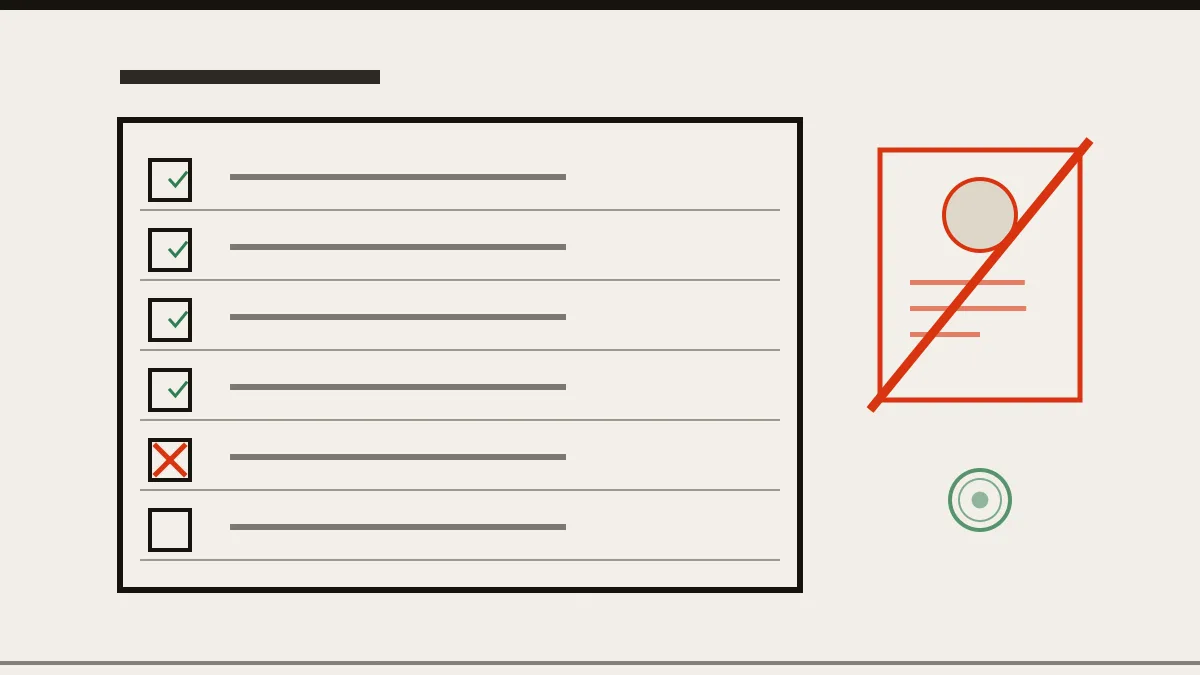
What we put on the repair list, in order:
- One pinned post or story highlight on your real account saying a fake account used your name, giving its handle, and saying you never ask for money by message. Short. No outrage.
- Direct notes to the people the clone reached, if they told you. They are the ones most likely to have paid or to repeat the story.
- Search results. Search your name and the fake handle in Google. Once the profile is gone, a result that still shows its snippet can be refreshed with Google's outdated-content tool; a warning post on another site is a separate request to that site.
- Copies elsewhere. Clones rarely live on one app. If the same photos turn up on dating apps, a Grindr fake profile report is its own filing; so is the X twin (see report X impersonation) and the Bluesky one (see how to report Bluesky account for impersonation). A lookalike domain in the bio is a malicious domain takedown matter for the registrar.
- Protection for next time. Meta Verified now sells "proactive impersonation monitoring", and its page says Meta will remove accounts it determines are pretending to be you (Meta Verified, October 2026). Prices vary by region and app. For creators whose videos the clone reposts, copyright on video hosts follows strike rules with their own clocks; how long does a YouTube copyright strike last and how a Vimeo copyright strike is counted both matter if the clone's owner re-uploads your work there.
Report a fake Instagram page impersonating you, then keep the evidence
Report a fake Instagram page impersonating you before you do anything else on this list, but screenshot it first. Once the account goes, its profile, bio and messages are gone from your view, and you may need them for a bank dispute, a police report or a later civil claim. Capture the profile with its handle visible, the "About this account" page, every message it sent with the date, and any payment request. Instagram's help page on impersonation accounts explains that US federal law does not let private parties obtain account content, and that basic subscriber details go out only under a valid subpoena or court order served on the right Meta company. Your own screenshots are usually the only record you will ever hold.
Should you pay an Instagram impersonation takedown service?
Sometimes. An instagram impersonation takedown service earns its fee when the case has more than one moving part: a clone plus a website, a brand with registrations in several countries, a clone that keeps returning, or a client who cannot safely sign an IP report under their own name. A service can choose the right form, file as authorised agent so the client's email is not the one forwarded, assemble the side-by-side evidence and handle the repair list. It cannot make Instagram's reviewer agree, and it cannot reach a switch Meta does not offer to anyone else. The same goes for an instagram scam removal service: it can get scam accounts reported correctly and preserve evidence, but recovering money is the bank's and the police's job, not a platform's.
Here is the honest limit, the part every client reads before we take a case. Some things that feel like impersonation are not removable: a critic using your public name to review your business, a parody account that says it is parody, a news account reporting on you. Those can only be answered or pushed down in search, not taken down, and a false impersonation or copyright report against them can cost you more than the post did. We never forge notices, never ask for your password, never "mass report", and never promise a removal date. Our limits are in writing. Be wary of anyone selling a guaranteed ban: the FBI's IC3 has warned that law enforcement will not refer victims to companies asking for payment to recover funds, and recovery offers that arrive after a scam are very often the second scam. If you want to know who you would be working with, the team and our legal background are on the about page.
What to do in the first 48 hours
A short order of work, because most people do these steps in the wrong order.
- Screenshot the clone: profile, About this account, messages, payment requests.
- Report Instagram impersonation on the whole account in the app, under "pretending to be someone else", naming your real account. No account? Use the web form with the ID that matches the copied name.
- Ask one or two friends who were messaged to file their own report as "someone I know". Not twenty.
- If it uses your photos and you are safe signing your name, file the copyright report; if it uses your registered brand, file the trademark report.
- If money moved, call the bank first, then Report Fraud or ReportFraud.ftc.gov.
- Post one calm notice on your real account.
- Wait 48 hours, check the outcome under Help, Reports and violations, then request a review once if the answer is wrong.
Most clean cases end at step 7. The ones that do not are usually missing one of the proofs in the first table, and adding that proof works better than filing the same report again.
In our case notes the order matters more than the speed. People who report first and screenshot later lose the evidence. People who post a public callout before reporting often watch the clone change its handle, lock its profile and carry on under a new name, which restarts the whole process. People who ask every friend to report end up with a reviewer looking at forty thin complaints and no ID. Do it in the order above and the reviewer sees one complete report, from the right person, naming the right account, with a matching ID, while the screenshots stay safely on your side. That is the version that tends to come back removed. It also leaves you holding everything the repair list needs afterwards, from the handle to the dates of each message the clone sent.