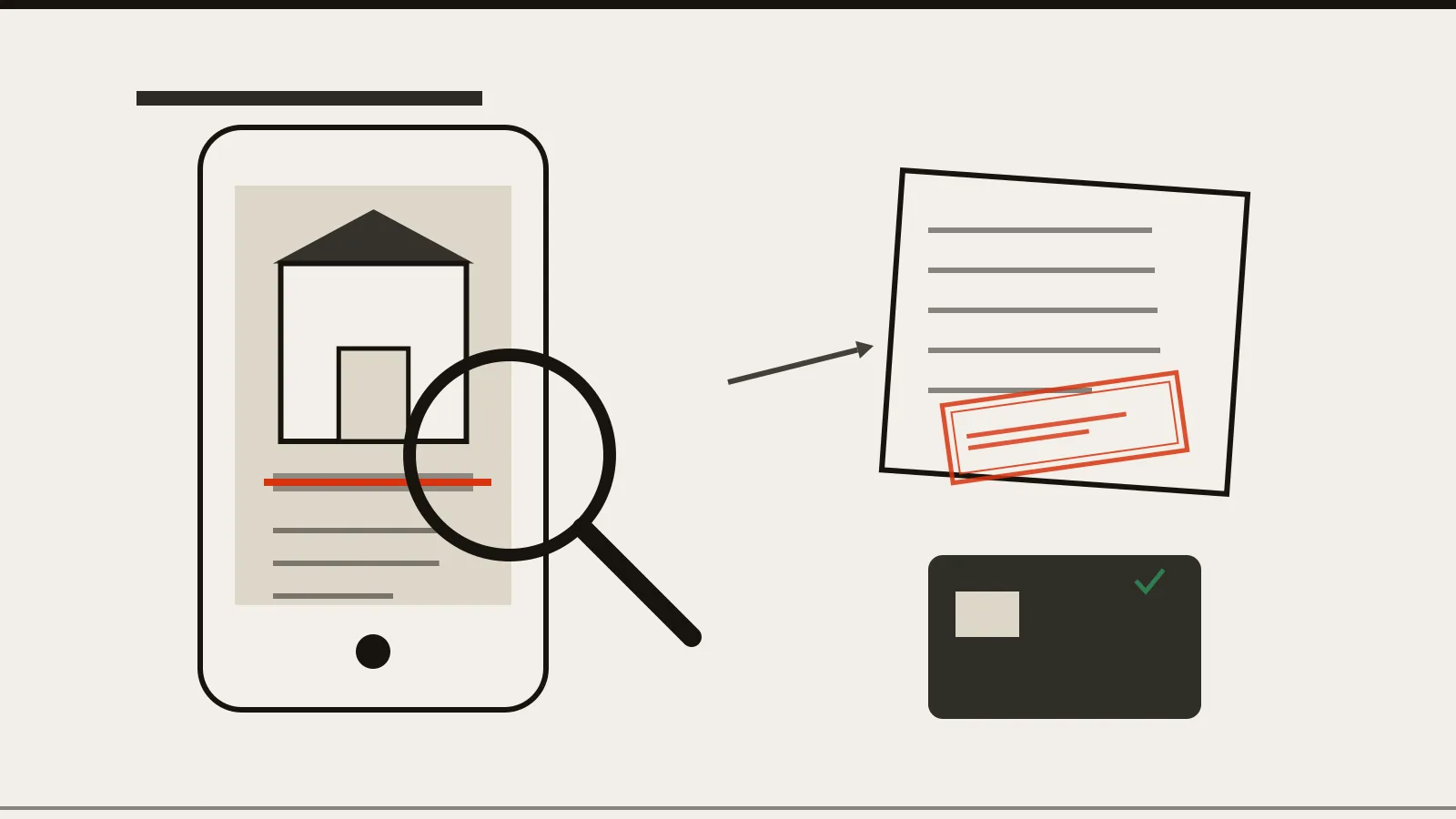
What does the WhatsApp "Business account" label actually prove?
Almost nothing about who is behind it. Anyone with a phone number can install the free WhatsApp Business app, type a shop name, upload a logo and start messaging. The grey "Business account" line under the name is self-declared: WhatsApp does not check a company register, a VAT number or a trademark before it appears. That is why the chats that send people searching "report scam WhatsApp Business number" look so convincing: the name matches, and the logo is the real one. The one marker a scammer cannot type in is the verified badge. On WhatsApp that blue check mark means Meta has verified the account from its activity or from documents it supplied, and even a paid Meta Verified plan does not guarantee one (WhatsApp Help Center, checked October 2026). So the starting rule for any WhatsApp impersonation question is simple: a name and a logo prove nothing, and a missing badge on a "bank" or "courier" is a reason to stop replying.
Three quick checks settle most cases before you report anything:
- Tap the business name and read the profile. A real courier or bank lists a website on its own domain; a copy usually lists nothing, a free email address or a link shortener.
- Look up the number on the company's own website, never on a page the chat sent you.
- Ask the company through a channel you found yourself. If it has never heard of the number, you have your answer.
None of this needs you to keep talking to the account. Stop replying first; the report works the same whether or not you answered.
How to report a WhatsApp Business account, step by step
The report goes from inside the chat. WhatsApp states that the only way to report someone is through the in-app process, and that holds for business accounts too: there is no email address or web form where you can report WhatsApp Business account details by phone number alone (WhatsApp Help Center, checked October 2026). Here is how to report a WhatsApp Business account on a current version of the app:
- Open the chat with the business.
- Tap the business name at the top to open its profile, scroll to the bottom and tap Report business.
- Leave the Block business box ticked if you never want to hear from it again. Untick it only if you are still collecting evidence.
- Confirm. WhatsApp receives up to five of the last messages the business sent you, plus basic details of recent calls. The business is not told who reported it.
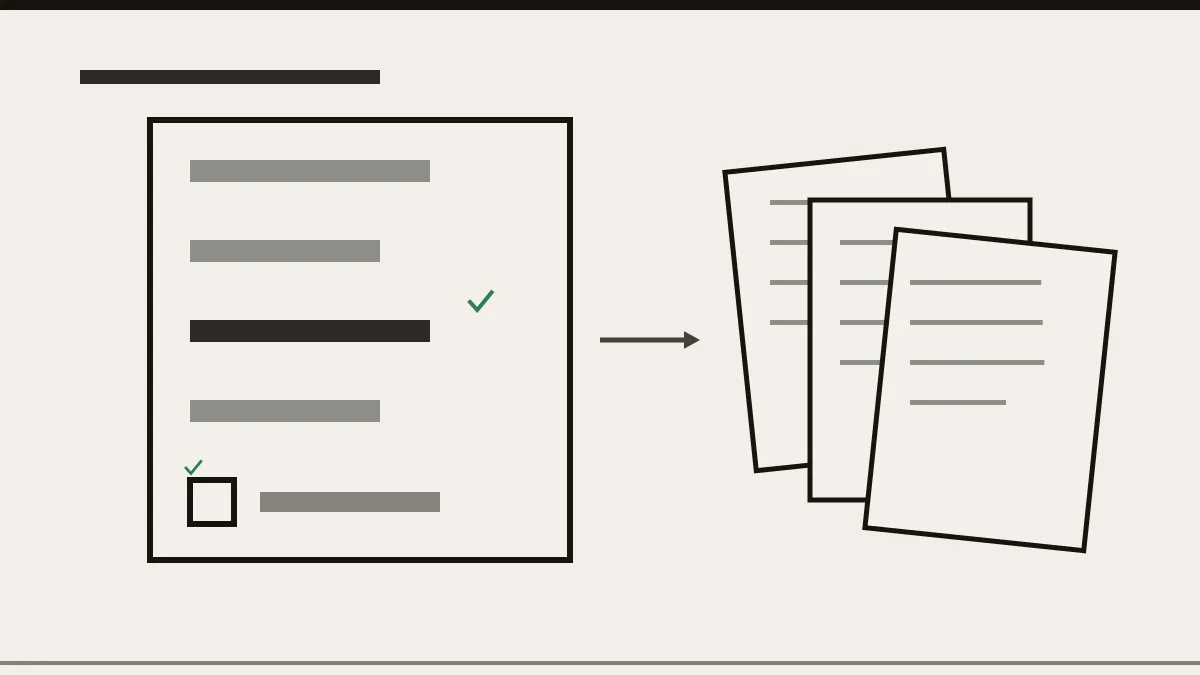
Screenshots come before the report, not after. Once you block, the chat stays in your list, but if you also delete it you lose the order number, the payment request and the link the scammer sent, and those are what a bank or the police will ask for. When we work these cases, the client who arrives with a full chat export and the account's profile page saved as an image usually gets a far quicker answer from their bank than the client who reported, blocked and cleared the chat in panic. To report suspicious WhatsApp Business account chats that have not yet asked you for money, use the same steps. A suspicious first message that offers a refund, a parcel fee or a job is already the pattern reviewers look for. You do not need to wait until it costs you something.
Scam, spam, fraud or impersonation: which report fits the chat?
WhatsApp gives a customer one button for a business, so the choice is less about which box and more about what you write down and where else you send it. The table sorts the common searches, from "report WhatsApp Business account for spam" to "report WhatsApp Business account for fraud", by what the chat actually did.
| What the business chat did | In WhatsApp | The second desk |
|---|---|---|
| Sent unwanted promotions you never signed up for | Report business, keep block on | None needed; the in-app report is enough for spam |
| Asked for a fee, a code or a card number | Report business, then block | Your bank first, then the national fraud desk |
| Took money for goods that never arrived | Report business, keep screenshots | Bank chargeback or payment dispute, then police |
| Used a real brand's name and logo | Report business | The brand's own fraud team, which can file the IP form |
| Used your own name and photo | Report business | You can file the IP form if the photo is yours |
To report a WhatsApp Business account for fraud, the money desk matters more than the app. WhatsApp can ban the account; only your bank can stop a transfer or start a chargeback, and only the police can follow the money.
Report scam WhatsApp Business number chats to the money desk too
When you report WhatsApp Business for scam messages, WhatsApp's decision covers the account and nothing else. So a whatsapp business scam report should go in three directions on the same day. First, the bank or card issuer: many UK banks now reimburse authorised push-payment fraud under the Payment Systems Regulator's reimbursement rules that took effect in October 2024, but the clock starts when you tell them. Second, the national fraud desk: in the UK that is Report Fraud, the service that replaced Action Fraud, and in the US it is the FBI's IC3. Third, WhatsApp, through the in-app report. Our notes on how to report a payment outside Vinted scam and on the desks behind an Airbnb fraud follow the same order. Money first, platform second, because only one of those can bring anything back. The search "report WhatsApp Business scammer" often comes from someone who was also emailed or called; give the fraud desk every channel in one report.
When a fake WhatsApp Business account copies your brand
This is the question brand owners ask us most often. When customers report WhatsApp Business for impersonation from the chat, they file one kind of document; the owner of the brand files another. If you run the real business and the copy is messaging your customers, the stronger route is WhatsApp's intellectual property form, which accepts trademark and copyright complaints from the rights holder or an authorised agent. That form asks for the registered mark, the jurisdiction and the account's phone number, and it is the closest WhatsApp comes to a form to take down WhatsApp Business account copies. In our own filings, the complaints that succeed name one registered mark, one country and one phone number; the ones that bounce back to us try to cover a whole network of copies in a single message.
There is no separate impersonation form for private people, which is why a person whose own face is on a fake profile is usually steered to the copyright side of that form for their photographs. A WhatsApp DMCA takedown works the same way: the notice goes to the form or to ip@whatsapp.com, it must be signed by the owner of the work, and the account holder can see it. If you want to remove fake WhatsApp Business account copies of a business you do not own, tell the real company and let it file.
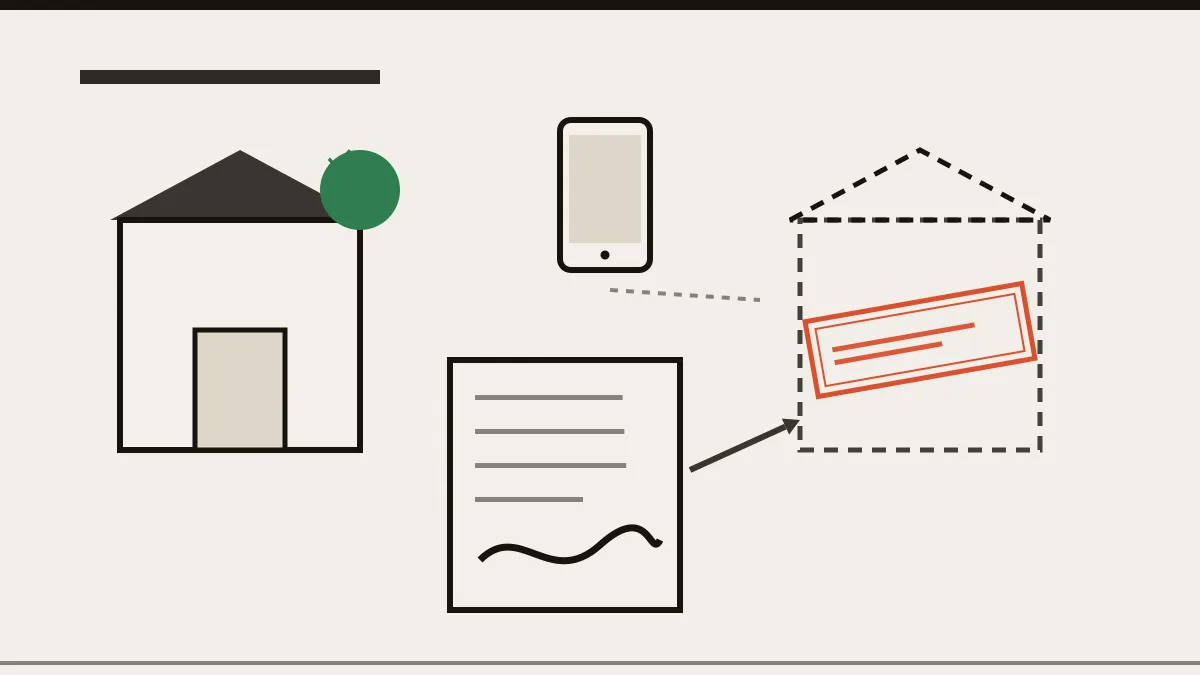
How to report fake WhatsApp Business account copies so the form sticks
Here is what to put in the form so it does not come back:
- the copy's full phone number, with country code;
- the trademark registration number and office, or the URL where your photograph or text was first published;
- one or two screenshots of the copy's profile, showing your logo or name in use;
- a sentence on what the copy did with it, for example asking your customers for payment.
To report fake WhatsApp Business profiles across several platforms at once, the same file of proof works everywhere. We use it for an impersonation website takedown and for the X version, where you report X impersonation through a different form. The pattern holds on Bluesky too, where you report a Bluesky account for impersonation by proving which account is the original.
A trademark complaint is not a quick route to take down a WhatsApp Business account owned by a competitor you simply dislike. The form asks you to state, under penalty of perjury where the DMCA applies, that the use is unauthorised. A false notice is a legal risk to you, and the other side sees your name.
Does reporting a WhatsApp number get it banned?
Sometimes, and never because of the number of reports alone. A report sends WhatsApp up to five of the last messages that account sent you, plus basic details of recent calls. A reviewer, often helped by automated checks, compares those messages with the Terms of Service. If they show spam, fraud, threats or other banned conduct, the account can be banned. If they show a rude but lawful argument, nothing happens, however many people press the button. So the honest answer to "does reporting a WhatsApp number get it banned" is: it does when the messages you hand over prove a breach. WhatsApp's own wording is that a report "won't necessarily result in us banning" the account (WhatsApp Help Center, checked October 2026).
That also answers how many reports to ban a WhatsApp number. There is no published threshold, and the system is not built around one. Volume does play a part for business accounts, where blocks and reports from real recipients feed the quality rating that WhatsApp's business messaging policy uses to limit or remove accounts. But those signals have to come from people the business actually messaged. A crowd of strangers cannot produce them, because they have no chat to attach.
People who want to report a WhatsApp number to get it banned often ask whether friends can help. They can, if the account messaged each of them. Each report then carries its own messages. The scale is visible in WhatsApp's monthly India report: the edition published on 1 October 2026 lists 6,202,400 accounts banned in August 2026, of which 1,690,800 were caught proactively, before any user complaint (WhatsApp India Monthly Report, October 2026). Most bans, in other words, come from WhatsApp's own detection of how an account behaves. They do not come from a pile of complaints.
How to get someone banned on WhatsApp without breaking the rules yourself
Searches for how to get someone banned from WhatsApp, how to get someone banned on WhatsApp, how to ban someone on WhatsApp and "how to ban someone whatsapp" all lead to the same lawful sequence. Keep the evidence. Report from the chat. Block. Ask anyone else the account messaged to do the same from their own phone. That is the whole method. Paid "get WhatsApp banned" services skip the first step and fake the rest, and WhatsApp's Terms forbid "fraudulent or groundless reports", so a campaign of invented complaints puts the reporting numbers at risk, not the target. The same rule appears on Telegram, where the question of how many reports to ban a Telegram channel gets the same answer, and on Steam, where people ask how to get someone trade banned on Steam and find the review reads the trade, not the headcount.
How to ban someone from a WhatsApp group
A group admin can remove a member; WhatsApp has no separate group ban. Removal is a short-term fix, because the removed person can come straight back through an old invite link. A real WhatsApp group ban needs three settings working together, all found under Group info:
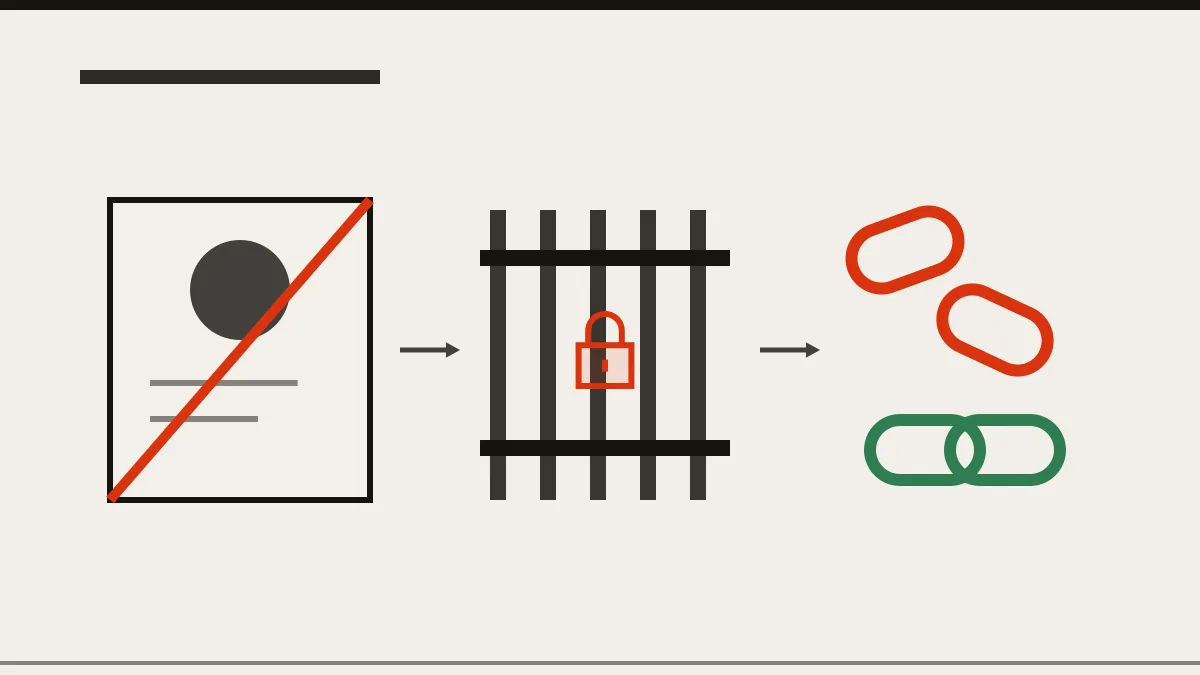
- Remove the member. Tap their name in the participant list, then Remove.
- Reset the invite link. Under Invite via link or QR code, choose Reset link. An old link cannot be restored once reset, and every copy of it stops working at once.
- Turn on Approve new members. With this on, anyone who tries to join through a link waits for an admin to accept them, so a removed member cannot slip back in under a new number without you seeing it.
That is the working answer to "how to ban someone from WhatsApp group" searches, and it has limits an admin should know. Removal only covers your group. The person keeps their account, can still message members privately, and can join any other group that lets them in. If the member was posting scams, threats or images that break the Terms, report them as well, from one of their messages or from a private chat, because a report is the only step that asks WhatsApp to look at the account itself. Be aware that reporting the whole group, rather than one member, exits you from it, so admins should report the individual unless the group itself is the problem. For groups that keep attracting the same spammer, we suggest admins also limit who can edit the group description and who can send messages, so a returning account cannot post before an admin sees it.
Reporting harassment from a personal WhatsApp account
A WhatsApp harassment report follows the same in-app path as any personal report, and the details decide the outcome. To report WhatsApp account harassment from a personal number, open the chat, tap the name, choose Report, and keep the block box ticked. Because the report carries only the last five messages, report soon after the worst ones arrive, or the reviewer may see a quiet stretch instead of the threats. WhatsApp account reporting has a ceiling worth knowing: the account owner can make a new number in minutes. When harassment includes threats of violence, stalking or intimate images, the police and the specialist routes come before the app. In the UK that means 999 for immediate danger and 101 otherwise; for intimate images, StopNCII.org creates a hash on your own device so that participating platforms can block the image without anyone seeing it. We never ask for the image itself.
The harassment lanes on other platforms work alike, which is why our guide to the Instagram report harassment lanes reads so close to this one.
Need a second pair of eyes? If a WhatsApp Business account or a number is using your name, your brand or your photos, our team can sort which route applies and file it lawfully. Ask for a confidential review, with no charge before we tell you whether there is a case.
Fake profiles are a cross-platform problem, and the proof you gather here carries over. The Instagram fake account report has no "fake" button either, and the Grindr fake profile report asks for the same side-by-side evidence.
What we can and cannot take down on WhatsApp
We can help you report WhatsApp scammer accounts properly, assemble the proof a bank and a fraud desk need, and file the intellectual property form when the account is copying a brand or a photograph you own. When we file these for brand owners, WhatsApp usually replies to the notice email with a case reference, and the copy account goes quiet once the review lands, though the people behind it often reappear on a new number days later. That is why we treat a WhatsApp takedown as one part of a wider clean-up that includes the websites and social profiles the same people run. The copyright side is the most predictable. The steps match a DMCA takedown website filing, an Imgur DMCA takedown notice or a Redbubble copyright infringement claim, and WhatsApp is a platform that gives the owner a clear form.
What we cannot do is just as plain. We cannot ban a number on request, buy reports or pass an account to a contact at Meta, because no such contact exists. A truthful message, a negative but honest review of your shop or a lawful opinion sent to you on WhatsApp is not something any route removes. We never forge a trademark or copyright notice and never ask for your WhatsApp verification code or password; anyone who does is running the scam this page describes. Removal is also not memory. Once an account is gone, screenshots of it may still circulate, much as people still look for how to see taken down YouTube videos long after a removal. Every notice also starts a counter on the other side, explained in our note on the GitHub DMCA takedown service and strike clocks. The limits of our service are set out in full in our disclaimer, and you can read who does this work on our about page.