Does reporting a YouTube video do anything?
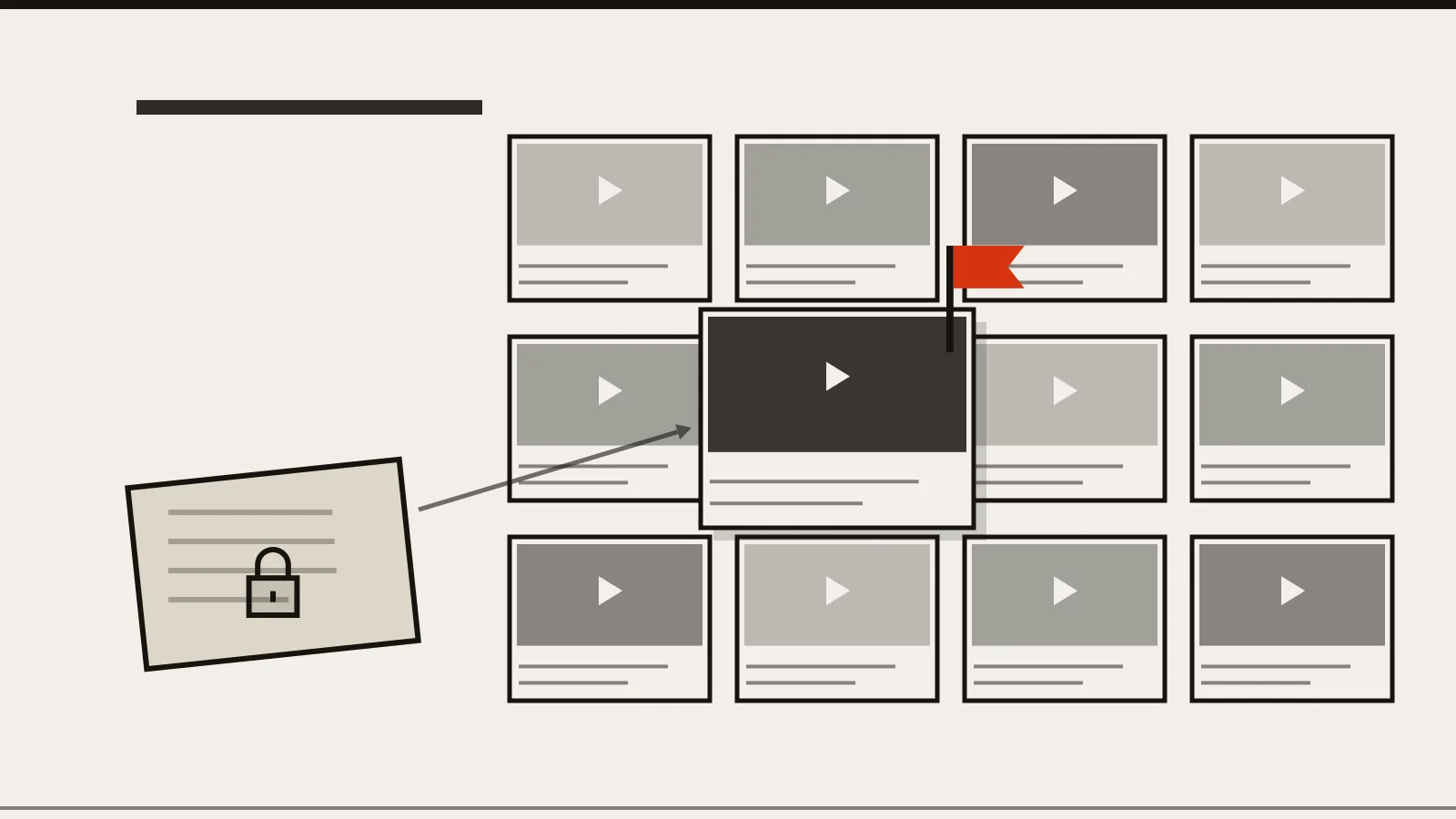
It does one thing, and it does it reliably: it puts a single video in front of a reviewer with a label attached. Reporting a YouTube video is a request for a check against one named rule, not a vote and not a complaint about the person who made it. The reviewer, a person or a classifier working to YouTube's Community Guidelines, then has three realistic choices. The video comes down because it breaks the rule you picked. It stays up behind an age gate, or with reduced reach, because it is borderline. Or it stays exactly as it was, because the rule you picked does not cover what you saw. YouTube's own help page says flagged content "isn't automatically taken down", and that sentence is the honest centre of the whole system. What a report never does is punish the channel for being disliked. A strike follows only when a review finds a breach, and the reporter is told almost nothing either way.
So the useful question is not whether the button works. It is whether you picked the button that matches the problem, on the right item, with the right person filing.
| Outcome after review | What the viewer sees | What the uploader gets | What you see |
|---|---|---|---|
| Removed for a guideline breach | "Video unavailable" notice | An email, then a warning or a strike | Status in Report history |
| Age-restricted | Sign-in and age check before playback | A notice; no strike | Status in Report history |
| Limited features | Video plays, comments or recommendations off | A notice | Usually nothing |
| No violation found | Nothing changes | Nothing | Status, if anything |
What happens when you report a YouTube video, step by step
First, the report joins a queue sorted by the reason you chose and by signals YouTube does not publish. Then a classifier or a trained reviewer compares the video against that reason. The timing varies with the category: child safety and violent extremism are prioritised, and spam-type flags wait longest. If the review finds a breach, the channel's first offence usually earns a one-off warning rather than a strike. After that, YouTube's strike rules climb in fixed steps: a first strike freezes uploads for one week, a second within 90 days freezes them for two weeks, and a third inside the same 90 days can remove the channel. You, the reporter, can follow none of this in detail. The only feedback is a status line in Report history, as of October 2026.
Most reports end in the fourth row of the table. That is not the system failing; it is the system reading a rule more narrowly than the person who was upset by the video.
Does YouTube tell you who reported your video?
No, not for an ordinary flag. YouTube's report help page states that reporting is anonymous and other users "can't tell who made the report". The uploader receives a notice naming the policy and the video, never the account behind the flag. That rule covers the in-app Report button on videos, Shorts, comments, live chat and channels, and it holds whether one person flagged the video or four hundred did.
The anonymity ends where the law begins. Two routes require the person filing to be identifiable, because the claim depends on who you are. A privacy complaint only works if you are the person who can be recognised in the video, and YouTube needs to be sure of that before it gives the uploader a chance to blur or remove the footage. A copyright takedown is a legal notice under the US Digital Millennium Copyright Act. YouTube's copyright removal page says your full legal name and primary email may be shared with the uploader, because the uploader has a right to file a counter notice against you; your postal address and phone number stay back unless a lawsuit follows. The practical rule: if you need to stay out of sight, use the flag; if you need the strongest removal, accept that the uploader will learn you exist.
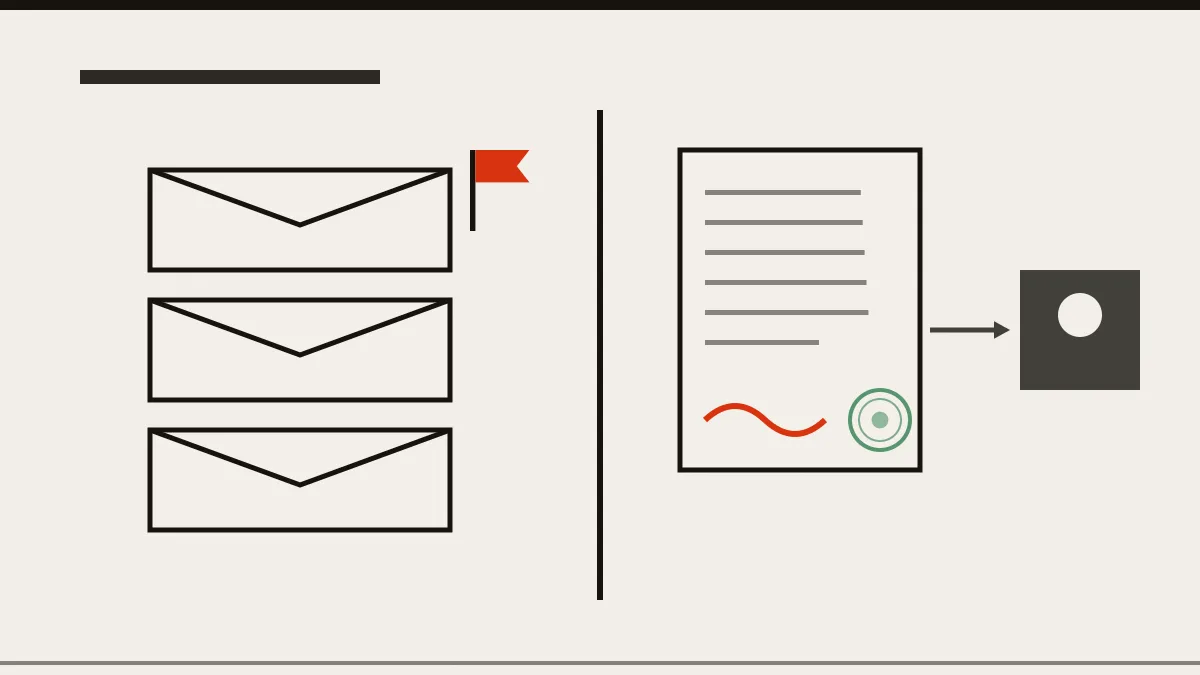
| Route on YouTube | Account needed? | Uploader learns who filed? | Who may file |
|---|---|---|---|
| Report flag (video, Short, comment, channel) | Yes, signed in | No | Anyone |
| Privacy complaint | Your details, not just a click | Learns a complaint exists, not your channel | The person shown, a parent, guardian or legal representative |
| Copyright takedown webform | Yes | Yes: legal name and primary email | The rights holder or an authorised agent |
| Google Legal Webforms (defamation, court orders) | Your details | Possibly, as part of a legal notice | The person affected or their lawyer |
How to report a YouTube video, on a phone or a computer
How do you report a YouTube video in practice? On a computer, open the video, click the three dots under the player, choose Report, pick the reason that names the rule, add a timestamp and a short note, and submit. In the app, tap the three dots at the top of the player (or under the Short) and follow the same chooser. That is the whole procedure for how to report a video on YouTube; the skill lies in the reason and the timestamp. A reviewer looking at a 40-minute upload will not hunt for the 12 seconds that broke a rule. Give them "14:32, the uploader reads out a home address" and the review takes minutes rather than days.
When you report a YouTube video, write the note as if the reviewer has never heard of the channel. Name what happens, where, and which rule it touches. Leave out the history of the feud.
How to report a video on YouTube without an account
You can't use the Report button while signed out; YouTube asks you to sign in first. People who search for how to report a video on YouTube without an account usually want one of two things. Either they want to stay anonymous, which a flag already gives them, or they do not want a Google account tied to the matter at all. For the second case the realistic choices are a throwaway Google account made for the purpose, a trusted person who flags it from their own account, or, where the video is unlawful, a complaint to the police or a regulator, who can contact the platform directly. YouTube's help pages do list one signed-out reporting route, but it is only for people in California. Everyone else who has a legal claim (defamation, a court order, a privacy law) can use Google's Legal Webforms, which ask for your details instead of a channel.
How to report a YouTube video anonymously
Use the ordinary flag. That really is the answer to how to report a YouTube video anonymously, because the flag already hides your account from the uploader. Do not post "reported" in the comments, do not tell the channel's community, and do not report from an account whose name the uploader would recognise from earlier arguments if you can avoid it. The system keeps your secret; people around you are more likely to leak it.
How to report a YouTube video for privacy
A privacy complaint is a separate form, not one of the options inside the Report chooser. Start from YouTube's privacy complaint process, say what in the video identifies you (face, full name, voice, home address, phone number) and give timestamps. YouTube judges whether you are "uniquely identifiable". If you are, it may give the uploader time to remove or edit the video before it decides itself; the help page names no fixed number of hours, so ignore guides that promise one. Complaints filed for someone else are refused, with listed exceptions: a parent or guardian, a legal representative, a vulnerable person's carer, someone without internet access, and close family of a person who has died.
How to report a YouTube comment, and whose comments you can delete
To report a YouTube comment, hover over it on a computer or press and hold it in the app, open the three dots, choose Report, and pick the reason. The comment's author is not told who reported it. A reported comment can be removed by YouTube, and repeated abuse counts against the commenter's own channel in the same way a video does.
How to delete other people's comments on YouTube is a narrower question than it sounds. You can delete any comment left on your own videos, and from YouTube Studio you can hide a user from your channel, hold possibly inappropriate comments for review, and add blocked words. A hidden user is not notified, which makes "Hide from channel" the quietest tool YouTube gives a creator. Under somebody else's video you can't delete anything that isn't yours; your only tools are Report and, for yourself, hiding the commenter's replies by blocking them. Blocking deletes nothing; the comment stays visible to everyone else, and only your view changes. If you help run somebody else's channel, the owner can give you a moderator or manager role in YouTube Studio, which brings the same removal powers without sharing a password. If the comment names you or shares your address, the privacy form covers comments too.
How to report a YouTube reupload or a copied comment
To report a YouTube reupload or comment that copies your work, decide whose work it is. When the reupload is your own video, the copyright webform (or Copyright Match in YouTube Studio, if you are in the Partner Programme) is the strong route, and it names you. When it is somebody else's video reposted to harass a person, use the harassment reason on the flag instead. Copyright strikes run on their own clock, separate from Community Guidelines strikes: three in ninety days still ends a channel, and a counter notice can bring the copy back after about ten working days unless you go to court.
Report a specific post vs whole account: the item test
Every network in this briefing has two kinds of report, and people blur them. An item report says "this video, this comment, this post breaks a rule". An account report says "this person, or this profile, is the problem". Our team runs one test before filing anything: point at the single thing you would want gone if you could only remove one. If you can point at it, report the item. Item reports are quicker to judge, they come with built-in evidence, and each confirmed breach adds a strike or a mark against the account anyway. If you can't point at a single item, because the harm is the account itself (a fake profile using your name, a bot, a channel built to harass you), report the account and list three or four items as examples. The choice between a specific post vs whole account report is therefore not about how angry you are. It is about where the evidence lives.
Facebook draws the same line between a post and a whole Page or group, which we covered in how to report a Facebook group. Instagram splits it further by surface, and our walkthrough of how to report an Instagram comment shows the five separate buttons. TikTok is closest to YouTube, so read how to report a TikTok comment if the same person is active on both.
How to report a Twitch streamer, or a streamer on Kick
How to report a Twitch streamer depends on whether the problem is live. During a stream, click the three dots under the video player and choose Report Live Stream; for a past broadcast or clip, use the same menu on the VOD or the clip. You can also report a single chat message from the chat itself. Twitch asks for a category, then a "Tell us more" box where the timestamp belongs. You need to be logged in. Reports go to Twitch's Safety Operations team, not to the channel or the moderators it appoints, which is the point of filing one. To report a Twitch streamer anonymously, simply use that route and keep quiet about it in chat: the streamer is not sent a list of reporters, though Twitch's help pages do not put the promise in writing as plainly as Kick's does.
How to report a Kick streamer follows the same pattern. On the channel or a VOD, click the report icon at the bottom right of the player and pick a category; in chat, click the username or the message and report from there. Kick also takes reports of terms-of-service breaches by email. Its reporting help page says all reports are anonymous and the reporter's identity will not be disclosed. To report a streamer on Kick for something said on air, give the time in the stream. Kick, like Twitch, judges the moment, not the channel's reputation. If the streamer is also using your footage without permission, that is a copyright matter rather than a conduct report; our note on how to report a Twitch stream for copyright sets out which details go to the streamer when you sign one.
Report Rumble video, BitChute video or Vimeo video: the smaller hosts
The smaller video hosts all have a per-video flag, and each reads it under its own, often looser, rules. That matters more than the button. A video that YouTube would remove under its harassment policy can be permitted on a host whose terms only prohibit illegal content.
| Host | Where the report button lives | Account needed? | What the rules cover |
|---|---|---|---|
| Rumble | Menu on the video page; copyright notices go to its designated DMCA agent | Yes for the flag | Its terms; copyright through the DMCA agent |
| BitChute | Three-dot button below the video (a flag icon on the older layout) | Not required; logging in lets staff reply | Community Guidelines plus UK and EU legal duties |
| Vimeo | Flag icon at the far right of the player toolbar | Not stated for the flag | Acceptable Use Policy; separate copyright, privacy and illegal-content forms |
To report a Rumble video, open the video page and use the report option in its menu; for copied footage, Rumble's help centre sends you to its DMCA agent instead, and that notice carries your name. To report a BitChute video, press the three-dot button below the player, choose a reason, add a comment and send; BitChute also takes reports by email at report@bitchute.com. Some people search for how to report BitChute video content without signing up, and BitChute's enforcement page suggests the account mainly lets its team contact you. We listed the wider set of small-host doors in our piece on who may file each report, and the section on how to report content on BitChute sits beside Tumblr and Kik. To report Vimeo video content, use the flag in the player for policy breaches, and Vimeo's separate forms for copied work or a privacy claim; Vimeo says it may share a privacy claim with the uploader.
Mastodon, Truth Social, Craigslist, Nextdoor, Upwork and Wattpad
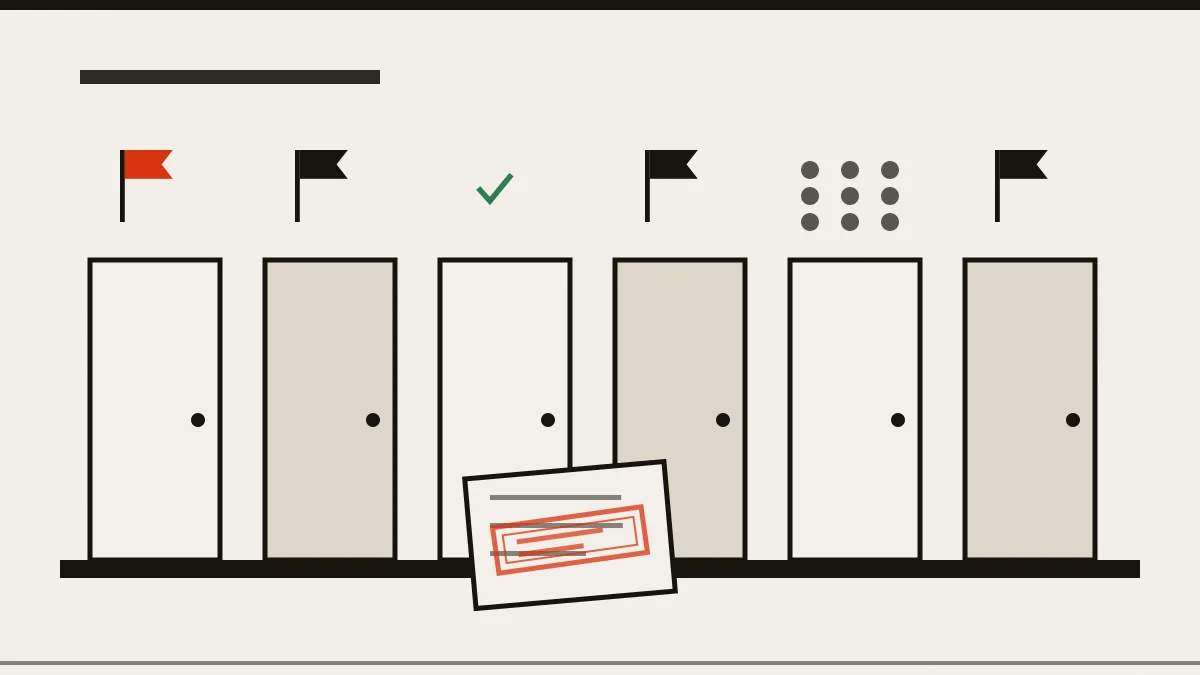
Outside the video sites, the person who reads your report changes from site to site. That is the detail most guides skip, and it decides how you should write the report.
| Site | Per-post report | Who reads it | Account needed? |
|---|---|---|---|
| Mastodon | Post menu, then Report | Your own server's moderators; optional anonymous copy to the poster's server | Yes, on any server |
| Truth Social | Three dots on the post, then "Report Truth"; press and hold a chat message | Truth Social's moderators | Yes |
| Craigslist | Flagging link at the top of the listing | Other users first; enough flags remove the post automatically | No |
| Nextdoor | "Report a post" in the post's menu | Volunteer neighbourhood moderators who vote, plus Nextdoor staff | Yes, as a verified neighbour |
| Upwork | The (…) menu on the profile, then flag | Upwork's Trust and Safety team | Yes |
| Wattpad | Report on the story | Wattpad support; the DMCA form only from the author | Yes for the flag |
The steps to report Mastodon post content are short: open the post's menu and choose Report. Mastodon's moderation guide says the report goes to your own server's moderators; if the post came from another server, you can choose to forward a copy to its moderators too, and that copy does not carry your name. Forwarding is off unless you switch it on. That is why a Mastodon report can succeed on your server and fail on theirs. If the problem is the person and not one toot, our note on how to report a Mastodon user covers the account route.
To report Truth Social post content or report Truth Social message threads, use the menu on the post (a "Truth") or on the message in chat. For a post, tap the three dots, choose "Report Truth", pick a reason and add a comment if it helps. For a message, open Messages, press and hold the message, and choose Report Message. Truth Social's help page says the five messages before and after the one you report go to moderators for context, so a report on one line still shows them the whole exchange.
There is no form to report Craigslist post problems to a person; to flag Craigslist post listings, open the ad and use the flagging link at the top. No account is needed. Craigslist's flagging FAQ says free ads that are "sufficiently flagged" are removed automatically, and staff flag posts as well. For a scam listing, flag it, then follow Craigslist's fraud guidance; the flag is a crowd vote, not a ticket anyone answers.
How to get someone's Nextdoor post removed is mostly a question of which rule it breaks. Open the post's menu and choose "Report a post", then pick the guideline it breaks: personal attacks, private information, discrimination, or false claims about a named person. Volunteer moderators from nearby neighbourhoods vote on reported posts, and Nextdoor staff review some reports as well. The author can edit the post or ask for additional review within two weeks, so a removal is not always final. Write the report about the words in the post, not the author's history in the group; the people judging it are neighbours, and they read the guideline literally. A post that is merely unflattering about you stays up, as it would on any site. When it is false and damaging, the report is a start and a solicitor's letter may be the next step.
To report a freelancer on Upwork, start from their profile or your contract room. On the profile, open the (…) menu, flag it and choose a reason; for a problem inside a live contract, write to Upwork's support from the contract. Upwork's help centre says all reports are confidential and it will not share your identity. Our earlier briefing on how to report someone on Upwork sets out the button for clients and for freelancers side by side.
Searches to report plagiarized story on Wattpad usually come from readers, and the ordinary Report Story option is for content rules. Copying is different. A copied story is a copyright matter, and Wattpad's DMCA form only takes notices from the owner or someone legally authorised to act for them. Readers who spot a copy have one useful button: "report to original author", which sends the real author an automated, anonymous message. Readers can flag a copied book only when it is a published work with an ISBN or ASIN. Our Wattpad copyright infringement report guide covers the owner's form.
What a single report can't remove
A report can only remove what breaks a written rule. That limit protects you as much as it frustrates you. Truthful reporting about you, a genuine court record, and an honest opinion that you find unfair are not policy breaches, and no flag, privacy complaint or legal notice will take them down. For those, the lawful options are a correction request, a reply, or pushing better results above them in search, which is suppression, not removal. We say which one applies before anyone pays, and we set the limits out in full on our disclaimer page.
We also do not file reports we know to be false, invent copyright claims, or ask for anyone's password. A copyright notice signed for a work you do not own is perjury under the DMCA, and the uploader receives your name. We would rather tell you no on day one. Fake reports filed in bulk are the fastest way to lose a case that started out strong. When we file item reports for clients on YouTube, the pattern we see most often is simple: a report that names one rule, one timestamp and one sentence of context usually gets a decision within days, and a report that recounts a long dispute usually gets silence. If you want a second opinion before you file, send us the link in confidence and we will tell you which door, if any, fits.
For context on the other platforms our clients ask about, see what reporting someone on Instagram does, how to report YouTube ads and scams, how to report impersonation on TikTok, and how to take down a TikTok repost. If a video is already gone and you need to know what is left of it, read how to find taken down YouTube videos. And if the copy is a photo or a Reel, the Instagram route is in our guide to how to report copyright infringement on Instagram.