Which side of the login are you standing on?
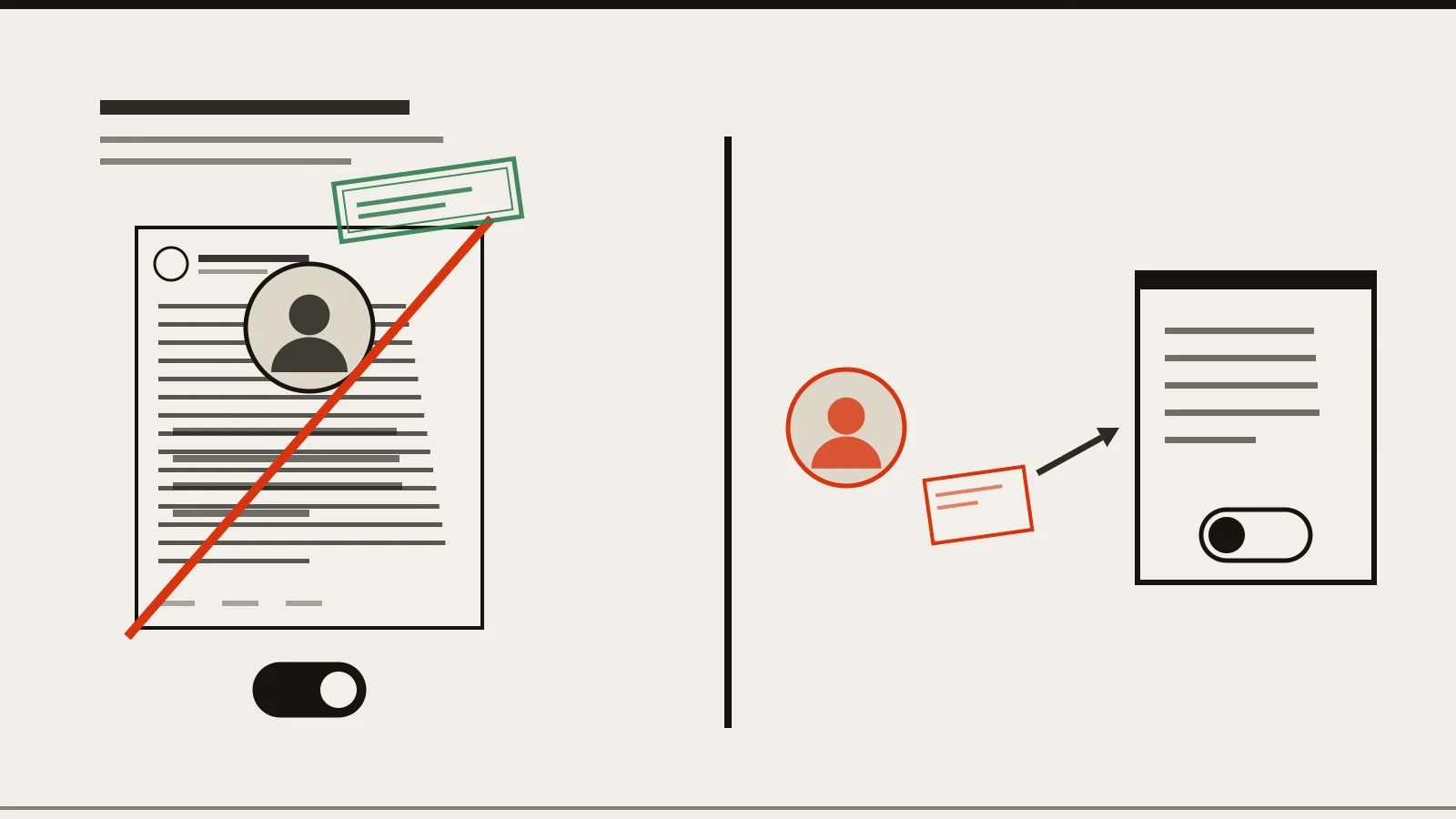
Every search for how to take down Instagram splits on a single fact: can you sign in to the thing you want gone? If you can, the switch is yours. Every account holder gets a delete button, a deactivate button, an archive and a story bin; none needs a reviewer. If you cannot sign in, because the account belongs to someone else or because it is your own and the password went with an old phone, the switch belongs to Instagram, and the only thing you can do is ask. Asking comes in three strengths: an in-app report, a legal form signed by a rights-holder, and a court order. The first is anonymous and judged against the Community Standards; the second puts your name in front of the poster; the third is rare and slow. As of October 2026, that split is the whole map, and most dead ends happen when someone uses the outsider's tools on an insider's problem, or the reverse.
| What you want gone | Who can press delete | The route | Usual clock |
|---|---|---|---|
| Your account, signed in | You | Deactivate (hidden) or delete (gone) | Deletion completes after 30 days |
| Your old account, locked out | Instagram, until you recover it | Recovery first, then delete | As long as recovery takes |
| Your post, story or one photo | You | Delete, archive, or remove one carousel item | Instant; Recently Deleted holds it 30 days |
| Someone else's post, story or reel | Report, privacy form or IP form | Hours to weeks | |
| Someone else's account or business page | Account report, impersonation, trademark or counterfeit form | Depends on the breach |
The same split runs through other networks, which is why our note on how to take down an old TikTok account reads almost like this one with the button names changed.
How to take down your Instagram account: deactivate or delete?
If you can still log in, the job takes about two minutes, and the only real decision is whether you want the account back one day. Both controls live in the same place on the app and the website: Settings, then Accounts Center, then Personal details, then Account ownership and control, then Deactivation or deletion. Pick the account, pick the option, enter your password, confirm.
How to temporarily take down Instagram account access without losing it
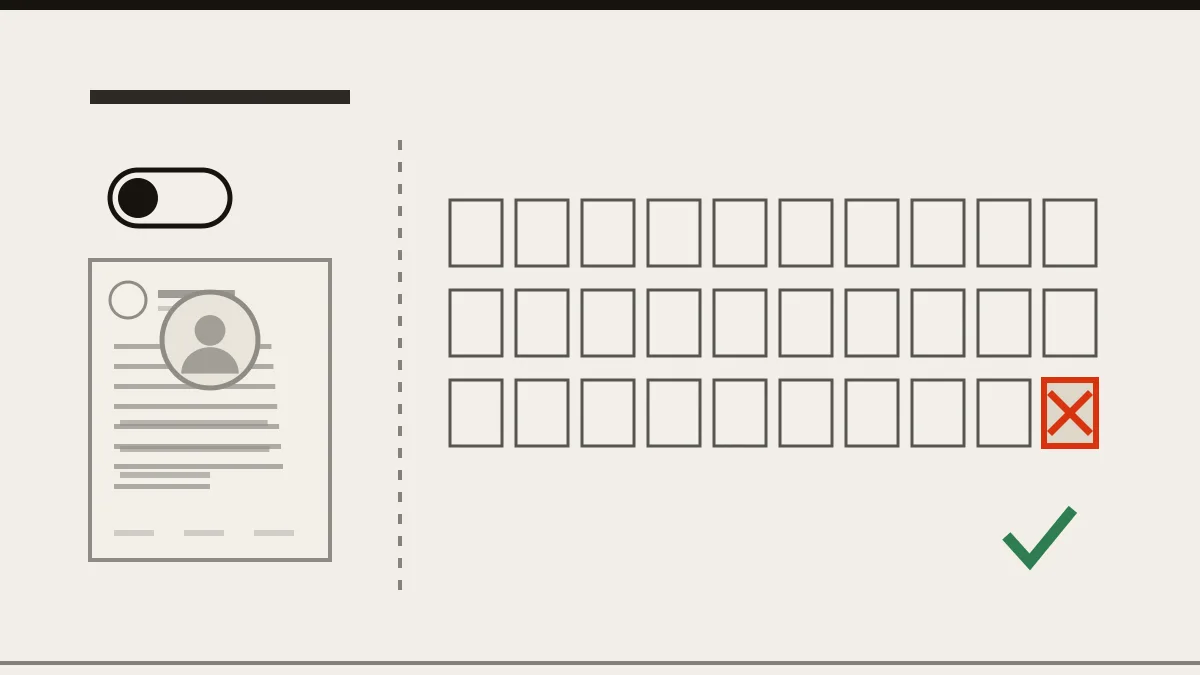
Deactivation hides your profile, photos, comments and likes until you log back in, at which point everything returns as it was. Instagram's own help page on temporarily deactivating an account says you can do it only once a week, which matters if you plan to switch it off and on around a stressful week. This is the honest answer to "how to take down instagram account temporarily": nothing is erased, followers do not see a goodbye, and your username stays reserved for you. It is the right tool for a break, a cooling-off period after a pile-on, or a pause while you clean up old posts in private. It is the wrong tool if the aim is to make the account disappear for good, because the data stays on Instagram's servers and the account comes straight back the moment anyone signs in with the password. If someone else still knows that password, deactivation protects you from nothing at all.
How to take down your Instagram account for good
Deletion is the permanent version. According to Instagram's page on deleting your account, the account is permanently removed 30 days after the request, and logging back in during that window cancels it (the exact cancel rules vary by region). Full removal of the stored data "may take up to 90 days to complete". After that the username returns to the pool, and you can reuse it only if no one else has claimed it first.
Two habits save grief here. Download your information before you delete, because nothing comes back after day 30. And if you run more than one account in Accounts Center, check which profile is selected on the confirmation screen; we have seen people delete the wrong one.
How do you take down an old Instagram account you can't get into?
This is the hardest search in the set, and it is where most people stall. Somebody wants to know how to take down your old Instagram account (their own, from school or a past job) and discovers that every delete button sits behind a login they no longer have. There is no form that deletes an account because you say it used to be yours. Instagram cannot tell a former owner from a stranger who wants someone else's profile gone, so the only proof it accepts is control: a working email, a phone number, a confirmation code, or a successful identity check. The impersonation contact form even carries a branch labelled "I can't log in to my old account", and choosing it does not open a deletion request. It shows recovery steps. So the practical answer to how to take down an old Instagram account is a two-stage job: recover it first, then delete it from the inside like any other account you own.
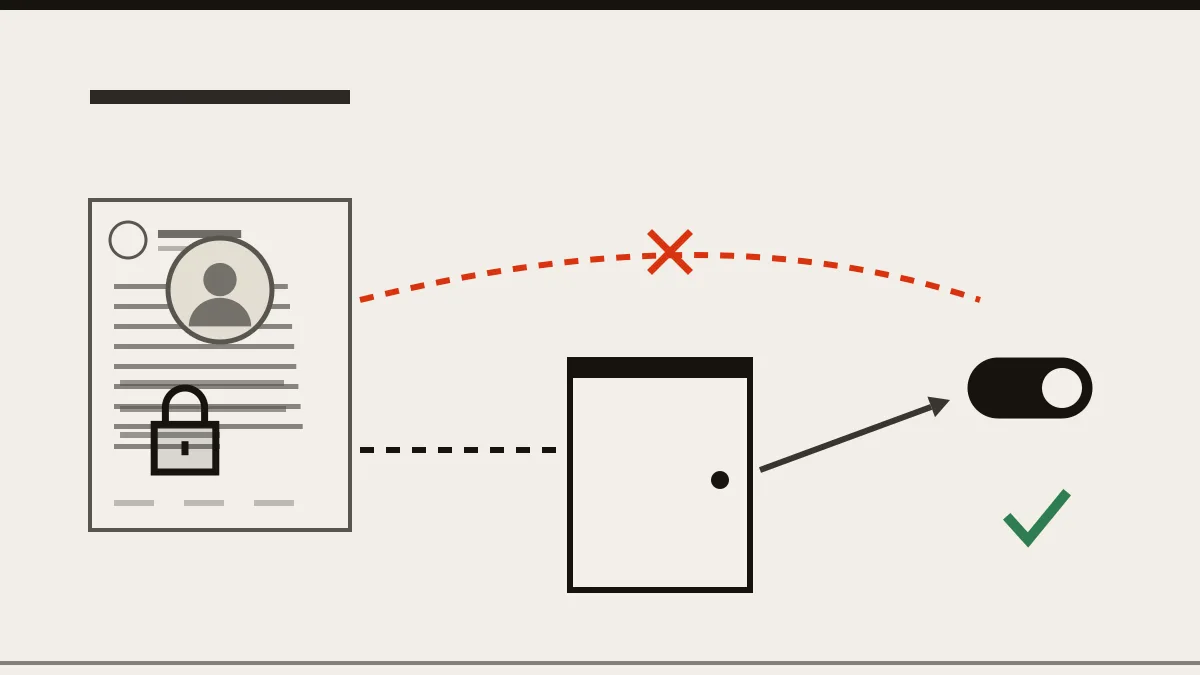
The recovery ladder runs roughly in this order, and it is worth trying every rung before giving up:
- Any phone or browser still signed in to the old account, even an old tablet in a drawer.
- The saved-login prompt on the Instagram login screen of a device you used back then.
- "Forgot password" with every email address and phone number you might have used.
- Reset through a linked Facebook account, if you connected one.
- Instagram's identity check, which can ask for a video selfie when the account holds photos of you.
When we work through these cases, the account usually comes back on rung one or three; most people simply forgot which address they signed up with. When every rung fails, Instagram's help pages concede it may be "unable to give you access", and at that point you are an outsider to your own account. What remains is narrower: report the account if it now breaks a rule (someone took it over and is impersonating you), or use the privacy route below for individual photos of you. If you are trying to find how to take down old Instagram account traces that sit in Google, that part is a de-indexing job, covered further down.
How to take down Instagram posts, one photo or a story you shared
For your own content, nothing needs a reviewer. The question "how to take down posts on Instagram" has three answers, and choosing between them is about whether you want the post back later:
- Delete. Tap the three dots above the post, then Delete. The post leaves your grid, the feed and any DMs it was shared in, then waits 30 days in Recently Deleted (Your activity) in case you change your mind.
- Archive. Same menu, Archive. The post is hidden from everyone but you and keeps its likes and comments; you can restore it to the grid at any time.
- Hide counts or turn off comments. Useful when the post is fine and the reaction is the problem.
How to take down one photo from Instagram without losing the rest of a carousel is a newer trick. Open the post, tap the three dots, Edit, then the bin icon on the single image. Instagram only allows this when the carousel holds at least three items, so a two-photo post has to go whole.
How to take down your story on Instagram before 24 hours
A story expires on its own after 24 hours, so the only reason to search how to take down story on Instagram is speed. How to take down Instagram story posts of your own takes three taps: open the story, tap the three dots (More), then Delete. If you cross-post to Facebook, choose "Delete from both", or the Facebook copy stays up for the rest of its day. Deleted stories sit in Recently Deleted for 24 hours rather than 30 days, and a story saved to a Highlight has to be removed from the Highlight separately. Anyone who screenshotted it in the meantime is outside your reach, which is the one limit no button fixes.
Can you take down someone else's Instagram account?
You cannot delete it, and nobody you can hire can either, short of using a stolen password, which is a crime. What you can do is put the account in front of the person at Instagram who can. That makes "how to take down someone else's Instagram account" a question about which door you knock on, and there are four, sorted by what the account is doing wrong. A rule-breaking account (harassment, scams, threats, an under-13 user) goes through the in-app report: open the profile, tap the three dots, Report, Report account, and pick the reason. A fake of you, a friend, a public figure or a business goes through the same menu under "It's pretending to be someone else", or the impersonation contact form without an account. An account built on your registered brand goes through the trademark form, and an account selling copies of your product goes through the counterfeit form, which lets you report "An entire account" rather than post by post.
People phrase the same wish many ways: how to take down someones Instagram account, "instagram take down account", how to take down Instagram page. The door does not change with the wording. It changes with the breach.
An Instagram business page takedown works the same way, with one practical difference: businesses are more likely to hold a registered trademark, and the trademark and counterfeit forms move faster than a general report because the reviewer checks a registration number, not a judgement call. The form asks for one registered mark per report, up to 30 links, and a perjury declaration. A rival business that is merely annoying, or posting honest bad reviews of you, gives none of these forms anything to act on. The same logic applies off Instagram, from how to get someones twitter account deleted to how to take down a page on Facebook.
What makes an account report succeed?
A report succeeds when the reviewer can see the breach without leaving the screen. Name one rule, not five, because a report filed under every reason reads like a grudge. Pick the post or message that shows the breach most clearly and report that item as well as the account, since reviewers look at the content attached to the report before anything else. Keep your own record before you file: screenshots with the date and the account handle visible, the profile link, and a short note of what happened when. That record is what you will need if the first decision goes against you and you ask for a second review, or if the matter later reaches the police or a solicitor. When we file account reports for clients, the ones that come back with a removal almost always point at a specific post that breaks a specific rule; the ones that fail describe a person rather than a breach.
If the account is impersonating you or publishing your private photos, and you would rather not file it alone, our team can review the case in confidence before anything is filed or charged.
How to take down someone's Instagram post, story or reel
For a single piece of content, the choice is report button or form, and the difference is who sees your name. The in-app report is anonymous: Instagram's help says "The account that you reported won't see who reported them." Tap the three dots above the post (or at the top of a story or reel), Report, then the reason. Our walkthrough of how to report Instagram story items covers each button. That is how to take down someone's Instagram post that breaks a rule; the reviewer checks it against the Community Standards and nothing else. If the post is legal and inside the rules but it is a photo of you, the report button will not help, and the privacy violation form is the route. It asks who appears in the image and wants a direct link. Removal there depends on the privacy law where you live, and the policy limits adult requests to people outside the United States whose local law gives a right to removal.
If the post copies your photo, video or music, the Meta intellectual property form is the strongest tool, and the most exposing. Meta's notice to the poster includes the rights owner's name, the reporter's email and the report details. Reports are anonymous "except if you're reporting an intellectual property infringement".
Searches for how to take down someone's post on Instagram, or "remove someone instagram reel", end at one of those three doors. An Instagram post takedown and an Instagram story takedown use identical forms; only the link you paste differs. A reel is just a video post, so it uses the same menu and the same forms. The same copy logic applies on other hosts, whether that is a Twitter DMCA notice, an Imgur DMCA takedown notice for a re-hosted image, or a Redbubble copyright takedown when your art ends up on merchandise.
What an Instagram take down notice looks like from the other side
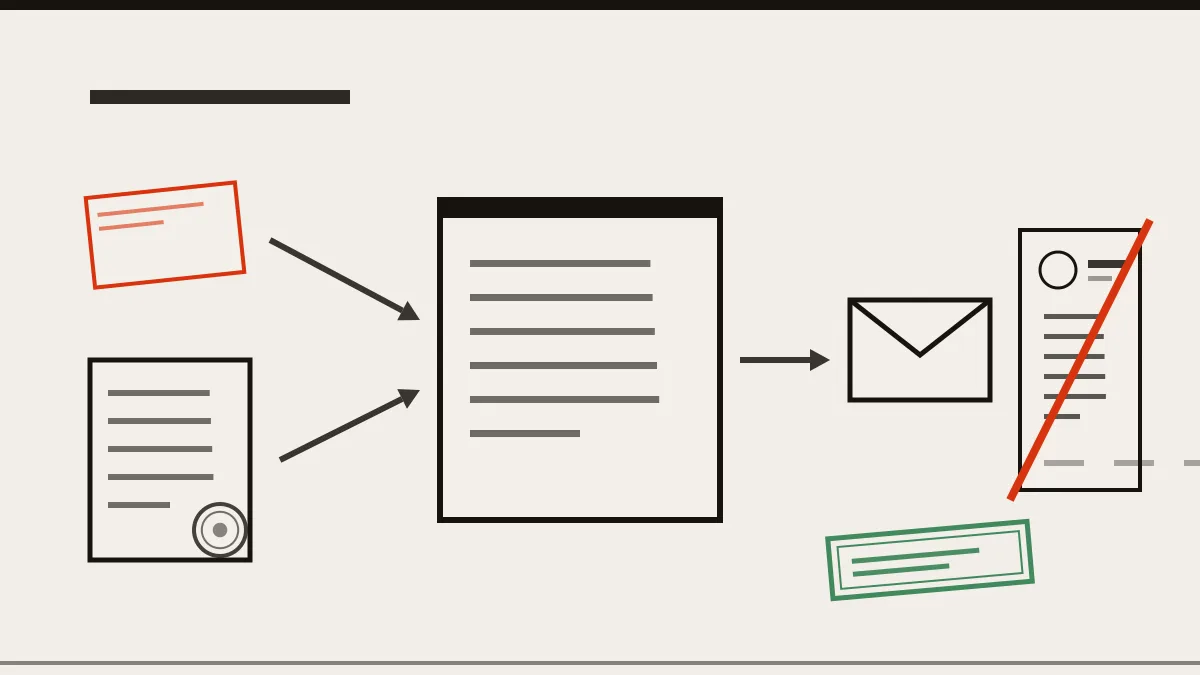
Searches like "instagram post taken down", "instagram story taken down" and "instagram account taken down" usually come from the person who lost the content, so the other half of this map matters. When Instagram removes something, the account holder gets a notification and an Account Status entry naming the rule and any review option. For copyright removals, the Instagram take down notice is different: it carries a report number, the complainant's name and email, and instructions for the counter-notice route. Under the DMCA process, a valid counter-notice goes back to the reporter with your contact details, and the content is restored within up to 14 business days unless the reporter tells Instagram they have gone to court (Instagram Help, counter-notification). Repeated copyright removals can disable an account outright under the repeat-infringer policy. An account taken down for a serious breach usually shows a disabled screen with a review option; Instagram says most people get a warning first.
Scale gives a sense of how often each door opens. In Instagram's EU transparency report for January to June 2026, users filed 388,783 legal notices under Article 16 of the Digital Services Act; Instagram acted on 1,820 of them under the law and 66,327 under its own terms, with a median of 28.89 hours from notice to action on the ones it acted on (Meta regulatory transparency reports, published 28 August 2026). Over the same six months it removed 22,699,983 pieces of content and terminated 30,115,659 accounts on its own initiative. In plain terms, most takedowns are Instagram's own doing, and a notice from a user is one of the smaller sources.
Celebrity cases: NLE Choppa and SZA
Two celebrity searches turn up in this cluster, and both show why a vanished post proves little. "NLE Choppa Instagram taken down" traces back to the rapper saying his account had been banned; outlets gave no reason and the dates in the coverage conflict, so the cause has never been confirmed in public. "SZA Instagram post taken down" refers to a December 2022 post celebrating SOS reaching number one that later disappeared, which Baller Alert reported on 21 December 2022. The coverage we could find does not say whether SZA, her team, a rights-holder or Instagram removed it. From the outside, an owner's delete and a platform takedown look identical.
What stays up after an Instagram takedown?
A takedown removes one copy at one address. Everything else survives it.
Reposts, screenshots in group chats, copies on other sites and Google's entry for the original URL each need their own action. Instagram lets search engines index public posts and reels from adult professional accounts, so a deleted post can linger in results until Google recrawls the page. Google's Refresh Outdated Content tool asks it to update a result for a page that has already gone, even from people who do not own the page. Copies that moved to other platforms follow those platforms' rules, which is why a broader online takedown is usually a list of separate filings, from a DMCA takedown website notice to a host, to a YouTube complaint when a clip is re-uploaded and you need how to get someone's YouTube channel taken down for repeat copying. If you are cleaning up your own history, the same exercise covers how to take down your YouTube channel and how to get someone's tweet deleted when a quote of yours is still circulating.
Copyright has its own long tail. If your work is being lifted across several apps, it helps to know how to report stolen content on TikTok and what happens if you get 3 copyright strikes on a video host, because repeat-infringer rules are what turn single removals into account removals.
What can't be taken down, and what we won't do
Some things stay up whatever anyone files, and we say so before a case starts rather than after. A truthful news report, a genuine court record or an honest opinion about you is not a breach of Instagram's rules or of privacy law, so no report or form removes it; the only lawful response is to publish better material that outranks it, which is suppression, not removal. We never file a copyright notice for a work the client does not own, never bluff legal threats, and never ask for anyone's password, including the password to an account the client says is theirs but cannot prove. Forged notices are the fastest way to turn a quiet problem into a public one, because the poster sees the filer's name and can take it to court or to the press. Mass reporting does not work either: a report is judged on what the post shows, and fifty reports of a post that breaks nothing get the same answer as one. Leaked intimate images are the exception to slow and careful: they go through StopNCII hashing and, in the US, the TAKE IT DOWN Act's 48-hour removal duty, and we triage those cases free without ever asking to see the material. Our disclaimer sets out the limits in full, and who we are lists the people who file.